
- Age rating4+
- CategoryEducation
- DeveloperMasaya Nagaoka
- LanguagesEnglish+ 1 more
- Size302.3 MB
Links to the official App Store page
Download.org hosts no file of Real Solar System. The button opens its official App Store page, published by Masaya Nagaoka. Listing last checked on Nov 12, 2026.
Screenshots

About
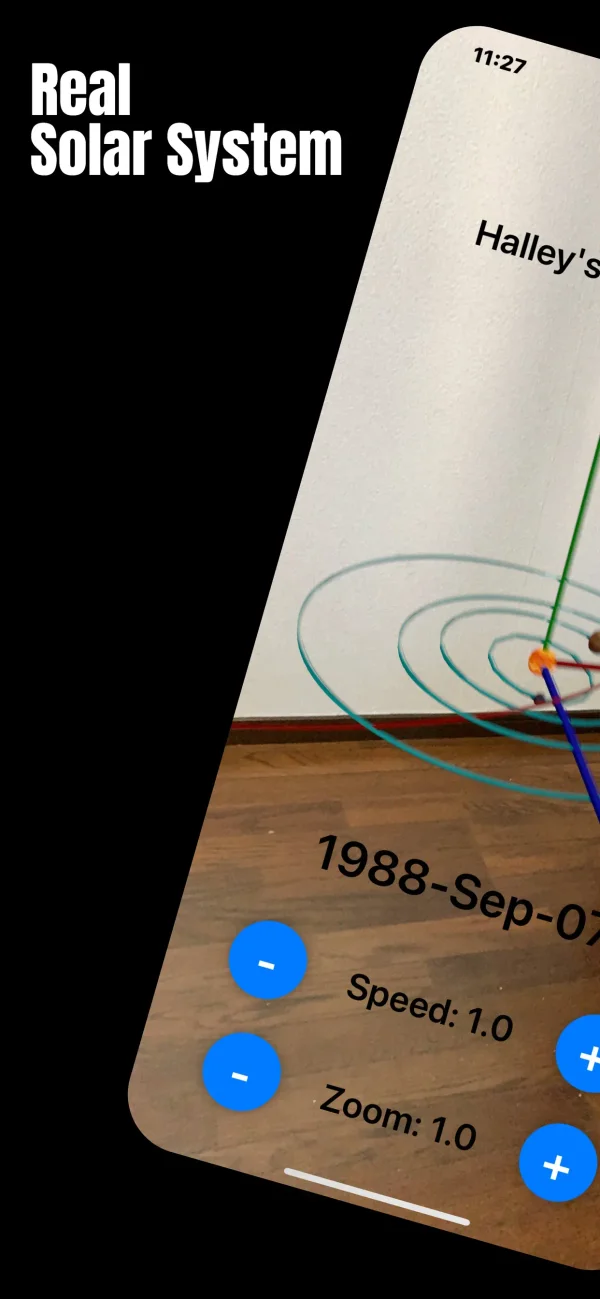
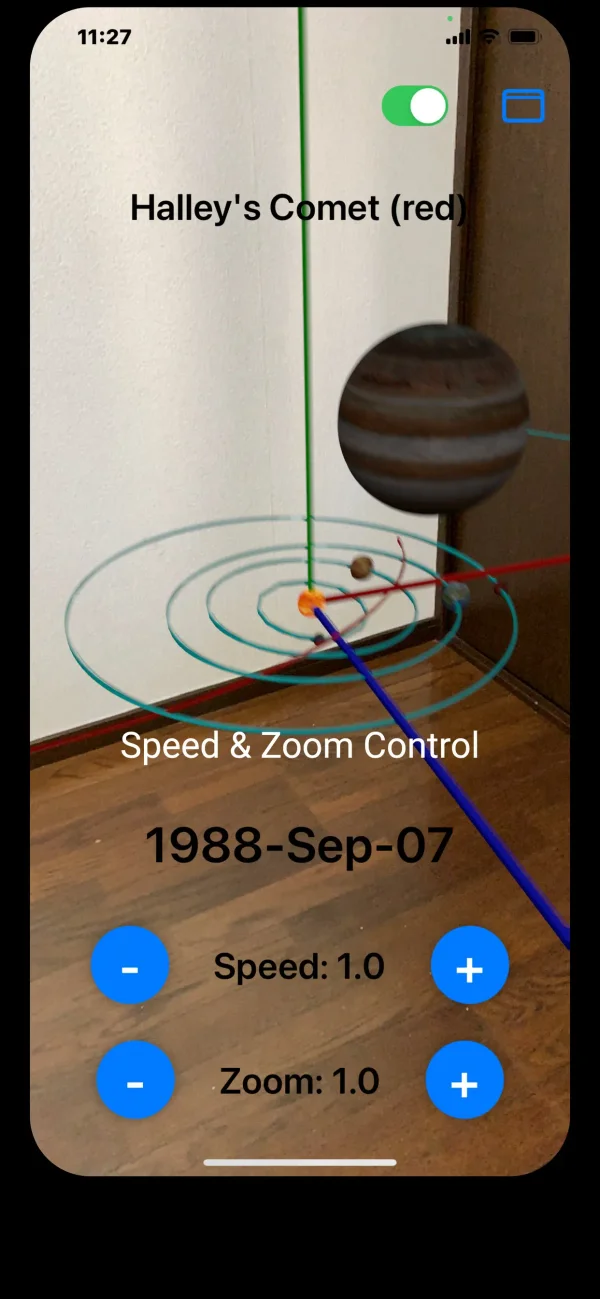
This solar system simulator reflects actual planetary position information. When the app is launched, the sun is positioned 20 cm in front of the device, based on the device's position. Around it, the eight main planets of the solar system and the celestial body to be observed orbit. The orbits are displayed as if they were trajectories. The position of each planet is calculated based on actual values.
# Features
- x] Realistic solar system with ARKit
- x] Orbits of the 8 planets are displayed.
- x] Planets are realistic textures imported from USDZ files.
- x] Planet positions are calculated based on real values (using Horizons API)
- x] The object to be observed can be changed.
- x] Display of the orbit of the object of interest
- x] Calculate the position of the target object based on actual values (using the Horizons API).
- x] Adjustable speed (minus value for reverse rotation)
- x] Zoom function (zoom in/zoom out)
- x] Toggle the display of the text information and the coordinate axis (New!)
## How to use
1. when you launch the application, you will be asked for "permission to use camera" at the first startup. If you allow it, an ARKit session will start. 2.
2. a coordinate axis will be placed 20 cm in front of you, based on the device's position.
3. Tap the "Load Planet" button to load the planet model. Just wait a moment.
4. The 8 main planets of the solar system and the object to be observed will orbit around it.
5. Move the device to observe the solar system from various angles.
6. Tap the buttons at the bottom of the screen to adjust the speed and zoom.
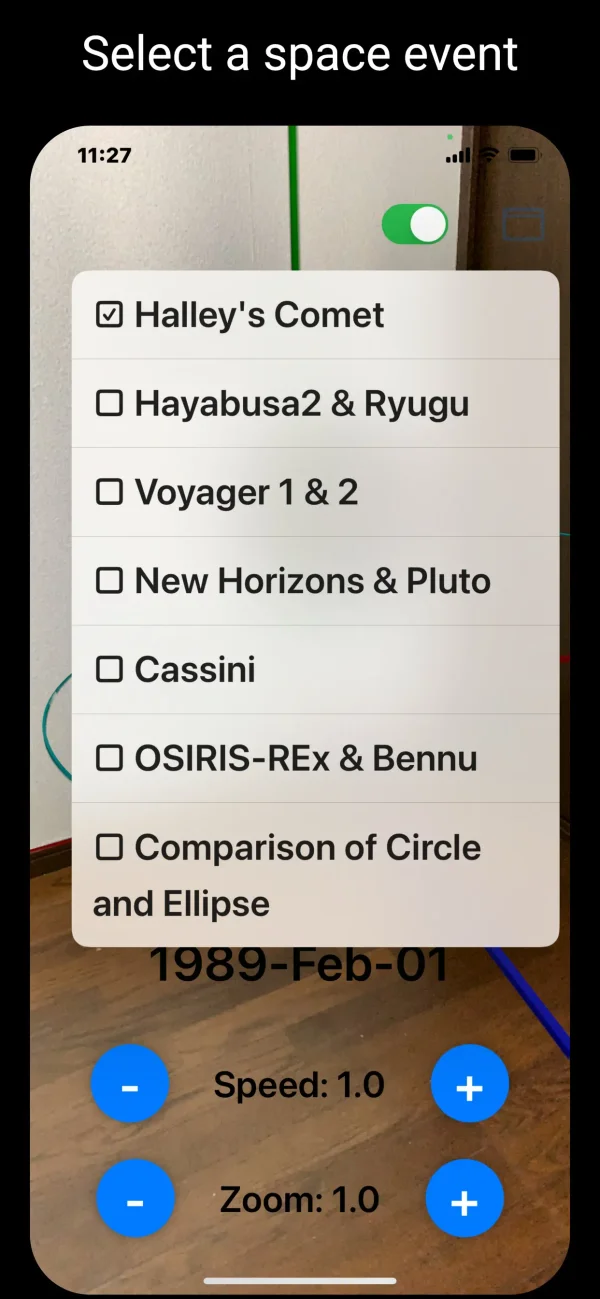
7. You can change the object to be observed from the menu in the upper right corner of the screen.
1. Halley's Comet
2. Hayabusa2 & Ryugyu
3. Voyager 1 & 2
4. New Horizons & Pluto
5. Cassini (New!)
6. OSIRIS-REx & Bennu
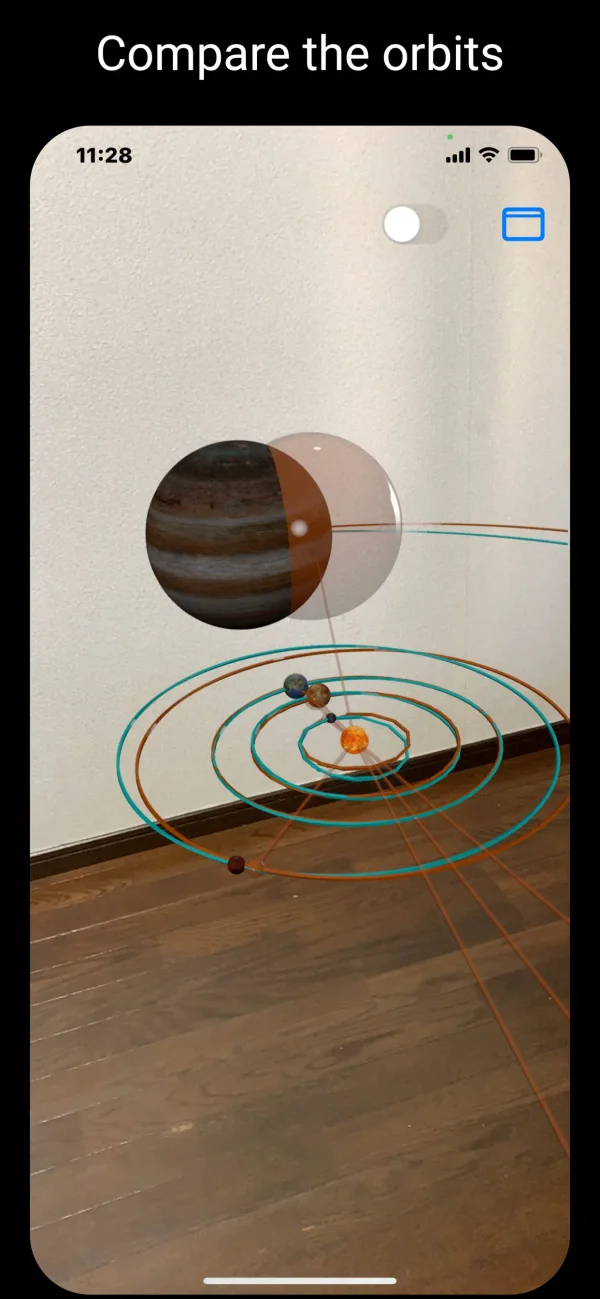
7. Comparison of Circle and Ellipse
8. Geocentric theory (New!)
8. Toggle the display of the text information and the coordinate axis from the menu in the upper right corner of the screen. (New!)
What’s new
Version 1.2.0 · Nov 19, 2024
## ver. 1.2.0
Added Geocentric theory orbits
App privacy
What Masaya Nagaoka declares on the App Store about how this app handles data.
-
Data not collected
The developer does not collect any data from this app.
Privacy practices may vary, for example with the features you use or your age.
Information
- Seller
- Masaya Nagaoka
- Category
- Education
- Version
- 1.2.0
- Updated
- Nov 19, 2024
- Released
- Jan 8, 2024
- Size
- 302.3 MB
- Requires
- iOS 17.6 or later
- Age rating
- 4+
- Price
- Free
- Languages
- English, Japanese
- Copyright
- © 2023 @creativival
You might also like
-
 CloudLabs The Solar SystemEducation
-
 Cosmos: Our Solar SystemLearn all about planets
-
 Solar System&Celestial ObjectsSolar System Stars Flashcard
-
 Heliosphere - Solar SystemExplore Space Around You
-
 3D Solar System TourEasy Planetarium on Smartphone
-
 PlanetenSpielundApp2bplanets, moons, stars,...
-
 Planets AR - Our Solar SystemSolar System in your Room!
-
 DIY Solar SystemEducation
-
 Planets AR: Solar System 3DSpace & astronomy in your room
-
 Project Planet SpaceYour weight on every planet