
- Age rating12+
- CategoryUtilities
- DeveloperRaymond Nassar
- LanguagesEnglish
- Size40.7 MB
Links to the official App Store page
Download.org hosts no file of Recap Page. The button opens its official App Store page, published by Raymond Nassar. Listing last checked on Nov 24, 2026.
Screenshots


About
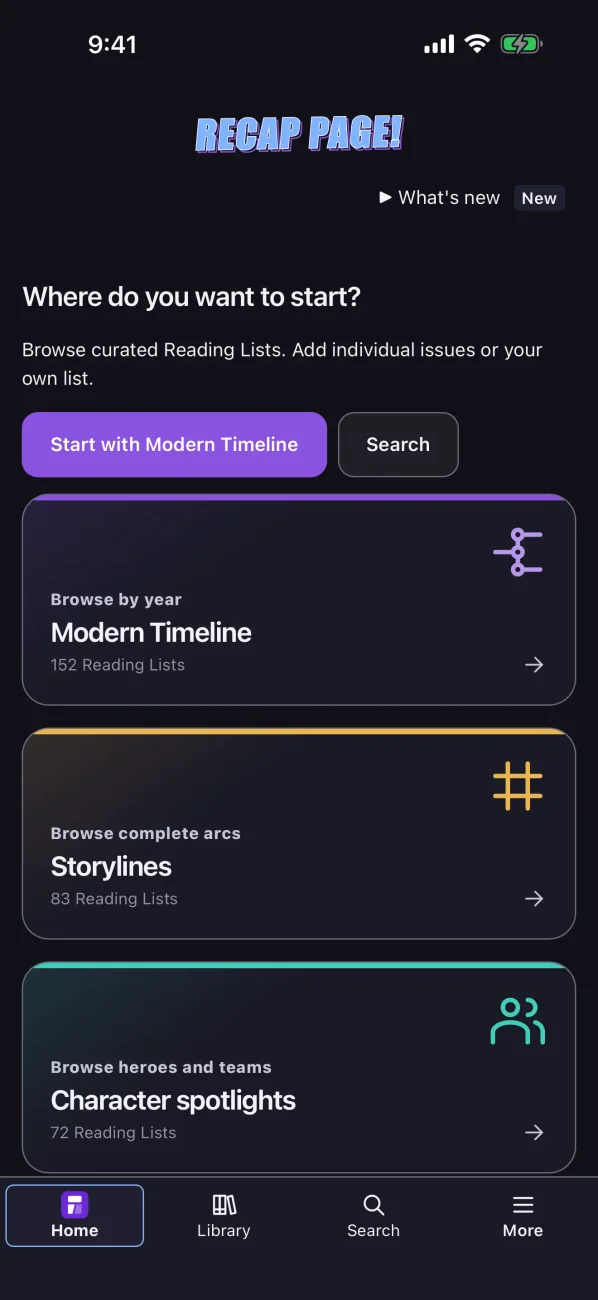
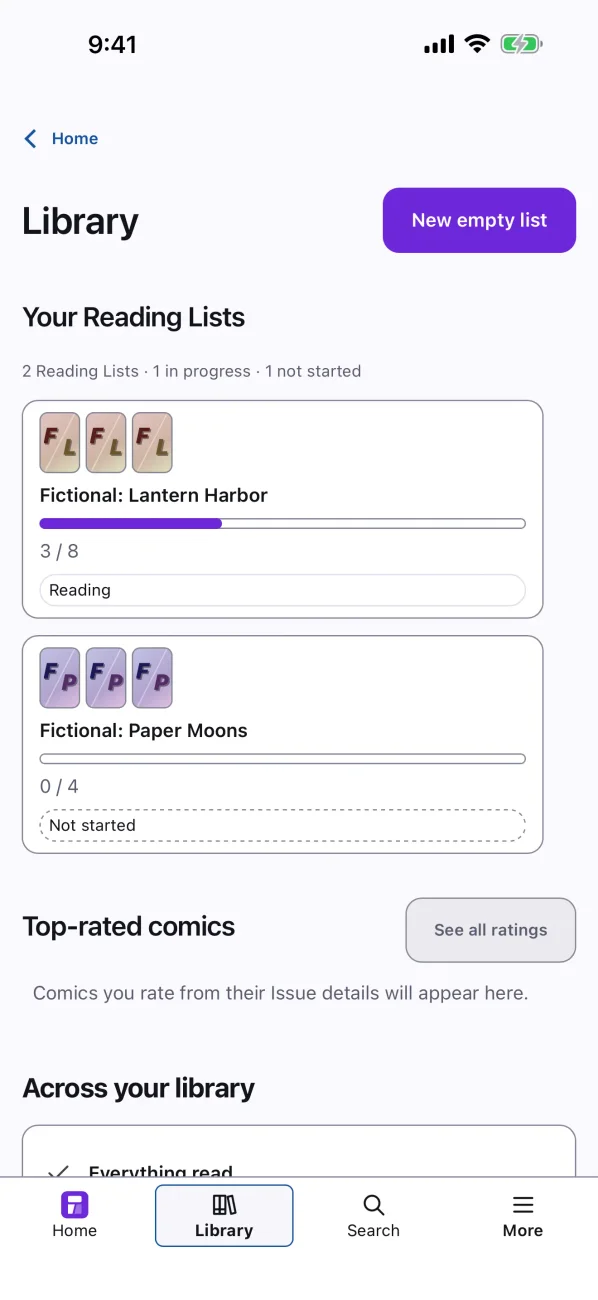
Find comic reading lists and keep track of what you've read. Recap Page shows the next unread comic in every list, so you can always pick up where you left off.
Read your way:
- New to Marvel comics? Open the guide from Home for a quick introduction, starter picks and two optional reading lists you can preview before saving.
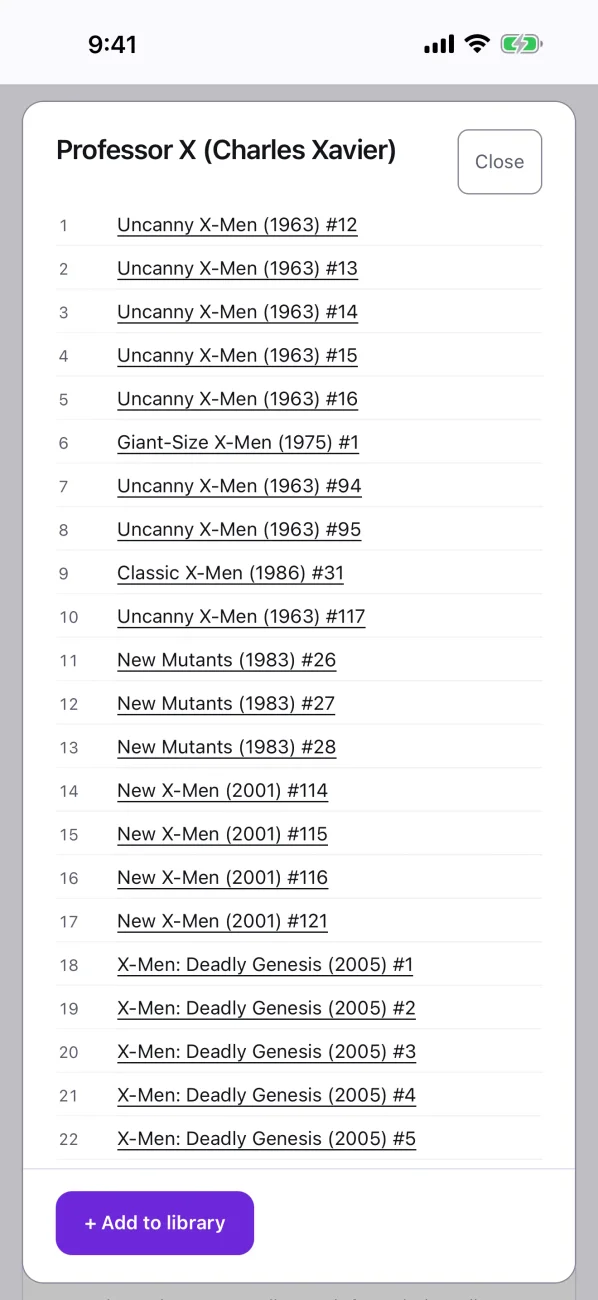
- Explore a modern timeline, eras, genres, character spotlights, lists for younger readers, creator guides and movie prep guides. Follow Reading Paths along the timeline.
- Take a break: Defer for later skips a comic in one list without marking it read. Return to deferred or earlier comics anytime.
- Make your own lists: search comics, series and creators, add comics by hand and write notes.
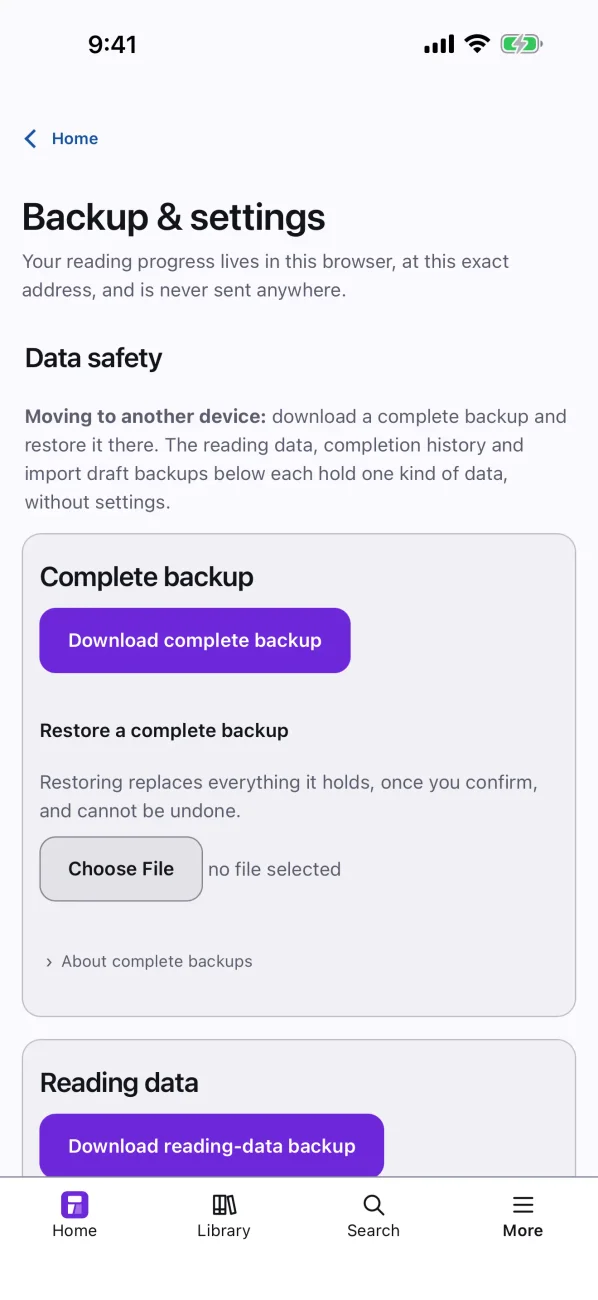
- Back up or share: back up automatically to your own iCloud Drive or OneDrive, one at a time, save a backup of your reading data, or share a reading order as a checklist without your notes, reading history or availability choices. With OneDrive, Recap Page can offer progress from your other devices when it differs, and you choose which to use.
- Made for touch: larger buttons, light and dark themes, compact filters and easy-to-reach list options. Text follows your system text size, and the layout adapts to iPad windows.
A comic marked read stays read across lists, and each list keeps its own order.
Your lists, progress and notes stay on your device. Recap Page uploads your saved data only if you turn on cloud backup, and then only to your own iCloud or OneDrive. There is no Recap Page account to create, and no ads or tracking.
Reading lists credit Comic Book Herald and Comic Book Reading Orders where their guides supply the comics and order. Some Marvel Comics links come from Comic Book Reading Orders.
When a comic has a Marvel Comics link, Read opens that link. Until reading in Marvel Unlimited ends on December 7, 2026, some comics can also be opened there. Starting December 7, Read opens the general Marvel Comics website for a comic without a Marvel Comics link. Comics are not included. Marvel decides what is available to read and whether an account or payment is needed.
Recap Page is an unofficial fan companion. It is not affiliated with or endorsed by Marvel Entertainment or Disney. Marvel names and marks belong to their respective owners.
What’s new
Version 4.8.0 · Nov 23, 2026
- Choose an X-Men guide for the original team or Claremont years. Your saved X-Men lists keep their comics and reading progress.
- 15 MCU Prep guides now end with official tie-in comics. Saved lists and progress stay as they are.
- Find four new writer lists under Creators.
- Follow War of the Realms by issue or by book.
- More Read links go to a comic's reading screen. Phone and iPad apps try the Marvel Comics app for many comics.
- If you used a removed filter, your list now shows All.
App privacy
What Raymond Nassar declares on the App Store about how this app handles data.
-
Data not collected
The developer does not collect any data from this app.
Privacy practices may vary, for example with the features you use or your age.
Information
- Seller
- Raymond Nassar
- Category
- Utilities
- Version
- 4.8.0
- Updated
- Nov 23, 2026
- Released
- Nov 6, 2026
- Size
- 40.7 MB
- Requires
- iOS 18.0 or later
- Age rating
- 12+
- Price
- Free
- Languages
- English
- Copyright
- © 2026 Raymond Nassar
You might also like
-
 Warlock AssistantAn assistant by your side
-
 VesputioA smart client for putio
-
 Grand Island ConnectUtilities
-
 Shasi: Car MaintenanceService reminders for your car
-
 TICKEY LinkUtilities
-
 Big Colorful TimerUtilities
-
 Safe2Help NebraskaSchool Safety
-
 Veda: Model Build AssistantTrack progress, Organize parts
-
 DStation RemoteFor Synology NAS users
-
 ClipixUtilities