
Receipt Journal: Scanner
Expense Tracker & Tax Reports
Designed for iPhone, iPod touch
Free · In-app purchases
- Age rating12+
- CategoryFinance
- DeveloperLyndon Cole
- LanguagesEnglish
- Size49.1 MB
Links to the official App Store page
Download.org hosts no file of Receipt Journal: Scanner. The button opens its official App Store page, published by Lyndon Cole. Listing last checked on Nov 18, 2026.
Screenshots



About
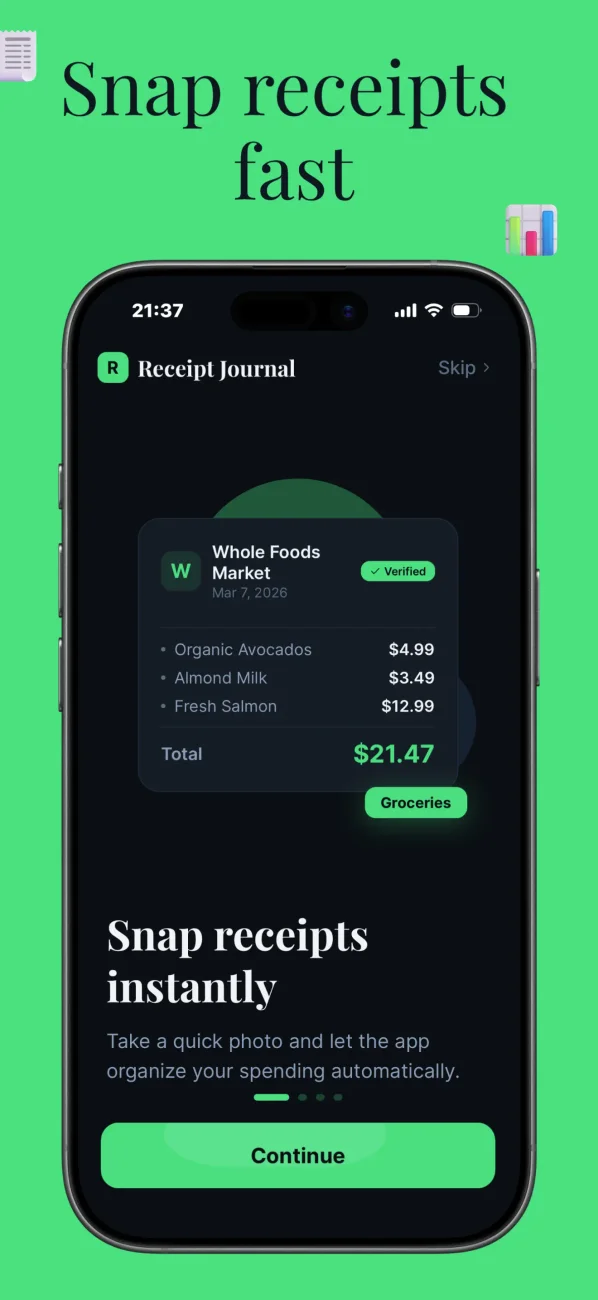
Turn paper receipts into organised, searchable expense records in seconds.
Receipt Journal helps freelancers, self-employed professionals, small business owners and everyday users scan receipts, track spending and prepare clear expense reports without spreadsheets or paper clutter.
SCAN RECEIPTS QUICKLY
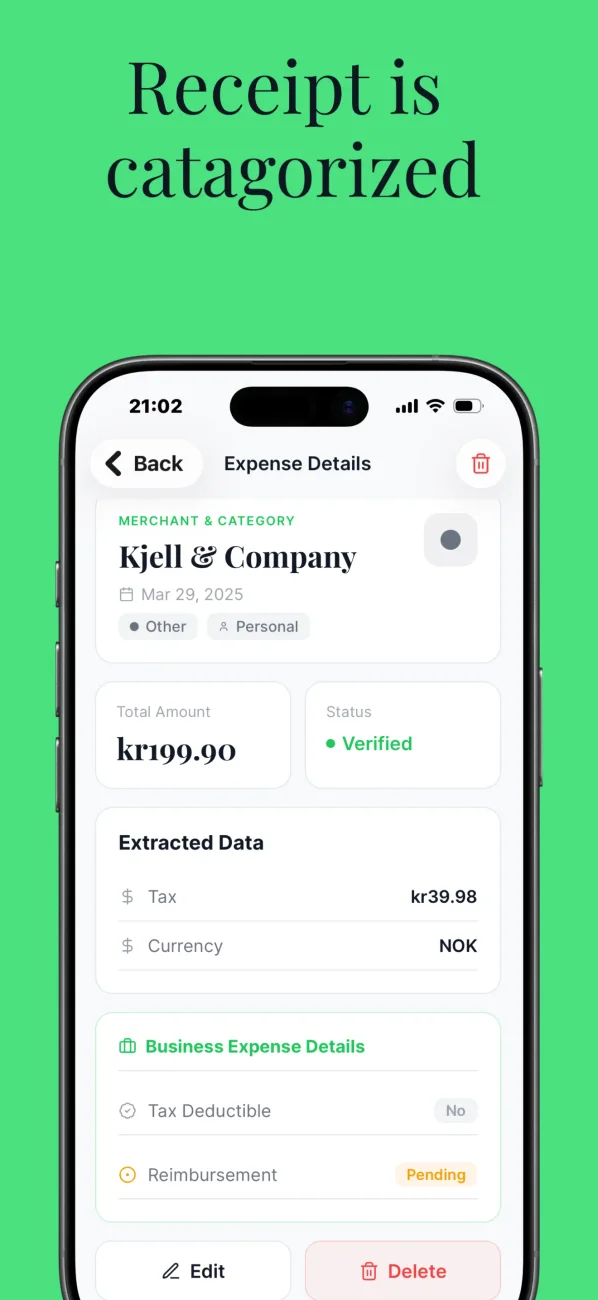
Take a photo and Receipt Journal extracts important details such as the merchant, date, total and tax. Review the information, choose a category and save the receipt to your secure journal.
Need to process several receipts? Batch scanning lets you capture multiple receipts back-to-back without repeatedly returning to the home screen.
FIND ANY RECEIPT FAST
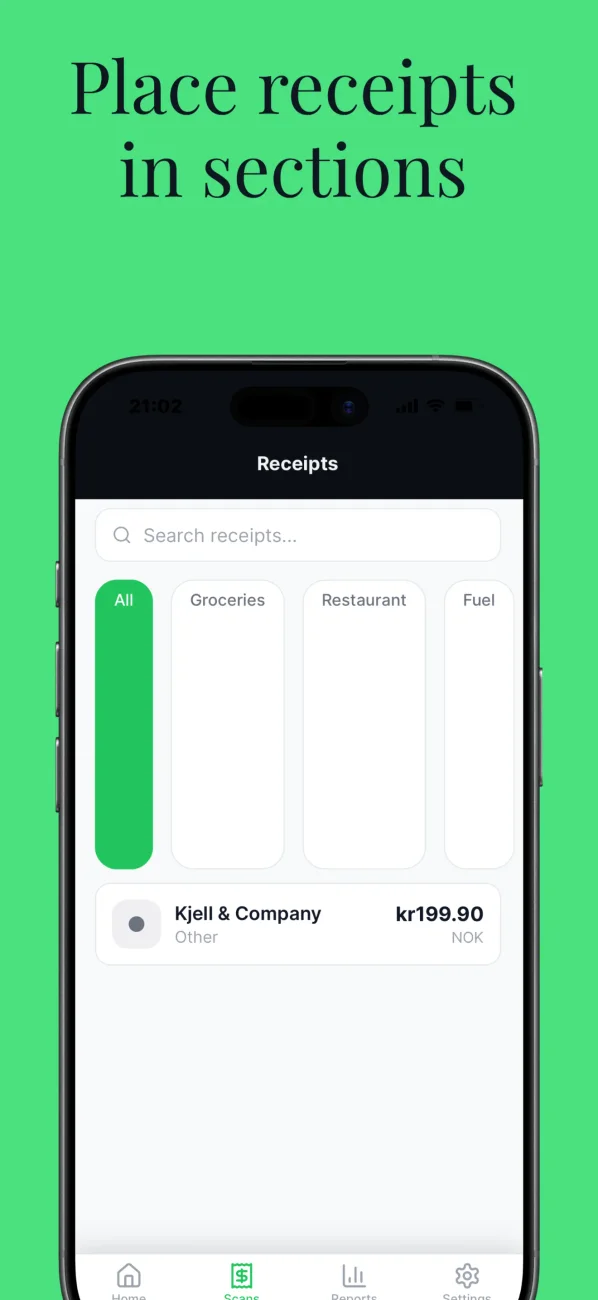
Search your saved receipts by:
• Merchant
• Category
• Amount
• Date
• Notes
• Tags
Search works alongside category filters, helping you locate purchases, warranty records, business costs and reimbursements in seconds.
UNDERSTAND YOUR SPENDING
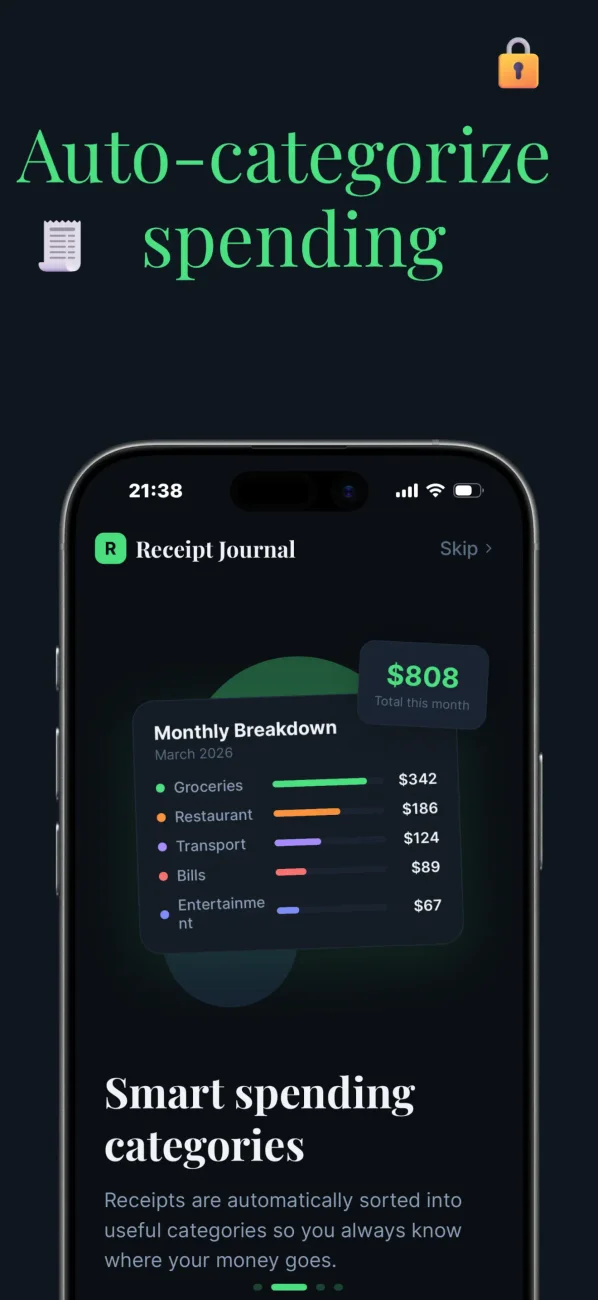
Use clear charts and useful insights to see where your money is going.
Receipt Journal can show:
• Spending by category
• This month versus last month
• Average spending per receipt
• Top merchants
• Business versus personal expenses
• Recorded tax totals
• Potential deductible expenses
Tap a category to view the receipts behind the numbers.
CREATE TAX-READY SUMMARIES
Prepare organised summaries for:
• This quarter
• Last quarter
• This year
• Last year
• A custom date range
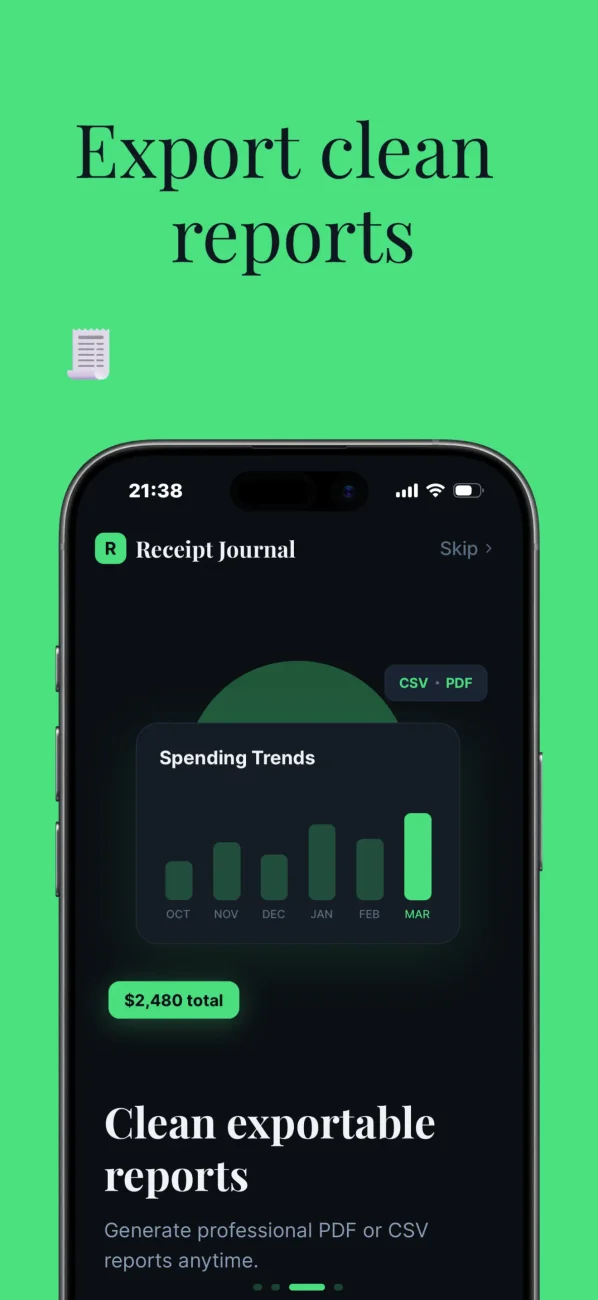
Generate polished reports containing total spending, recorded tax, deductible expenses, business and personal breakdowns, category totals and receipt details.
Reports can be exported as PDF, CSV or Excel-compatible files and shared with your accountant or saved through the native share options on your device.
BUILT FOR REAL-LIFE EXPENSE TRACKING
Receipt Journal is useful for:
• Freelancers
• Contractors
• Self-employed workers
• Small business owners
• Business travel
• Expense reimbursement
• Tax preparation
• Personal spending records
• Warranty and purchase records
KEY FEATURES
• Fast receipt scanning
• Automatic receipt detail extraction
• Batch receipt capture
• Searchable receipt archive
• Categories, notes and tags
• Business and personal expense tracking
• Spending charts and trends
• Quarterly and yearly summaries
• PDF, CSV and Excel-compatible exports
• Dark and light mode support
Stop searching through drawers, bags and shoeboxes. Keep every purchase organised and make expense reporting easier with Receipt Journal.
FREE AND PREMIUM FEATURES
The free plan includes up to 10 receipt scans per month, search, categories and spending charts.
Unlimited scanning and PDF, CSV and Excel-compatible exports (including tax summaries) require an optional Pro or Business subscription, available as an in-app purchase.
PRIVACY
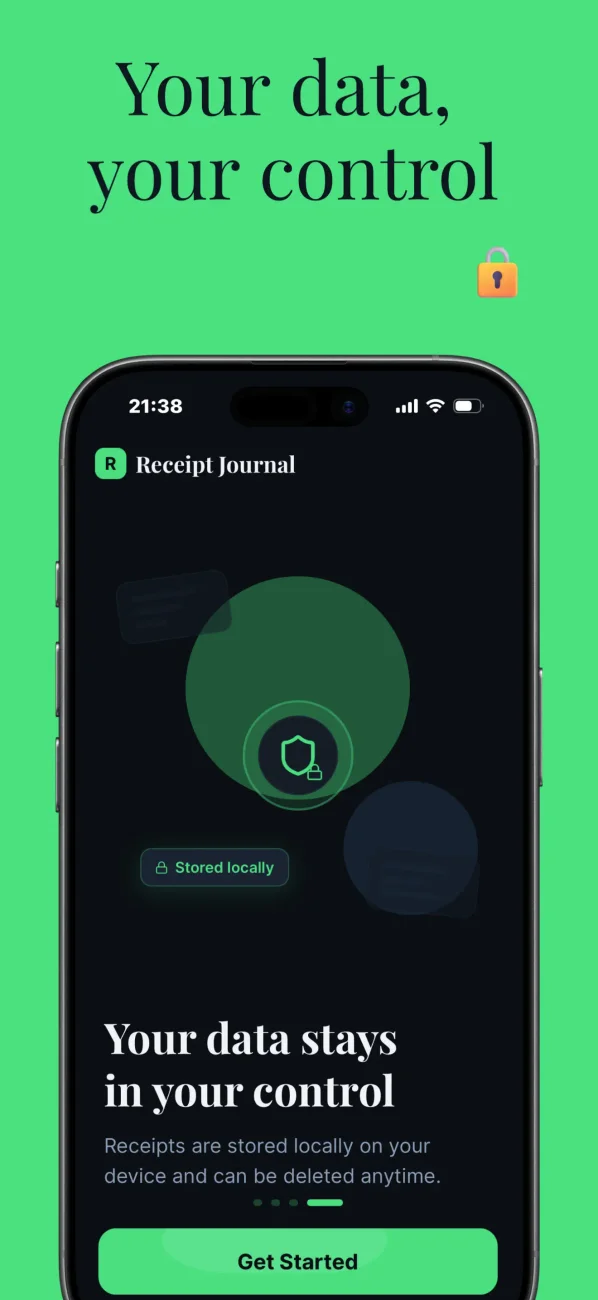
To read receipt details automatically, the receipt photo is sent to a third-party AI text-recognition service, only after you agree in the app. Your saved receipts are stored on your device.
Important: Tax and deductible totals are based on information scanned or entered by the user. Always review exported information before using it for accounting or tax purposes.
Apple Standard EULA:
https://www.apple.com/legal/internet-services/itunes/dev/stdeula/
What’s new
Version 1.1.2 · Oct 29, 2026
Minor bugs
App privacy
What Lyndon Cole declares on the App Store about how this app handles data.
-
Data linked to you
May be collected and linked to your identity.
- Purchases
- Contact info
- Identifiers
-
Data not linked to you
May be collected but is not linked to your identity.
- Financial info
- User content
Privacy practices may vary, for example with the features you use or your age.
Information
- Seller
- Lyndon Cole
- Category
- Finance
- Version
- 1.1.2
- Updated
- Oct 29, 2026
- Released
- Mar 17, 2026
- Size
- 49.1 MB
- Requires
- iOS 15.1 or later
- Age rating
- 12+
- Price
- Free
- In-app purchases
- Yes
- Languages
- English
- Copyright
- © 2026 Mikanao 1519 Hub
You might also like
-
 Snap & Forget: Expense TrackerTrack Expenses & Scan Receipts
-
 Money - Track easilyFinance
-
 Smart Receipt Scan: ReceiptlyEasy Expense & Mileage Tracker
-
 iXpenseIt: Manage FinanceTrack Expense Cashflow Budget
-
 Receipt Lens - Expense TrackerScan receipts, manage expenses
-
 Avant MoneyAvant Money Card Services App
-
 MyCash DigicelFaster Safer and Easier
-
 Lendbox | AI Loan ManagementAI-Powered Loan Management App
-
 Bloom: AI for InvestingStock Analysis & Smart Alerts
-
 Chocolate FinanceMake life richer