
Receipt Tracker WriteOff Scan
Tax expense deduction finder
Designed for iPhone, iPad
Free · In-app purchases
- Age rating4+
- CategoryBusiness
- DeveloperSenthilnathan Palanisamy
- LanguagesEnglish
- Size11.6 MB
Links to the official App Store page
Download.org hosts no file of Receipt Tracker WriteOff Scan. The button opens its official App Store page, published by Senthilnathan Palanisamy. Listing last checked on Nov 16, 2026.
Screenshots
About
WriteOff Scan turns receipts into tax write-offs. Snap a photo and the app reads the receipt, files it in the right category and estimates how much you can deduct, so tax time starts organized instead of with a shoebox of paper.
Made for freelancers, independent contractors and sole proprietors who file a Schedule C.
SCAN AND KNOW
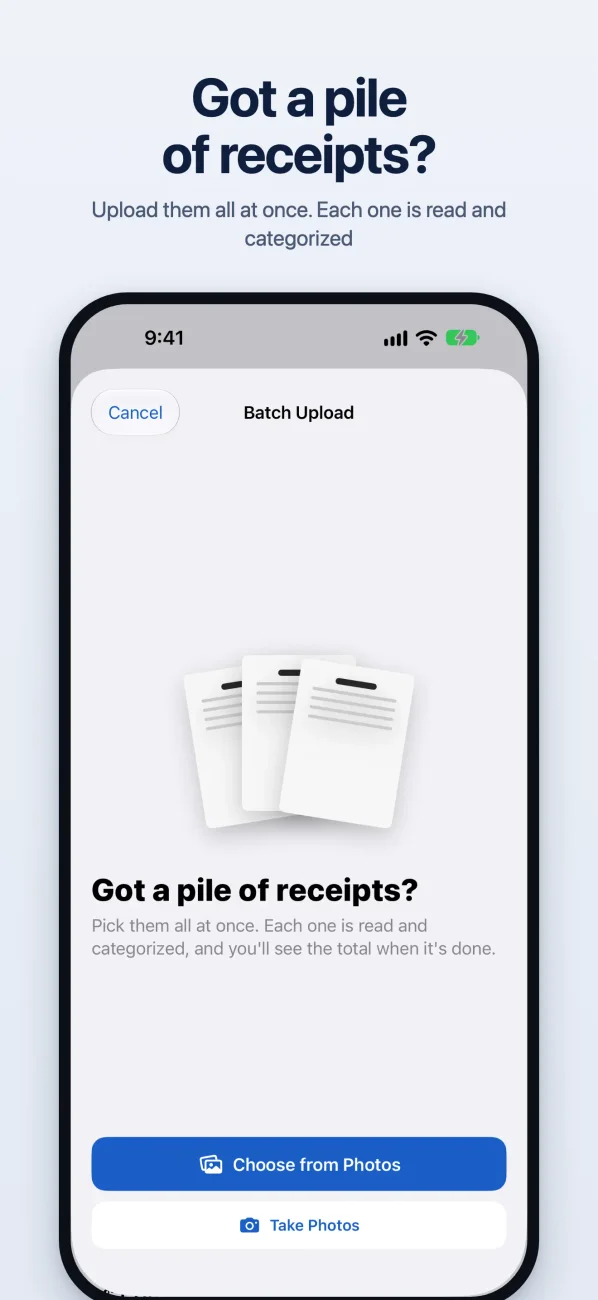
• Scan a receipt with your camera, or upload a whole batch from Photos
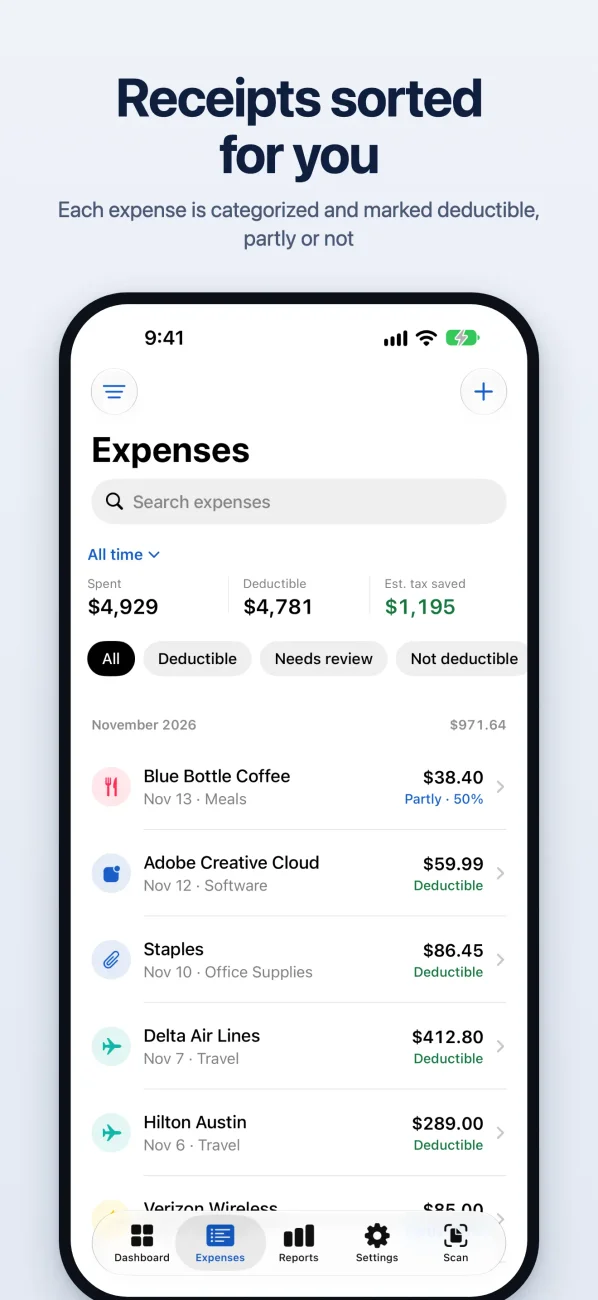
• AI reads the merchant, date and amount and picks the category
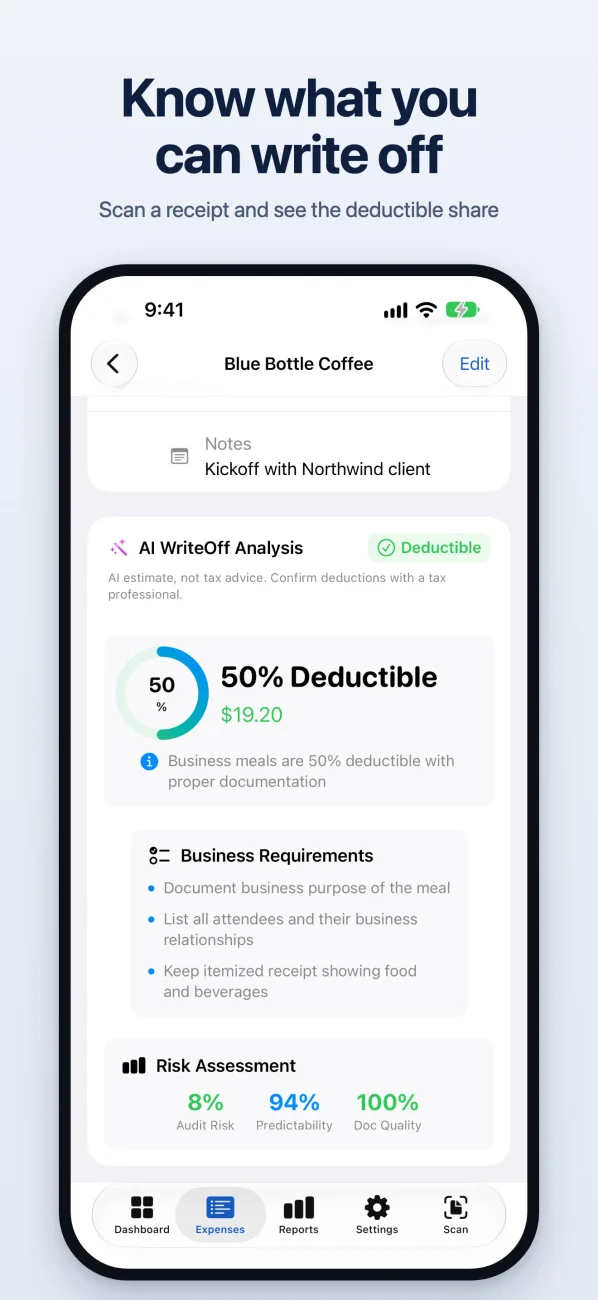
• See whether each expense is deductible, partly deductible or not, and why
• Receipts in other currencies are converted to your home currency
ORGANIZED ALL YEAR
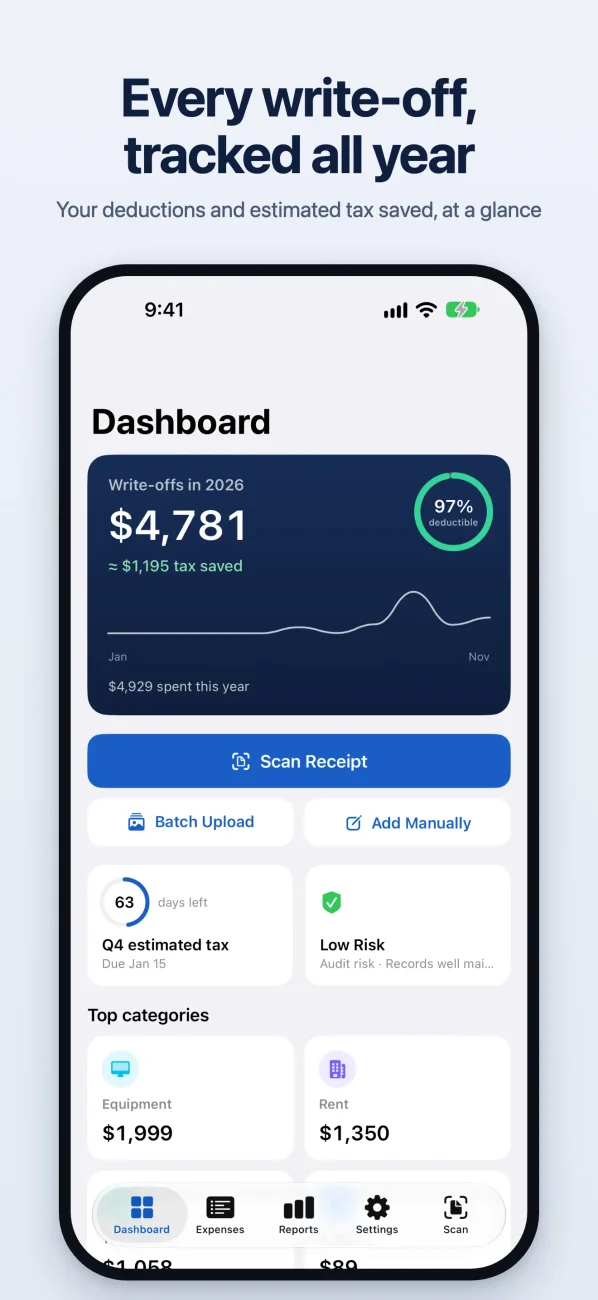
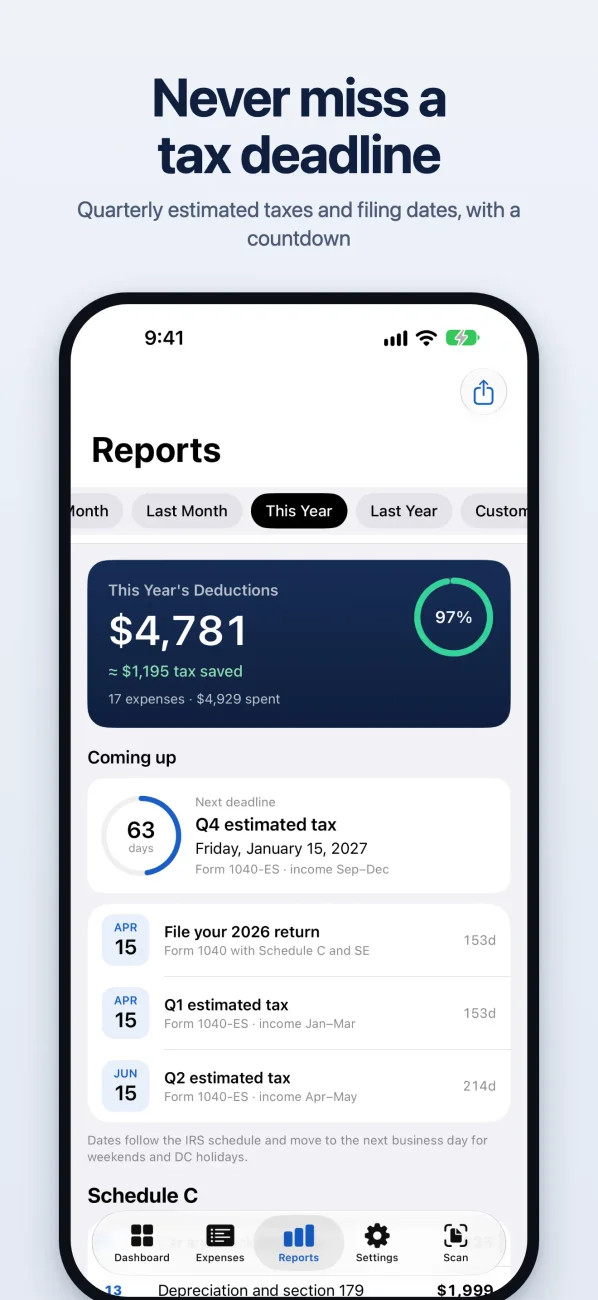
• Dashboard with this year's write-offs and estimated tax saved
• Expenses grouped by month, with filters for deductible, needs review and missing receipts
• Add notes such as the business purpose or who attended
READY FOR TAX TIME
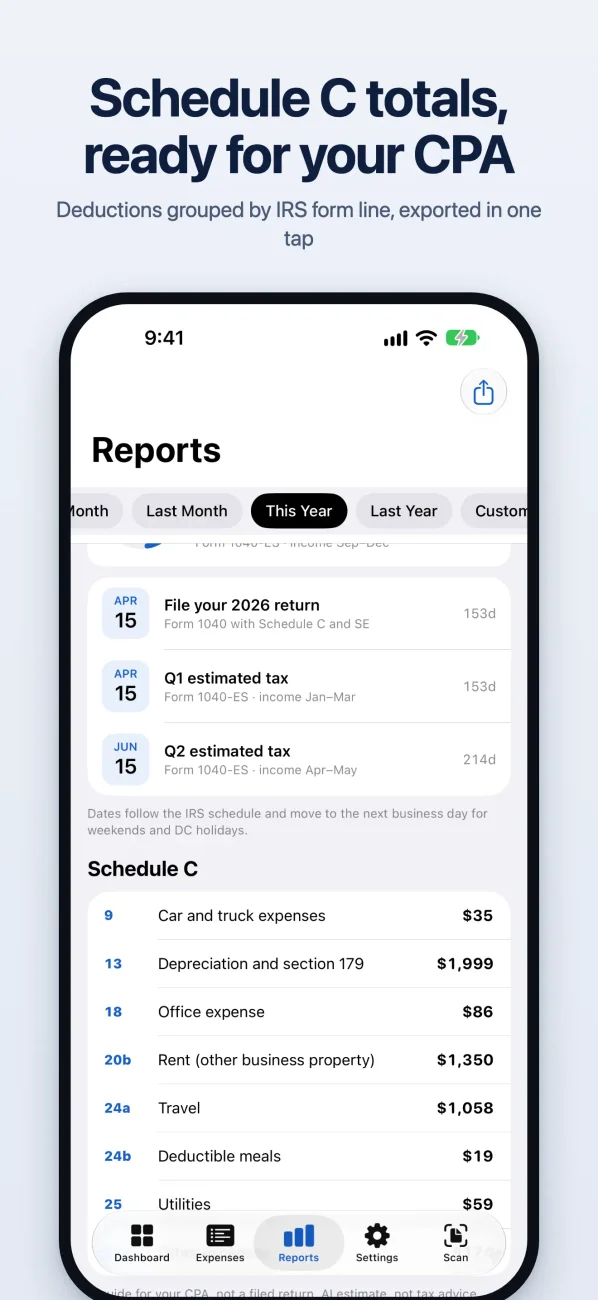
• Write-offs grouped by Schedule C line: car and truck, office, travel, meals and more
• Countdown to quarterly estimated tax payments and the filing deadline
• Export a PDF or CSV report, with receipt images, for your CPA
PRIVATE BY DESIGN
• Your expenses are stored on your device
• A receipt image is sent for analysis only when you scan it, and only after you agree
• No ads and no tracking
WRITEOFF SCAN PREMIUM
Premium gives you full access to receipt scanning, batch upload and reports. Choose a monthly or yearly plan. The yearly plan includes a 7-day free trial for eligible new subscribers. Prices are shown in your local currency before you buy.
Payment is charged to your Apple Account when you confirm the purchase, or when the free trial ends. Subscriptions renew automatically unless cancelled at least 24 hours before the end of the current period. Manage or cancel anytime in your Apple Account settings.
AI results are estimates, not tax advice. Confirm deductions with a tax professional.
Privacy Policy: https://writeofftracker.com/privacy-policy
Terms of Use: https://writeofftracker.com/terms
What’s new
Version 1.12 · Nov 14, 2026
Reports now show your currency correctly on the Write-off Status card, plus small reliability improvements.
App privacy
What Senthilnathan Palanisamy declares on the App Store about how this app handles data.
-
Data not linked to you
May be collected but is not linked to your identity.
- Purchases
- Financial info
- User content
- Identifiers
- Usage data
Privacy practices may vary, for example with the features you use or your age.
Information
- Seller
- Senthilnathan Palanisamy
- Category
- Business
- Version
- 1.12
- Updated
- Nov 14, 2026
- Released
- Feb 14, 2025
- Size
- 11.6 MB
- Requires
- iOS 18.1 or later
- Age rating
- 4+
- Price
- Free
- In-app purchases
- Yes
- Languages
- English
- Copyright
- © 2025 Senthilnathan P
You might also like
-
 Receipt Tracker - Tax ReturnScan & Track Expense Deduction
-
 Sheetify: AI Receipt ScannerGoogle Sheets Receipt Scanner
-
 AVA Receipt Scanner, OrganizerBusienss Expense, Bill Tracker
-
 Receipt Tracker Smart ReceiptsInvoice Scanner & Archive App
-
 SparkReceipt: Receipt ScannerTrack Bills, Expenses & Taxes
-
 SimplyWise: Company MileageDriving Mile Tracker & Log
-
 Foreceipt Receipt Tracker AppExpense Report, IRS Tax Tool
-
 Receipt Lens - Expense TrackerScan receipts, manage expenses
-
 QuickReceipts Smart Scannerez digital receipt tracker app
-
 Smart Receipts: Expenses & TaxFinance Tracking & Scanner