Receipts To Sheets
Scan Receipts to Google Sheets
Designed for iPhone, iPad, iPod touch
Free · In-app purchases
- Age rating4+
- CategoryProductivity
- Developercom.vacadock.app
- LanguagesEnglish
- Size51.8 MB
Links to the official App Store page
Download.org hosts no file of Receipts To Sheets. The button opens its official App Store page, published by com.vacadock.app. Listing last checked on Nov 15, 2026.
Screenshots
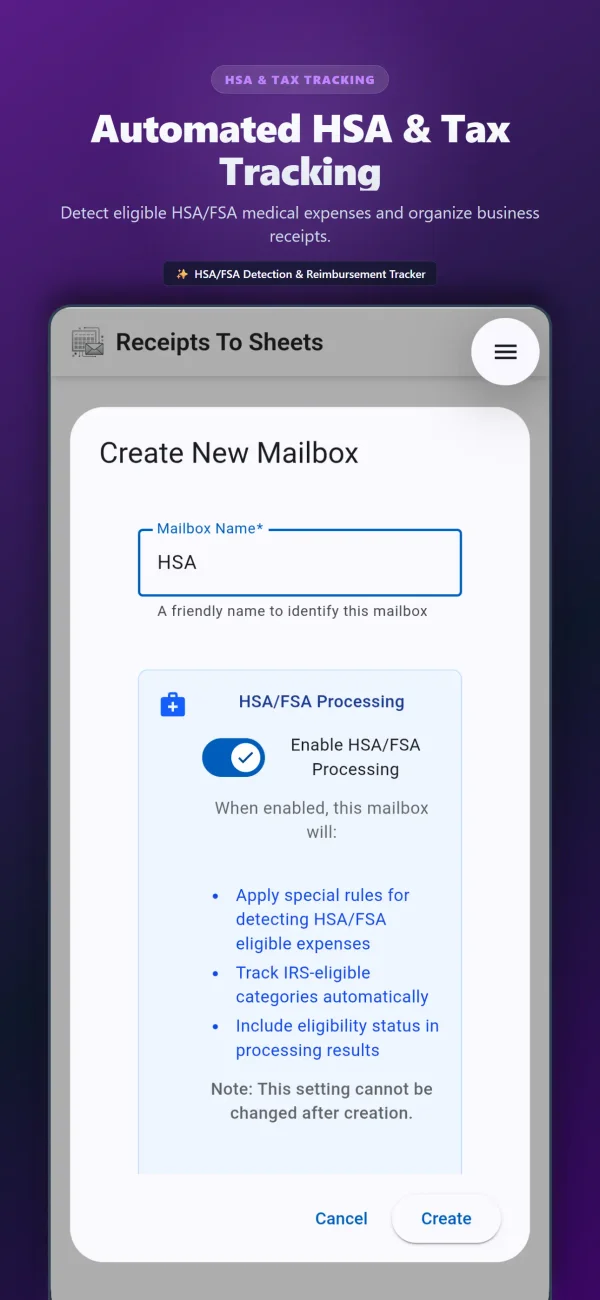
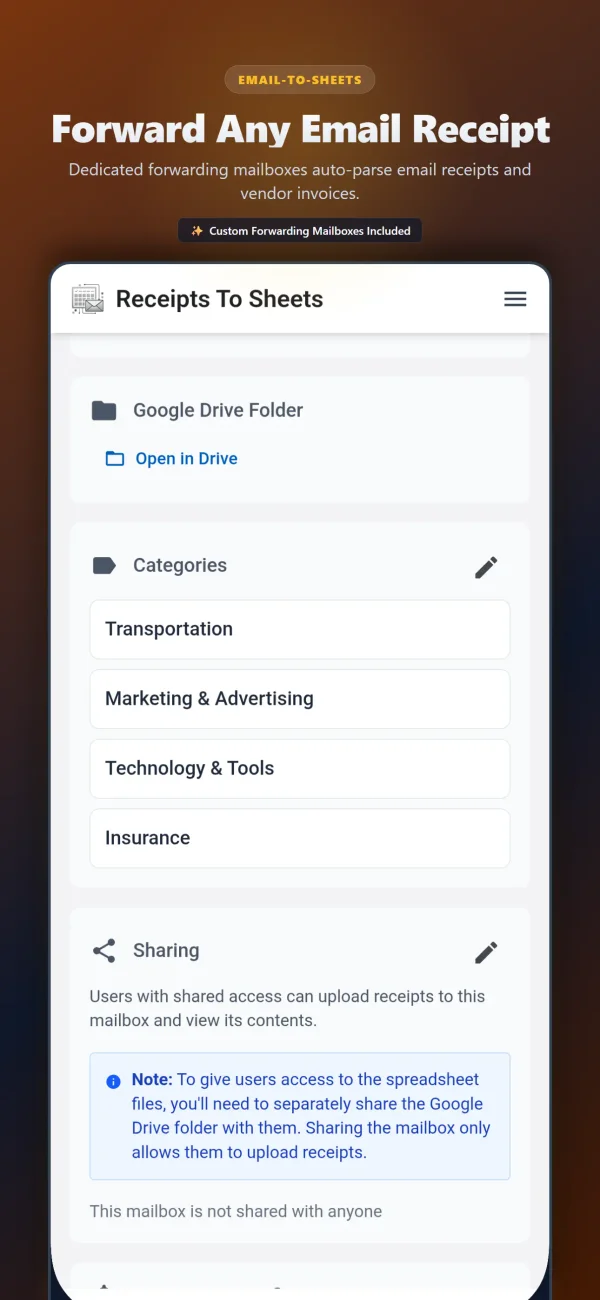
About
Automatically scan and organize receipts directly into Google Sheets and Google Drive.
Receipts To Sheets turns your paper receipts, digital invoices, and bills into clean, structured spreadsheet rows with AI-powered data extraction. Whether you're tracking business expenses, managing bookkeeping, preparing for tax season, or organizing Health Savings Account (HSA) reimbursements, Receipts To Sheets eliminates manual data entry.
KEY FEATURES:
• Instant Receipt & Document Scanning:
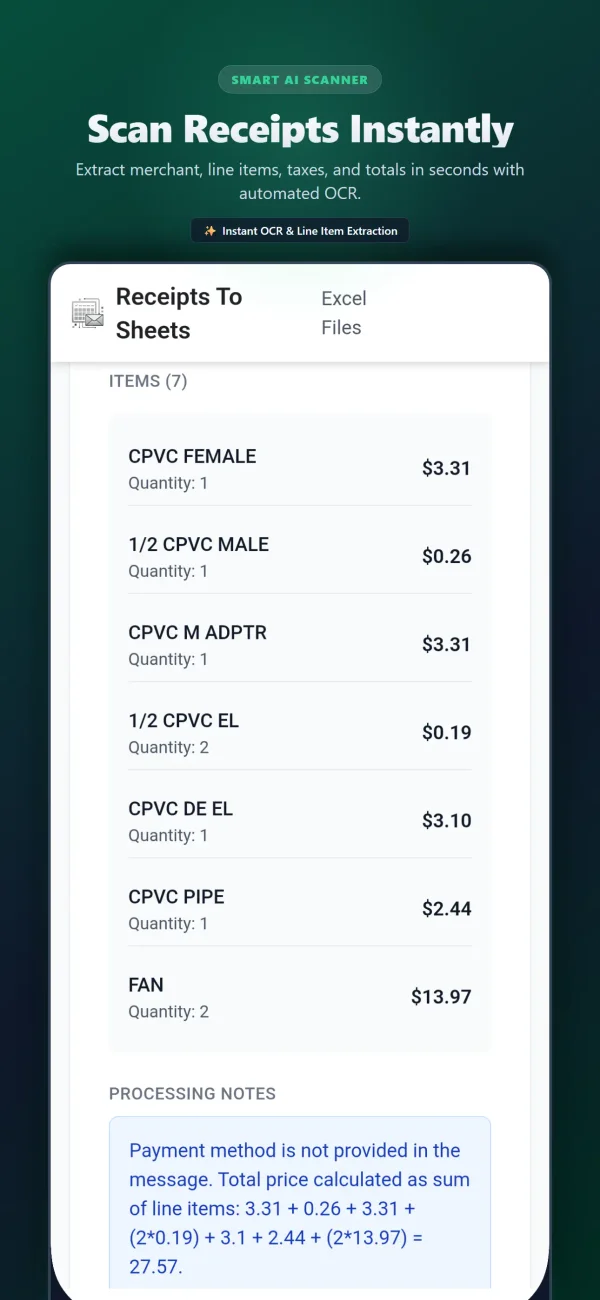
Snap a photo of any receipt, invoice, or bill. Our smart OCR and AI extraction instantly capture merchant name, transaction date, total amount, tax, payment method, category, and full itemized line items.
• Direct Google Sheets™ Integration:
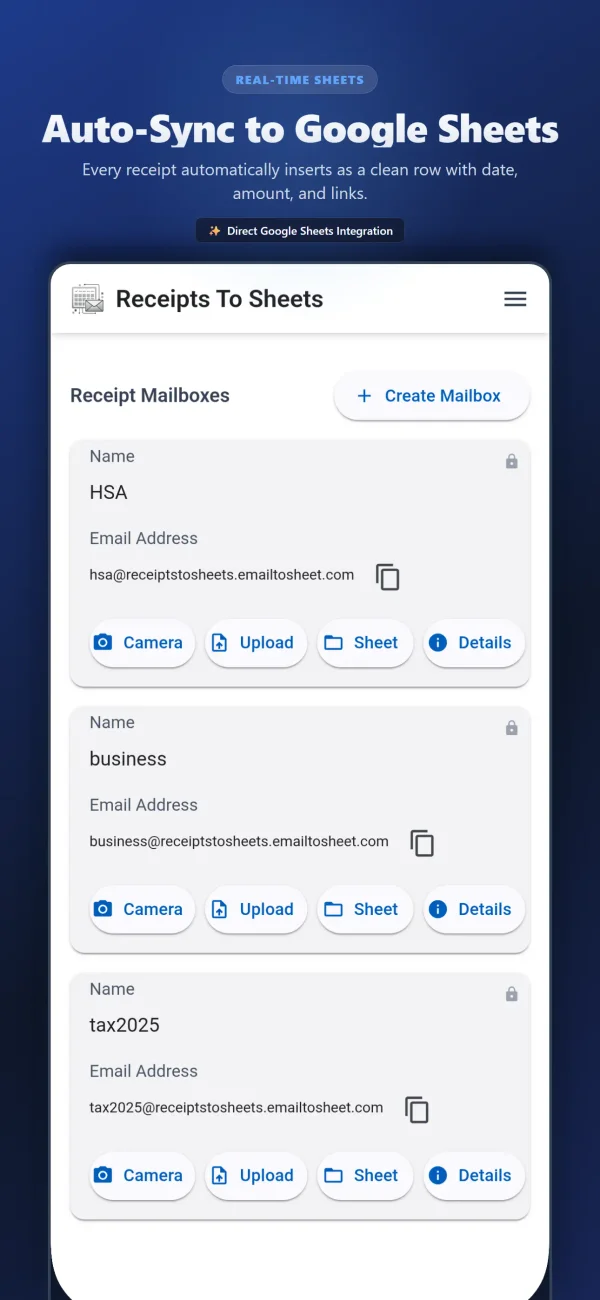
Connect your Google account and have parsed expense data automatically appended as rows in your Google Sheets spreadsheet in real time. Customize sheet templates and columns to match your exact workflow.
• Cloud Storage & Google Drive™ Sync:
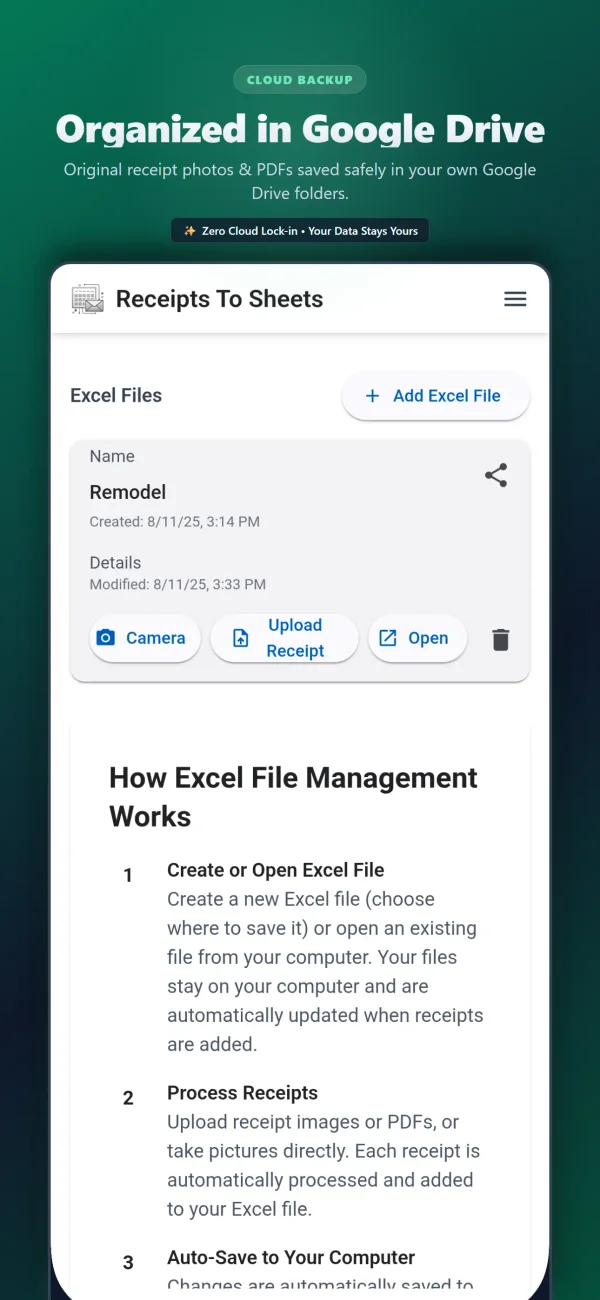
Automatically archive high-resolution receipt images and PDFs directly into organized Google Drive folders, ensuring you always have proof of purchase for audits and taxes.
• Line Item Extraction:
Extract every individual line item, quantity, unit price, and description from complex store receipts, restaurant bills, and itemized invoices.
• HSA & Tax Expense Organization:
Tag and categorize deductible medical expenses, business expenses, and travel costs. Keep an organized, audit-ready record for HSA reimbursements and annual tax filings.
• Multi-Currency & Category Detection:
Intelligently categorizes spending (Meals, Office Supplies, Travel, Utilities, Medical, etc.) and handles multiple international currencies seamlessly.
• Fast, Secure & Private:
Your data is securely transmitted using encryption. Your spreadsheets and Google Drive remain entirely under your control.
Stop typing receipts by hand. Start scanning with Receipts To Sheets and keep your financial records accurate and effortless!
Terms of Use (EULA): https://www.apple.com/legal/internet-services/itunes/dev/stdeula/
Privacy Policy: https://receiptstosheets.com/privacy-policy
Terms of Service: https://receiptstosheets.com/terms-of-service
What’s new
Version 1.0.18 · Sep 10, 2026
Fixed an issue where the app header could overlap the camera cutout on iPhone.
App privacy
What com.vacadock.app declares on the App Store about how this app handles data.
-
Data linked to you
May be collected and linked to your identity.
- Contact info
- User content
- Diagnostics
Privacy practices may vary, for example with the features you use or your age.
Information
- Seller
- Polycrest Labs LLC
- Category
- Productivity
- Version
- 1.0.18
- Updated
- Sep 10, 2026
- Released
- Sep 3, 2026
- Size
- 51.8 MB
- Requires
- iOS 15.0 or later
- Age rating
- 4+
- Price
- Free
- In-app purchases
- Yes
- Languages
- English
- Copyright
- © 2026 Polycrest Labs LLC
You might also like
-
 Patients We Share Inc.Productivity
-
 IML Tree Inspectionroad safety of trees
-
 ReceiptOrg: Receipt ScannerBusiness & Personal Expenses
-
 ReceiptSync – Receipt TrackerProductivity
-
 Otto: Own Your AIProductivity
-
 ignitai: Convert PDF to CSV aiScan to Excel Spreadsheet ai
-
 Pomodoro Focus - Study TimerDeep Work, Flow & Productivity
-
 DoTintProductivity
-
 Recurring Todo | Habit TrackerBuild Daily Routines & Goals
-
 Notepad LiveLock Screen Notes