ReceiptZero: Receipt Scanner
Free Expense & Tax Tracker
Designed for iPhone, iPad
In-app purchases
- Age rating4+
- CategoryFinance
- DeveloperDaiyong Kim
- LanguagesEnglish+ 1 more
- Size4.2 MB
Links to the official App Store page
Download.org hosts no file of ReceiptZero: Receipt Scanner. The button opens its official App Store page, published by Daiyong Kim. Listing last checked on Nov 13, 2026.
Screenshots
About
ReceiptZero turns the shoebox of receipts every freelancer dreads into clean,
audit-ready records — without sending your financial data to anyone.
SCAN IN SECONDS
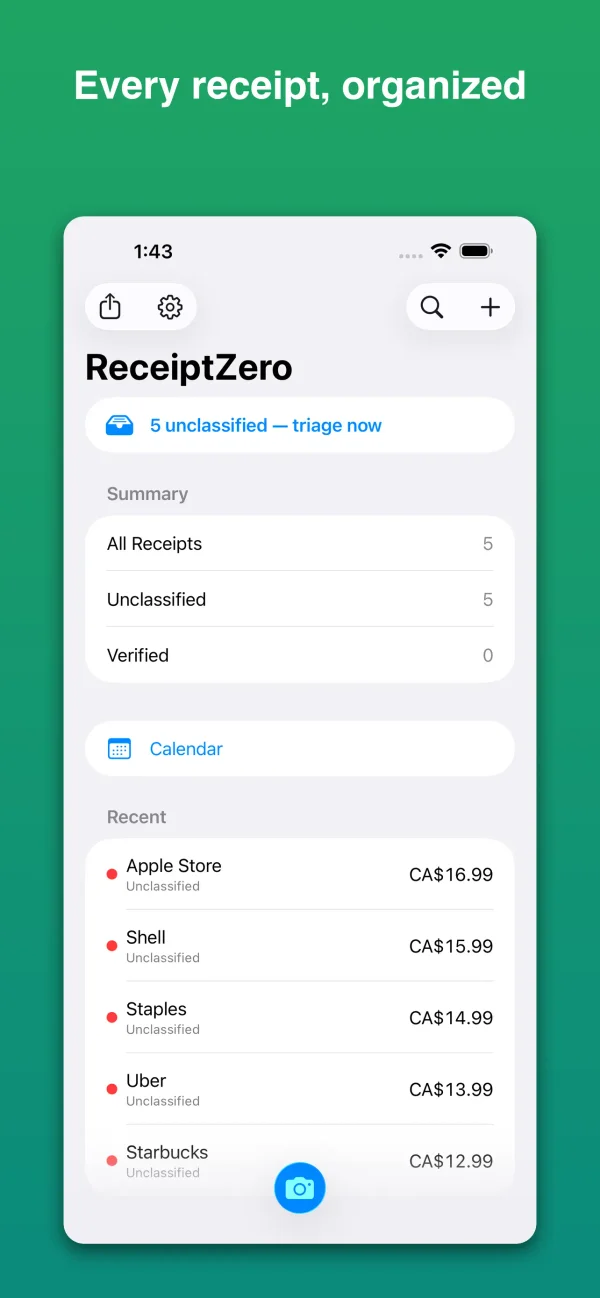
• Snap a receipt or import from Photos; on-device OCR reads the vendor, date,
total, and currency automatically. Nothing is uploaded to scan.
REACH “INBOX ZERO”
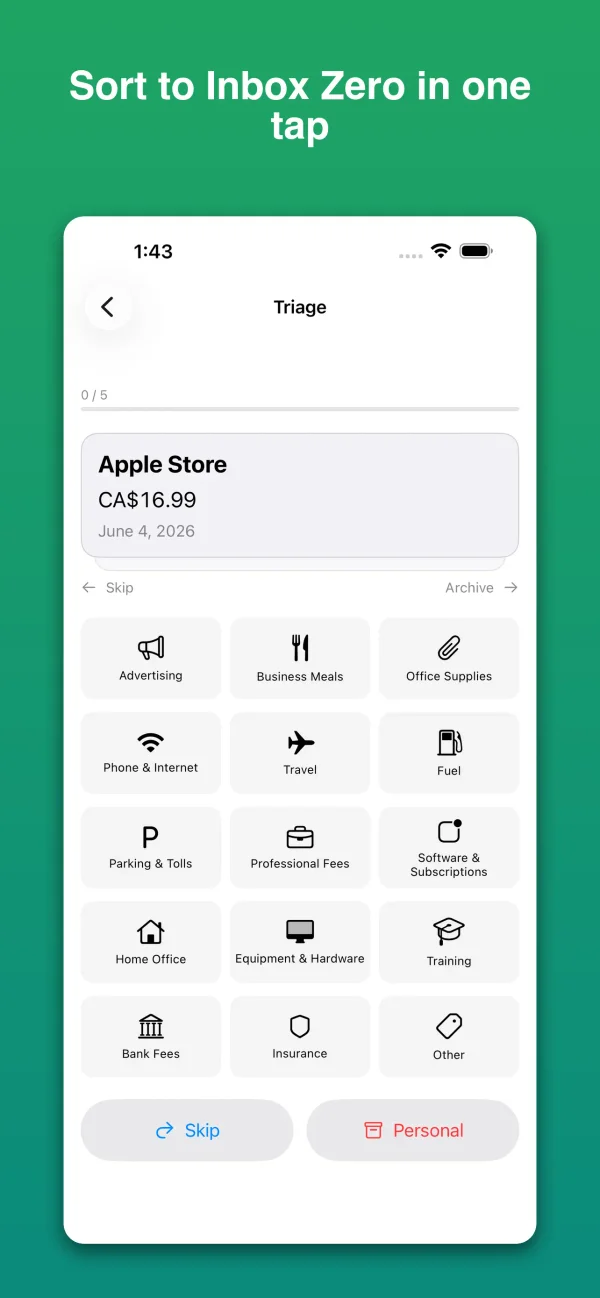
• A fast triage flow surfaces unclassified receipts. One tap to categorize,
a swipe to skip or mark personal, and undo if you slip.
KNOW IT’S READY TO FILE
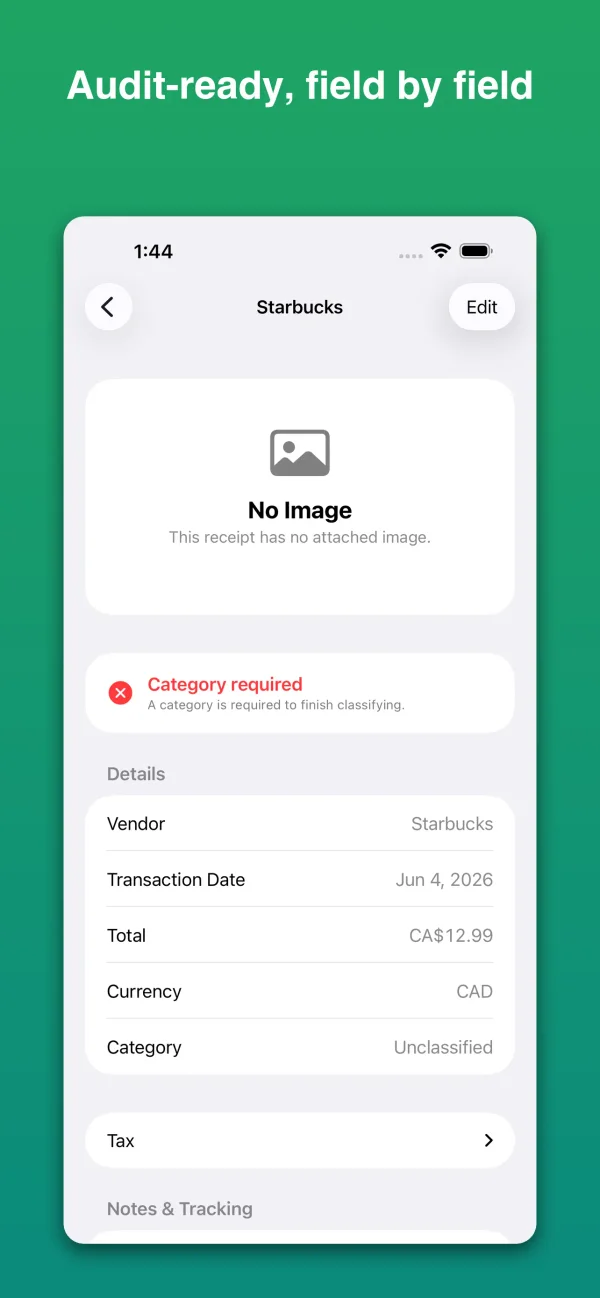
• Jurisdiction-aware checks (US / Canada) flag missing required fields so each
receipt is complete before you file. Not tax advice — a record-keeping tool.
EXPORT FOR YOUR ACCOUNTANT
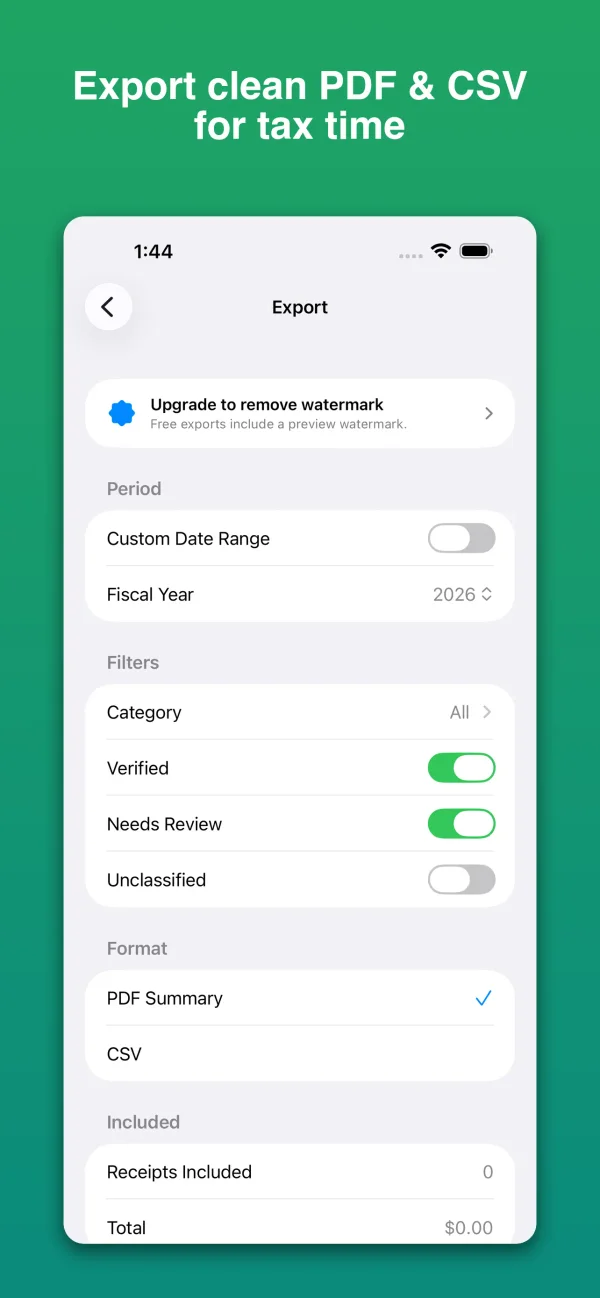
• Generate a CRA/IRS-friendly PDF report or a clean CSV ledger, filtered by tax
year, category, or status. Hand it to your accountant or import to a
spreadsheet.
ORGANIZED YOUR WAY
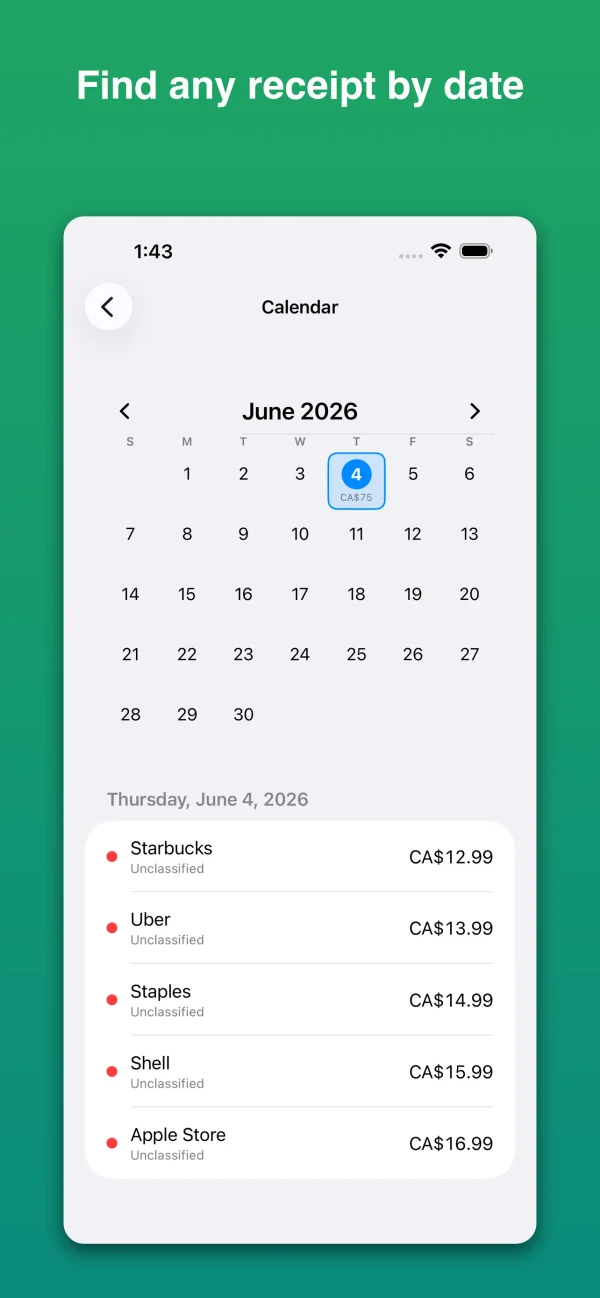
• Browse by calendar, search by vendor or text, and keep multi-currency records.
PRIVATE BY DESIGN
• Receipts stay on your device and, if you turn on iCloud Backup, in your own
private iCloud. ReceiptZero collects no data and shows no ads.
• Optional Face ID lock keeps your financial records private.
ReceiptZero Pro (subscription or one-time) unlocks clean, watermark-free PDF and
unlimited CSV export.
Terms of Use (EULA): https://www.apple.com/legal/internet-services/itunes/dev/stdeula/
What’s new
Version 1.2 · Sep 8, 2026
Receipt dates are now read correctly outside the United States.
• Dates like 06/09/2026 are read in your region's order. Previously they could be stored with the day and month swapped.
• You can set the date format in Settings if it doesn't match your receipts.
• When a date could be read two ways, the receipt is flagged for review instead of the app guessing.
Dates already saved are unchanged — please check any that look wrong.
App privacy
What Daiyong Kim declares on the App Store about how this app handles data.
-
Data not collected
The developer does not collect any data from this app.
Privacy practices may vary, for example with the features you use or your age.
Information
- Seller
- Daiyong Kim
- Category
- Finance
- Version
- 1.2
- Updated
- Sep 8, 2026
- Released
- Jun 22, 2026
- Size
- 4.2 MB
- Requires
- iOS 17.0 or later
- Age rating
- 4+
- In-app purchases
- Yes
- Languages
- English, Korean
- Copyright
- © 2026 Soso Family
You might also like
-
 Receipt Scanner - OnePressSave, search, tag & organize
-
 Receipts - Receipt ScannerOrganize warranties & returns
-
 ReceiptOwl: Receipt ScannerSnap receipts, sorted in a tap
-
 Snapceipt: Receipt ScannerSnap receipts, track spending
-
 SlipwisePrivate on-device receipt OCR
-
 Receipt Scanner: StarlogExpense tracker on your Drive
-
 Stareceipt: Receipt ScannerTrack Expenses, Tax & Export
-
 ScanMyReceipt: Receipt ScannerBusiness Expense & Tax Tracker
-
 Receipt Scanner: ExpensesScan, track & PDF tax reports
-
 DocRizz: AI Receipt ScannerAI Receipt & Expense Tracker