
- Age rating4+
- CategoryFood & Drink
- DeveloperAntonin Coupanec
- LanguagesEnglish
- Size104.7 MB
Links to the official App Store page
Download.org hosts no file of Recipedia App. The button opens its official App Store page, published by Antonin Coupanec. Listing last checked on Nov 23, 2026.
Screenshots
About
Recipedia - Organize your recipes, effortlessly
Find any personal recipe in seconds. By season, ingredient, or dish type. No account. No internet connection. Your data stays on your phone.
ADD YOUR RECIPES
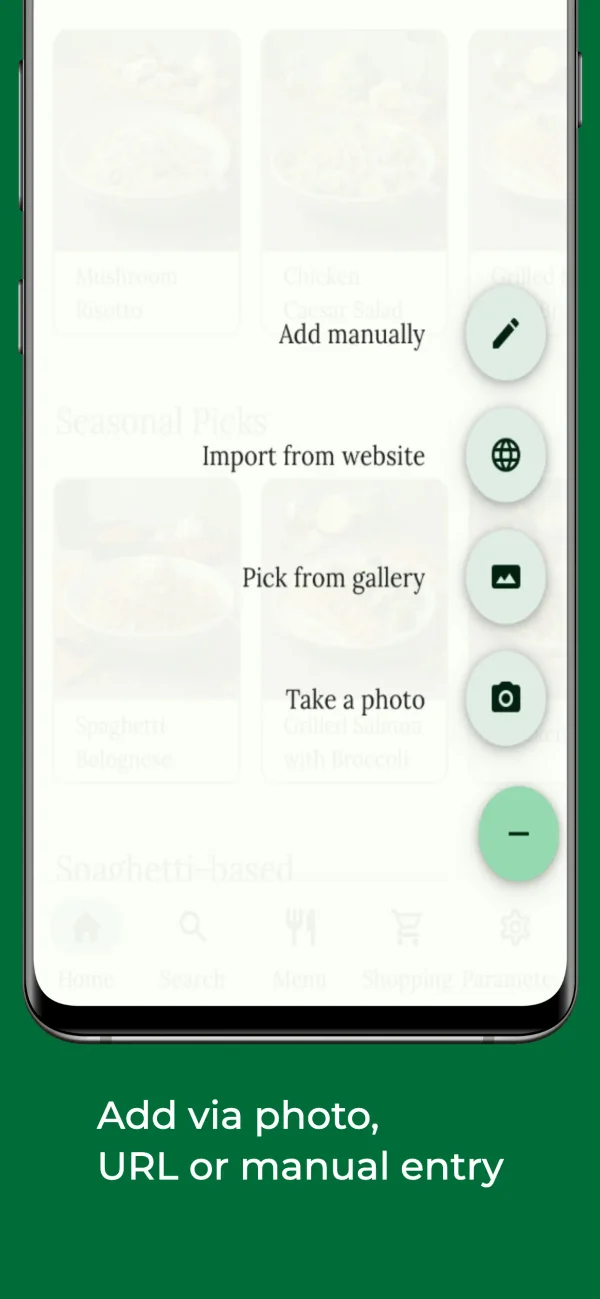
Three ways to add recipes:
Photo import — photograph a recipe from a magazine or cookbook. The app automatically detects the text:
• Title and description
• Ingredients with quantities
• Preparation steps
• Cooking time and servings
• Nutritional information
Web import — paste a recipe URL. The information is extracted automatically.
Manual entry — for family recipes or anything the other two modes can't handle.
FIND YOUR RECIPES QUICKLY
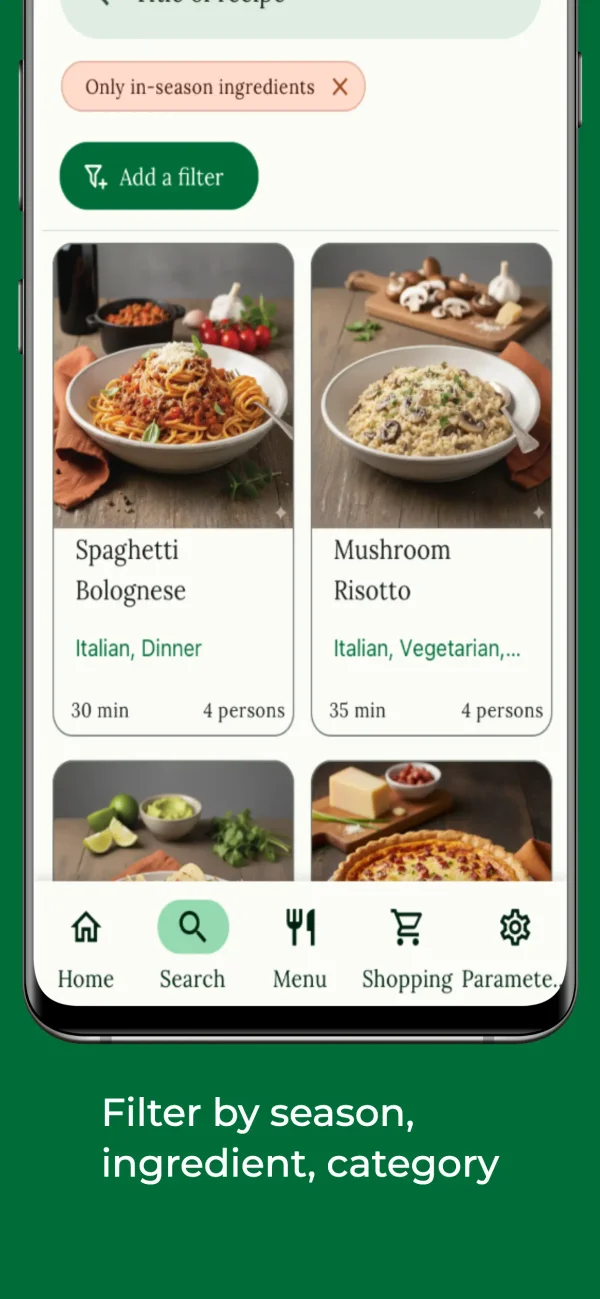
• Search by name with typo tolerance
• Filter by ingredients, category, preparation time
• Show only seasonal recipes
• Combine multiple filters at once
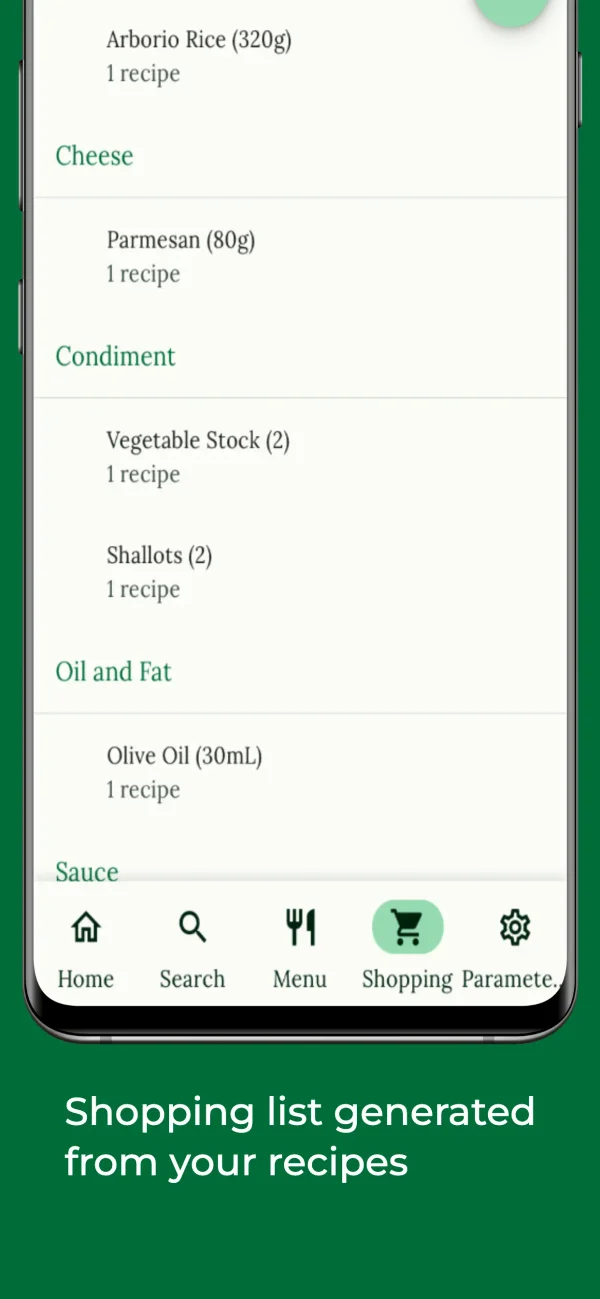
CREATE YOUR SHOPPING LIST
• Add ingredients from one or more recipes
• Identical ingredients are automatically grouped
• Organized by category (vegetables, dairy, meat...)
• Check items off as you shop
COOK WITH SEASONAL PRODUCE
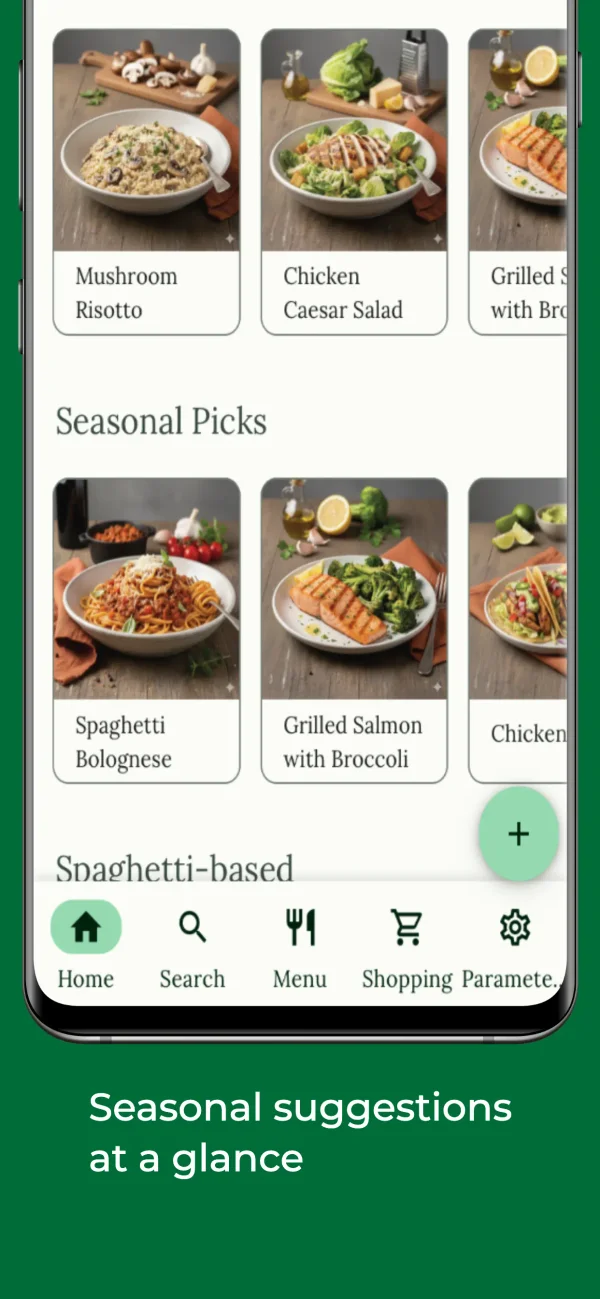
Every ingredient has a seasonality calendar. Filter to see only recipes suited to the current month. The home screen suggests seasonal recipes, by category or around a specific ingredient.
YOUR DATA STAYS WITH YOU
Recipedia works entirely offline. No account, no server, no data collection. Your recipes are stored only on your phone.
RECIPEDIA IS FOR YOU IF
• You have recipes scattered across magazines, books or notebooks
• You want to find a recipe quickly without searching everywhere
• You enjoy cooking with seasonal produce
• You're tired of retyping all your recipes by hand
• You don't want to share your data with anyone
EXAMPLE USE CASE
1. You spot a recipe you like in a magazine
2. You photograph it with the app
3. The app automatically detects the text
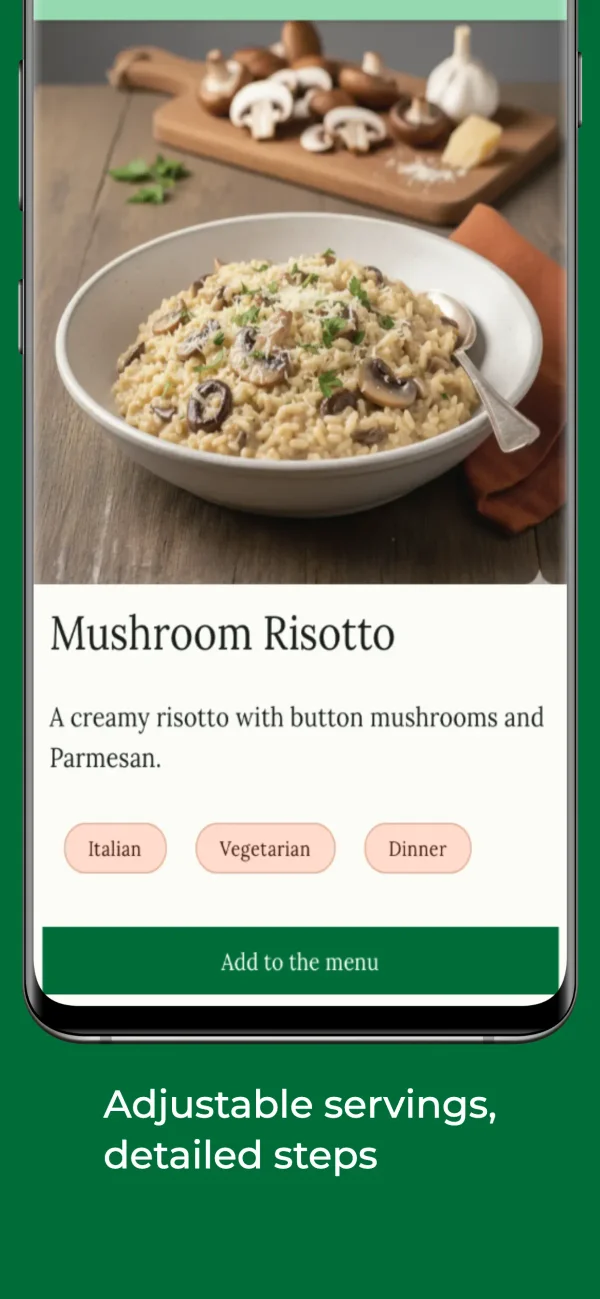
4. You adjust the servings to your needs
5. You add the ingredients to your shopping list
6. You shop with the list organized by category
7. You cook following the steps on your phone
What’s new
Version 2.60.0 · Nov 20, 2026
• Reorder preparation steps with up/down buttons
• Delete preparation steps in the recipe form
• Receive recipe links and photos shared from other apps
• Fixed OCR creating fake steps from ingredient quantities
• Focused fields no longer hidden behind the app bar
• Smoother first launch
App privacy
What Antonin Coupanec declares on the App Store about how this app handles data.
-
Data not collected
The developer does not collect any data from this app.
Privacy practices may vary, for example with the features you use or your age.
Information
- Seller
- Antonin Coupanec
- Category
- Food & Drink
- Version
- 2.60.0
- Updated
- Nov 20, 2026
- Released
- Jul 6, 2026
- Size
- 104.7 MB
- Requires
- iOS 18.0 or later
- Age rating
- 4+
- Price
- Free
- Languages
- English
- Copyright
- © Antonin Coupanec
You might also like
-
 Readable RecipesClean reader view for recipes
-
 Recipp - Recipe ManagerKeep track and share recipes
-
 DishSharesDiscover & Share Recipes
-
 Savor: Sharing RecipesShare recipes you love
-
 Reduced RecipesFood & Drink
-
 SpoonifyFood & Drink
-
 Smart Recipes: CooklyGastronomy and lifestyle
-
 Feastmark: Recipe SaverRecipe Organizer & Cook Mode
-
 Open Recipes: Cook & PlanOpen source recipe manager
-
 TBS ShopTony's Bar Supply