RecMan Employee
The official app for employees
Designed for iPhone, iPod touch
Free
- Age rating4+
- CategoryBusiness
- DeveloperRecman AS
- LanguagesEnglish+ 5 more
- Size87.5 MB
Links to the official App Store page
Download.org hosts no file of RecMan Employee. The button opens its official App Store page, published by Recman AS. Listing last checked on Nov 23, 2026.
Screenshots


About
Manage Your Work with Ease - RecMan Employee for iOS
Experience the convenience of managing your work activities on the go with RecMan Employee for iOS. From logging work hours to setting availability, sending messages, accepting shifts, and even scanning receipts, this app offers a comprehensive solution to streamline your work life, all accessible from anywhere!
Designed to provide an effortless and efficient experience, RecMan Employee brings the power of the RecMan system to your mobile device. We have reworked and enhanced every aspect of the web experience for seamless usage while you’re on the job. With Employee, you can handle administrative tasks in real-time, saving you valuable time and effort. Your work data is securely synced between the Employee app and the RecMan system, ensuring smooth operation.
Key Features:
Streamline Your Work
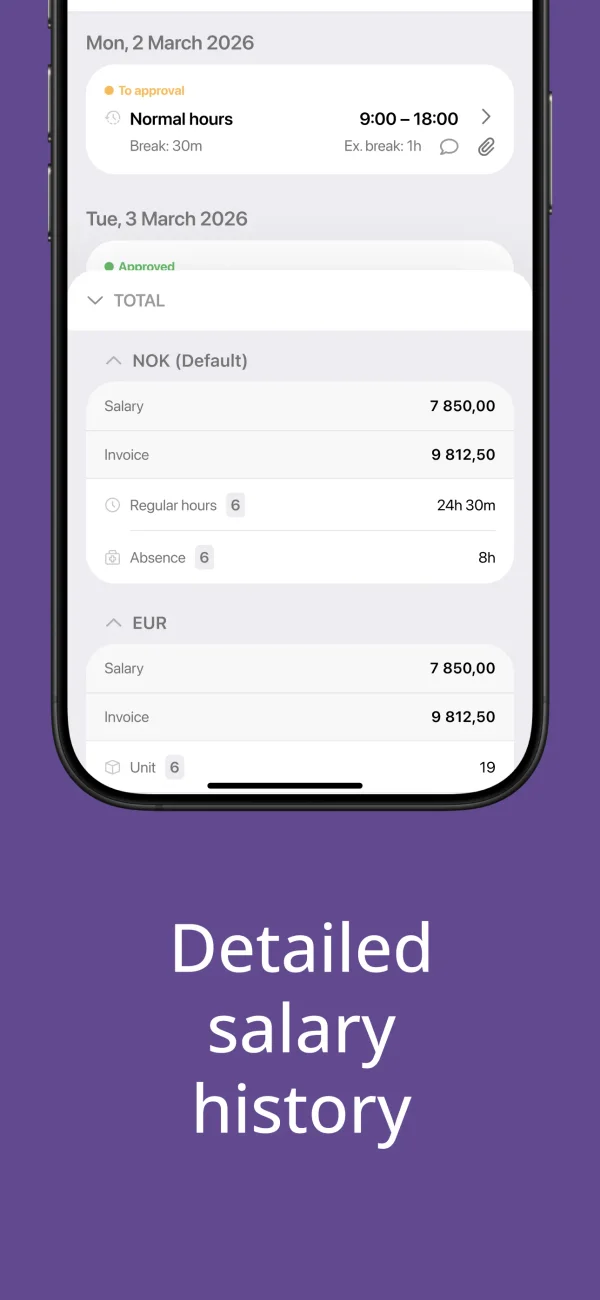
Log your work hours effortlessly by simply swiping to the right. Modify shifts with flexibility for times worked outside your set schedule. Employee’s robust reporting functionality allows you to conveniently view previously logged work and access all your paychecks.
Dynamic Calendar
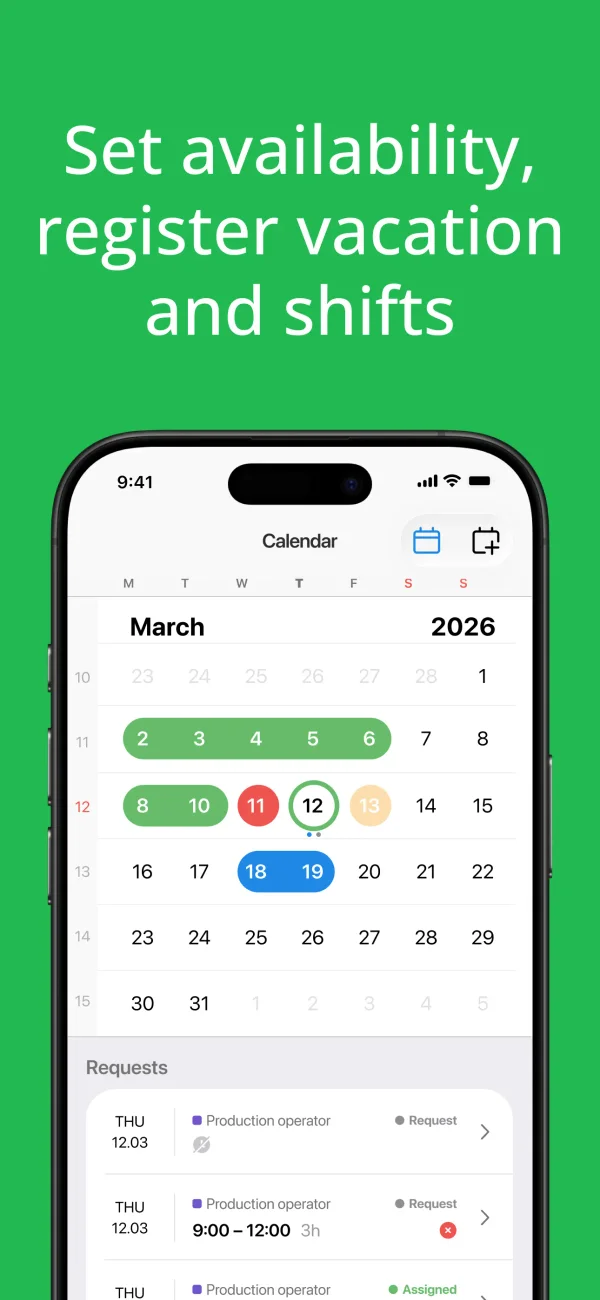
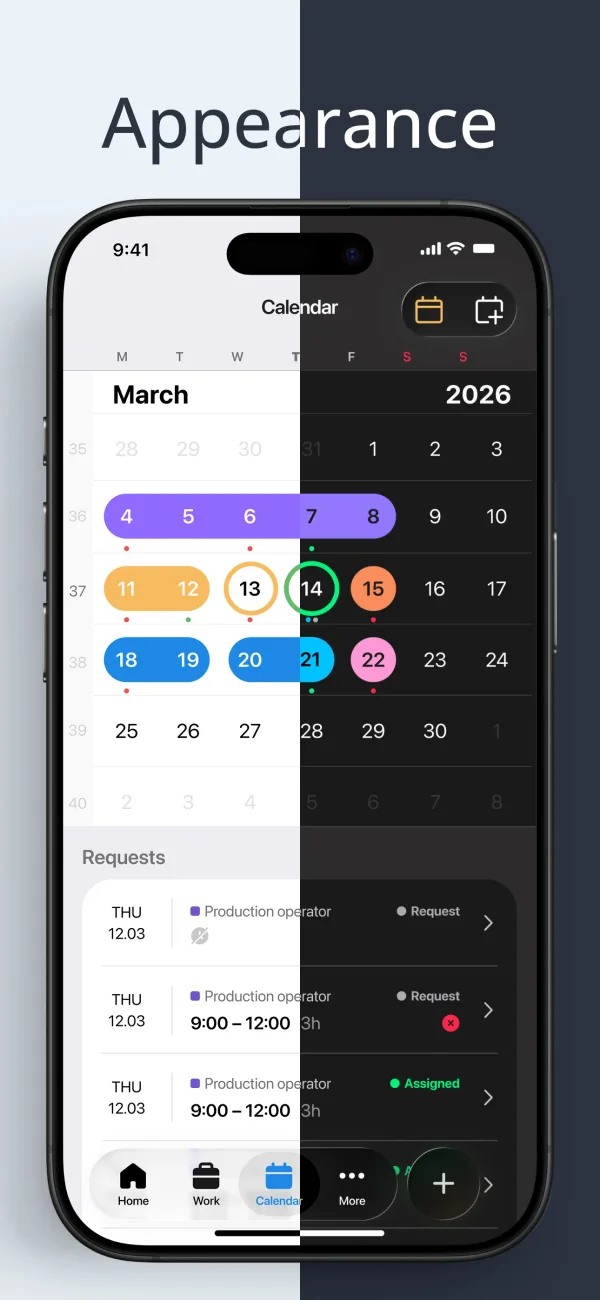
Effortlessly manage your availability, log vacations, accept or decline shift requests, and create shifts with ease. The calendar provides a comprehensive overview of all your activities, allowing you to stay organized and on top of your schedule.
Seamless Work Tracking
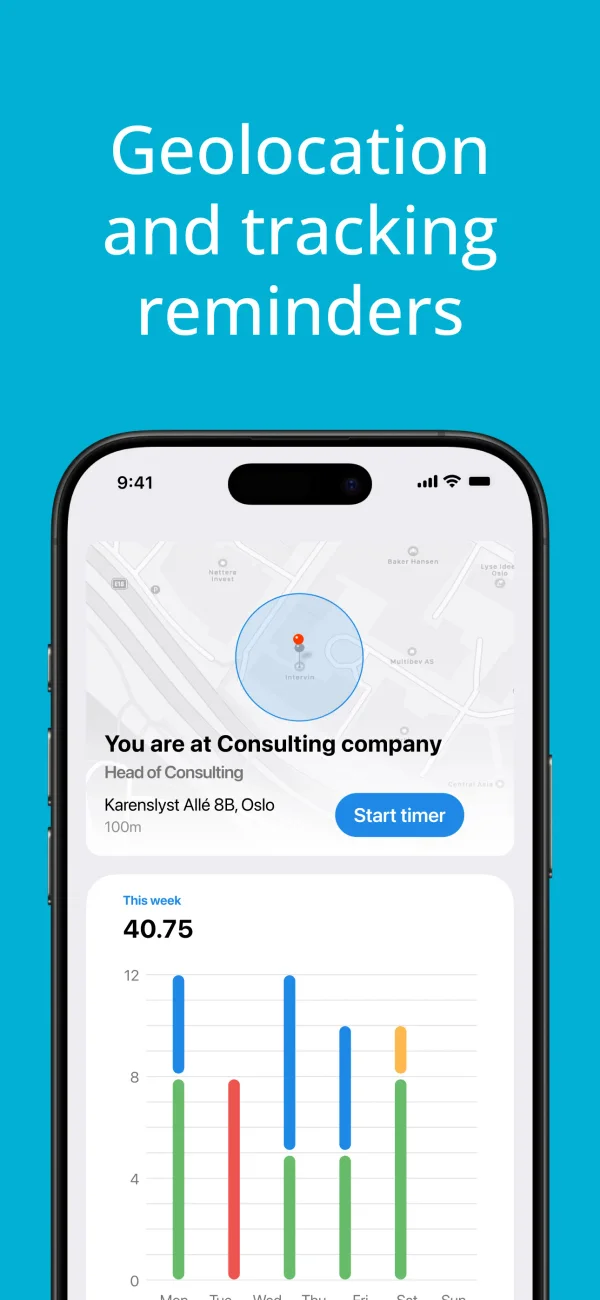
Track your time worked with precision using the work timer. With iOS’s built-in location tracking, set reminders to start the timer when you approach the workplace and stop it when you leave.
Efficient Communication
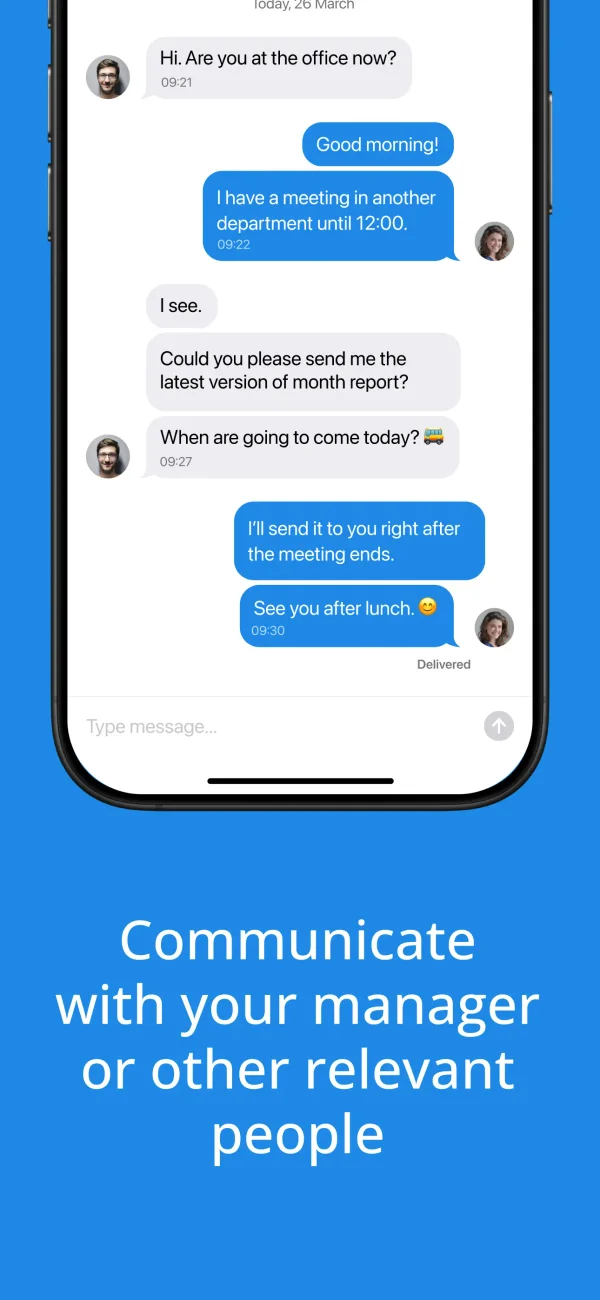
Stay connected with your manager and other contacts using the in-app messaging module. Seamlessly communicate within the app for effective work coordination.
Simplify Expense Management
Scan and log receipts effortlessly within the app for approval by your employer. Streamline your expense management process and keep track of your reimbursements.
Track Trips
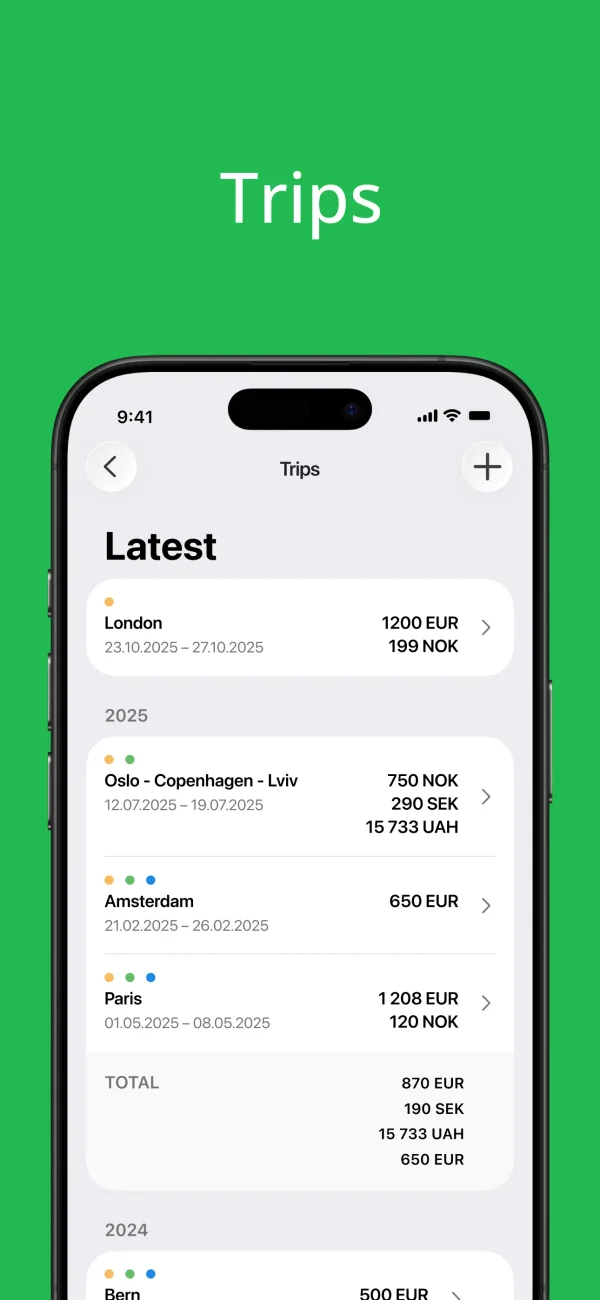
Conveniently consolidate your logged work, receipts, and other related items under a single trip. This allows you to easily track all associated expenses and income pertaining to each specific trip.
Stay Informed with Home Screen
The home screen provides a centralized hub for important notifications and displays your ongoing activities. Access work logging, review unsigned agreements, and accept or decline shift requests right from the home screen, ensuring that you never miss a beat.
Easy Document Access
Create and share your own documents, or access shared documents like employee handbooks, all within the app. Stay informed and organized with quick access to important resources.
Keep Your Profile Up to Date
Manage your profile and ensure your information is always current. Add relevant details and maintain a professional presence.
Custom Job Location
Enable RecMan Employee to use your device’s location and set a custom job location. Receive timely reminders for time tracking when you approach or leave the workplace, enhancing efficiency and accuracy.
Multi-Login Support
Working for multiple employers using the RecMan system? No worries! With the multi-login feature, easily switch between different employers within the app, ensuring smooth workflow and seamless transitions.
Please Note: To use this app, you must have an existing user account in RecMan, and your employer must use RecMan with active support for the mobile app. If you’re unsure whether your employer has activated the mobile app module, please reach out to them directly for confirmation.
About RecMan:
RecMan is an advanced IT system catering to the recruitment, ATS, and staffing industry, employing modern technology to enhance workdays for hundreds of thousands of people worldwide.
What’s new
Version 3.7 · Nov 20, 2026
In this release, we’ve introduced several improvements to make managing requests and logged work more intuitive, efficient, and convenient.
The Requests module features a redesigned tab layout that provides a clearer overview of requests across different statuses. The updated interface makes it easier to navigate between tabs, quickly identify the relevant requests, and manage them more efficiently. We’ve also introduced dedicated filters for each tab, allowing you to narrow down the displayed results and find specific requests faster.
The Logged Work module has also received significant enhancements to data filtering and management. New quick filters provide faster access to relevant records, while category-based filtering makes it easier to organize and review logged work according to specific categories.
Additionally, you can now export filtered Logged Work results in PDF and XLSX formats. This allows you to generate reports based on your selected filters, making it easier to review, share, and further process your work records.
These improvements are designed to streamline everyday workflows, simplify data navigation, and provide greater flexibility when managing requests and logged work.
App privacy
What Recman AS declares on the App Store about how this app handles data.
-
Data linked to you
May be collected and linked to your identity.
- Financial info
- Location
- Contact info
- User content
- Identifiers
- Usage data
- Diagnostics
-
Data not linked to you
May be collected but is not linked to your identity.
- Usage data
Privacy practices may vary, for example with the features you use or your age.
Information
- Seller
- Recman AS
- Category
- Business
- Version
- 3.7
- Updated
- Nov 20, 2026
- Released
- Apr 9, 2020
- Size
- 87.5 MB
- Requires
- iOS 15.0 or later
- Age rating
- 4+
- Price
- Free
- Languages
- English, Danish, Finnish, Norwegian Bokmål, Polish, Swedish
- Copyright
- RecMan © Copyright 2026. All Rights Reserved.