
Recode: Screen Time Control
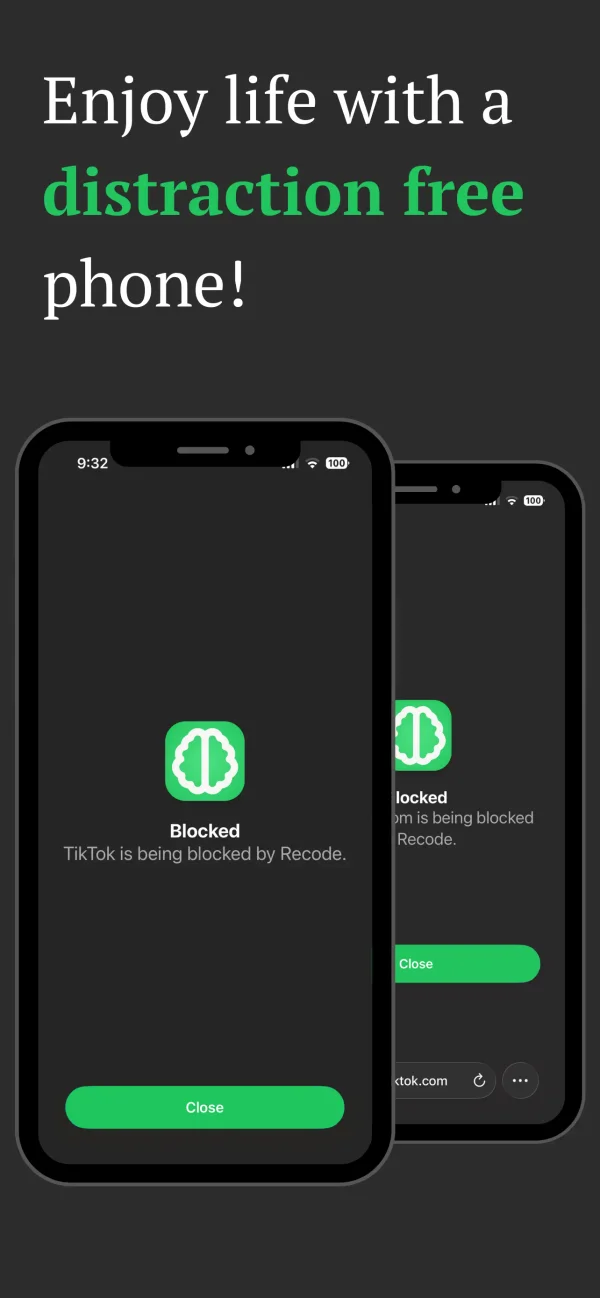
Block Apps. Scan QR to Unlock.
Designed for iPhone
Free · In-app purchases
- Age rating4+
- CategoryProductivity
- DeveloperAlexander Hartigan
- LanguagesEnglish
- Size2.9 MB
Links to the official App Store page
Download.org hosts no file of Recode: Screen Time Control. The button opens its official App Store page, published by Alexander Hartigan. Listing last checked on Nov 18, 2026.
Screenshots
About
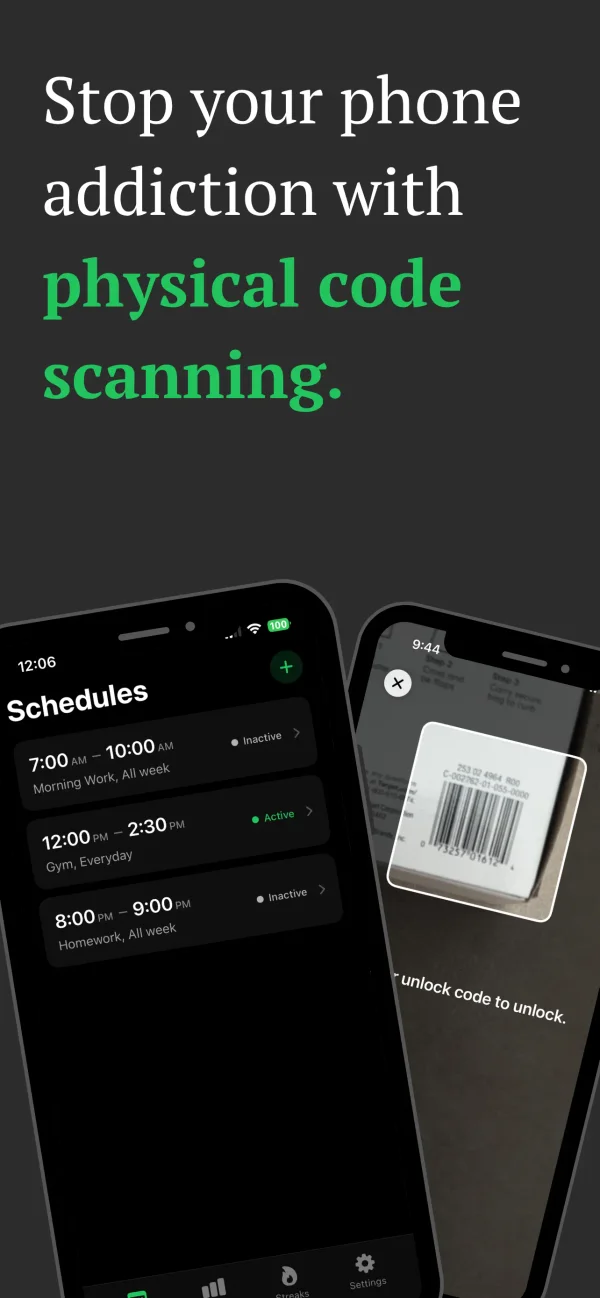
Stop scrolling. Start living. Recode is the only screen time app that requires you to physically scan a QR code or barcode to unlock your blocked apps. No easy bypass. No cheating. Just real accountability.
How it works:
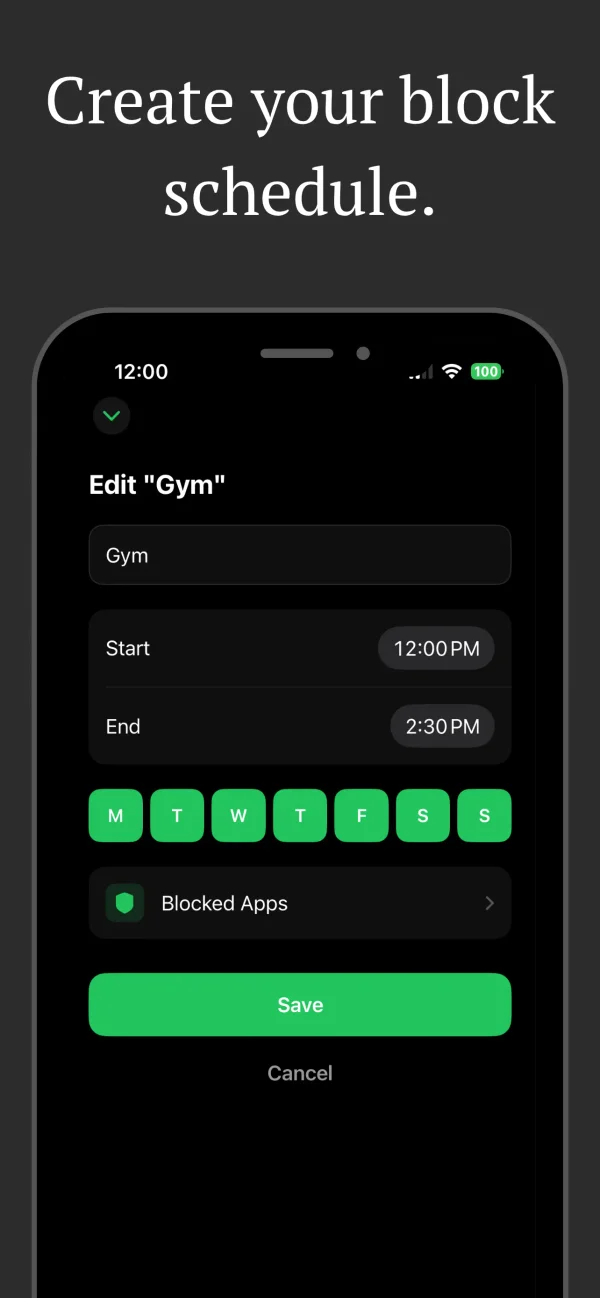
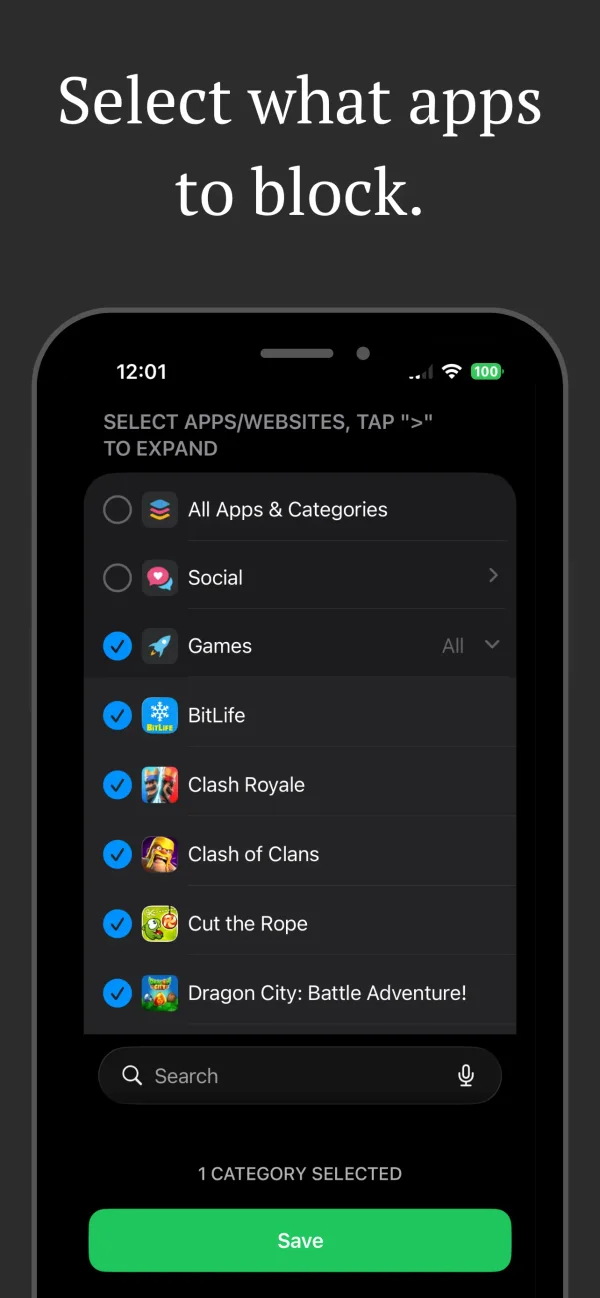
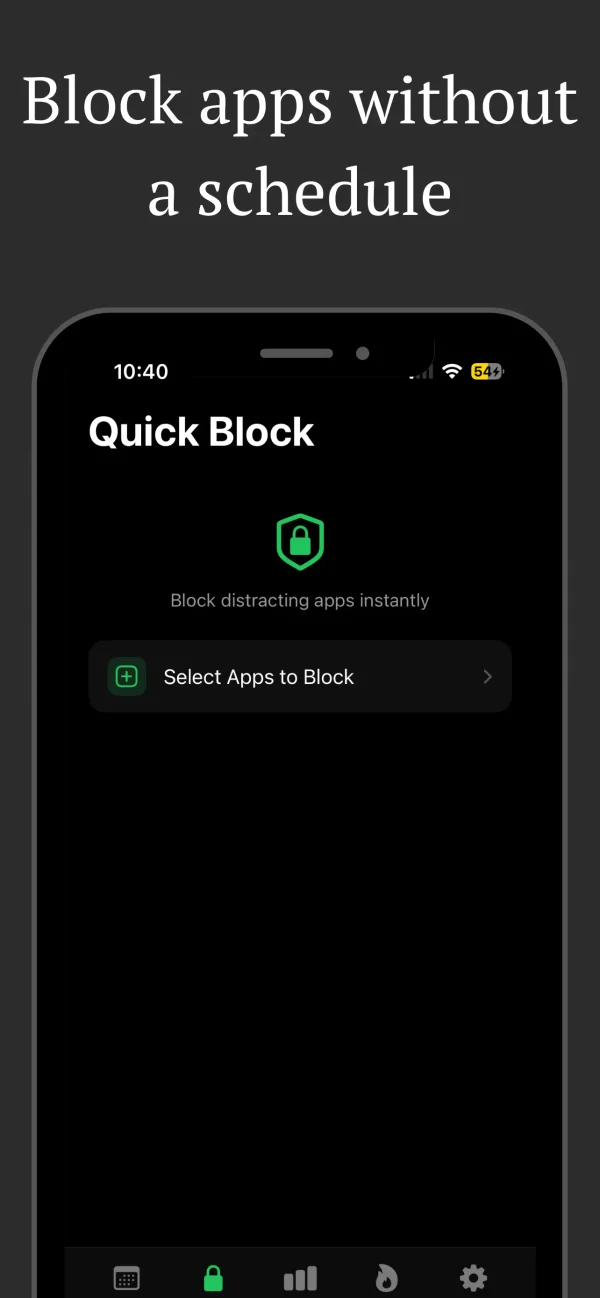
1. Choose which apps to block and set your schedule.
2. Pick any QR code or barcode as your unlock key — a book on your shelf, a code at your desk, anything.
3. When you want to unblock, you have to physically go scan it. That friction is what makes Recode work.
Why it's different:
Other screen time apps let you bypass limits with a single tap. Recode doesn't. The physical requirement of scanning a code creates real resistance between you and your distracting apps. You can't cheat from the couch.
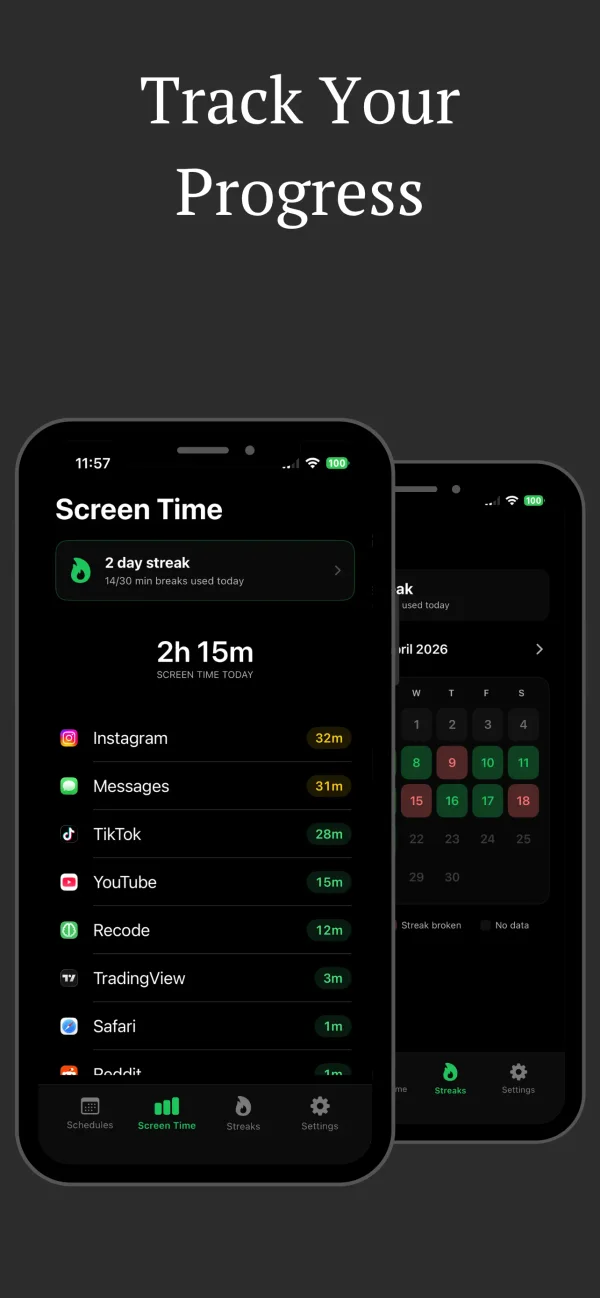
Track your progress with Streaks:
Build a daily streak by keeping your break time under 30 minutes. Watch your calendar fill with green as you take back control of your habits.
Built from personal experience:
I built Recode because I was losing myself in endless scrolling — distracted all day, drained at night, ashamed of how little I got done. Even in its demo version, the simple act of requiring a scan to unblock completely shifted my habits. Knowing I couldn't unblock until I got home kept me off my phone. Over time, I reclaimed focus, confidence, and the satisfaction of being productive.
Take control of your time. Download Recode today.
Available subscription options:
Recode Pro – Monthly or Annual auto-renewable subscription.
Terms of Use (EULA): https://www.apple.com/legal/internet-services/itunes/dev/stdeula/
What’s new
Version 1.8 · Oct 25, 2026
Added a warning for when users are reaching Apple's 50 app block limit.
App privacy
What Alexander Hartigan declares on the App Store about how this app handles data.
-
Data not collected
The developer does not collect any data from this app.
Privacy practices may vary, for example with the features you use or your age.
Information
- Seller
- Alexander Hartigan
- Category
- Productivity
- Version
- 1.8
- Updated
- Oct 25, 2026
- Released
- Oct 13, 2025
- Size
- 2.9 MB
- Requires
- iOS 17.6 or later
- Age rating
- 4+
- Price
- Free
- In-app purchases
- Yes
- Languages
- English
- Copyright
- © 2025 Alexander Hartigan. All rights reserved.
You might also like
-
 Smile App LauncherA minimalistic dumbphone
-
 Bloom - Conquer Screen TimeTap to Remove All Distractions
-
 Dumb Phone (dp)Minimalist Launcher
-
 Jomo - App Blocker & FocusScreen Time Control & Limits
-
 Roots: Screen Time ControlApp Blocker & Dopamine Detox
-
 Brick - Ditch DistractionsMake your phone a tool again
-
 Freedom: Screen Time ControlBlock Apps. Stay Focused.
-
 Blank Spaces LauncherBuild a Minimalist Dumb Phone
-
 SocialLite-Block Reels&ShortsStop Doomscrolling-Stay Social
-
 ClearSpace: Reduce Screen TimeMake your phone less addicting