- Age rating4+
- CategoryProductivity
- DeveloperYour AI LLC
- LanguagesEnglish
- Size22.2 MB
Links to the official App Store page
Download.org hosts no file of Redac Remote. The button opens its official App Store page, published by Your AI LLC. Listing last checked on Nov 23, 2026.
Screenshots


About
Redac Remote connects your iPhone or iPad to Redac on your computer. Keep working with your personal AI agent when you are away from your desk.
CHAT WITH YOUR AGENT
Send a message from your phone. Your agent works through Redac on your paired computer. Read replies and continue the conversation while you are away.
OPEN YOUR APPS
Browse your Redac apps and open their pages. Check the apps you use for work and everyday tasks from one place.
CHECK CONNECTIONS AND ACCESS
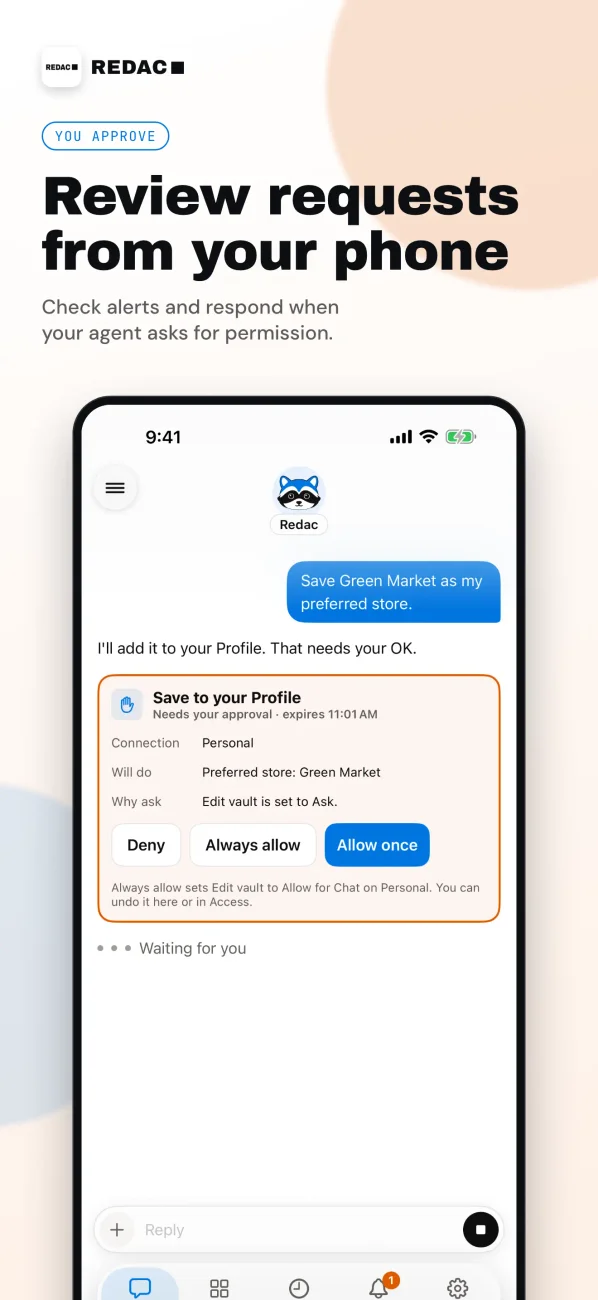
See the connections your apps can use. Manage access with Off, Ask, or Allow, and respond when an app asks for permission.
FOLLOW SCHEDULES AND ALERTS
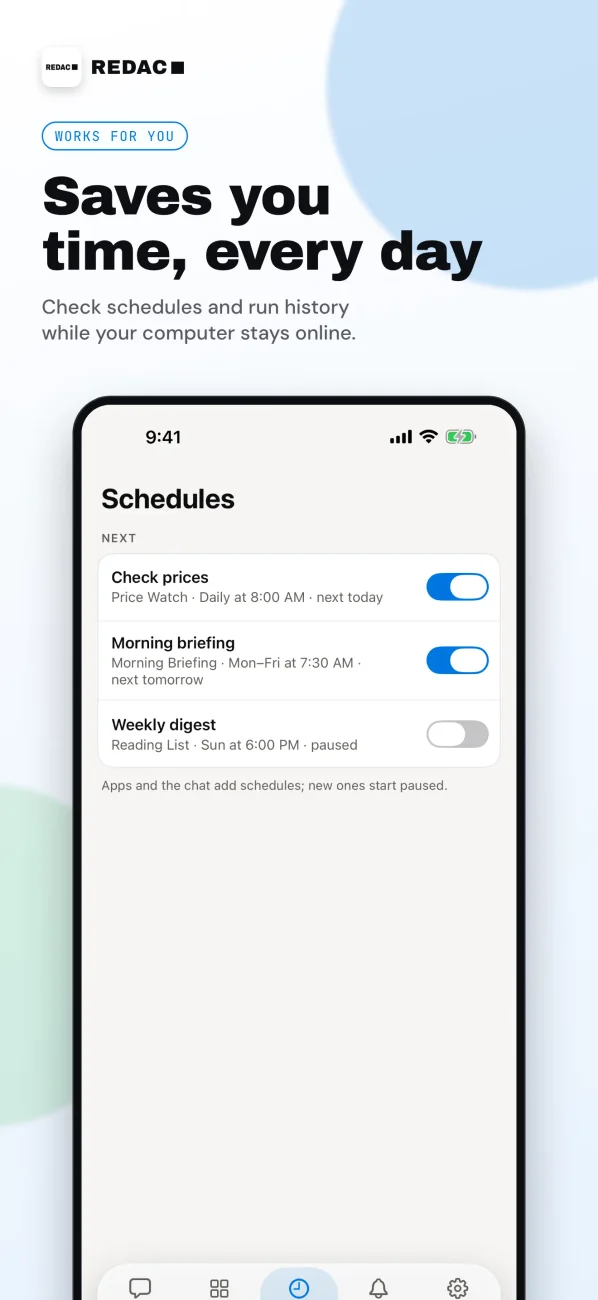
Check schedules and run history. Read alerts and respond to requests from your agent.
PAIR WITH YOUR OWN COMPUTER
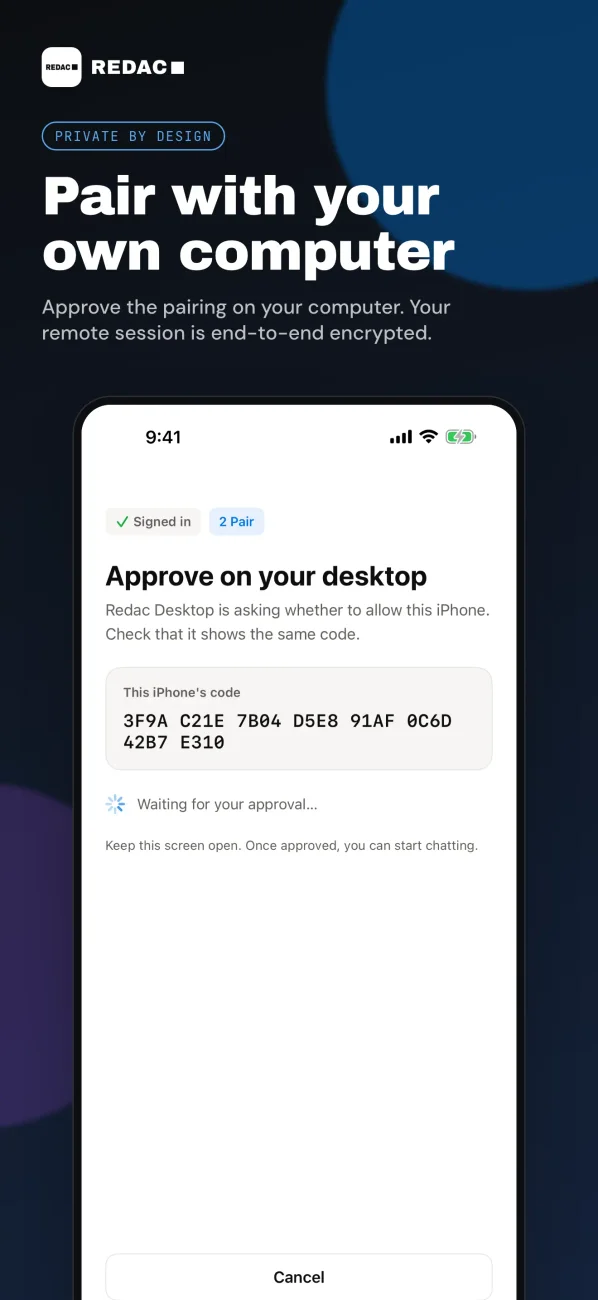
Approve the pairing on your computer. The remote session between your phone and computer is end-to-end encrypted.
REQUIREMENTS
For remote access, you need a Redac account and a computer running Redac. Your paired computer must be on and connected to the internet. A built-in demo lets you explore the app before pairing.
FOR REDAC MARKER USERS
Redac Marker is now Redac Remote. This update replaces the photo and PDF redaction app with the Redac companion app described above.
What’s new
Version 1.4.6 · Nov 21, 2026
Apps open faster on your phone, because pages you have opened before are kept on your iPhone.
Only the parts of an app that changed are downloaded again, which uses less data.
Kept app files now keep working after your iPhone has been locked.
Signing out or removing a desktop also removes the app files kept for it.
Apps you remove on your desktop are no longer kept on your phone.
App privacy
What Your AI LLC declares on the App Store about how this app handles data.
-
Data not linked to you
May be collected but is not linked to your identity.
- Contact info
- User content
Privacy practices may vary, for example with the features you use or your age.
Information
- Seller
- Your AI LLC
- Category
- Productivity
- Version
- 1.4.6
- Updated
- Nov 21, 2026
- Released
- May 28, 2026
- Size
- 22.2 MB
- Requires
- iOS 17.0 or later
- Age rating
- 4+
- Price
- Free
- Languages
- English
- Copyright
- © 2026 Your AI LLC
You might also like
-
 Redact ZeroHide PII in your documents
-
 Honey LLM Offline AIPrivate AI That Works Offline
-
 ID-Shield: Watermark ID CopiesRedact passports & licenses
-
 Blur Text & Censor: RedactScreenshot Editor Whiteout
-
 Screenshot Editor - Text BlurPixelate, Highlight, Underline
-
 EZText - Text EditorProductivity
-
 Bridge4PSProductivity
-
 Mute Video - Edit Clip SoundReduce, remove or boost audio
-
 Daylist: Tasks & RemindersSmooth todo lists
-
 Tweet Deleter: X Post CleanerDelete all tweets,tweet delete