
- Age rating4+
- CategoryUtilities
- DeveloperAhmed Gedi
- LanguagesEnglish
- Size7.4 MB
Links to the official App Store page
Download.org hosts no file of Redact Tap. The button opens its official App Store page, published by Ahmed Gedi. Listing last checked on Nov 13, 2026.
Screenshots


About
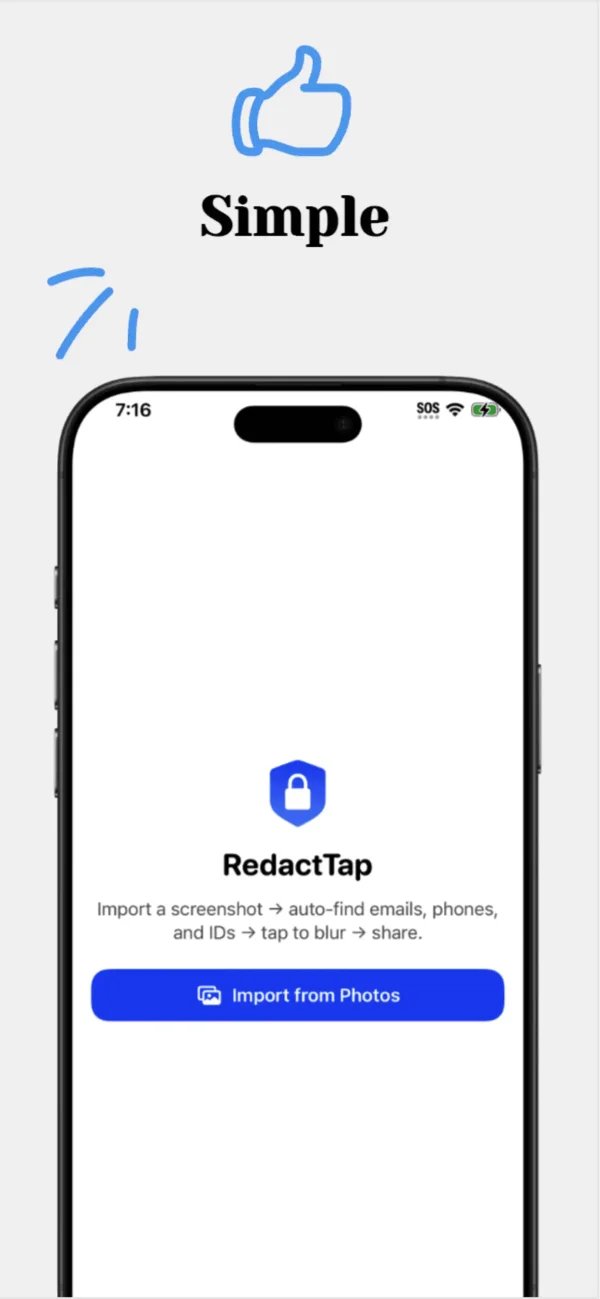
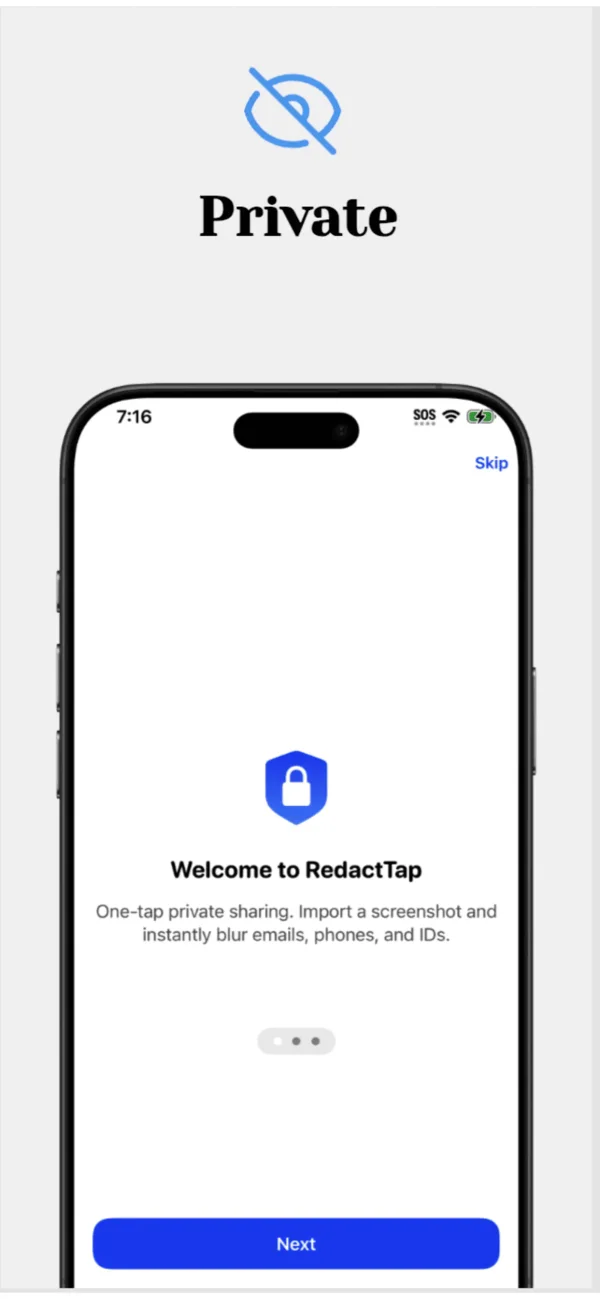
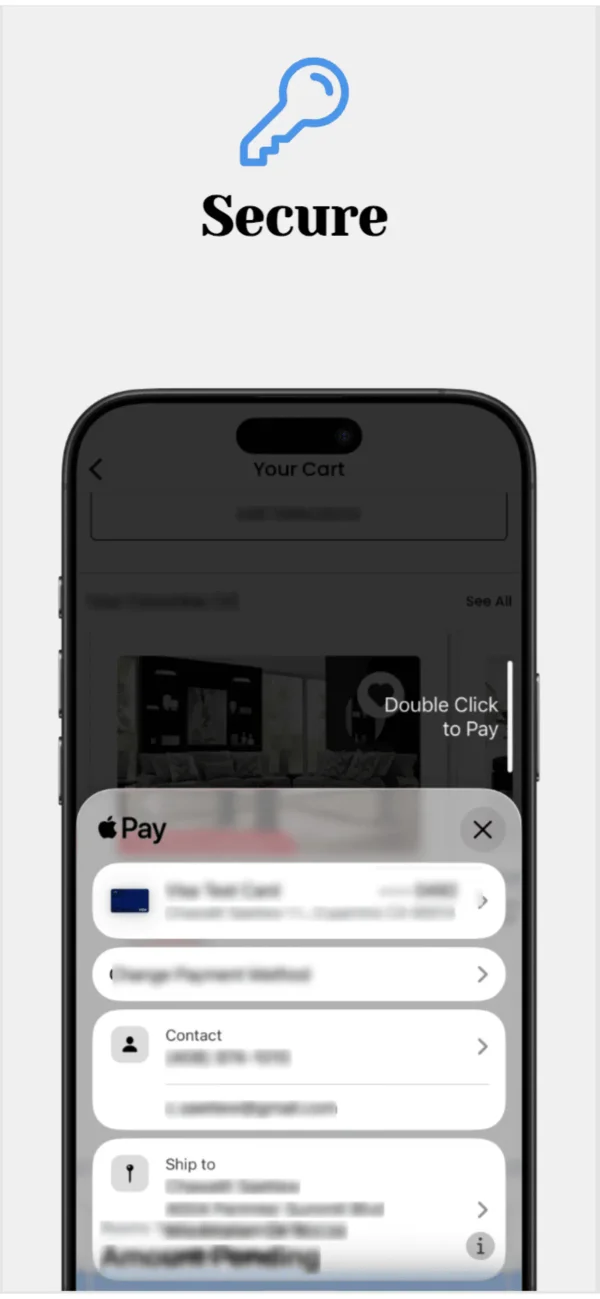
RedactTap makes private sharing effortless. Import a screenshot, it instantly highlights emails, phone numbers, and IDs—then you tap boxes to blur or unblur. Long-press to draw your own box anywhere. Export a crisp, high-resolution image and share it in seconds. Everything runs on your device.
How it works
Import from Photos
Tap boxes to toggle blur (or long-press and drag to add your own)
Export or share
Features
One-tap blur for detected info
Long-press to add manual boxes
High-resolution PNG export (original detail preserved)
Share sheet built-in; save to Photos if you like
Private by design — processing stays on device
Clean, fast, and portrait-focused UI
Dark Mode ready
Protect what matters, without the hassle.
App privacy
What Ahmed Gedi declares on the App Store about how this app handles data.
-
Data not collected
The developer does not collect any data from this app.
Privacy practices may vary, for example with the features you use or your age.
Information
- Seller
- Ahmed Gedi
- Category
- Utilities
- Version
- 1.0.1
- Updated
- Sep 16, 2025
- Released
- Sep 16, 2025
- Size
- 7.4 MB
- Requires
- iOS 18.2 or later
- Age rating
- 4+
- Languages
- English
- Copyright
- © Ahmed Gedi
You might also like
-
 Video Utilities ApplicationCrop your video with best app
-
 Blur Info: Redact Photos & PDFHide ID & censor screenshots
-
 IspireUtilities
-
 Redacto - Redact & Blur PhotosCensor screenshots & PDFs fast
-
 Review for PlexYour Ultimate Media Dashboard
-
 Argly Remote DesktopUtilities
-
 Redacter: Redact & Blur TextCensor & Pixelate Screenshots
-
 LiDARifyMeasure it!
-
 MediaSilenceCutterRemoves silence from media
-
 Desktop Astro ClockJulian, Sidereal and the Moon