
Referee Watch PRO
Match Timer & Run Analysis
Designed for iPhone
Free · In-app purchases
- Age rating4+
- CategorySports
- DeveloperKevin Hartmann
- LanguagesEnglish+ 8 more
- Size4.5 MB
Links to the official App Store page
Download.org hosts no file of Referee Watch PRO. The button opens its official App Store page, published by Kevin Hartmann. Listing last checked on Nov 20, 2026.
Screenshots
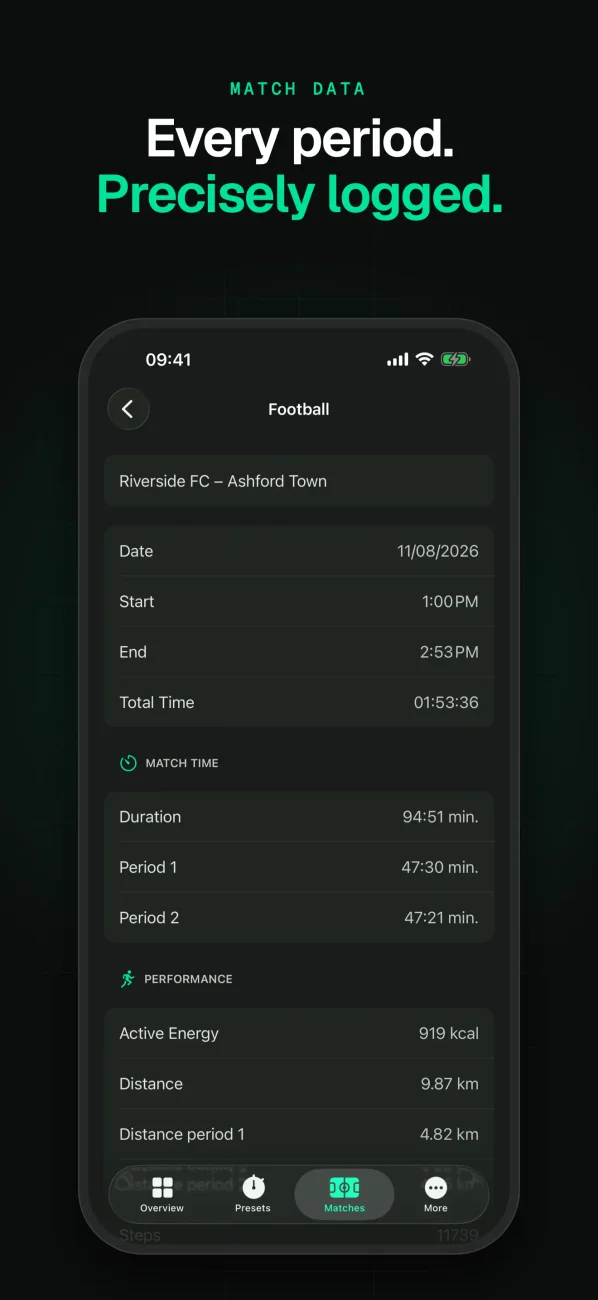
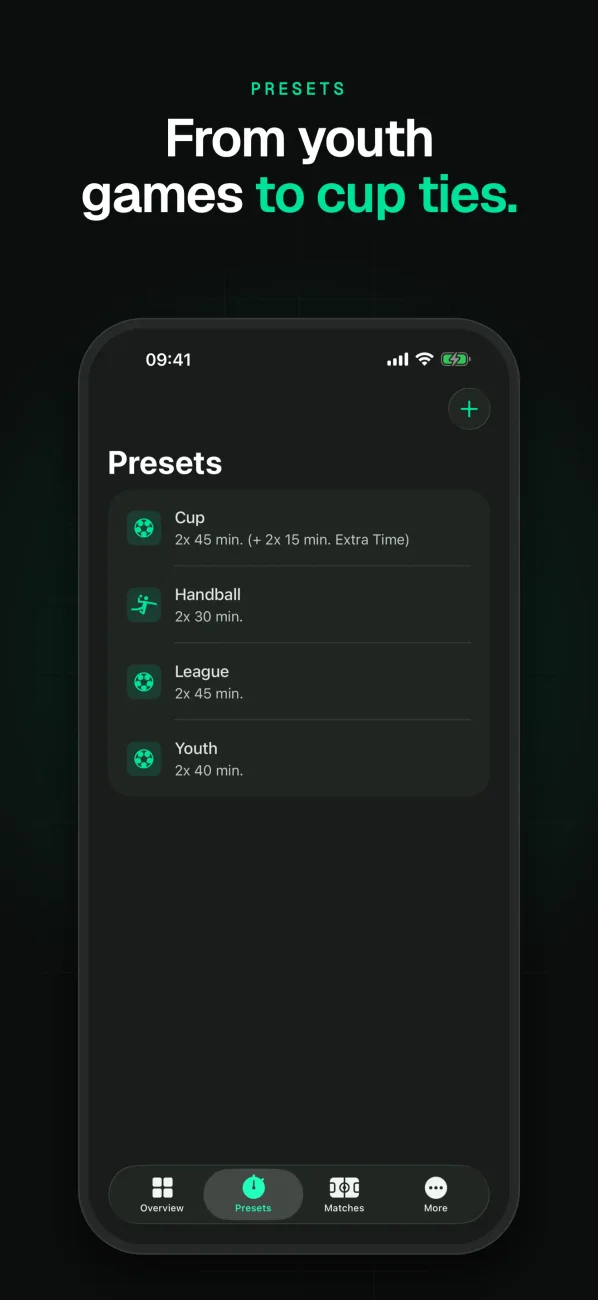
About
The referee timer for your Apple Watch. Stay on top of playing time, additional time and breaks without constantly checking your wrist. After the final whistle, your iPhone shows you your runs.
ON APPLE WATCH
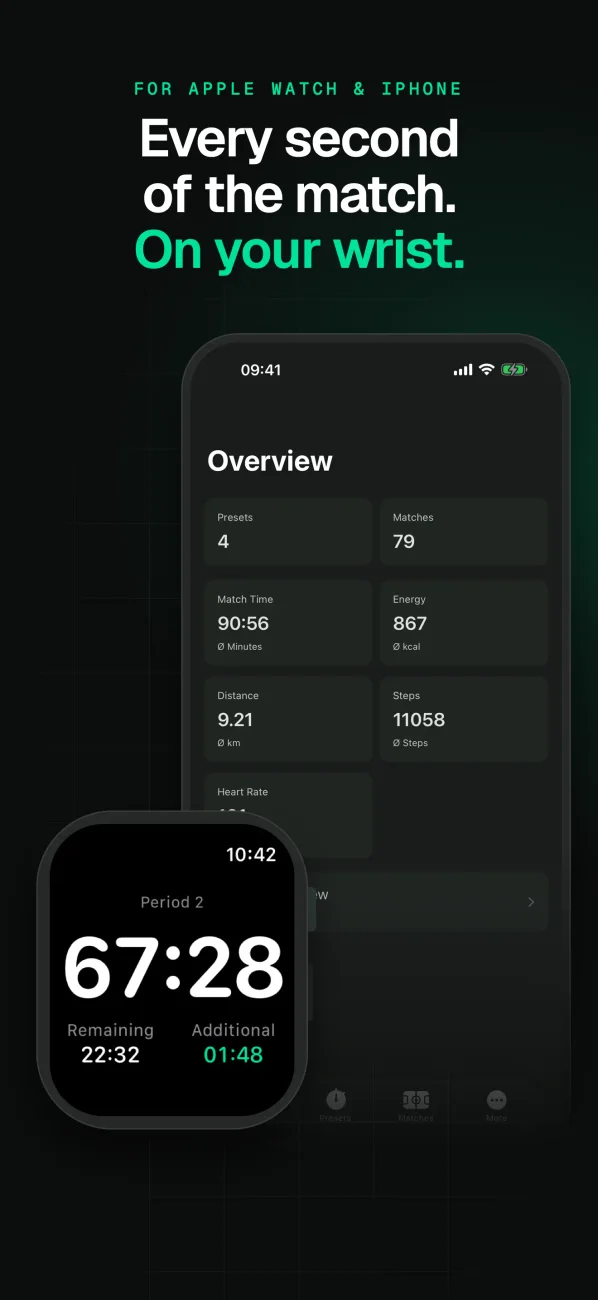
• One tap when play stops, another when it restarts. Press and hold to open the match menu
• Additional Time on: the clock keeps running and the lost time is counted separately. Off: the clock stops
• Vibrations signal the end of playing time, additional time and breaks
• Extra time and abandoning a match are built in
• Use the Digital Crown to match the official clock
• If the app closes during a match, the match continues where it left off the next time you open it
FOR EVERY LEVEL
Create presets on your iPhone for men's, women's, youth or indoor matches: length and number of periods, break length, additional time and extra time. Presets transfer to your watch automatically. Made for football (soccer), handball, hockey, rugby, American football, Australian football, cricket and other sports. Indoors, Indoor Mode turns GPS off.
AFTER THE MATCH
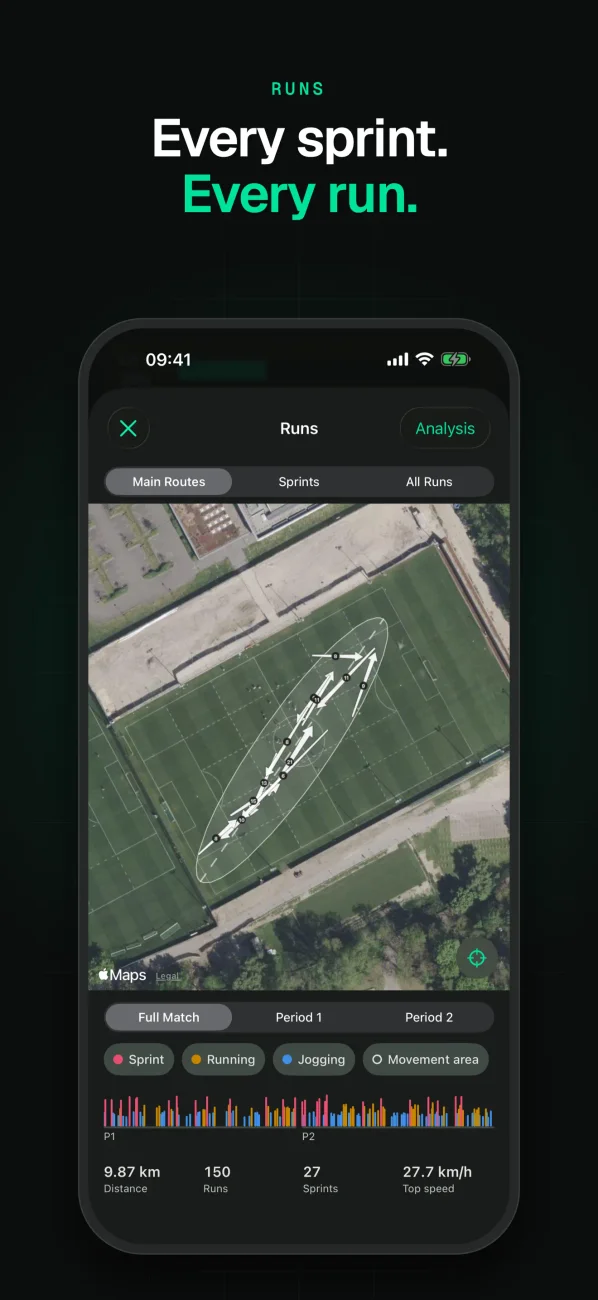
• Runs: a satellite map showing your runs as arrows, as main routes, sprints or all runs
• Analysis: running performance, speed, movement area and switches, compared across periods
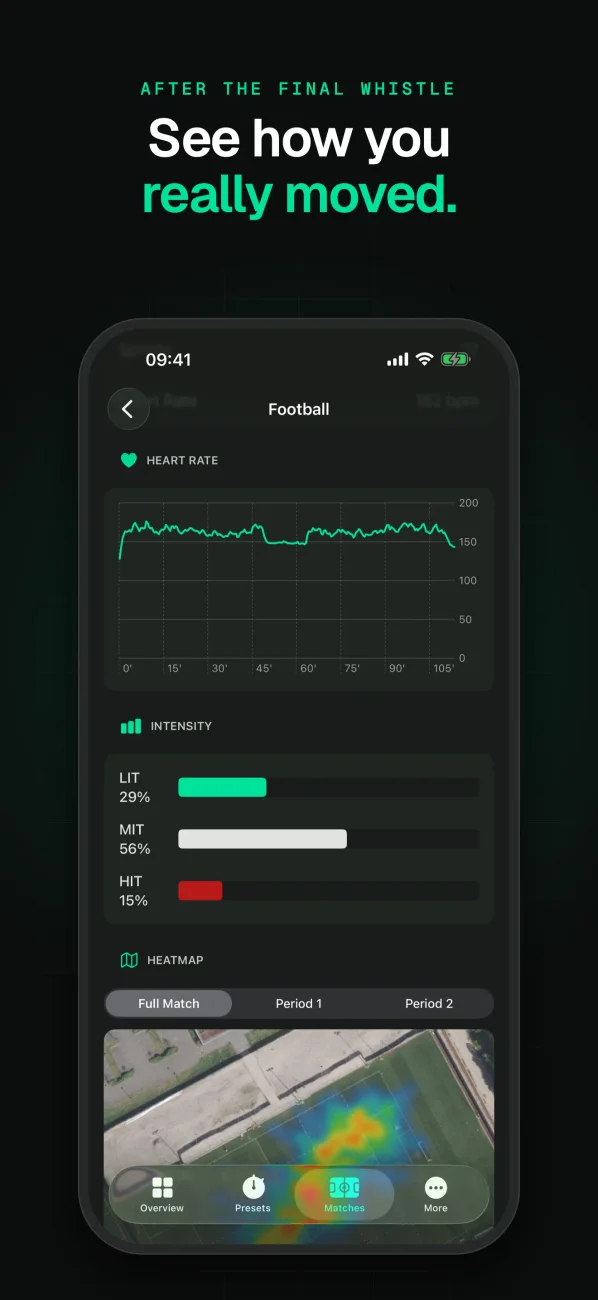
• Heatmap for the full match or individual periods
• Distance, sprints, steps, active energy and heart rate
• Intensity: time spent at low, moderate and high intensity, based on your maximum heart rate
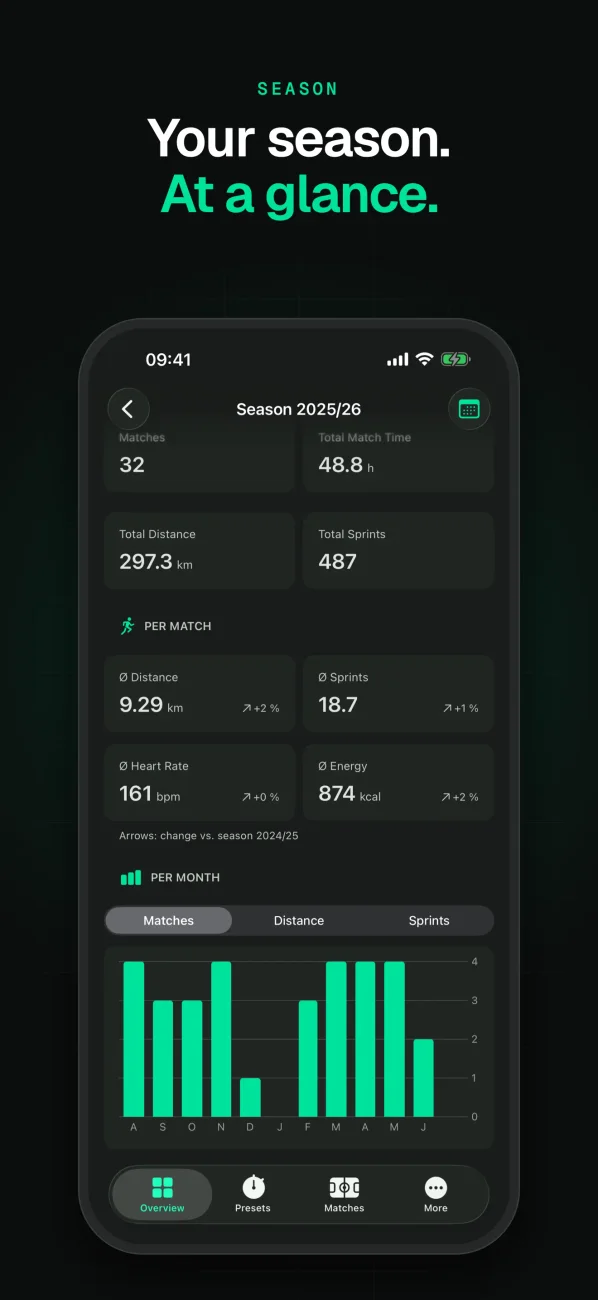
• Season overview: playing time, distance and sprints in total, per match and per month, compared with the previous season
Heatmap, runs and sprints need GPS, so they're only available with Indoor Mode off.
YOUR DATA
Your matches are saved as workouts in Apple Health and also appear in the Fitness app. No account needed, and the app contains no tracking.
REQUIREMENTS AND SUBSCRIPTION
An Apple Watch is required: timekeeping and recording happen on the watch, and on your iPhone you create presets and review your matches.
Recording matches requires a subscription (monthly or annual). It renews automatically and you can cancel at any time. New users can try the subscription free for 7 days. After your subscription ends, you can still view your previous matches but can't record new ones.
Terms of Use: https://www.apple.com/legal/internet-services/itunes/dev/stdeula/
Privacy Policy: https://www.refereewatch.app/privacy-policy
What’s new
Version 3.6 · Nov 18, 2026
• Bug fixes and improvements.
App privacy
What Kevin Hartmann declares on the App Store about how this app handles data.
-
Data not collected
The developer does not collect any data from this app.
Privacy practices may vary, for example with the features you use or your age.
Information
- Seller
- Kevin Hartmann
- Category
- Sports
- Version
- 3.6
- Updated
- Nov 18, 2026
- Released
- Feb 16, 2018
- Size
- 4.5 MB
- Requires
- iOS 16.0 or later
- Age rating
- 4+
- Price
- Free
- In-app purchases
- Yes
- Languages
- English, Dutch, French, German, Italian, Korean, Polish, Portuguese, Spanish
- Copyright
- © 2018 Kevin Hartmann
You might also like
-
 SFRef Soccer Referee WatchFutsal Football Refwatch app
-
 REFSIX - Soccer Referee appReferee timer, trends & stats
-
 Soccer Referee Timer by WTSBGPS, Fitness Tracker, Reports
-
 Whistle TimeReferee timer & scoreboard
-
 RefClock TimerReferee timer & match reports
-
 Referee ToolsWhistle, Timer and Cards
-
 zRefThe all-in-one referee app
-
 Match KeeperSoccer Timer, Scores & Stats
-
 FootballRefereeTimerFootball Referee Dual Timer
-
 RefereeWatch - Match TimerMulti-Sport Referee Timer