
ReFormatly: File Tools
Convert, Compress, Scan & More
Designed for iPhone, iPad
In-app purchases
- Age rating4+
- CategoryProductivity
- DeveloperJainil Patel
- LanguagesEnglish
- Size174.0 MB
Links to the official App Store page
Download.org hosts no file of ReFormatly: File Tools. The button opens its official App Store page, published by Jainil Patel. Listing last checked on Nov 20, 2026.
Screenshots


About
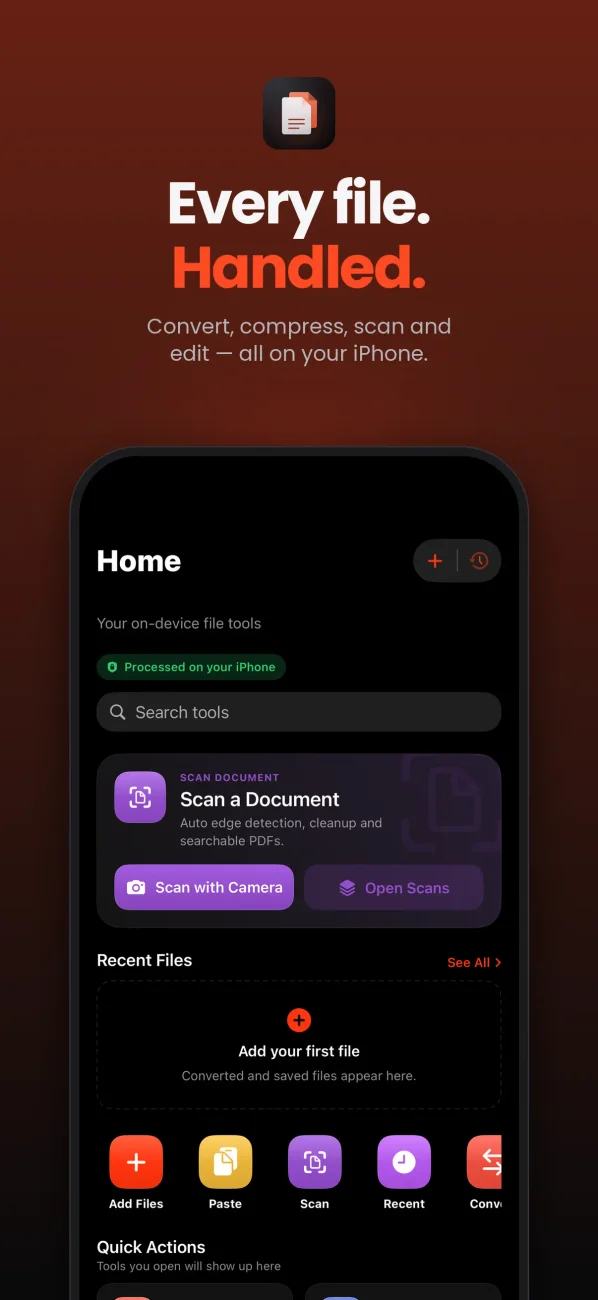
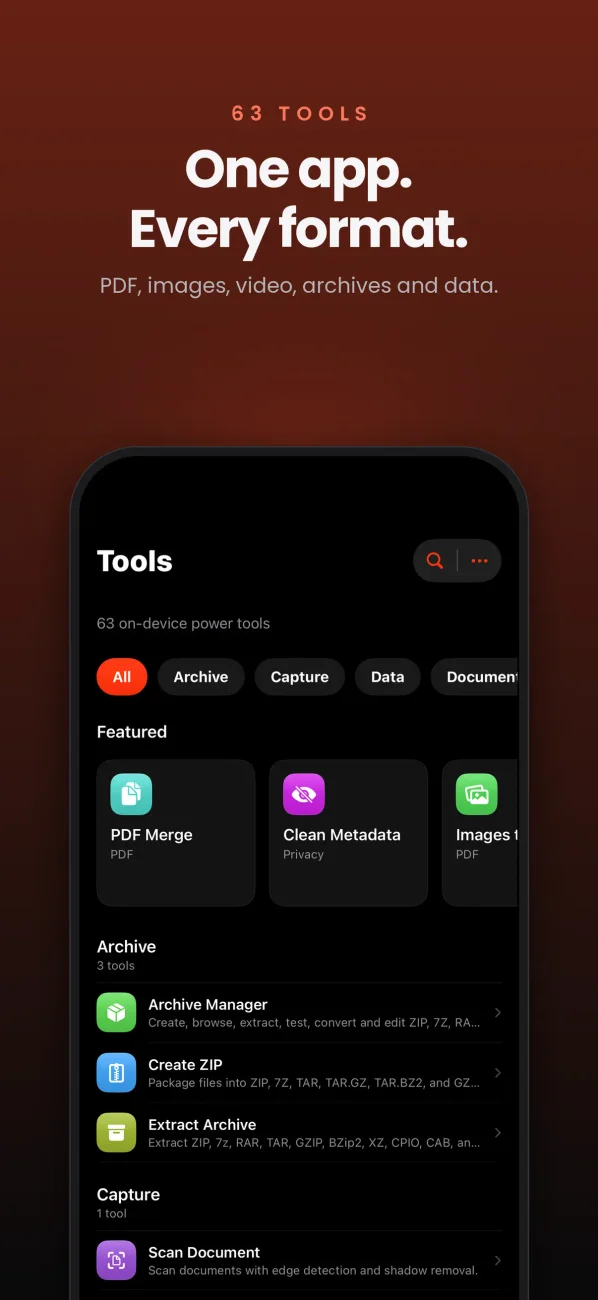
ReFormatly brings everyday file tools together on your iPhone and iPad. Convert and compress files, scan documents, work with PDFs, clean metadata, and save or share your results from one app.
CONVERT, COMPRESS, AND ORGANIZE
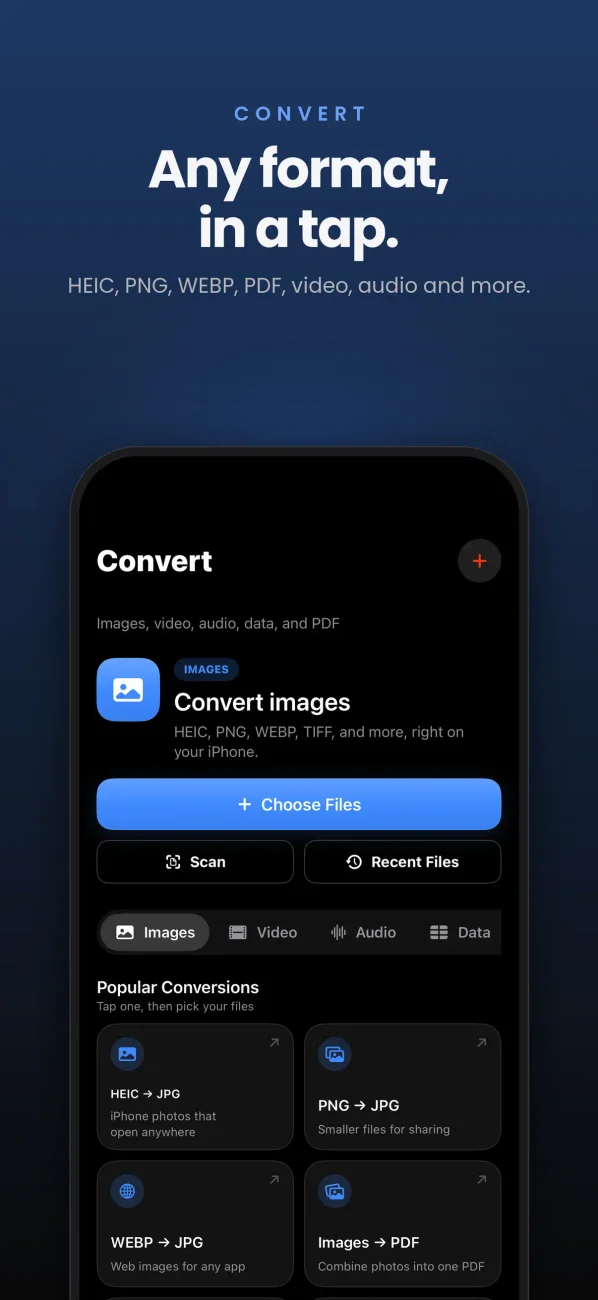
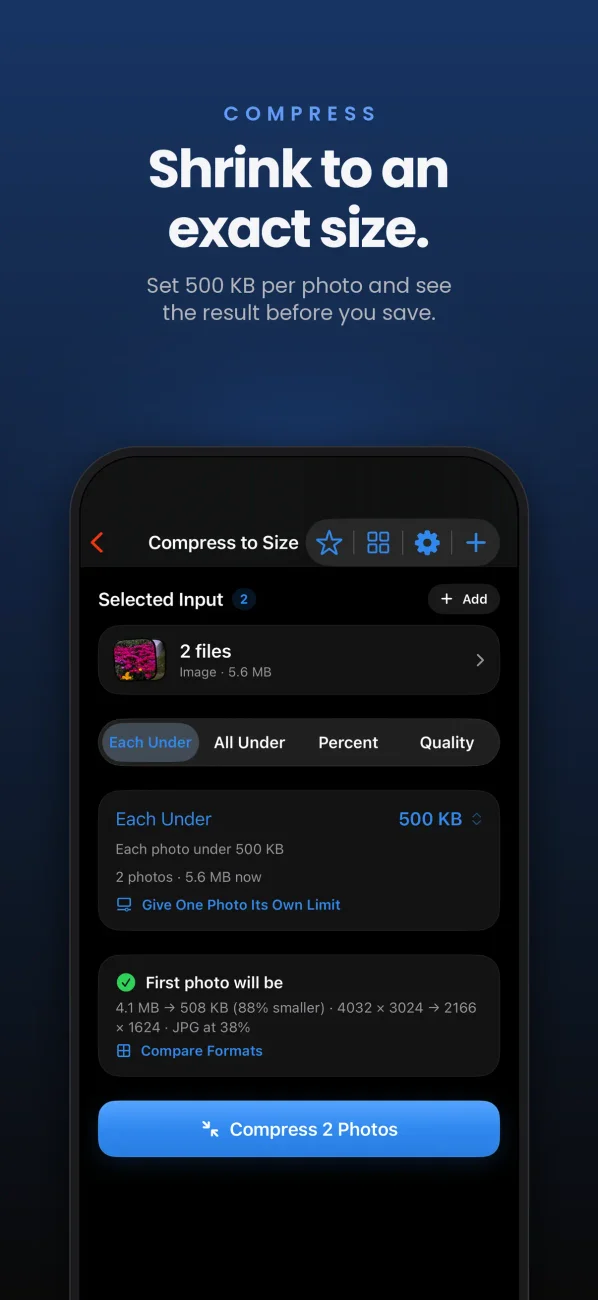
Convert photos, video, audio, and documents. Compress files or use Compress to Size to prepare smaller outputs. Create ZIP files, extract archives, and browse your saved files with previews, filters, sorting, Quick Look, and sharing.
SCAN AND WORK WITH PDFs
Scan documents and recognize text. Merge and split PDFs, convert documents and images to PDF, edit pages, and add watermarks. Arrange pages for N-Up and booklet layouts, resize PDF pages, inspect PDF properties, turn PDFs into long images, and capture web pages as PDFs.
CREATE AND CLEAN UP IMAGES
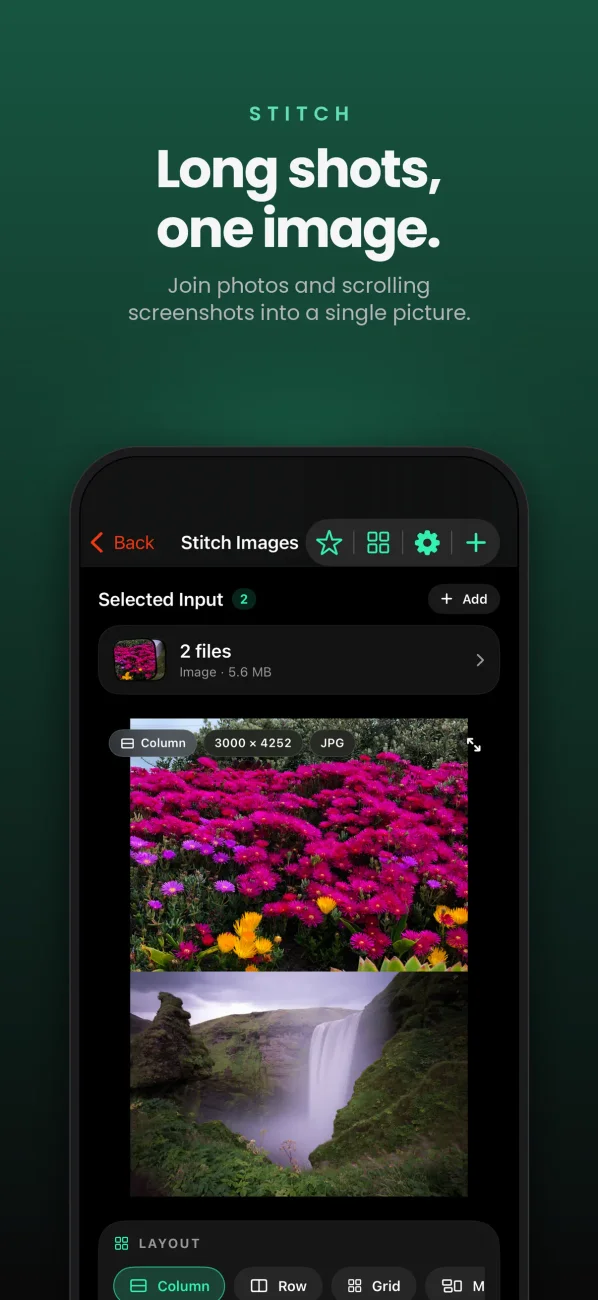
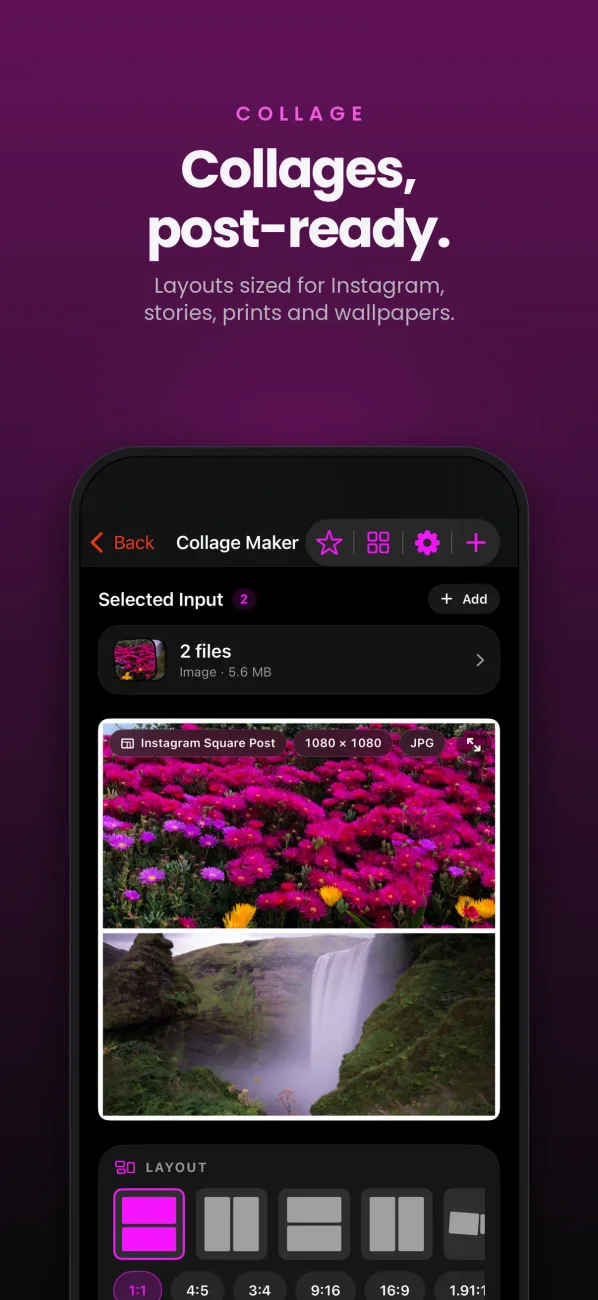
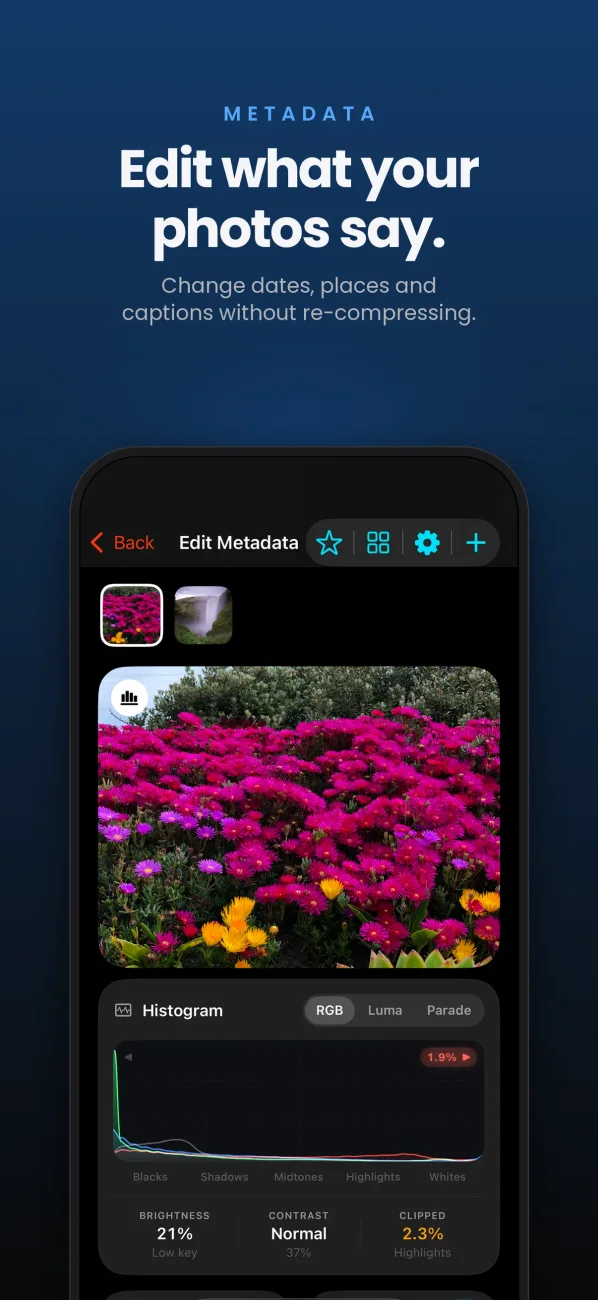
Stitch screenshots and images, arrange grid or masonry layouts, and draw or redact details. Continue from saved stitching drafts and undo edits. Create collages and ID or passport photo layouts. Edit metadata or remove supported metadata, including location details, before sharing.
EVERYDAY UTILITIES
Convert structured data, format code, work with Base64 and other encodings, and generate file hashes. Create receipts and invoices. Notary Journal provides record-keeping tools, stamp designs, and reference scripts for commissioned notaries. Notary tools do not perform notarizations; users are responsible for following applicable requirements.
QUICK ACCESS AND PROGRESS
Reach tools through Home Screen and Lock Screen widgets, Shortcuts, Siri actions, and the share extension. Follow supported jobs with Live Activities and Dynamic Island on compatible devices.
FREE CORE TOOLS, OPTIONAL PRO
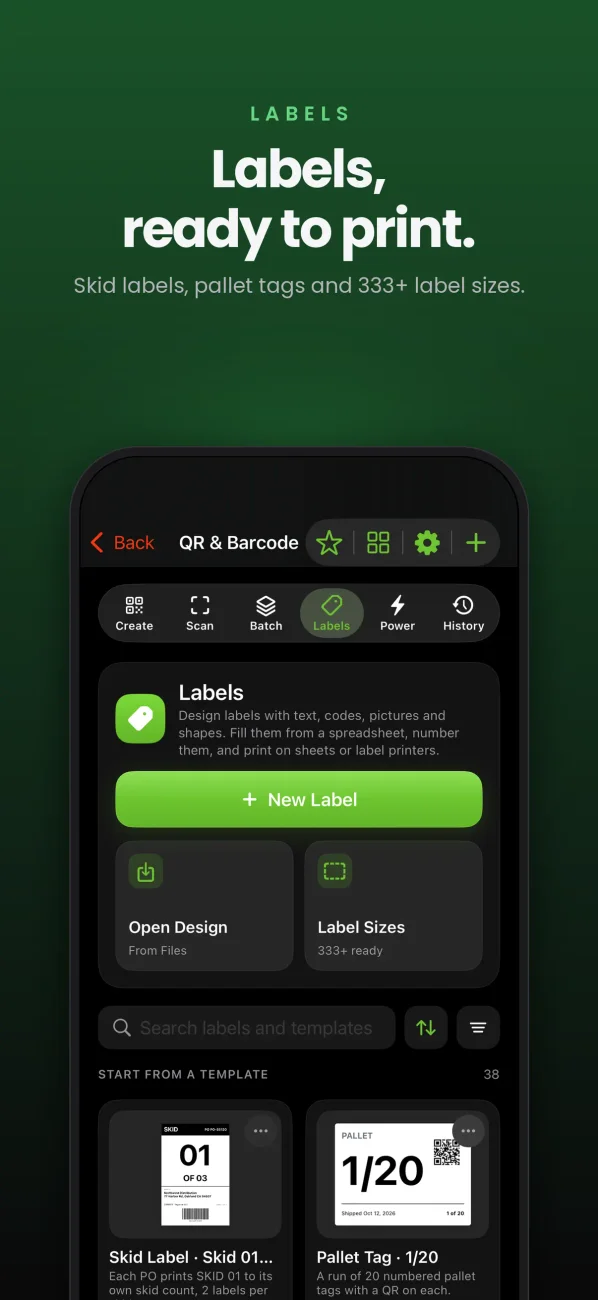
Core tools and batch processing are free and unlimited. ReFormatly Pro unlocks advanced tools, including Audio Editor, Video Editor, Compare PDFs, PDF table extraction, Search Scanned Text, QR & Barcode, and Live Photo Extract.
Choose a one-time Lifetime, Supporter, or Patron purchase. All three unlock the same Pro tools; Supporter and Patron offer optional ways to contribute more to development. Tips support development and do not unlock Pro tools. Previous purchases can be restored.
YOUR FILES AND PRIVACY
File conversion and editing run on your device. Features that access web content require a connection. Optional iCloud features sync supported data through your iCloud account. Roadmap and status information uses CloudKit; voting stores your selected feature and an app-specific account identifier. ReFormatly has no ads or third-party tracking.
Support: support@indr.app
https://indr.app/support
Terms of Use:
https://indr.app/ReFormatly/terms-of-use/
Apple EULA:
https://www.apple.com/legal/internet-services/itunes/dev/stdeula/
What’s new
Version 2.0 · Oct 13, 2026
ReFormatly 2.0 brings refreshed tools and more ways to work with your files.
• Updated Scan Document, archive, encoding, data conversion, hash, compression, and metadata tools.
• More PDF workflows: Document to PDF, N-Up & Booklet, PDF Properties, PDF to Long Image, Resize PDF Pages, and Web Page to PDF.
• Stitch Images adds smart screenshot stitching, grid and masonry layouts, drawing, redaction, saved drafts, and undo.
• Create collages, ID and passport photo layouts, receipts, invoices, and notary journal records.
• New glance widgets and quick controls, plus expanded Shortcuts and Siri actions.
• Redesigned Live Activities and Dynamic Island progress for supported jobs.
• Browse saved outputs in Storage with previews, filters, sorting, multi-select removal, Quick Look, and sharing.
• Optional Supporter and Patron purchases provide the same lifetime Pro access, with badges and supporter rewards. The expanded tip jar offers more ways to support development.
Core tools and batch processing remain free and unlimited. Thank you for supporting ReFormatly!
App privacy
What Jainil Patel declares on the App Store about how this app handles data.
-
Data not linked to you
May be collected but is not linked to your identity.
- Identifiers
Privacy practices may vary, for example with the features you use or your age.
Information
- Seller
- Jainil Patel
- Category
- Productivity
- Version
- 2.0
- Updated
- Oct 13, 2026
- Released
- Jul 29, 2026
- Size
- 174.0 MB
- Requires
- iOS 18.0 or later
- Age rating
- 4+
- In-app purchases
- Yes
- Languages
- English
- Copyright
- © 2026 Indr. All rights reserved.
You might also like
-
 Focus MomDaily Tasks & Family Routines
-
 Word To PDF AppWord to PDF Convertor
-
 HEIC to JPEG : image converterconvert photo to png gif jpeg
-
 LucidchartFlowchart & Diagram Maker
-
 MobiPDF・PDF Text Editor・ReaderEdit File・Fill, Sign Documents
-
 Smart Noter - AI Note TakerTranscribe Audio to Text
-
 Expense Tracker: EasyBudgetWallet, Cash & Bill Organizer