Reframe - Exif Frame
Frame, Overlay, Live, HDR, GPS
Designed for iPhone
Free · In-app purchases
- Age rating4+
- CategoryPhoto & Video
- Developer银凯 朱
- LanguagesEnglish+ 4 more
- Size25.7 MB
Links to the official App Store page
Download.org hosts no file of Reframe - Exif Frame. The button opens its official App Store page, published by 银凯 朱. Listing last checked on Nov 20, 2026.
Screenshots





About
Capture more moments, create more memories.
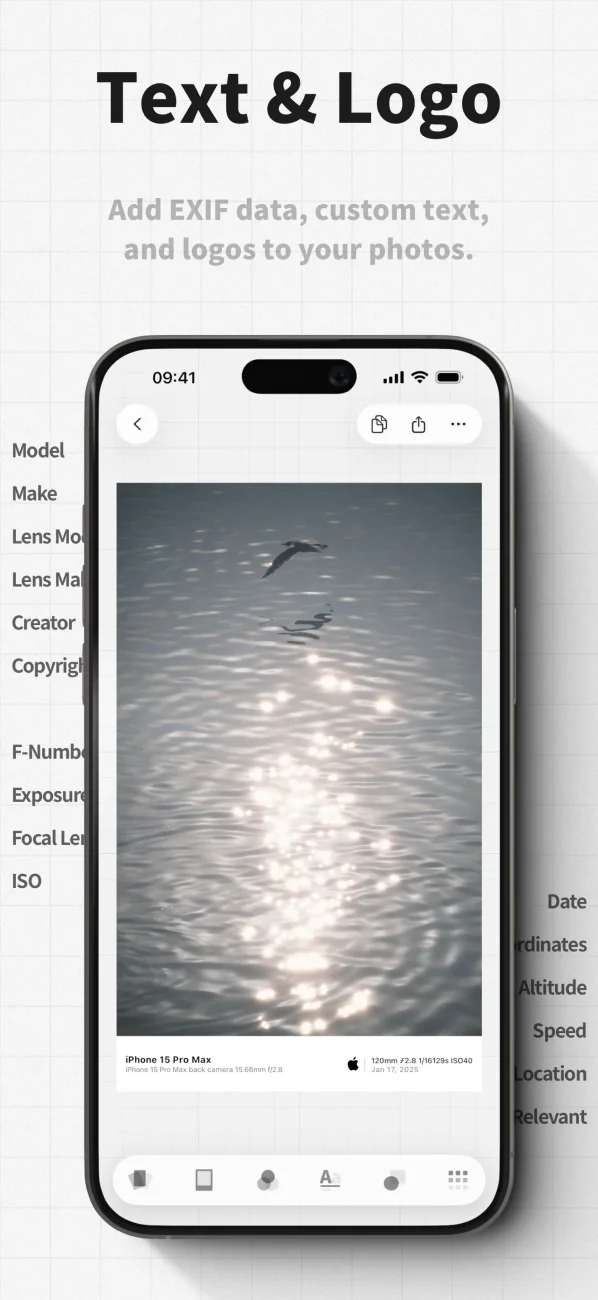
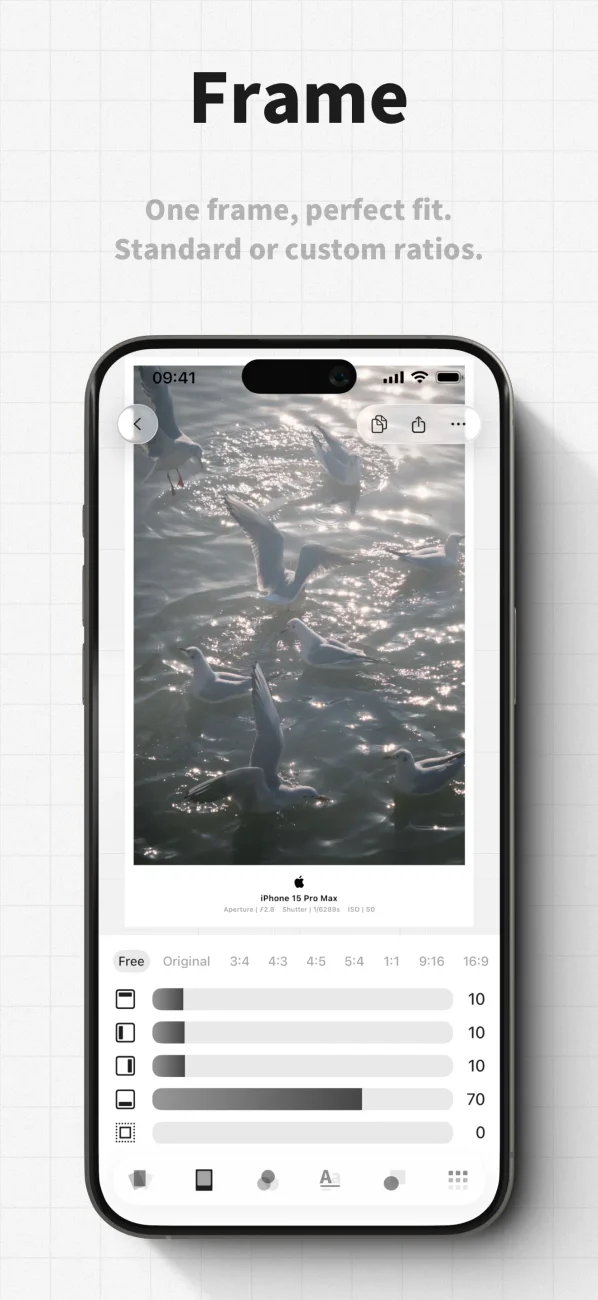
With Reframe, your photos are not just photos. Easily add Exif data, custom text, and logos to your photos. Place these elements on the photo's frame or embed them directly like a watermark.
Customizable Templates
Batch edit and export with ease. Create and save your own personalized templates.
Freely Adjust Styles
Adjust text and logos as you like. Import custom logos in various ways and download Source Han fonts for your designs.
Rich Exif Presets
Provides a variety of presets automatically generated based on Exif data to streamline customization.
Default HEIF Export
Save up to 80% of storage while maintaining quality, with options for different export resolutions.
SDR to HDR Conversion
Export your photos with HDR effects. Take full advantage of display hardware to reveal a wider range of light and preserve the realistic feel of the scene.
Compact and Powerful
Enjoy powerful features in a compact 20MB app.
*HDR Effect is available in the Photos app (iOS 17 & macOS 14), as well as in Messages, Quick Look, and Preview (iOS 18 & macOS 15), along with apps that support Gain Map, such as Instagram.
Terms of Service: https://www.apple.com/legal/internet-services/itunes/dev/stdeula/
Privacy Policy: https://boringseries.notion.site/Reframe-44b30b54ef6642edac69b3075cb75f17
What’s new
Version 1.4.2 · Nov 18, 2026
- Import font files and add fonts available on your system. Add your favorites to the Quick tab for easy access.
- Adjust the brightness and vignette of blurred backgrounds to make your subject stand out.
- Improved HDR export for Rednote, with automatic image resizing for better upload compatibility.
HDR, Upgraded
• All-new HDR editing: View and edit HDR photos, fine-tune brightness settings, and convert between SDR and HDR.
• New curves tool: Adjust RGB and individual color channels with familiar photo-editing controls.
• A live histogram, HDR area highlighting, and an SDR preview make every adjustment easier to see.
• Three export options: Apple HDR for everyday sharing, Standard HDR for finer brightness detail, and Optimized for Rednote to automatically manage file size.
• Improved rendering of HDR photos and frames for more natural transitions along the edges.
HDR editing and the new export options require iOS 18 or later. HDR display requires a compatible device.
As more new features require newer versions of iOS, support for iOS 17 may end in a future update. If you need continued compatibility, please contact me.
App privacy
What 银凯 朱 declares on the App Store about how this app handles data.
-
Data not linked to you
May be collected but is not linked to your identity.
- Location
- Usage data
- Diagnostics
Privacy practices may vary, for example with the features you use or your age.
Information
- Seller
- 银凯 朱
- Category
- Photo & Video
- Version
- 1.4.2
- Updated
- Nov 18, 2026
- Released
- Oct 1, 2024
- Size
- 25.7 MB
- Requires
- iOS 17.0 or later
- Age rating
- 4+
- Price
- Free
- In-app purchases
- Yes
- Languages
- English, Japanese, Korean, Simplified Chinese, Traditional Chinese
- Copyright
- © 2024 Zhu Yinkai
You might also like
-
 OneLine:EXIF Frame & WatermarkAdd Photo Info & Camera Mark
-
 Cameramark: Photo EXIF FrameCamera Logo & Watermark Info
-
 EXIFrame - Photo EXIF FrameMetadata Editor, Film Recipes
-
 边框水印-光影边框大师Photo & Video
-
 FrameCam - Retro & FramesAdvanced Camera Frame Editor
-
 PhotoMark: Photo Frame & EXIFCamera watermark styles frames
-
 Framie - Ultimate Exif FramesBatch Add Exif Frames Smartly
-
 Exifill - Add Exif FramePhoto frames with camera info
-
 Mocha Frame - Photo FrameFrame & Watermark Your Photos
-
 FRMM:Harmonizing Photos & InfoEXIF Frame processing