
Reminders: To Do List & Widget
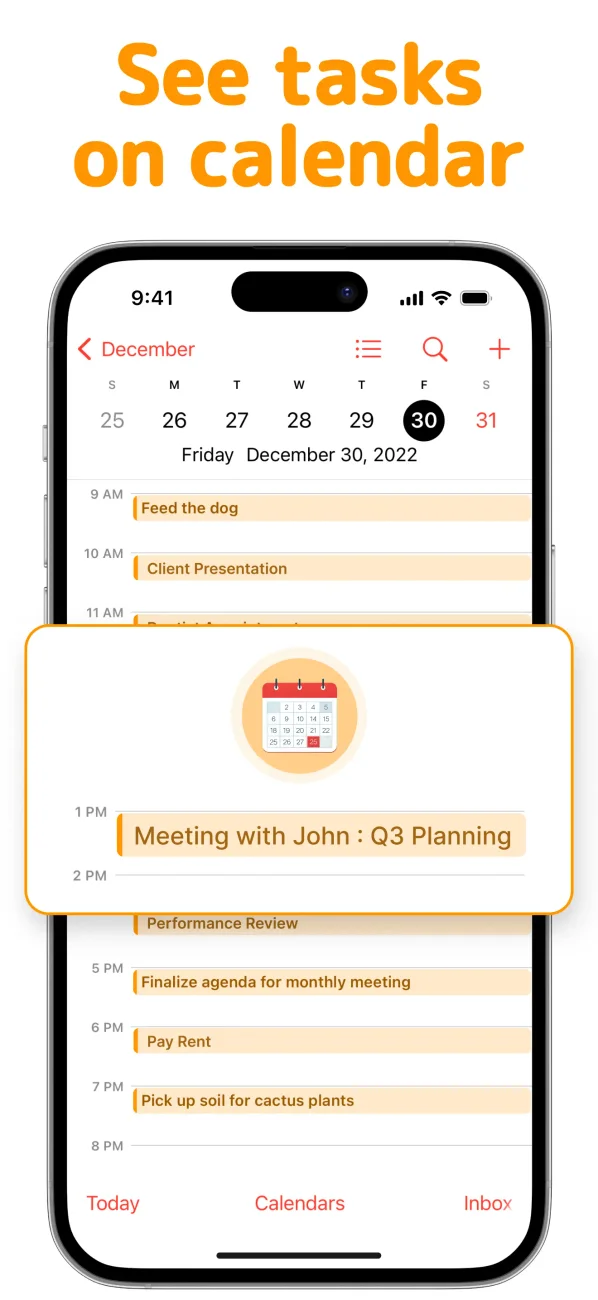
View Reminders in Calendar
Designed for iPhone, iPad, Mac
Free · In-app purchases
- Age rating4+
- CategoryProductivity
- DeveloperZipoApps
- LanguagesEnglish+ 4 more
- Size99.1 MB
Links to the official App Store page
Download.org hosts no file of Reminders: To Do List & Widget. The button opens its official App Store page, published by ZipoApps. Listing last checked on Nov 17, 2026.
Screenshots


About
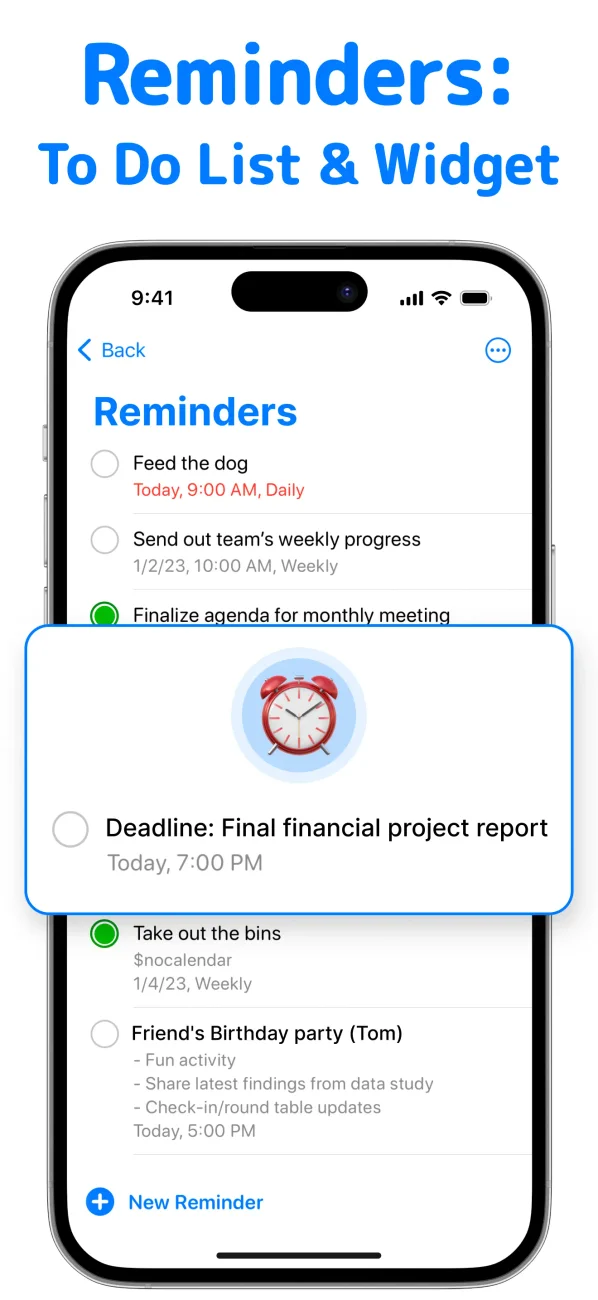
Keep using the Reminders and Calendar apps that you know and love - now with seamless integration. Effortlessly view your reminders directly within the Calendar app, enhancing your productivity and organisation.
Stay organized effortlessly with the to do list widget, your go-to tool for quick task tracking and reminders—access your to do list widget right from your home screen and stay on top of everything. Plan every hour with precision using our structured day planner, helping you break down goals into manageable steps with a clear, visual structured day planner layout. Build the perfect schedule for productivity and balance—edit your schedule in real time and sync tasks from your structured day planner directly into your daily schedule.
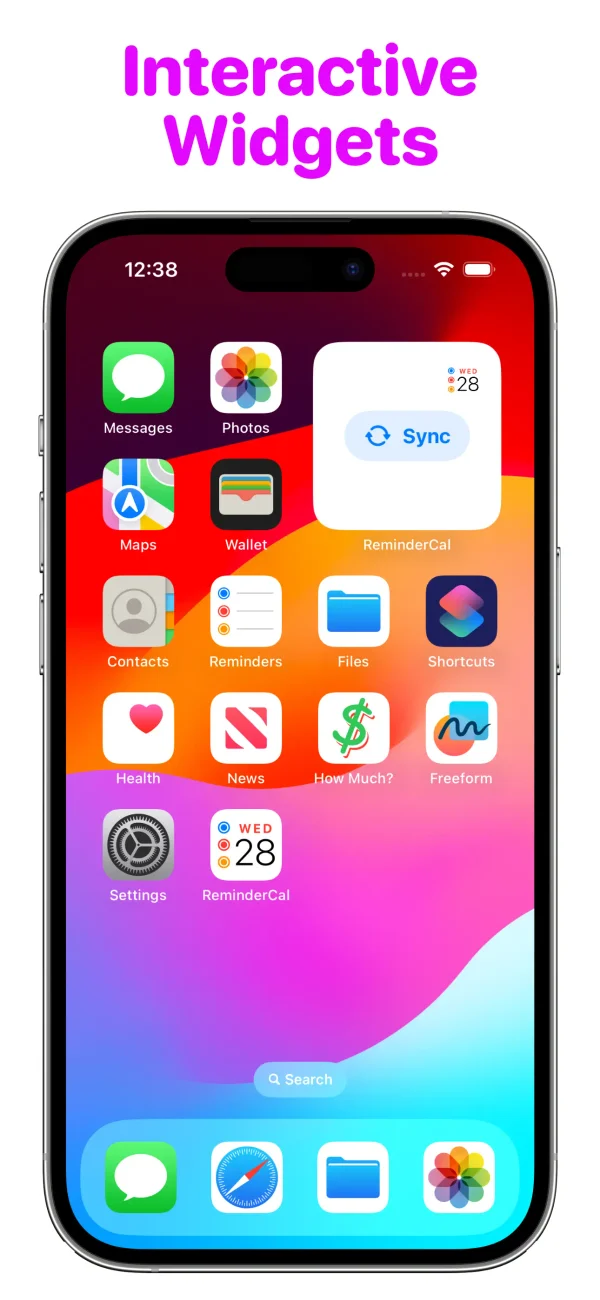
Sync when you want inside the app, or schedule your own syncing patterns in Shortcuts. From every time you exit Reminders, to when you charge your device, you can be in charge of the syncing schedule to suit your needs with support for Shortcut Automations.
Prefer to control things manually? You can do so even more effortlessly using Siri or interactive Home Screen widgets.
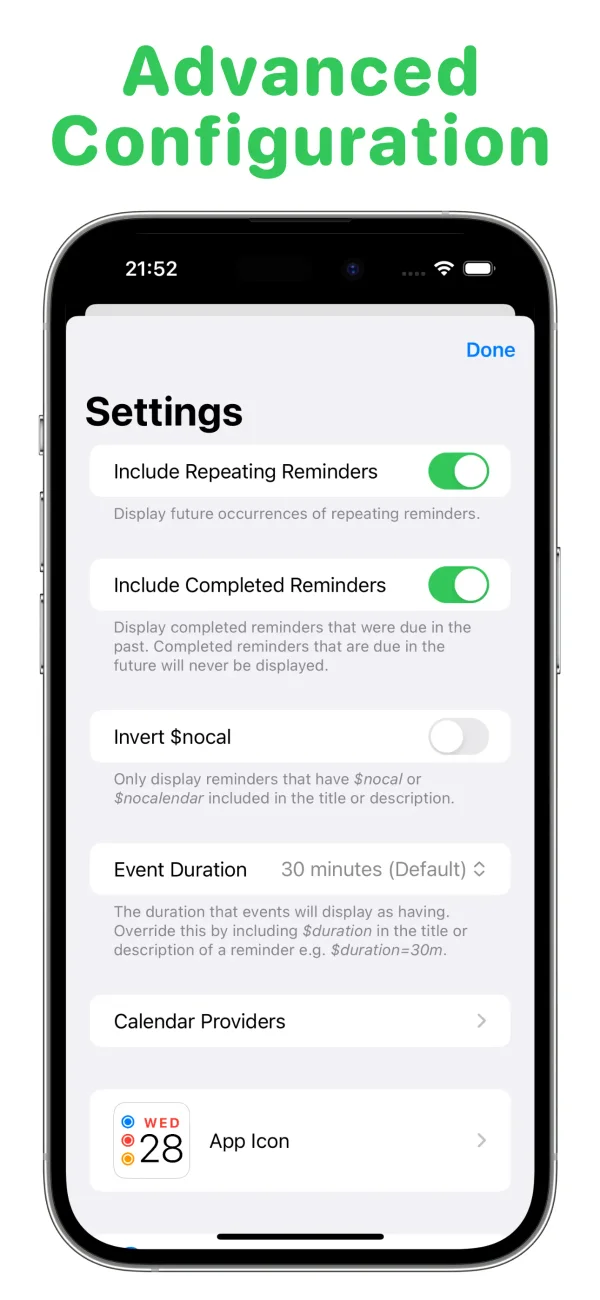
Want to hide some reminders from Calendar? Add $nocal or $nocalendar to the title or notes of your reminder so that you stay in control of what appears in Calendar.
All syncing is done offline, on your device. No cloud servers are used and no data ever leaves your device, so your privacy is always protected. Verify for yourself by running the app whilst in Airplane Mode. Want to take advantage of this app on other devices? If you use an iCloud, calDAV or Exchange calendar, your reminders will already be synced to your calendar on all your other devices. If you prefer to store your calendars locally, this app is available on all your other devices: iPhone, iPad, Mac and Apple Vision Pro.
Terms of use: https://zipoapps.com/remindertocalios/terms/
Privacy policy: https://zipoapps.com/remindertocalios/privacy/
What’s new
Version 4.1.3 · May 13, 2026
Stay on top of your schedule with the new version of the Reminders App!
General improvements of user experience.
App privacy
What ZipoApps declares on the App Store about how this app handles data.
-
Data used to track you
May be used to track you across apps and websites owned by other companies.
- Purchases
- Identifiers
- Usage data
- Diagnostics
-
Data not linked to you
May be collected but is not linked to your identity.
- Purchases
- Identifiers
- Usage data
- Diagnostics
Privacy practices may vary, for example with the features you use or your age.
Information
- Seller
- Zipo Apps Ltd.
- Category
- Productivity
- Version
- 4.1.3
- Updated
- May 13, 2026
- Released
- Jan 2, 2023
- Size
- 99.1 MB
- Requires
- iOS 16.0 or later
- Age rating
- 4+
- Price
- Free
- In-app purchases
- Yes
- Languages
- English, French, German, Russian, Ukrainian
- Copyright
- © Zipo Apps Ltd.
You might also like
-
 Journal Mate: Daily PlannerKeep scans, PDFs & photos
-
 Live Minder -Reminders & To-DoReminders on your Lock Screen
-
 Solid CalendarNatural Language Calendar
-
 Be Focused Pro - Focus TimerWork & Study Pomodoro Timer
-
 Calendar All-In-One PlannerSync Agenda Tasks & Reminders
-
 FirstSeed CalendarCalendars and widgets
-
 Merge: Calendars and RemindersEvents, Birthdays & To-Dos
-
 BusyCal: Calendar & TasksPlanner, Agenda & Reminders
-
 Agendus – day-to-day plannerCalendar & Reminders widget
-
 AI Keyboard & Grammar CheckerAI Text Typing Live Translator