- Age rating4+
- CategoryEntertainment
- DeveloperNgo Thi Thom
- LanguagesEnglish
- Size92.8 MB
Links to the official App Store page
Download.org hosts no file of Remote Control - All TV. The button opens its official App Store page, published by Ngo Thi Thom. Listing last checked on Nov 12, 2026.
Screenshots
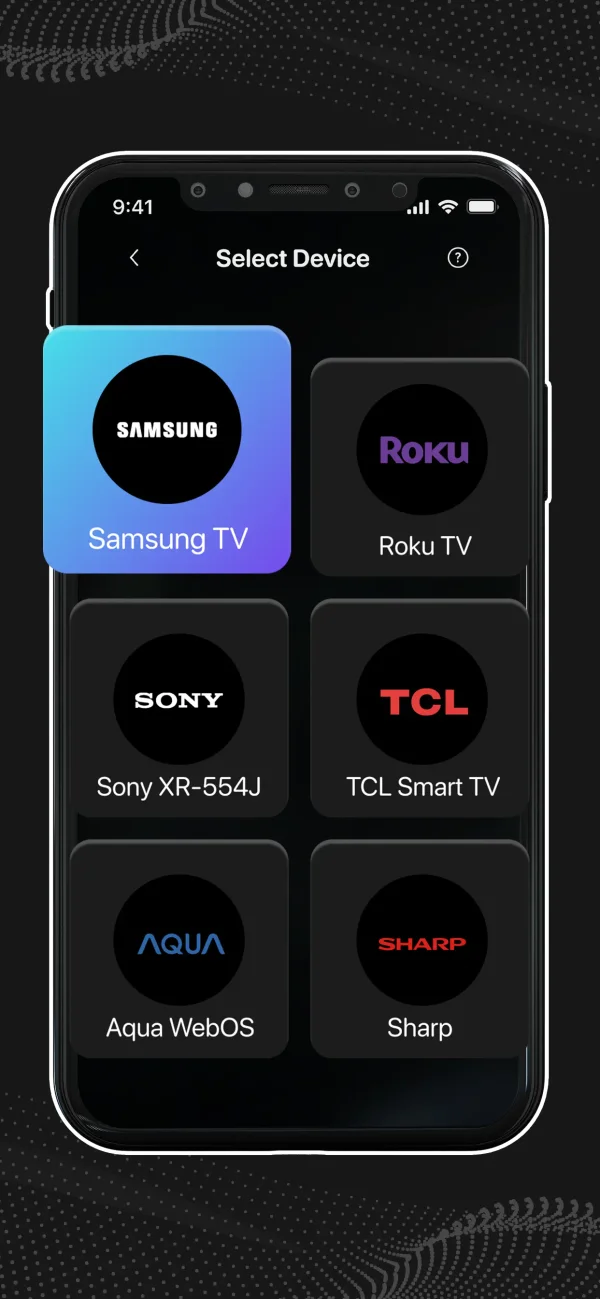
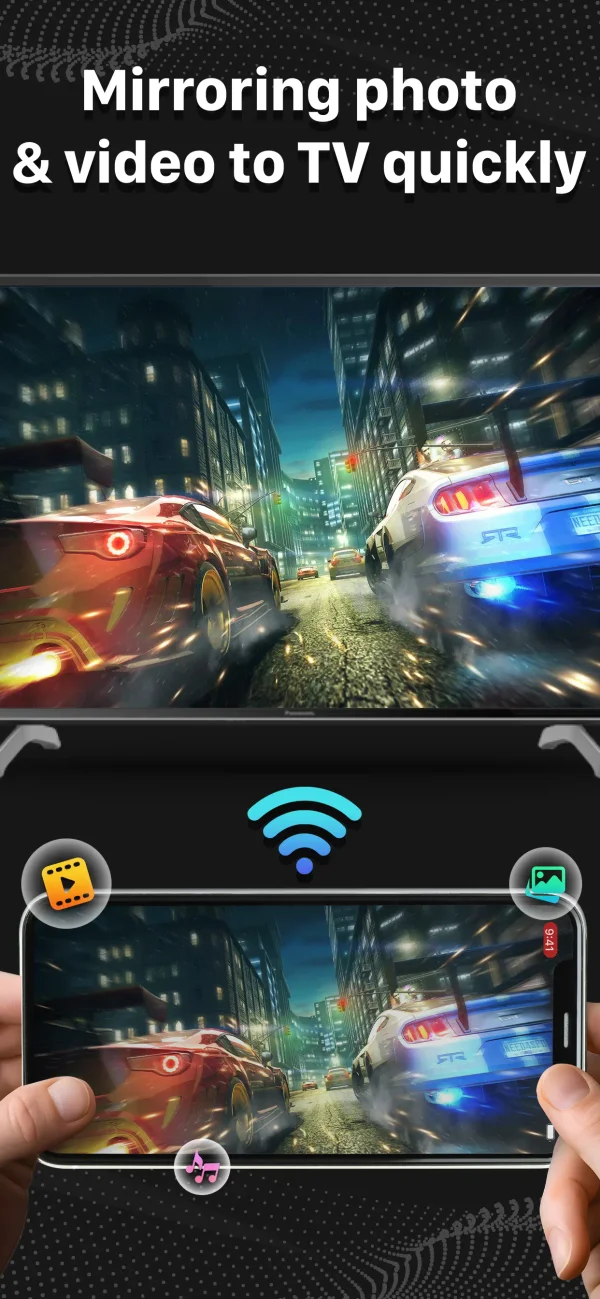
About
Welcome to TV Remote Control, the smart TV controller app that puts you in charge of your entertainment experience. Whether you’re relaxing on the couch or hosting a movie night, our app simplifies TV navigation and enhances your viewing pleasure.
Key Features:
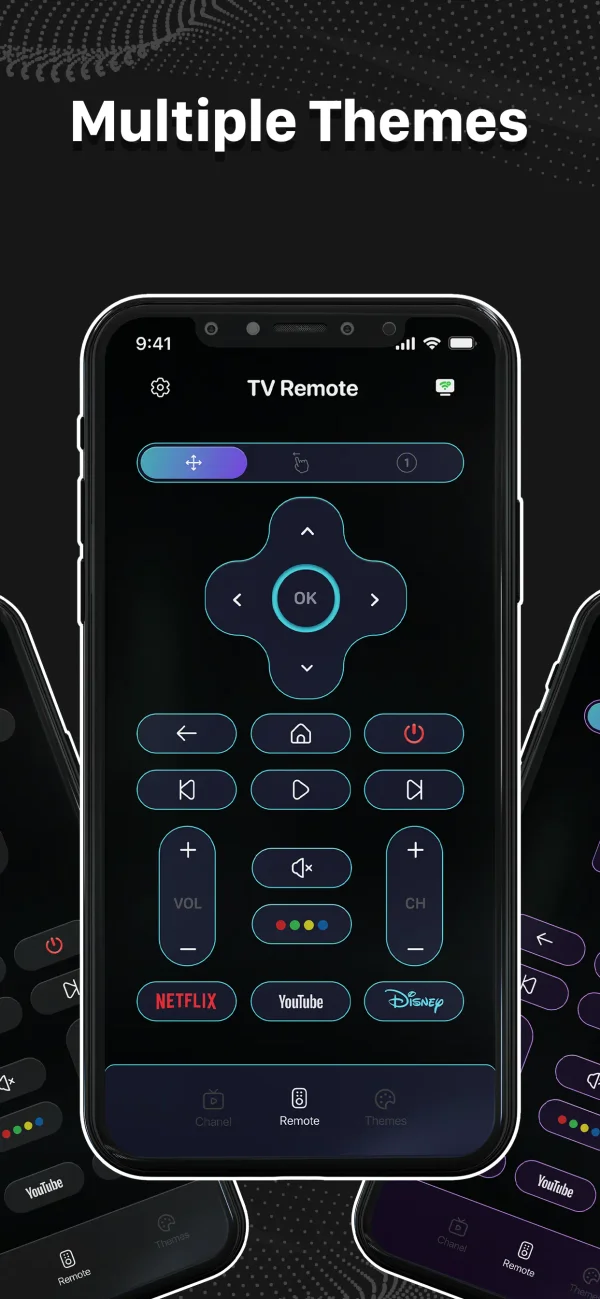
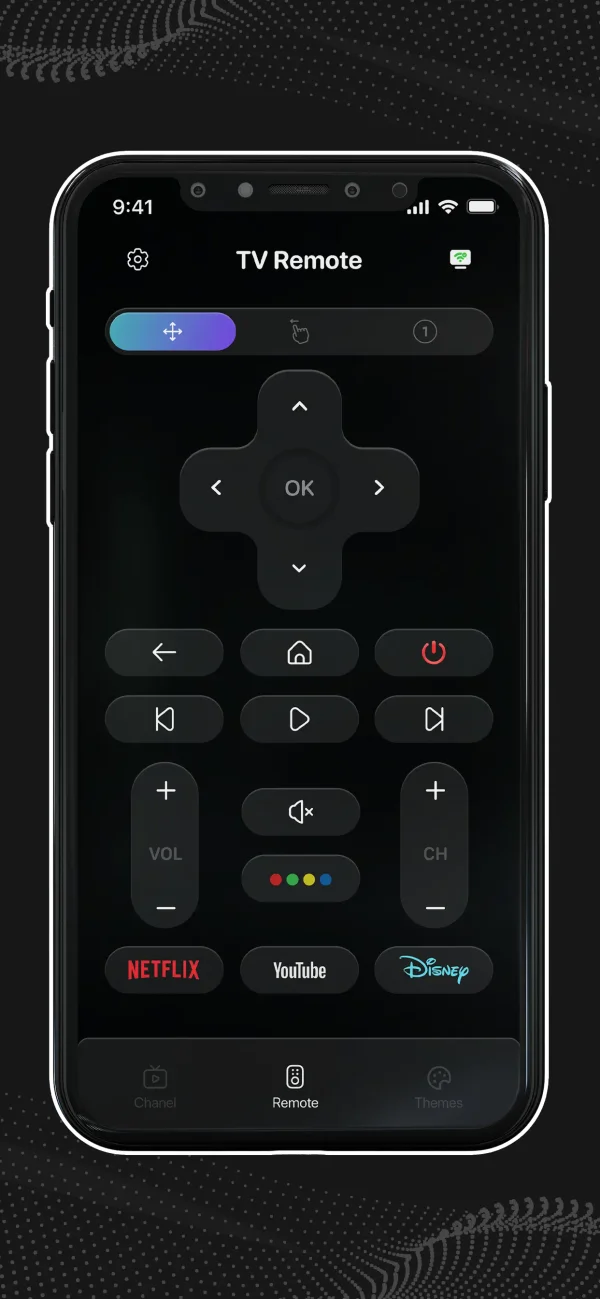
Use Your Phone as a TV Remote: Say goodbye to separate remotes! Control your TV directly from your phone. Navigate menus, adjust settings, and enjoy seamless interaction.
Universal Compatibility: Our app seamlessly connects with a wide range of TVs, including Samsung, Roku, LG, and more. No matter which brand you own, TV Remote Control has you in control.
Customizable Themes: Personalize your TV Remote Control experience. Choose from a variety of themes to match your style—whether it’s sleek and minimalistic or vibrant and playful.
One-Touch Power: Turn your TV on or off with a simple tap. No more fumbling for multiple remotes—your phone does it all.
Volume Mastery: Adjust the volume directly from your phone. Whether it’s a thrilling movie or a soothing music channel, fine-tune the sound effortlessly.
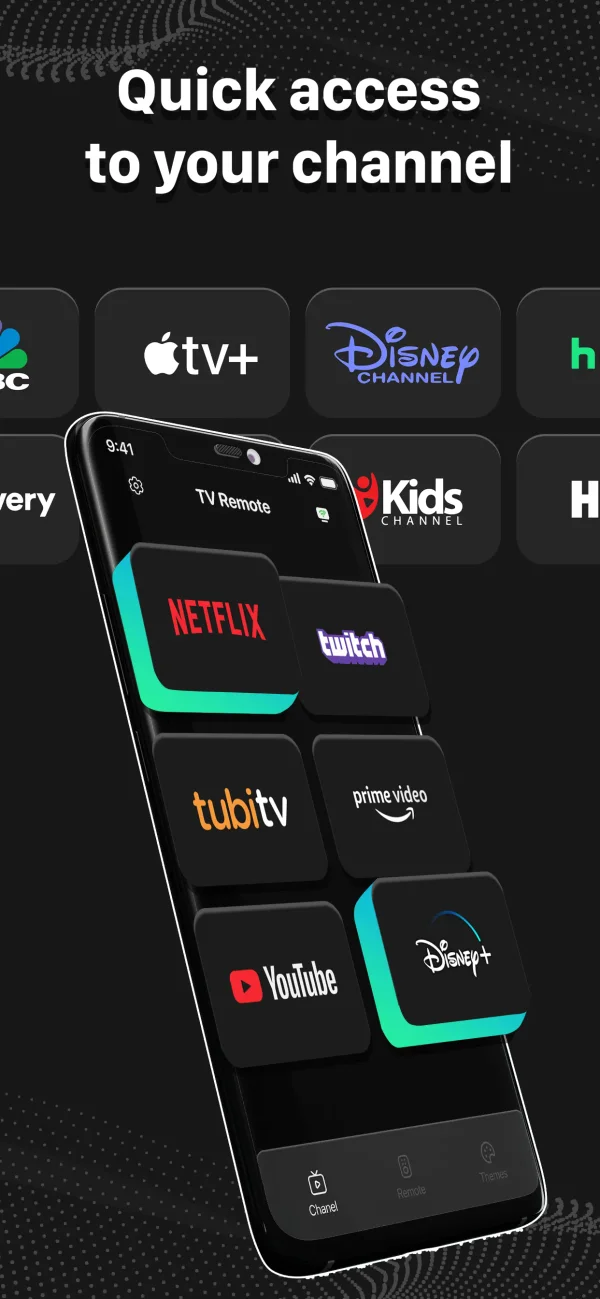
Channel Surfing Made Easy: Change channels without reaching for the physical remote. Swipe through channels like a pro.
Smart Search: Find your favorite shows, movies, and sports events using our intuitive search feature. Discover content across channels with ease.
Why Choose TV Remote Control?
Effortless Convenience: No more searching for lost remotes or dealing with complicated controls. Our app makes TV navigation effortless!
Smart Living: Control your TV without leaving the comfort of your couch. Say hello to hassle-free entertainment.
Battery-Saving Solution: Forget about replacing batteries. Your phone becomes the ultimate remote.
How It Works:
Wi-Fi Connection: Ensure your phone and TV are on the same Wi-Fi network.
Pairing: Open the app, tap the icon, and follow the on-screen instructions to pair your phone with the television.
Enjoy: Monitor your TV via your smartphone—use the touchpad, numeric keys, and more.
Download TV Remote Control Now!
Ready to simplify your entertainment experience? Download TV Remote Control and take charge of your TV, all from the palm of your hand
Remember, with TV Remote Control, you’re the master of your entertainment domain!
What’s new
Version 3.3 · Jan 19, 2025
Bug fixes and performance improvements.
App privacy
What Ngo Thi Thom declares on the App Store about how this app handles data.
-
Data used to track you
May be used to track you across apps and websites owned by other companies.
- Usage data
-
Data not linked to you
May be collected but is not linked to your identity.
- Usage data
Privacy practices may vary, for example with the features you use or your age.
Information
- Seller
- Ngo Thi Thom
- Category
- Entertainment
- Version
- 3.3
- Updated
- Jan 19, 2025
- Released
- May 20, 2024
- Size
- 92.8 MB
- Requires
- iOS 12.0 or later
- Age rating
- 4+
- Price
- Free
- Languages
- English
- Copyright
- © Magic Studio
You might also like
-
 Smart Cast: Mirror To PC & TVEnjoy content on bigger screen
-
 AI Reverse AudioAI Reverse Audio
-
 Test Lie Detector for PrankTruth or Lie? Check it Out!
-
 Prank Party : sounds & callFun sounds & Calls to prank
-
 UVOtv: Global Live TV & FilmArabic, Indian & African TV
-
 ClapPing: Find Phone by ClapFind Your Phone By Clapping
-
 Say The Word On Beat: Go!Rhythm Voice Challenge Game
-
 IPTV Smart Player, Live StreamLive Movie Streaming with IPTV
-
 Spin The Wheel - Finger PickerSpin & Random Wheel Generator
-
 Perfect Drop ChallengeTap to Jump Try Drop It Exact