
- Age rating4+
- CategoryUtilities
- DeveloperSerge Kornew
- LanguagesEnglish+ 11 more
- Size4.7 MB
Links to the official App Store page
Download.org hosts no file of Remote for ProPresenter. The button opens its official App Store page, published by Serge Kornew. Listing last checked on Nov 18, 2026.
Screenshots

About
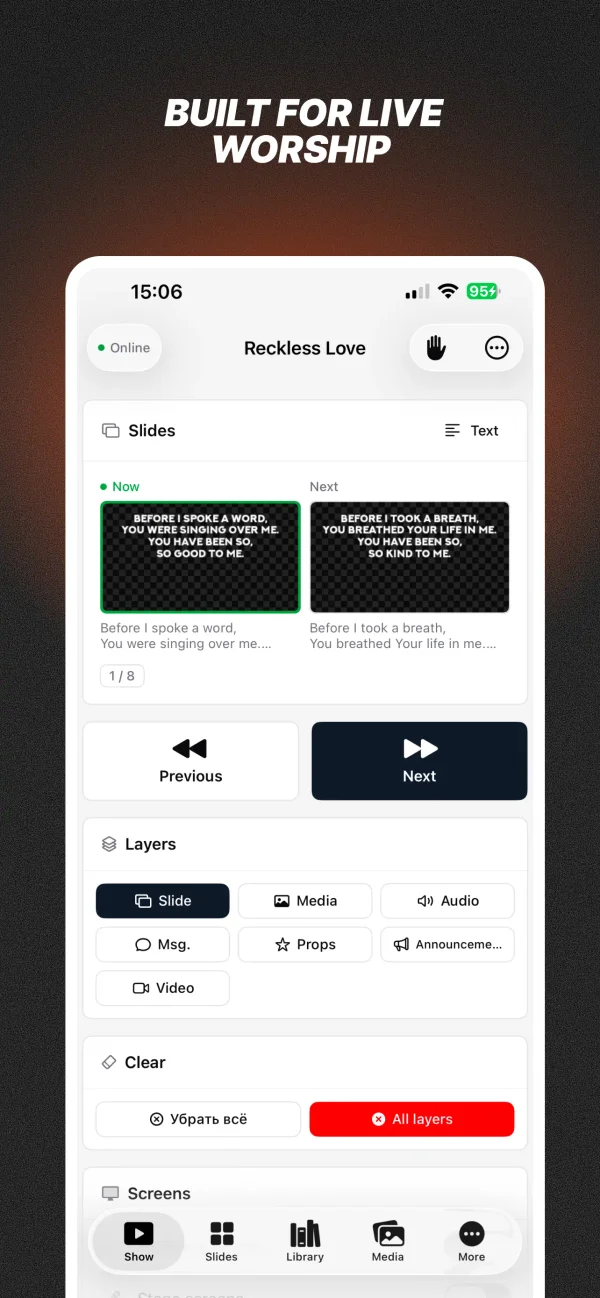
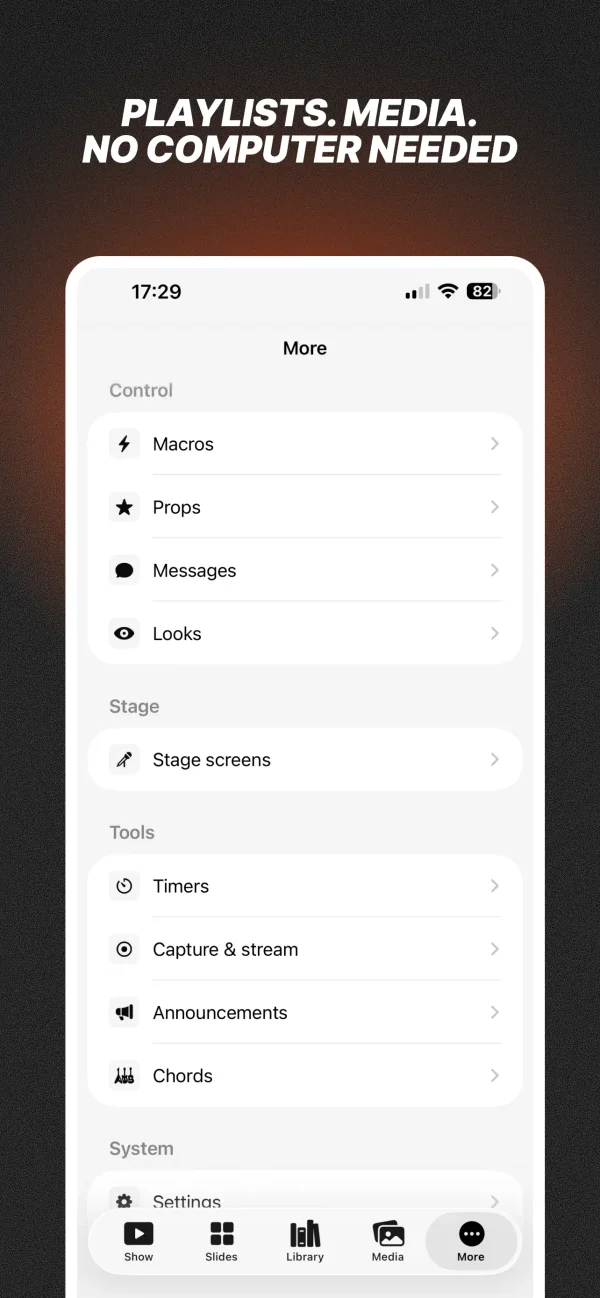
Remote for ProPresenter puts the show in your hand. Advance slides, trigger playlists, and clear layers from your iPhone — no extra clicker, no walking back to the booth.
Find ProPresenter on your Wi-Fi, tap to connect, and stay in control while you move.
LIVE SHOW
See the current and next slide as a thumbnail or text. Big Next and Previous buttons, swipe to advance, jump to slide groups, and read presenter notes. Check layer status and clear audience, props, messages, audio, or announcements in one tap. Show or hide house and stage screens, control timeline and video transport, watch the video countdown, and keep an eye on capture and active timers.
WIDGETS & LOCK SCREEN
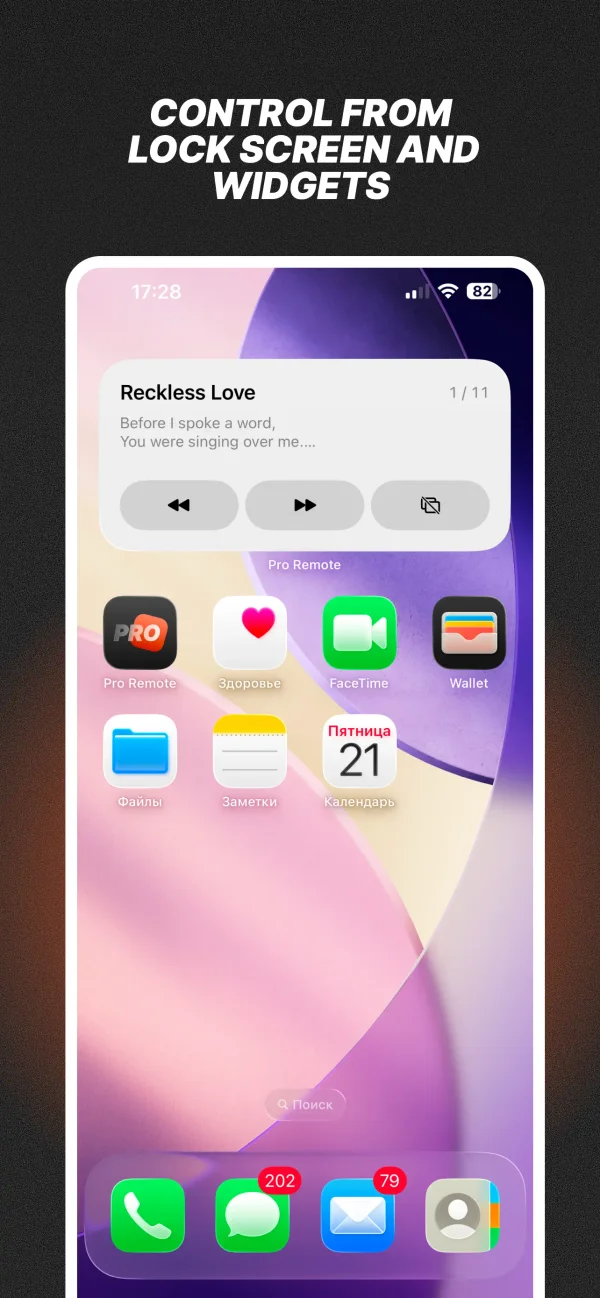
Control the show from the Home Screen, Lock Screen, and Dynamic Island. Advance or go back, and clear every layer without opening the app.
SLIDES
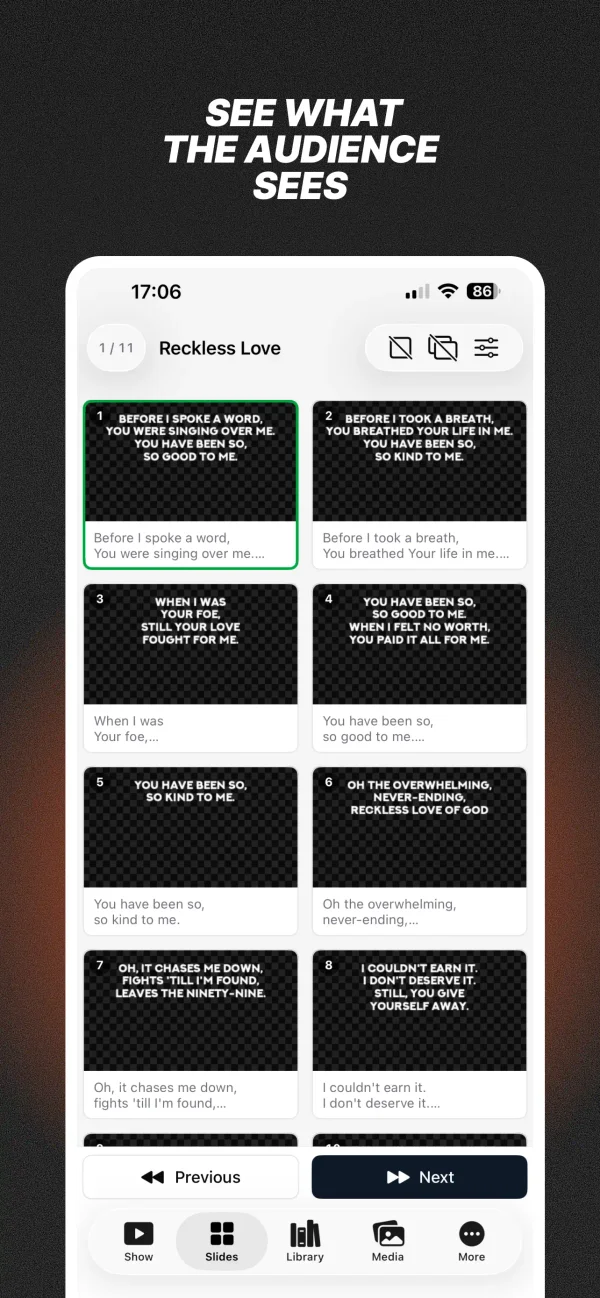
Browse the active presentation as a grid. Thumbnails, group colors, text search, auto-scroll to the current slide, and tap any slide to fire it.
PLAYLISTS, LIBRARIES & MEDIA
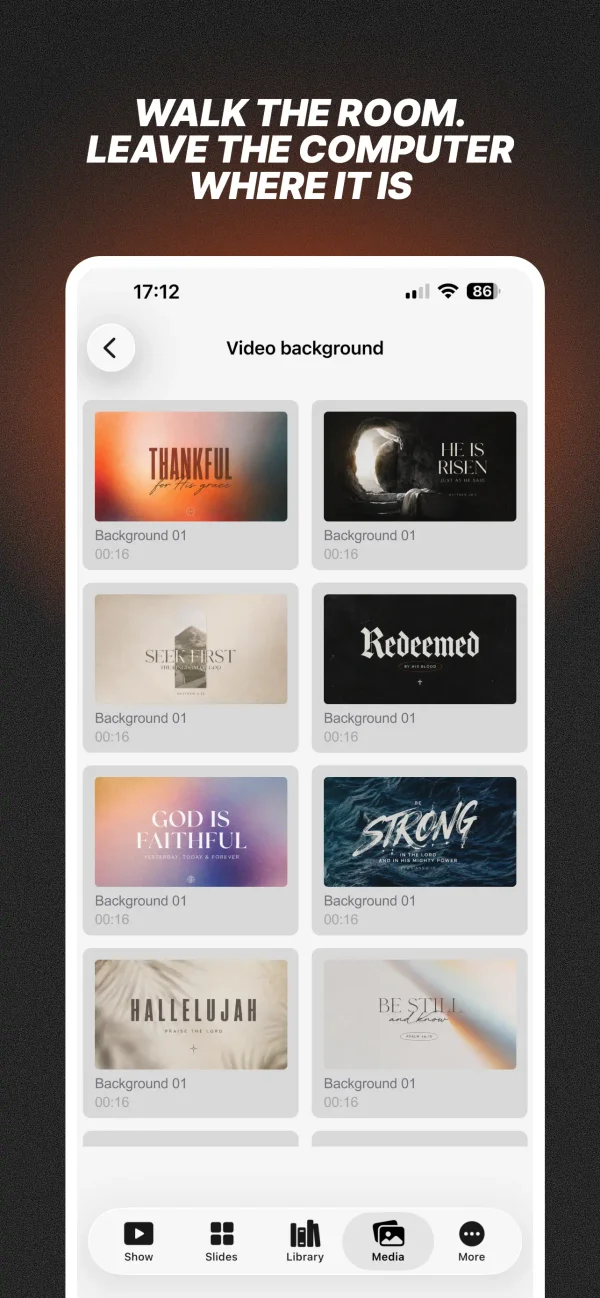
Open the playlist tree, preview items with duration, and trigger a cue or a single slide. Search libraries. Run media and audio playlists with thumbnails, control audio transport, and switch video inputs.
TOOLS
Start, stop, reset, or add a minute to timers — one or all. Fill message tokens, trigger props and macros, switch looks, send a stage message, pick stage layouts, start capture or streaming, manage announcements, and open the chord chart.
MADE FOR THE ROOM
Designed for worship, conferences, and live events. Twelve languages, saved connections, and a screen that stays awake during the service. Built as a native iPhone app for ProPresenter 7.
SETUP
iPhone and the ProPresenter computer must be on the same local network. In ProPresenter: Preferences → Network → Enable Network. Tap Find, or enter the address and port (default 50001).
Remote for ProPresenter is an independent companion app and is not affiliated with Renewed Vision.
App privacy
What Serge Kornew declares on the App Store about how this app handles data.
-
Data not linked to you
May be collected but is not linked to your identity.
- Diagnostics
Privacy practices may vary, for example with the features you use or your age.
Information
- Seller
- Serge Kornew
- Category
- Utilities
- Version
- 1.0
- Updated
- Sep 8, 2026
- Released
- Sep 8, 2026
- Size
- 4.7 MB
- Requires
- iOS 17.0 or later
- Age rating
- 4+
- Price
- Free
- Languages
- English, Dutch, French, German, Italian, Korean, Polish, Portuguese, Russian, Simplified Chinese, Spanish, Ukrainian
- Copyright
- © Serge Kornew
You might also like
-
 ProDisplay RemoteUtilities
-
 Church RemoteYour equipment. One remote.
-
 HöllentorDante audio routing control
-
 MyHomeTrackerSmart Home & Property Manager
-
 House.IQ - Maintenance TrackerKnow Your Home.
-
 NFC ArcaneAll your links, one App
-
 Detalleando PrintSublimation printing
-
 Fraction CalculatorrAnd Decimal Converters
-
 ProPresenter RemoteUtilities
-
 App IrisSee What Your Apps Are Doing