Remote, Mouse & Keyboard Pro
control computer, tv or tablet
Designed for iPhone, iPad, Mac
$39.99
- Age rating4+
- CategoryUtilities
- DeveloperRemote Sunrise LTD
- LanguagesEnglish+ 32 more
- Size85.3 MB
Links to the official App Store page
Download.org hosts no file of Remote, Mouse & Keyboard Pro. The button opens its official App Store page, published by Remote Sunrise LTD. Listing last checked on Nov 26, 2026.
Screenshots

About
Remote, Mouse & Keyboard
Control more from one app - now on iPhone, iPad, and Mac.
Remote, Mouse & Keyboard turns your Apple devices into a simple, powerful remote for TVs, streaming devices, Apple TV, Mac, Windows PC, and iPad. Use it from the couch, at your desk, during a presentation, or anywhere you want faster control.
TV and Streaming Remote
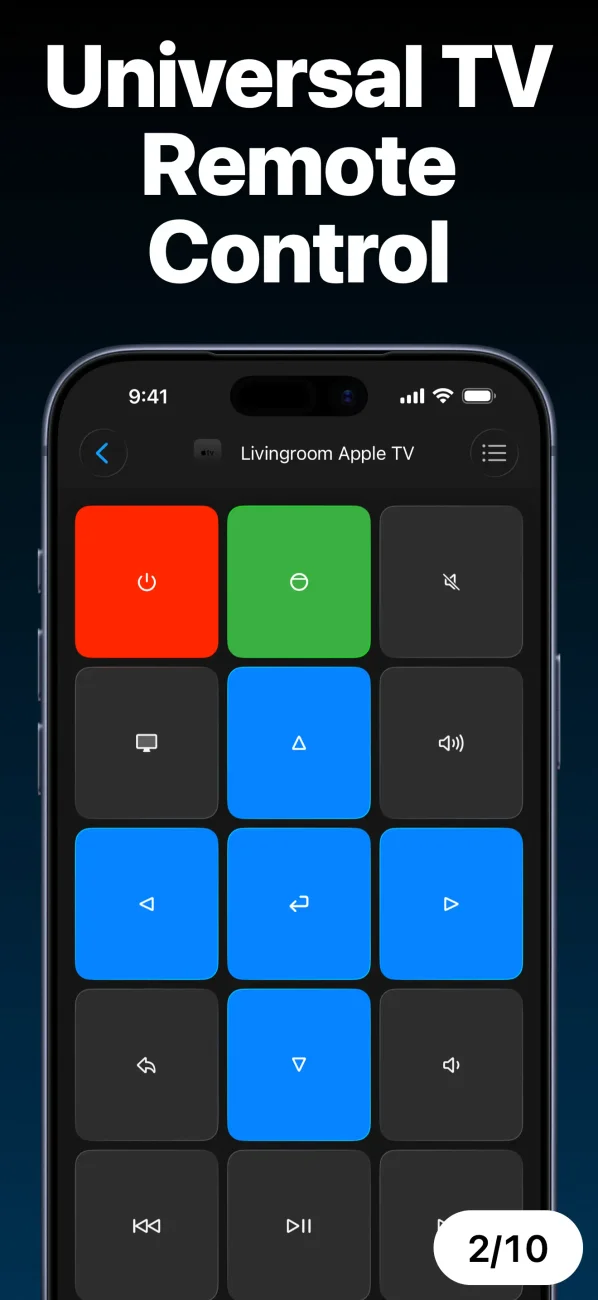
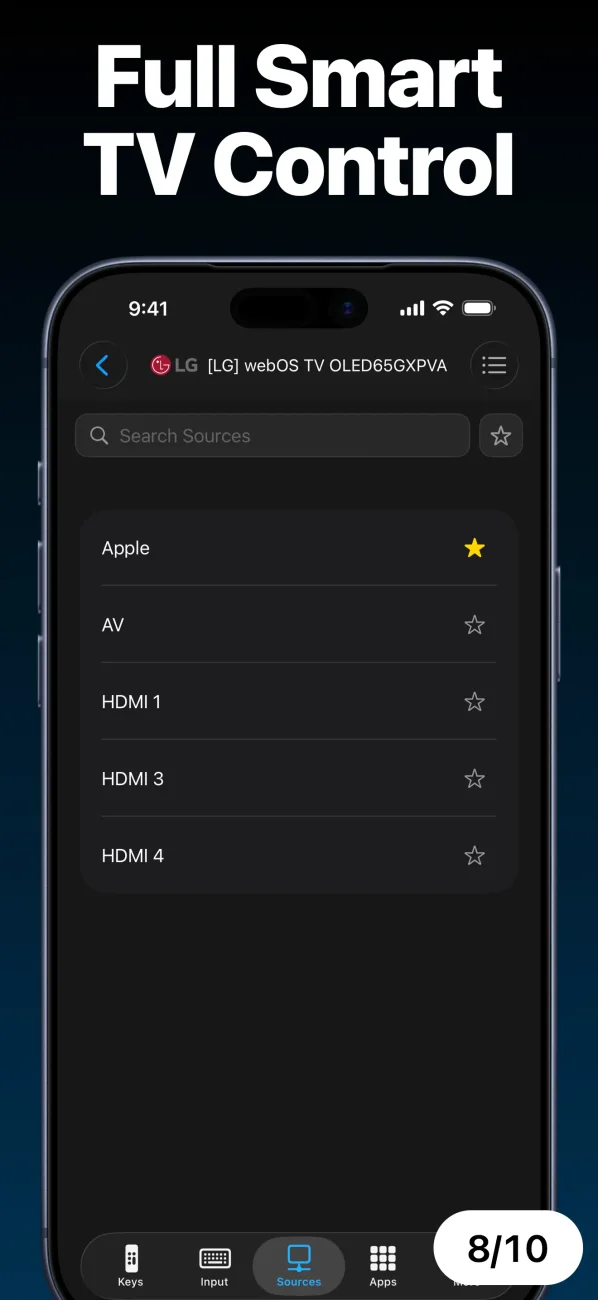
Use your iPhone, iPad, or Mac as a remote for supported TVs, streamers, and Apple TV.
Works with Apple TV plus supported Samsung, LG, Roku, Fire TV, Android TV, Hisense, and Vizio devices. Android TV and Google TV examples include Sony, TCL, Philips, and Xiaomi - just a few of the brands that use the platform.
- Navigate with a smooth touchpad
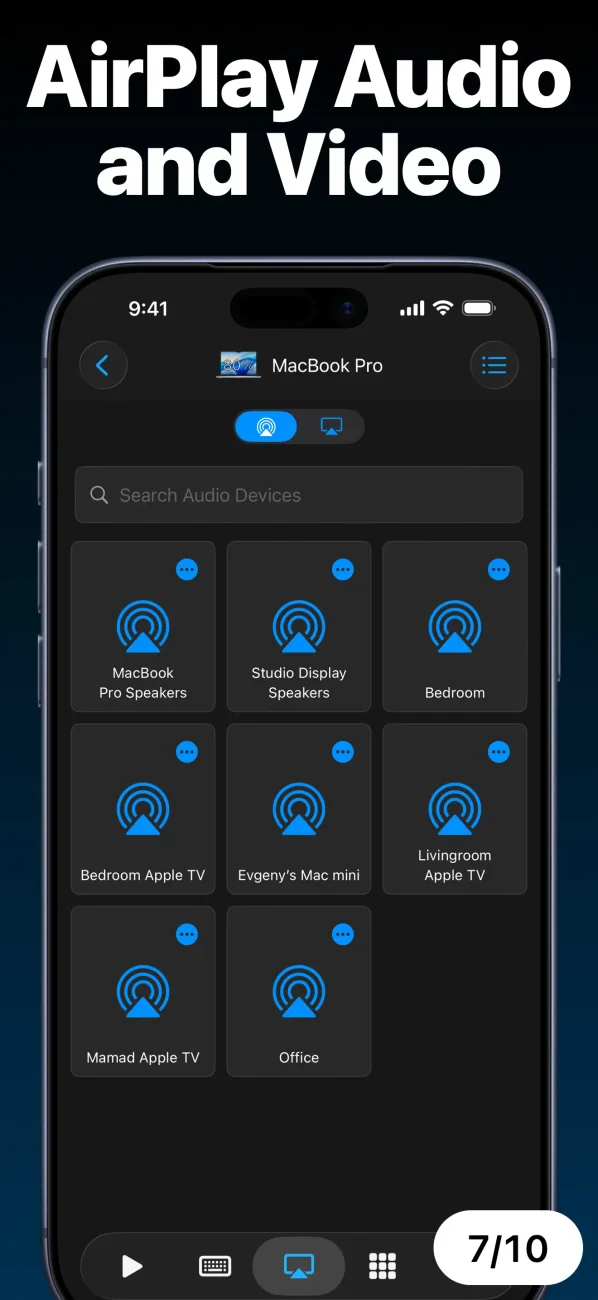
- Control volume, playback, and media
- Type searches and passwords with the keyboard
- Launch Apple TV apps quickly
- Keep one remote ready across your devices
Older Apple TV models such as Gen 1-3 require one-time PIN entry using a physical remote.
Mac and PC Control
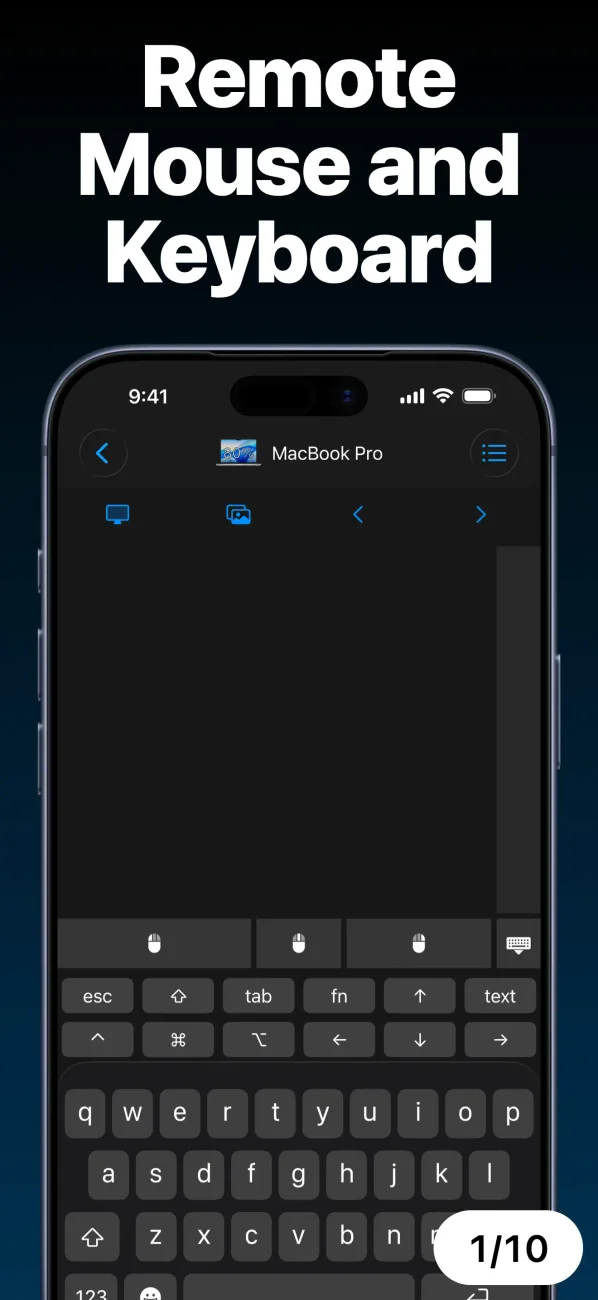
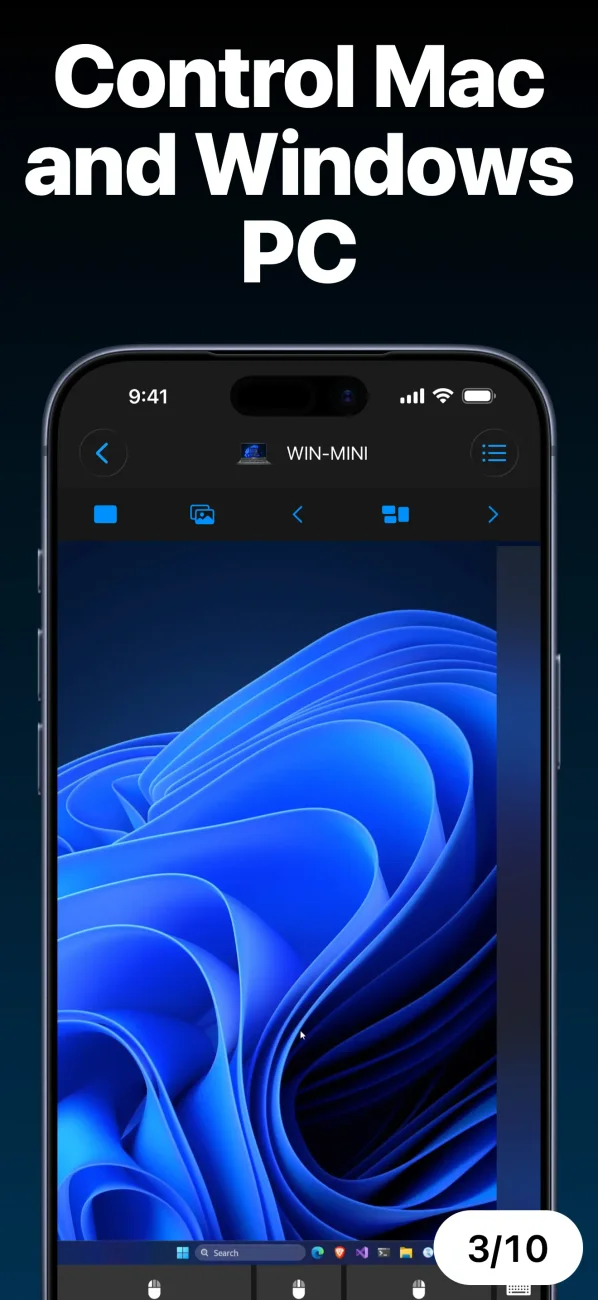
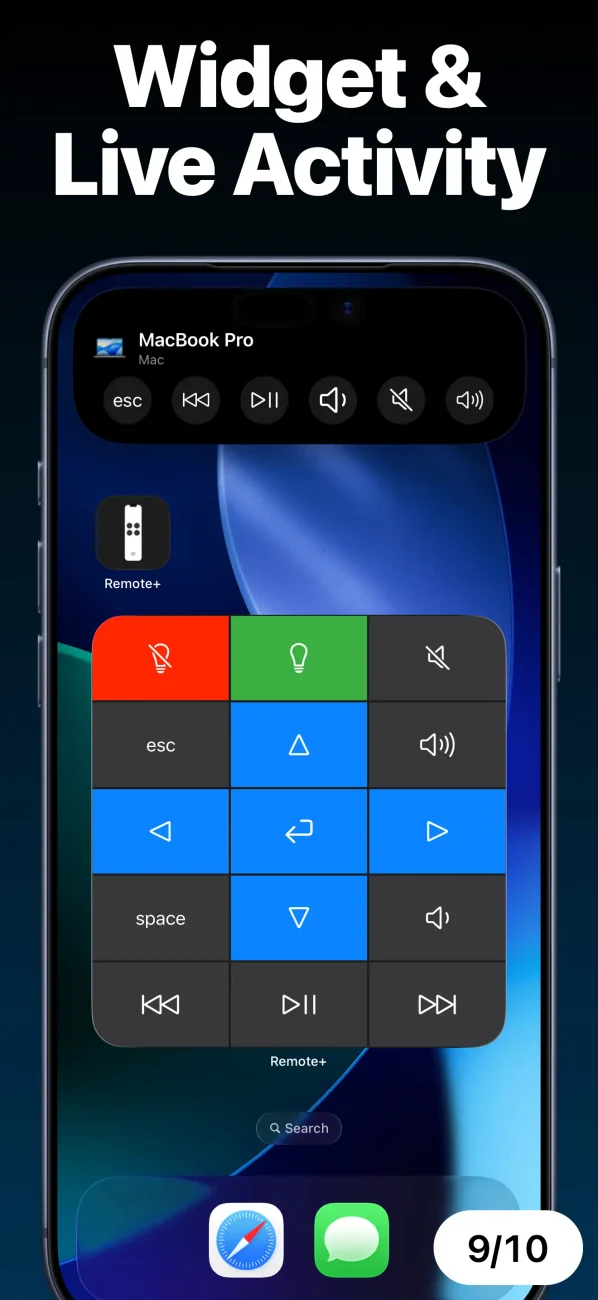
Control your computer over Wi-Fi with a remote, mouse, keyboard, and custom panels built for the apps you use.
- Use your device as a wireless mouse and keyboard
- Adjust volume, playback, and tracks
- View your computer screen live
- Take screenshots remotely
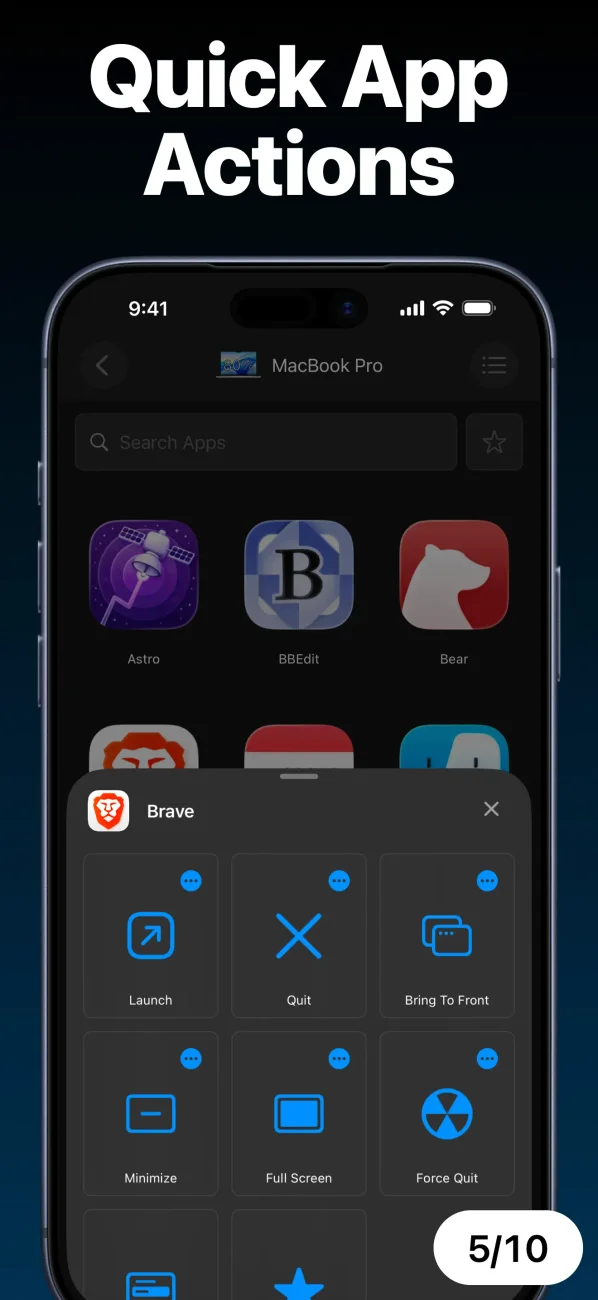
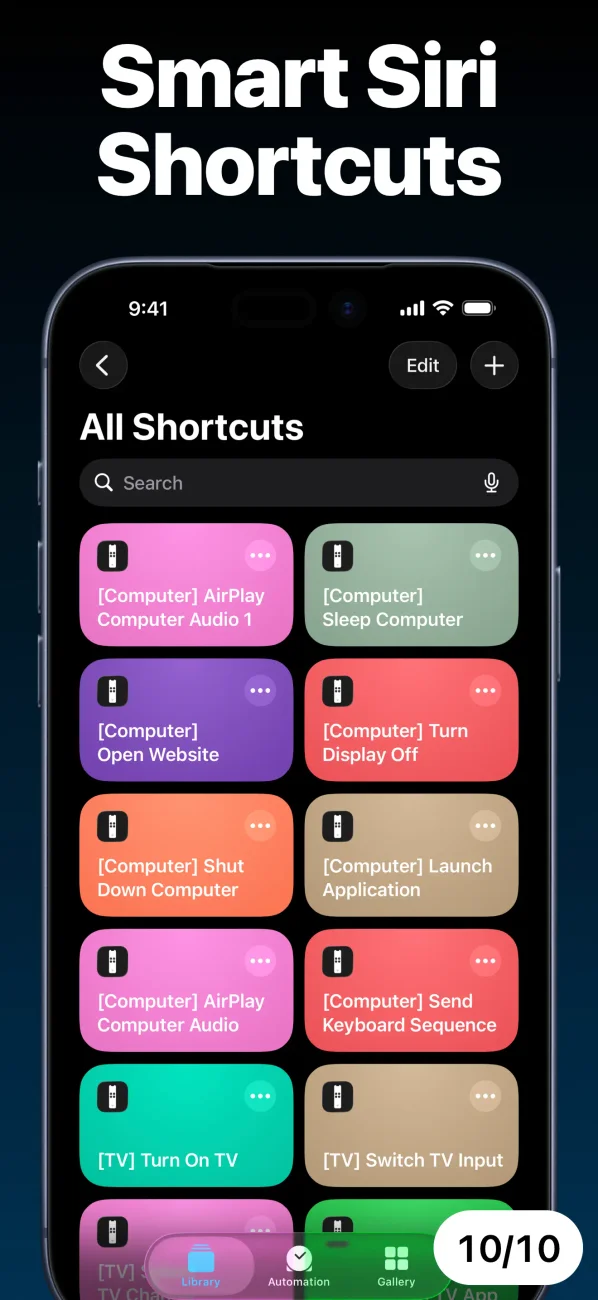
- Launch or quit apps, open menus, and run shortcuts
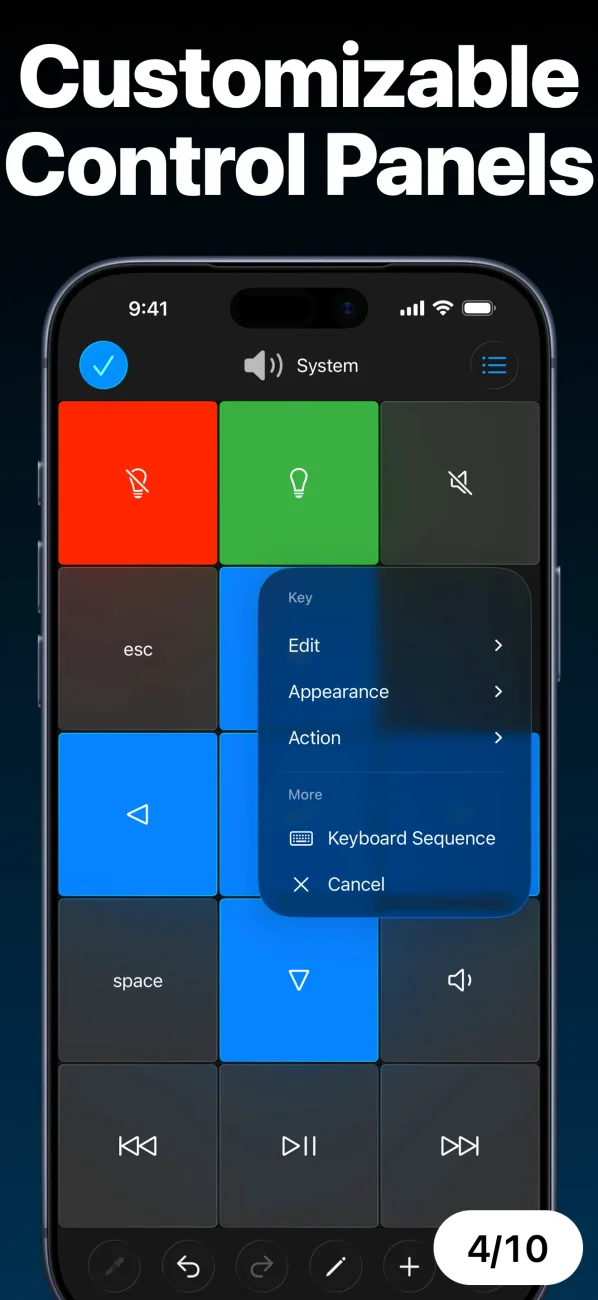
- Create custom panels and automation scripts
- Schedule actions with timers
Requires the free helper app for Mac or Windows: https://rs.ltd/get
iPad Control
Use your iPhone, iPad, or Mac to control another iPad over Bluetooth.
- Type, navigate, and control playback
- Adjust volume and media
- Keep a second device useful in creative, work, or entertainment setups
Why You'll Love It
- One app for iPhone, iPad, and Mac
- Remote control for TVs, streamers, Apple TV, Mac, PC, and iPad
- Touchpad, keyboard, media controls, shortcuts, and automation
- Custom control panels for apps, websites, and workflows
- Secure Wi-Fi and Bluetooth connections
System Requirements
- iPhone, iPad, or Mac
- Supported Apple TV, Samsung, LG, Roku, Fire TV, Android TV, Hisense, and Vizio devices
- Android TV and Google TV devices, including examples from Sony, TCL, Philips, Xiaomi, and more
- Apple TV: all models supported
- Mac: macOS 10.13 or later with helper app
- Windows: Windows 7 or later with helper app
- iPad control: Bluetooth connection
Privacy Policy: https://rs.ltd/privacy
Terms of Use: https://rs.ltd/terms
Take Control
One app. All your screens. Ready on iPhone, iPad, and Mac.
What’s new
Version 2026.59 · Nov 11, 2026
- Added a numeric keypad and Lock button for controlling an iPad over Bluetooth.
- Expanded TV welcome tours with tips for keyboard, trackpad, apps, and favorites.
- Added clearer connection progress for QR code and manual IP setup, and suggestions when a different TV system is detected.
- Made saved Apple TVs accessible during setup and prevented false search timeouts when one is already online.
- Added Bluetooth pairing troubleshooting and fixed interruptions when switching between controlling an iPad and receiving Bluetooth input.
- Improved reconnection after network changes and temporary discovery or Local Network permission-check failures.
- Added fresh pairing recovery for Sony and Android TVs, and kept upgrade prompts from interrupting TV pairing code entry.
- Improved purchase restoration with error details and steps to resolve connection and Apple Account issues.
- Fixed mouse buttons remaining held after interrupted trackpad or Live View drags.
- Fixed extra keyboard rows being misplaced when using the floating iPad keyboard.
- Preserved custom TV keypad button behavior on Apple Watch and in widgets, and improved Apple Watch updates in the background.
App privacy
What Remote Sunrise LTD declares on the App Store about how this app handles data.
-
Data not linked to you
May be collected but is not linked to your identity.
- Identifiers
- Usage data
Privacy practices may vary, for example with the features you use or your age.
Information
- Seller
- Remote Sunrise LTD
- Category
- Utilities
- Version
- 2026.59
- Updated
- Nov 11, 2026
- Released
- Jun 7, 2014
- Size
- 85.3 MB
- Requires
- iOS 17.0 or later
- Age rating
- 4+
- Price
- $39.99
- Languages
- English, Arabic, Catalan, Croatian, Czech, Danish, Dutch, Finnish, French, German, Greek, Hebrew + 21 more
- Copyright
- © 2026 Remote Sunrise LTD
You might also like
-
 TV Cast for Smart TV +Cast, streamer & tv control
-
 Screen Mirroring • ChromecastGoogle Cast, Fire & Android TV
-
 CALC Smart Calculator ±Basic « Scientific » Advanced
-
 NanoJet: Save & Organize FilesPlay & Edit Video Offline
-
 Room Planner: 3D AI DesignScan, Measure & Floor Plan
-
 Text Workflow: Clean any TextConvert, format & automate
-
 Remote Control For Smart TV !Smart Television Controller
-
 Snap Markup - Annotation ToolAnnotate Photos, Images & Pics
-
 Scrollit 2X: Visual messengerDouble Display Scrolling Text
-
 Video Voice Changer ProDub & create sound effect