Remote - Smart TV
Remote for Android TV
Designed for iPhone, iPad, Mac
Free · In-app purchases
- Age rating4+
- CategoryUtilities
- DeveloperMakiByte
- LanguagesEnglish+ 7 more
- Size7.5 MB
Links to the official App Store page
Download.org hosts no file of Remote - Smart TV. The button opens its official App Store page, published by MakiByte. Listing last checked on Nov 23, 2026.
Screenshots
About
NO ADS — EVER
No ads, no banners, no pop-ups, no tracking — and it will always stay that way.
Smart TV Remote is a fast, private remote control with no ads for Android TV and Google TV — right from your iPhone, Apple Watch and Mac.
It connects directly to your TV over Wi-Fi on your local network. No account to create, nothing sent to the cloud, and no ads — ever.
NEW — CONTROL YOUR MAC
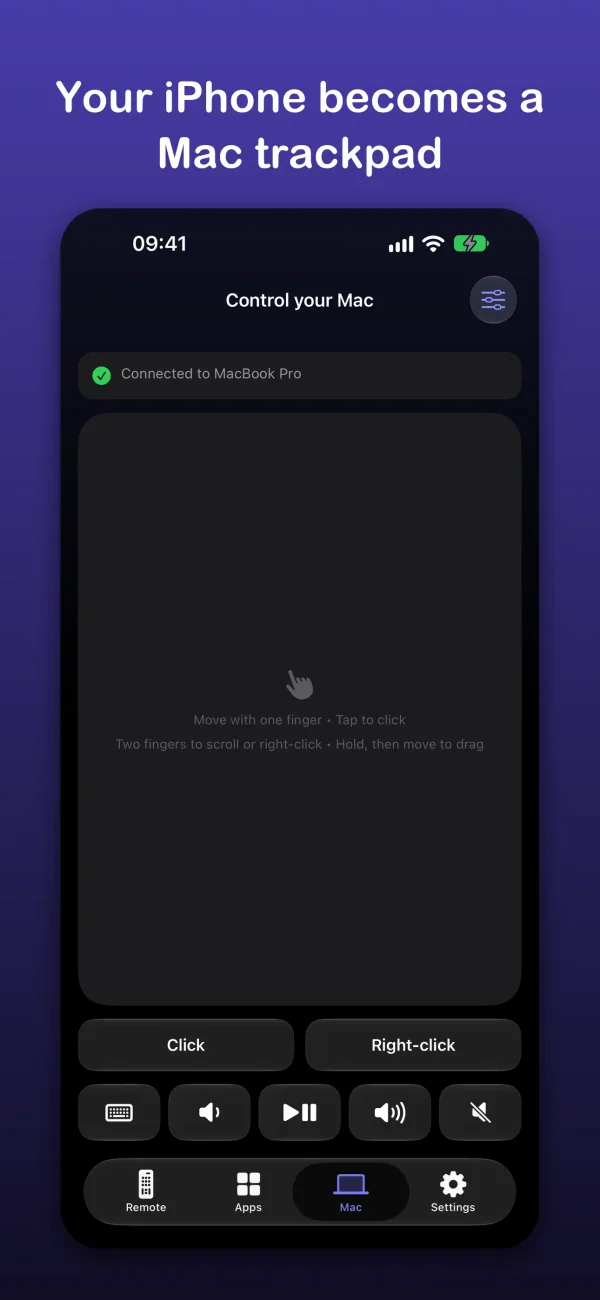
Your iPhone becomes a trackpad and keyboard for your Mac: move the pointer, click, scroll, type and change the volume from the couch. Perfect when your Mac is connected to your TV. Works with the Smart TV Remote app for Mac, included with Pro.
FEATURES
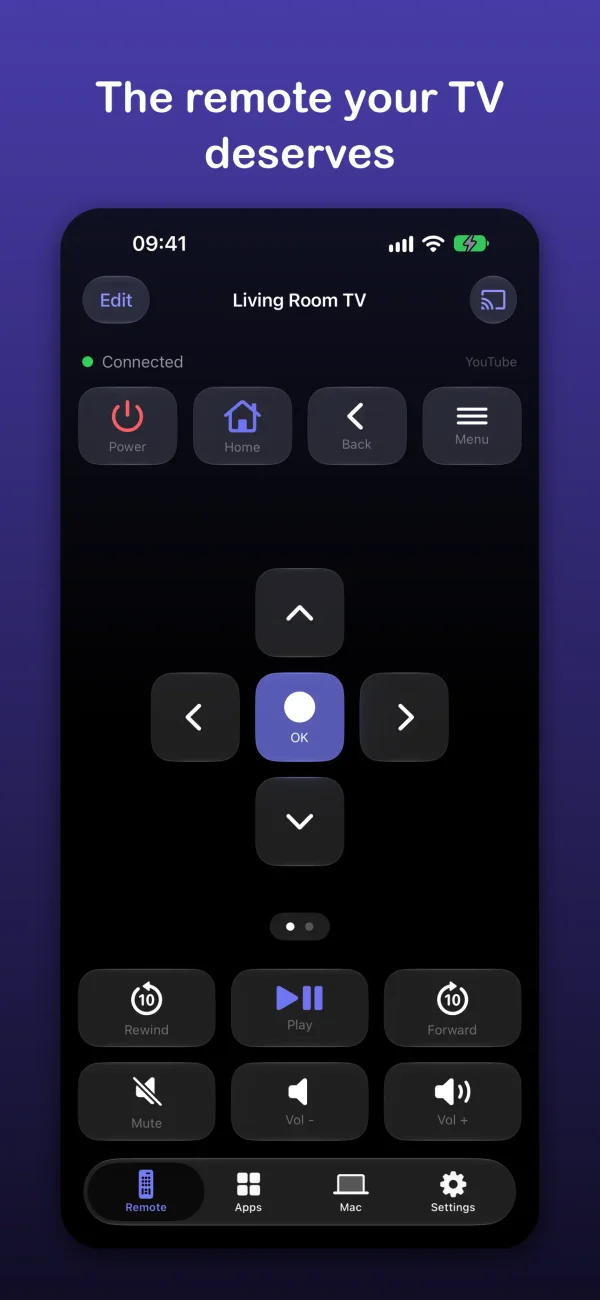
• D-pad and trackpad navigation, volume, power and playback controls
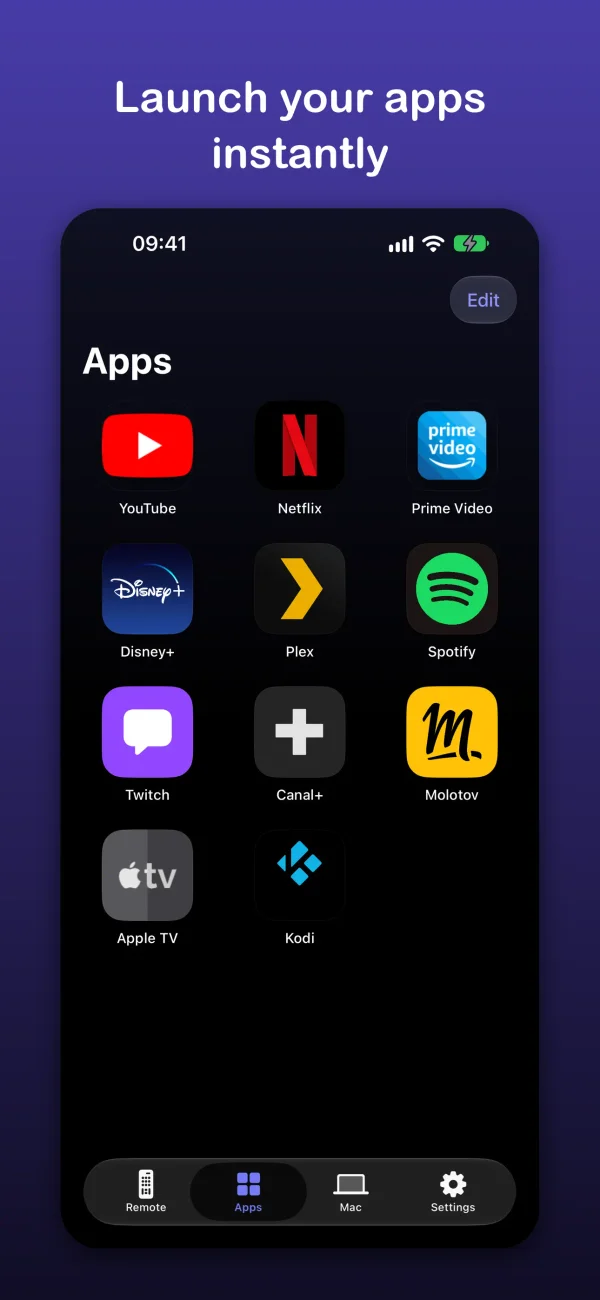
• App shortcuts to launch Netflix, YouTube, Prime Video, Disney+ and more
• Voice control — just say what you want to open
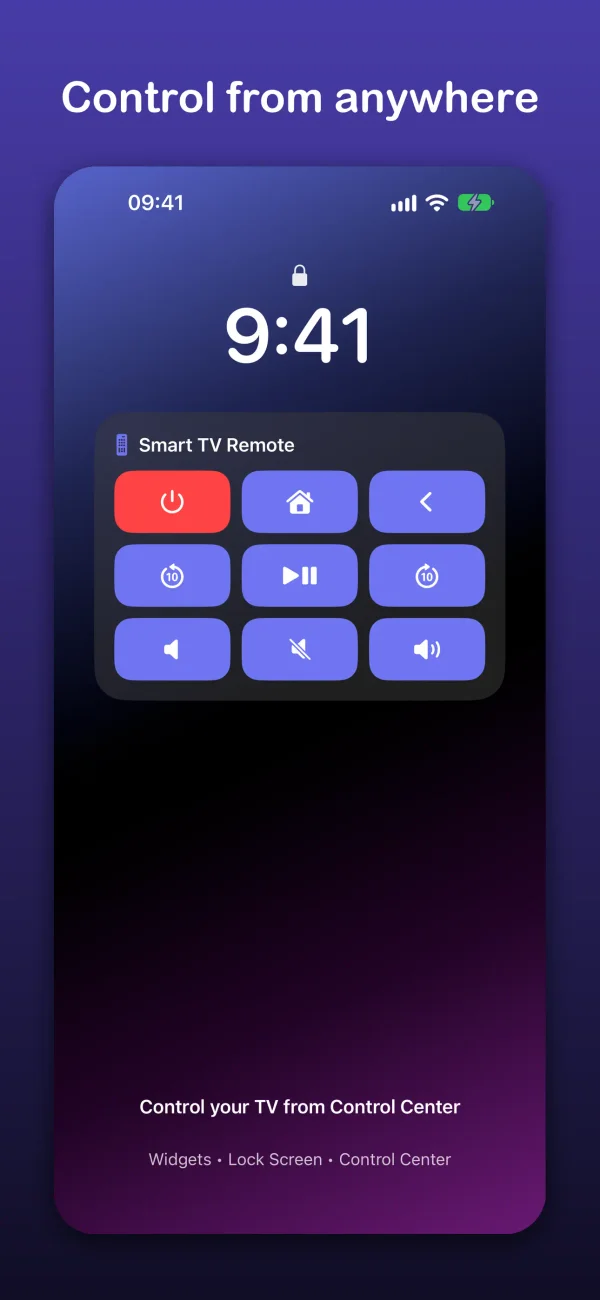
• Home Screen, Lock Screen and Control Center widgets
• Apple Watch app with a watch-face complication
• Use your iPhone as a trackpad and keyboard for your Mac
• Mac menu bar app with global keyboard shortcuts
• Add a keyboard button to type on your TV instead of pecking at on-screen letters
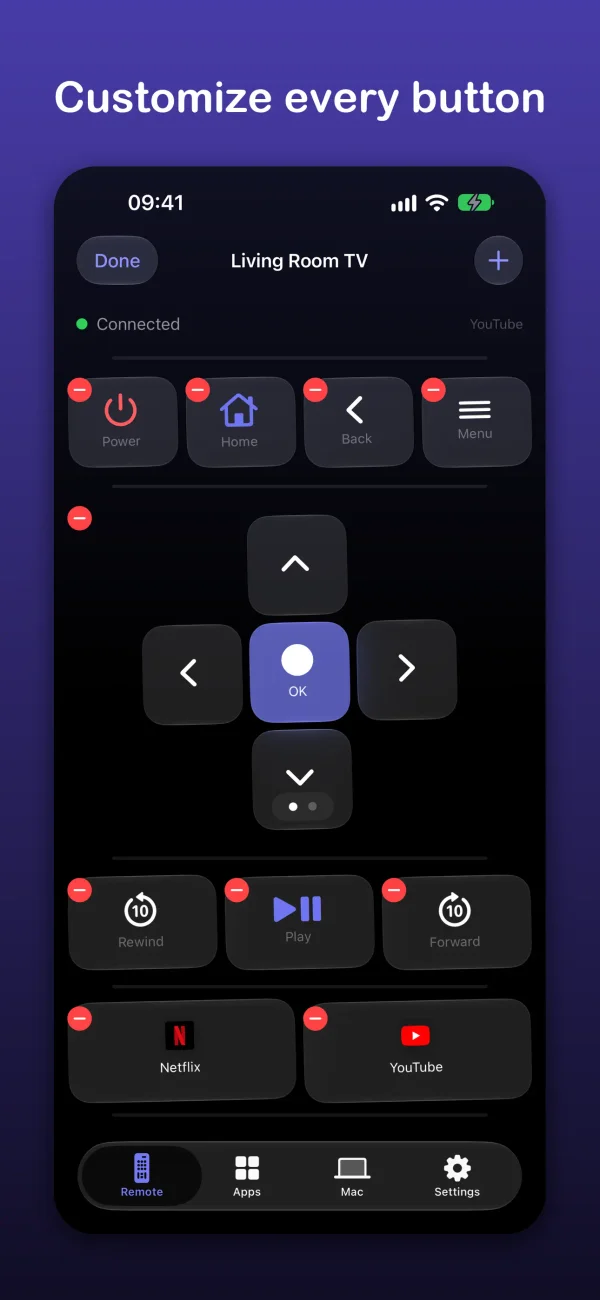
• Fully customizable remote layout
• Works with Sony Bravia, TCL, Philips, Nvidia Shield, Chromecast with Google TV and most Android TV devices
FREE & PRO
The basic remote is free. A one-time Pro purchase unlocks customization, unlimited app shortcuts, voice, the keyboard, the Apple Watch app, widgets, the Mac app and Mac control from your iPhone. No subscription.
PRIVACY
Smart TV Remote talks only to your TV (and your own Mac) on your local network. There are no accounts, no tracking and no ads.
Your TV must support the Android TV / Google TV remote protocol and be on the same Wi-Fi network as your device.
What’s new
Version 1.2.0 · Oct 22, 2026
New: control your Mac from your iPhone. Open the new Mac tab to use your iPhone as a trackpad and keyboard — move the pointer, click, scroll and type. Requires Smart TV Remote for Mac (included with Pro).
The keyboard is now a button you can add to your remote: tap Edit, then +.
App privacy
What MakiByte declares on the App Store about how this app handles data.
-
Data not collected
The developer does not collect any data from this app.
Privacy practices may vary, for example with the features you use or your age.
Information
- Seller
- MakiByte
- Category
- Utilities
- Version
- 1.2.0
- Updated
- Oct 22, 2026
- Released
- Jul 3, 2026
- Size
- 7.5 MB
- Requires
- iOS 17.0 or later
- Age rating
- 4+
- Price
- Free
- In-app purchases
- Yes
- Languages
- English, French, German, Italian, Japanese, Portuguese, Simplified Chinese, Spanish
- Copyright
- © 2026 Makibyte
You might also like
-
 Roi TV - Remote for Android TVRemote TV Androie
-
 My Remote: Universal TV RemoteRemote for any smart TV
-
 Smart Remote: TV RemoteRemote Control for TV
-
 TV Remote: Smart Controller GoRemote Control for Smart TV
-
 9Remote - Universal TV RemoteControl Smart TVs, Cast Media
-
 TV Remote - Universal Control™Remote control for Smart TV
-
 Control: Universal TV RemoteNo Ads, Purchases, or Tracking
-
 Universal TV Remote: All TVsControl any TV from your phone
-
 Universal TV Remote TelePadScan, pair & mirror media
-
 TV Remote - Universal ControIRemote Control for Smart TV