Remote TV Controller & Volume
Fast Setup · Private Listening
Designed for iPhone
Free · In-app purchases
- Age rating4+
- CategoryUtilities
- DeveloperWE ARE MONO SRL
- LanguagesEnglish
- Size4.9 MB
Links to the official App Store page
Download.org hosts no file of Remote TV Controller & Volume. The button opens its official App Store page, published by WE ARE MONO SRL. Listing last checked on Nov 23, 2026.
Screenshots
About
Tuno turns your iPhone into a remote that talks to your TV over your home Wi-Fi, so the phone and the TV need to share one network.
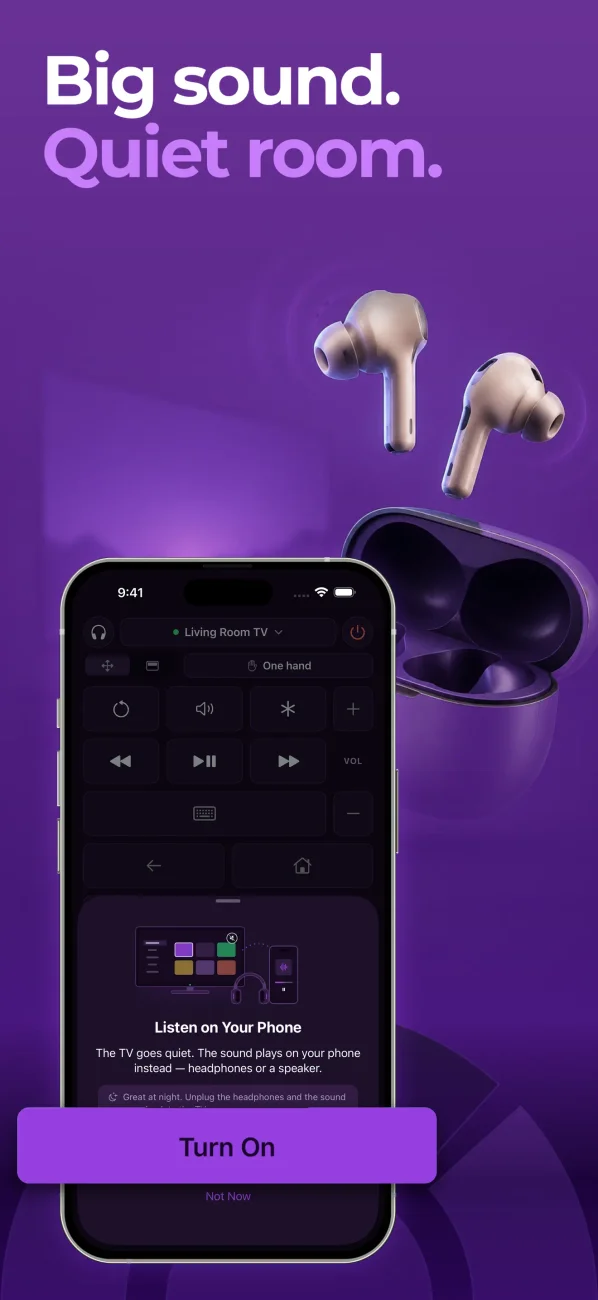
The part a plastic remote can't do: send the TV's audio to your headphones. Put them on, and the show plays in your ears while the living room stays silent.
INSIDE THE APP
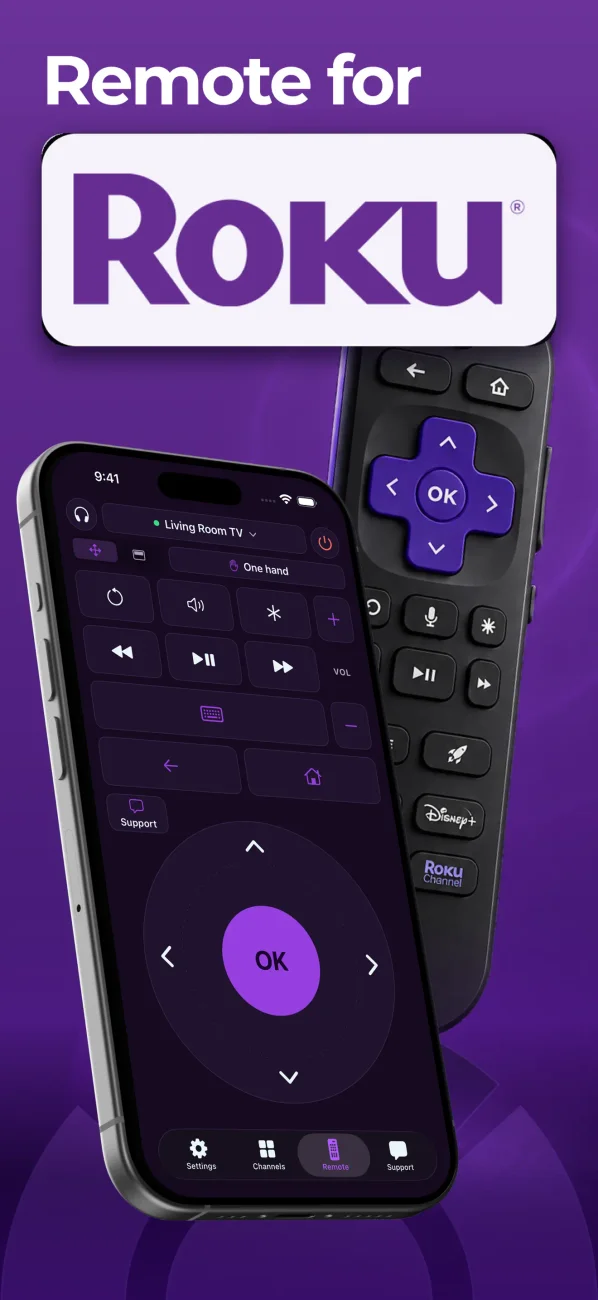
- D-pad with OK, Back and Home, plus volume, mute and power
- Play, pause, rewind and fast forward
- Trackpad: drag your thumb to move, tap to select
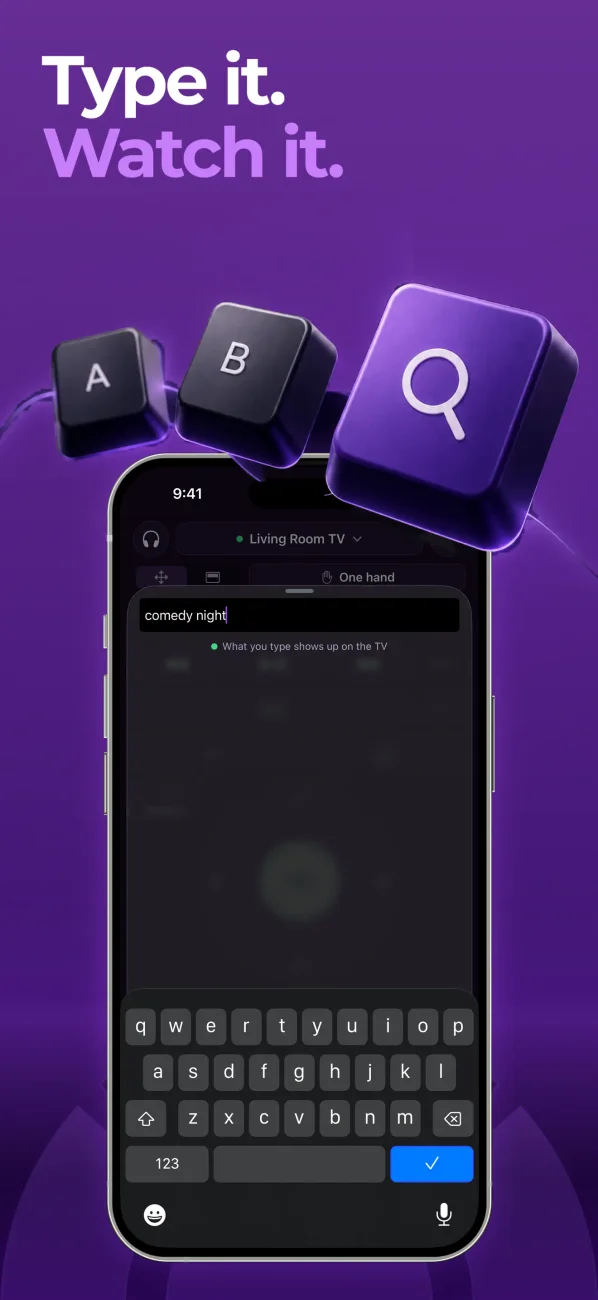
- Type searches and passwords with your phone keyboard
- One-hand layout that keeps the keys near your thumb
- Channels: the apps on your TV in one list, one tap to open
- Headphone audio that keeps playing with the screen locked
- A help chat in the app, answered with the help of an AI assistant
WHICH TVS
Tuno controls one family of streaming TVs and players, and not every brand is part of it. To check yours, open Tuno on the same Wi-Fi as the TV: a TV that Tuno can control shows up in the list on its own. If the TV is connected to a separate player that can't change its volume, Tuno can link certain TVs directly for volume.
GETTING STARTED
A short tour shows the main keys, then the plans screen. After that Tuno asks once for access to devices on your network and looks for the TV. If the TV doesn't appear, the app walks you through the likely causes one at a time, and you can also enter the TV's address yourself.
TUNO PREMIUM
The remote and its features are part of Tuno Premium: a weekly or a yearly subscription, or a one-time Lifetime purchase. The weekly and yearly plans can start with a trial for people eligible for one. The help chat is open without a subscription. If you used the app before version 1.2, your remote stays unlocked.
Payment is charged to your Apple Account. A subscription renews automatically unless it is cancelled at least 24 hours before the end of the current period. You can manage or cancel it in your Apple Account settings.
YOUR DATA
No accounts and no ads. Usage statistics can be turned off in Settings.
Terms of Use (EULA): https://www.apple.com/legal/internet-services/itunes/dev/stdeula/
Privacy Policy: https://baton.tel/privacy.html
What’s new
Version 1.4 · Oct 28, 2026
• Faster, smoother TV setup
• Better reconnecting to a TV that was asleep
• Fixes for volume, keyboard and trackpad
• A fresh purple look
App privacy
What WE ARE MONO SRL declares on the App Store about how this app handles data.
-
Data not linked to you
May be collected but is not linked to your identity.
- User content
- Identifiers
- Usage data
- Diagnostics
Privacy practices may vary, for example with the features you use or your age.
Information
- Seller
- WE ARE MONO SRL
- Category
- Utilities
- Version
- 1.4
- Updated
- Oct 28, 2026
- Released
- Aug 29, 2026
- Size
- 4.9 MB
- Requires
- iOS 17.0 or later
- Age rating
- 4+
- Price
- Free
- In-app purchases
- Yes
- Languages
- English
- Copyright
- © 2026 Richard Copeland