RemoteAI- TV Remote control
Control your TV
Designed for iPhone, iPad, iPod touch
In-app purchases
- Age rating4+
- CategoryUtilities
- DeveloperAbdoul karim ndiaye
- LanguagesEnglish
- Size11.5 MB
Links to the official App Store page
Download.org hosts no file of RemoteAI- TV Remote control. The button opens its official App Store page, published by Abdoul karim ndiaye. Listing last checked on Nov 8, 2026.
Screenshots
About
UNIVERSAL REMOTE WITH AI VOICE CONTROL
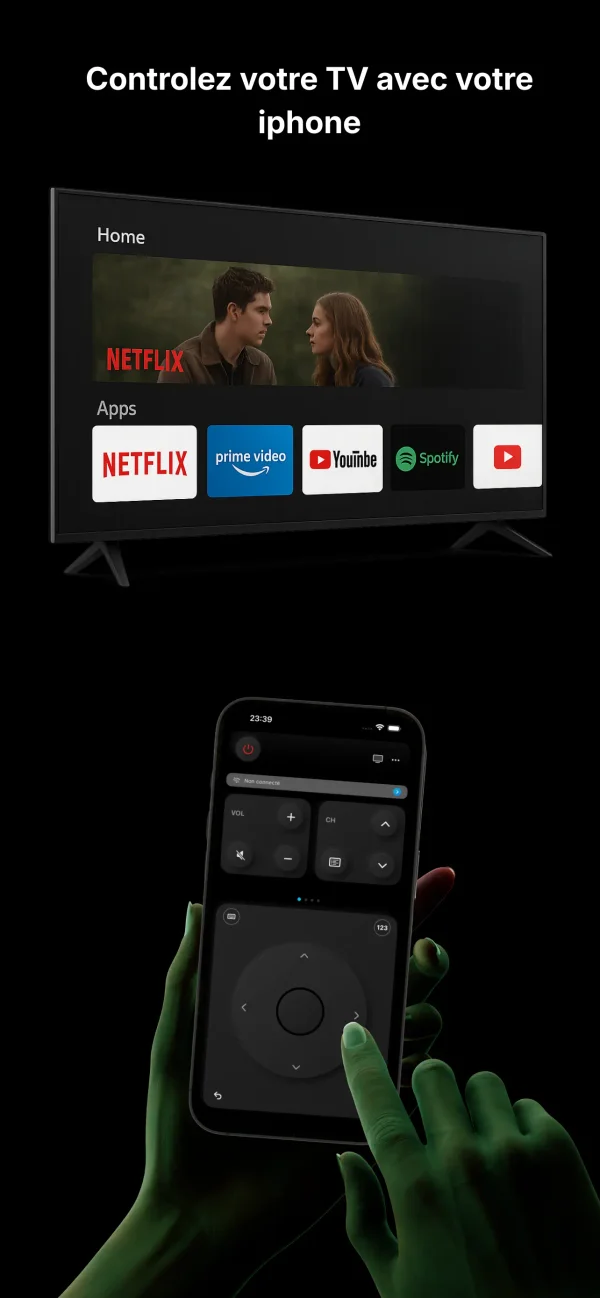
Say goodbye to lost remotes! RemoteAI transforms your iPhone into the smartest and most powerful remote on the market. Control all your smart TVs from a single app, powered by artificial intelligence.
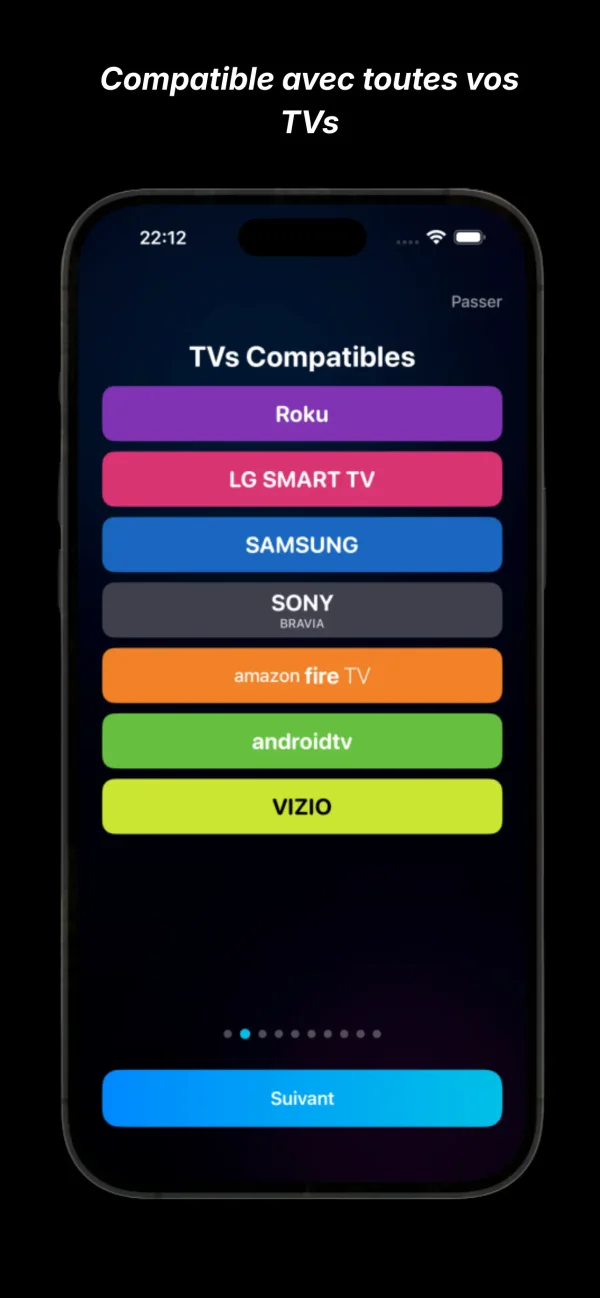
UNIVERSAL COMPATIBILITY
One app for all your TVs. No more juggling between different remotes!
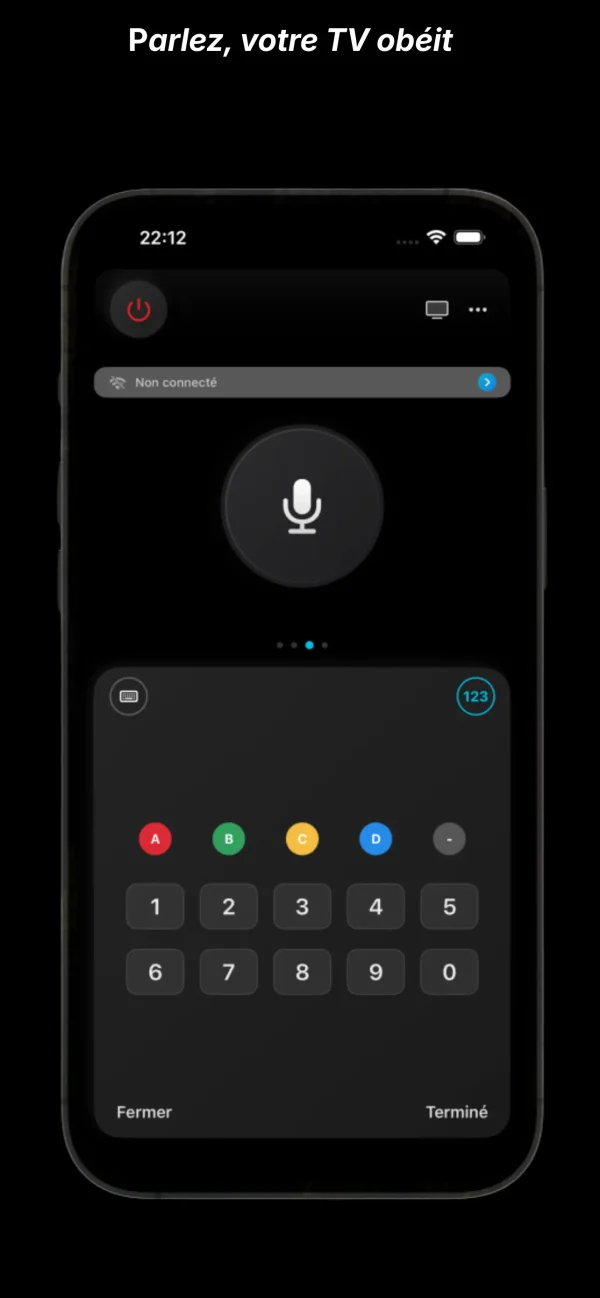
SMART VOICE CONTROL (Pro Subscription Required)
Talk naturally to your TV like you would to a friend:
- "Turn up the volume"
- "Open Netflix"
- "Next channel"
- "Turn off the TV in 30 minutes"
Our AI understands your intentions and executes instantly. No complicated phrases to memorize, just speak and let the magic happen.
MAIN FEATURES (Free)
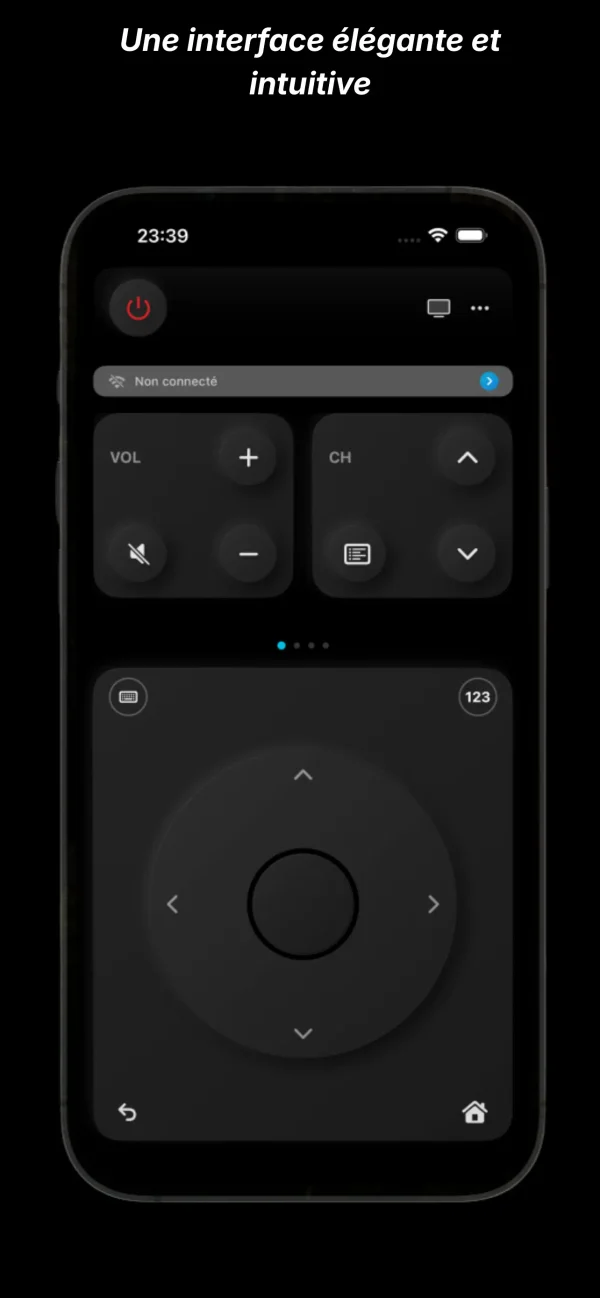
- Complete remote with all essential buttons
- Smooth touchpad for intuitive navigation
- Quick app launch (Netflix, YouTube, Disney+, Prime Video, Spotify)
- Volume and channel control
- Built-in keyboard for easy text input on your TV
- Night mode with elegant dark interface
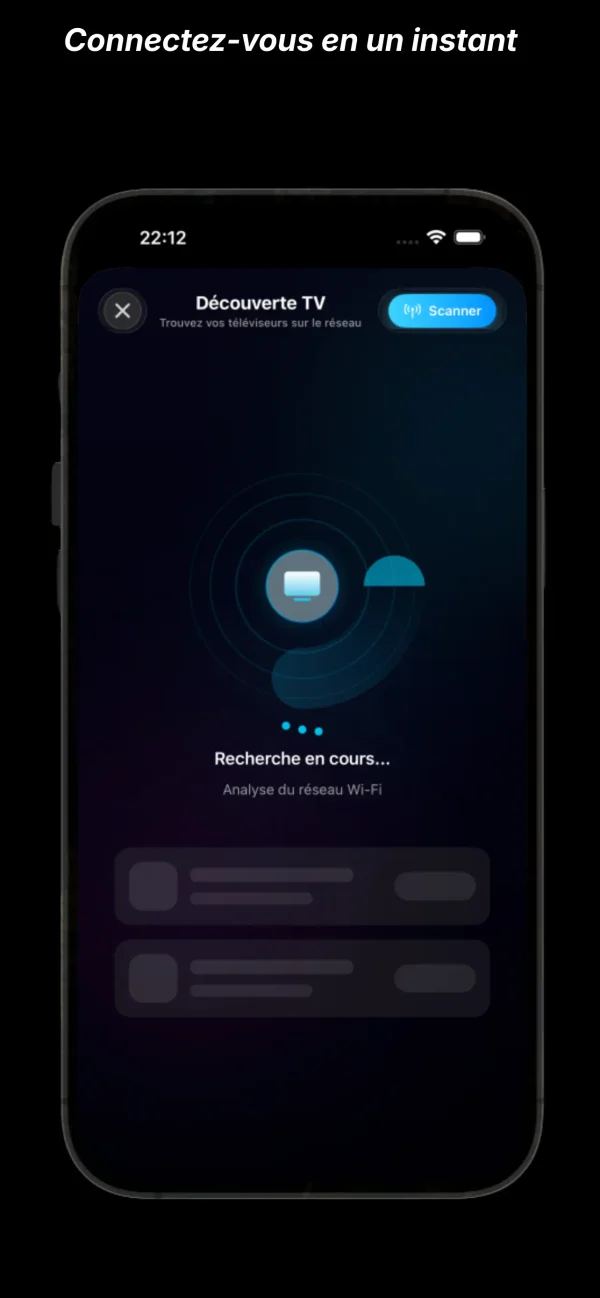
- Automatic TV discovery on your network
WIDGET AND SIRI SHORTCUTS
Access essential controls without even opening the app:
- Home screen widget with quick buttons
- Customizable Siri Shortcuts
- Control from Control Center
- Quick actions from app icon
"Hey Siri, open Netflix" and you're set!
PREMIUM DESIGN
Modern and elegant interface designed for an exceptional user experience:
- Smooth and responsive animations
- Dark mode support
- Haptic feedback for every action
- Clean and intuitive design
- Optimized for iPhone and iPad
PRIVACY FIRST
- No personal data collection
- Direct connection to your TV (no intermediate server)
- Works entirely locally on your WiFi network
- No account required for basic features
PRO SUBSCRIPTION (In-App Purchase)
Unlock the full potential with Pro subscription:
- Unlimited AI voice control
- Natural language understanding
- Early access to new features
- Priority support
Pricing: Monthly or annual subscription with automatic renewal. Payment will be charged to your iTunes account upon purchase confirmation. Subscription automatically renews unless auto-renewal is turned off at least 24 hours before the end of the current period. You can manage and cancel your subscriptions in your App Store account settings.
SIMPLE SETUP
1. Connect your iPhone to the same WiFi as your TV
2. Launch RemoteAI
3. Select your TV from the list
4. Accept the connection on your TV
5. You're ready! Enjoy your new remote
SUPPORT
Questions? Our team is here to help. Contact us directly from the app.
LEGAL INFORMATION
Terms of Use: https://remoteuniversalpro.netlify.app/cgu
Privacy Policy: https://remoteuniversalpro.netlify.app/privacy
Download RemoteAI now and discover a new way to control your TV!
What’s new
Version 1.0.2 · Dec 22, 2025
-Changing the application name
- UI optimization for all iPhone models
App privacy
What Abdoul karim ndiaye declares on the App Store about how this app handles data.
-
Data not collected
The developer does not collect any data from this app.
Privacy practices may vary, for example with the features you use or your age.
Information
- Seller
- Abdoul karim ndiaye
- Category
- Utilities
- Version
- 1.0.2
- Updated
- Dec 22, 2025
- Released
- Dec 15, 2025
- Size
- 11.5 MB
- Requires
- iOS 15.0 or later
- Age rating
- 4+
- In-app purchases
- Yes
- Languages
- English
- Copyright
- © NEXSENDEV
You might also like
-
 Remote Control for TV ProUniversal TV Controller
-
 AIRemote - Universal TV RemoteSmart TV Control with AI
-
 My TV Remote Control UniversalScreen Mirroring & Cast
-
 Zap – Télécommande universelleUtilities
-
 LinkoUtilities
-
 Tether - File sharingShare files across devices
-
 VISION SEGURA GPSUtilities
-
 Tap MorseMorse kodunu metne dönüştürün
-
 CnR M.A.R.S.Utilities
-
 Photos to PDF - EZPDFScan, Convert & Sign Documents