
Remove Background - Snip BG
AI Background Eraser & Remover
Designed for iPhone, iPad, Mac
Free · In-app purchases
- Age rating4+
- CategoryPhoto & Video
- DeveloperIlya Razuvaev
- LanguagesEnglish+ 18 more
- Size182.6 MB
Links to the official App Store page
Download.org hosts no file of Remove Background - Snip BG. The button opens its official App Store page, published by Ilya Razuvaev. Listing last checked on Nov 21, 2026.
Screenshots


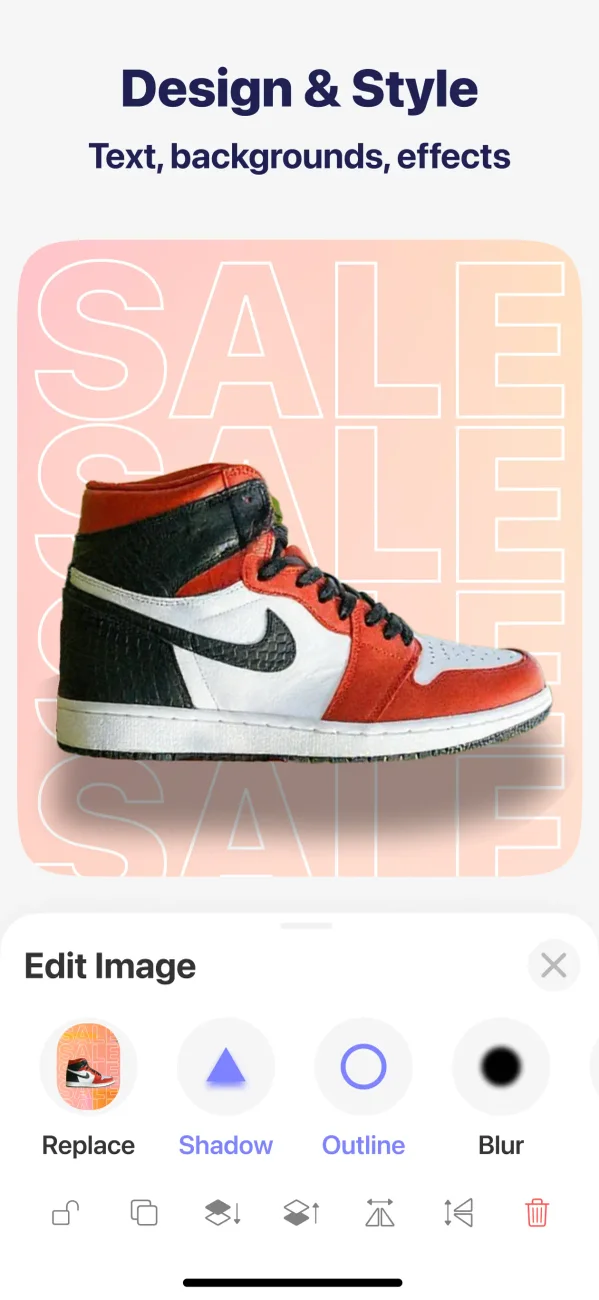
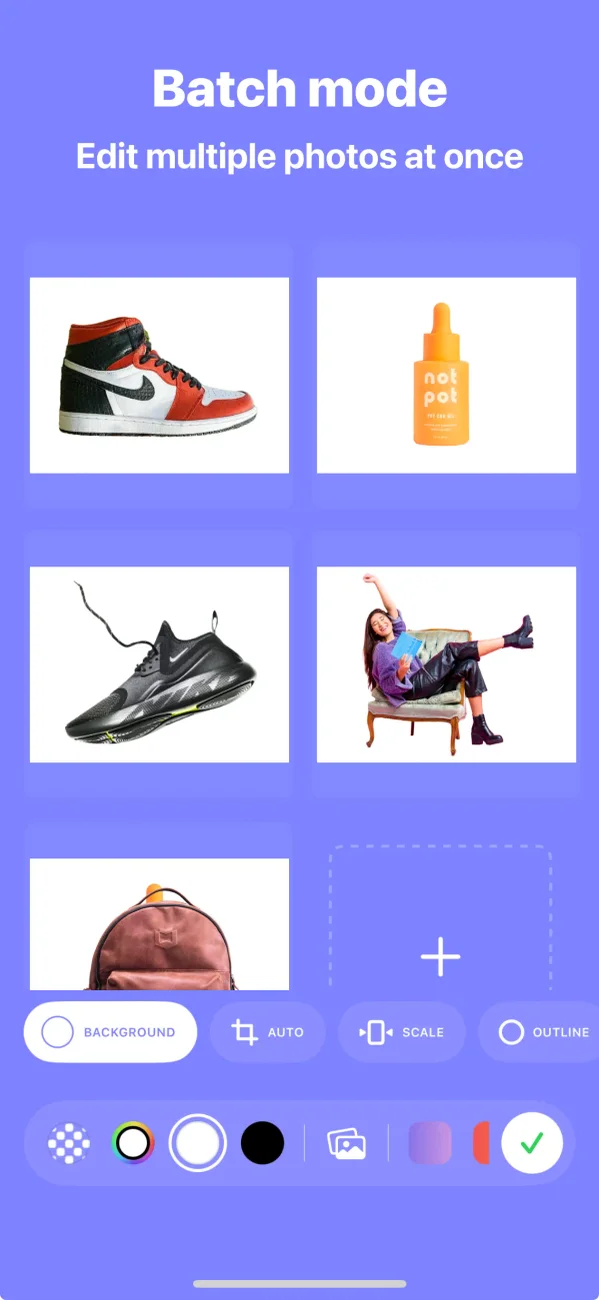
About
Transform any photo into professional images with AI: remove backgrounds with one tap, erase unwanted objects, enhance image quality. Create perfect photos in seconds with no design skills needed.
KEY FEATURES
• AI Background Removal: Automatic background removal with precise edge detection — works perfectly with hair, fur, and complex objects
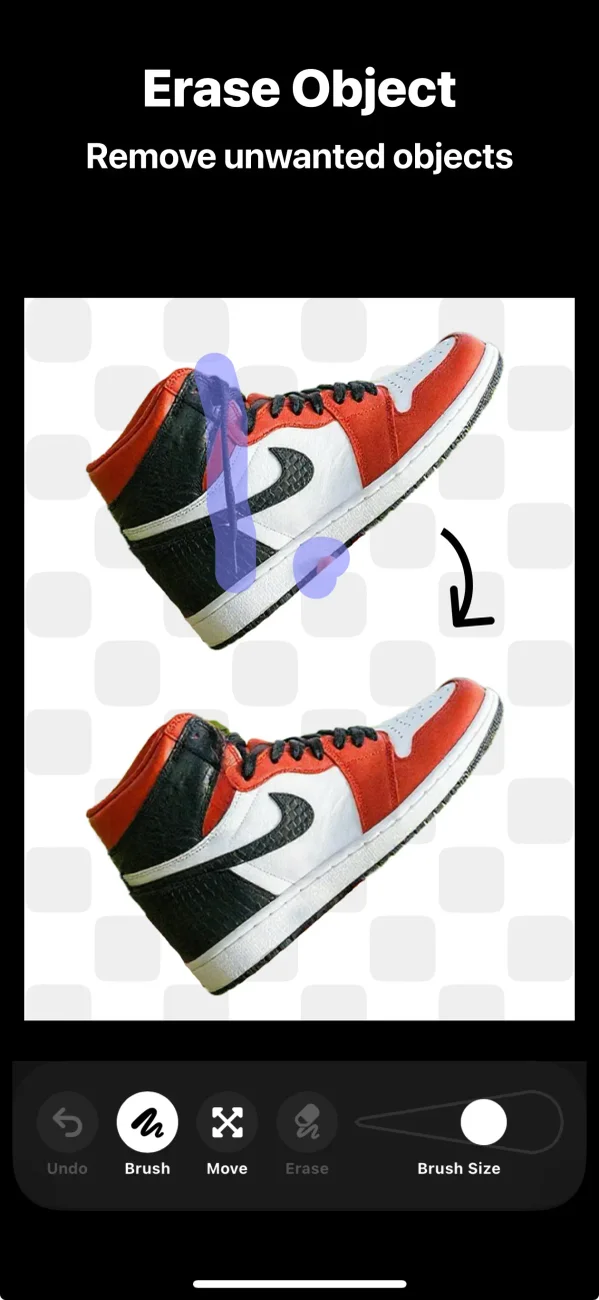
• Smart Object Eraser: Remove unwanted elements, people, or text — AI naturally fills the gaps
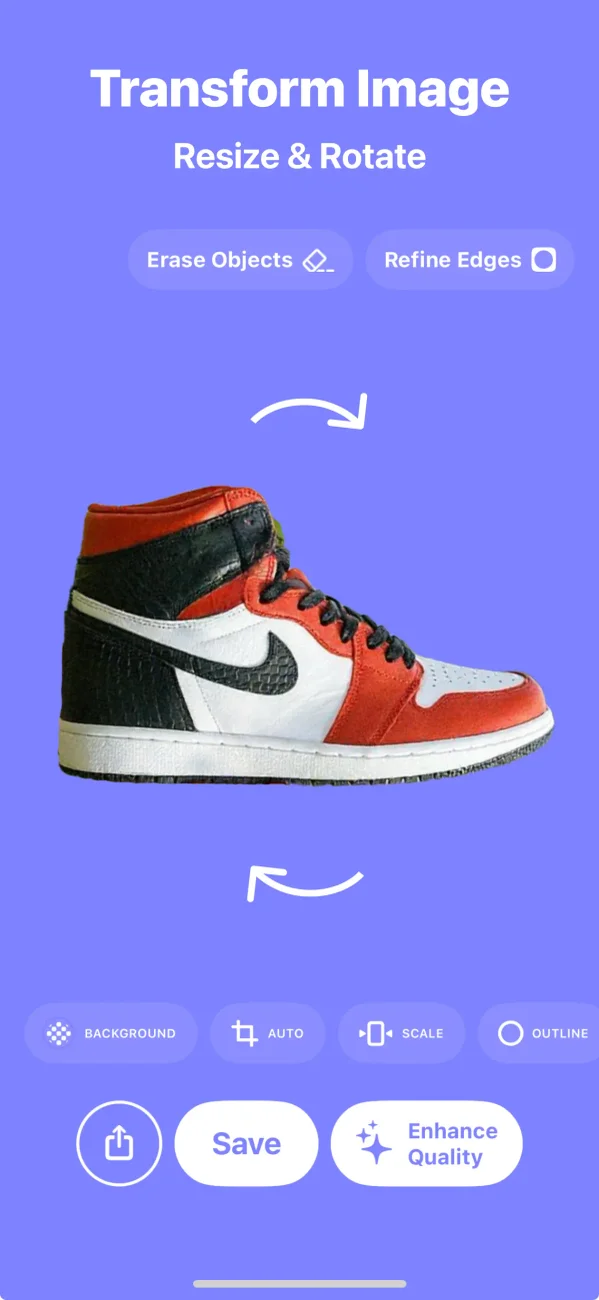
• Edge Refinement Tool: Manually adjust cutout areas for perfect results
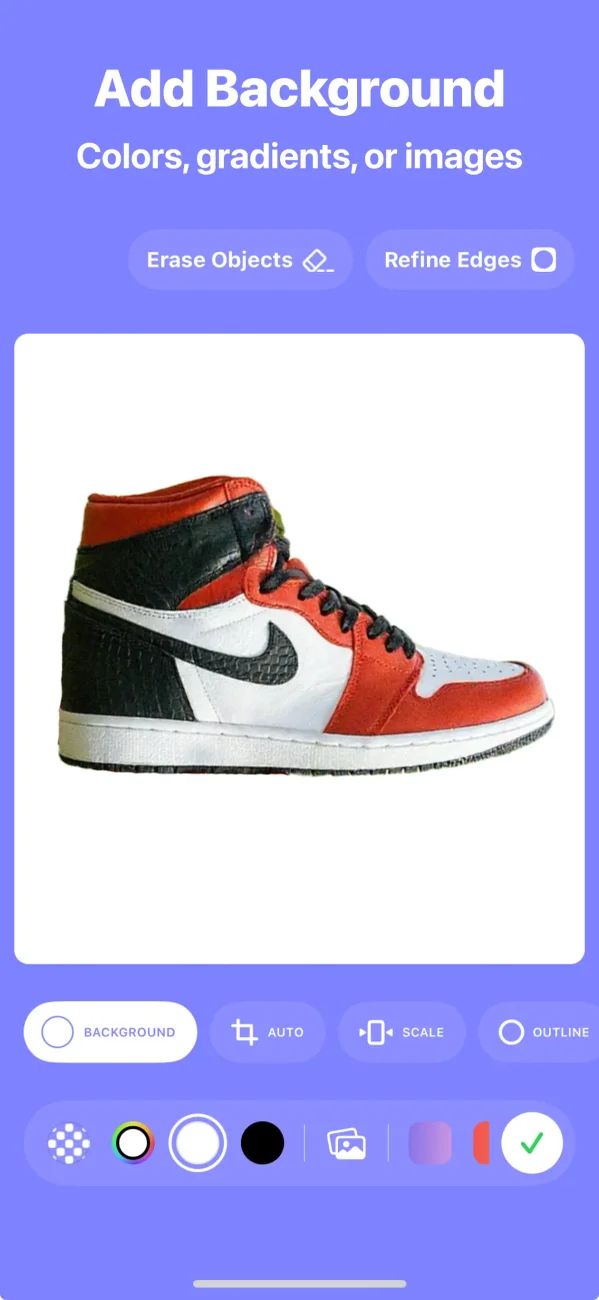
• Backgrounds: Add colors, gradients, your own images, or unique Dream Blur backgrounds
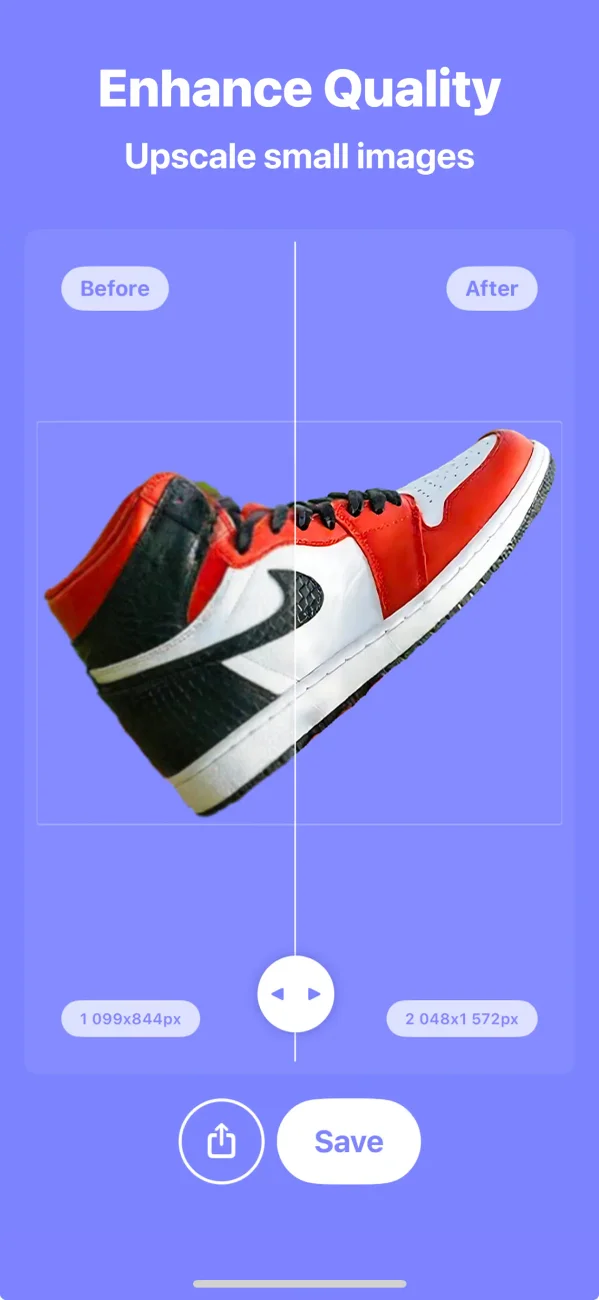
• Quality Enhancement: Restore old, blurry, or low-quality photos — AI improves detail with one click
• Professional Editor: Full editing with layers, text, shapes, filters, and shadows
PERFECT FOR
• Marketplace sellers for product listings
• Content creators for social media
• Small businesses for marketing materials
• Real estate agents for property presentations
• Anyone who wants professional photos instantly
WHY CHOOSE SNIP
• 3 background removals daily — available every day
• Batch process multiple photos at once
• Professional results in seconds
• Intuitive interface with no learning curve
BASIC VERSION INCLUDES
• 3 daily background removals
• Access to essential tools
• Standard quality export
SNIP PRO — EVERYTHING UNLIMITED
• Unlimited background removal
• Unlimited quality enhancement
• Unlimited object and text removal
• Full access to graphic editor
• Advanced edge refinement tools
• Batch image processing
• One subscription for all platforms
Start today — get 3 background removals daily. Upgrade to PRO anytime for unlimited possibilities.
TRUSTED BY THOUSANDS
Join thousands of users who have already transformed their photos with Snip. From professional photographers to everyday users — our AI technology delivers studio quality in seconds.
Support: snipfeedback@gmail.com
By using Snip, you agree to the Terms of Use and Privacy Policy:
https://github.com/Reamlab/PrivacyPolicy/blob/master/terms_of_use_snip_en.txt
https://github.com/Reamlab/PrivacyPolicy/blob/master/PrivacyPolicy_en_snip.txt
What’s new
Version 2.0.7 · Nov 16, 2026
Snip in Shortcuts and Photos
• Three new actions in the Shortcuts app: Remove Background, Product Photo and Sticker.
• Select a batch of photos in Photos, tap Share and choose a Snip shortcut – results are saved to your library without opening the app.
• Product Photo: your item on white, a color or your own photo, in 1:1, 4:5 and other marketplace formats.
• Sticker: die-cut outline and shadow, sized for Messages, WhatsApp and Telegram.
• Add ready-made shortcuts in one tap: Settings → Snip in Shortcuts.
Holiday Product Photo
• New in-app catalog of seasonal backgrounds. First up: 24 winter and holiday scenes for product photos in 1:1 and 4:5. More sets arrive during the season.
• Bug fixes and performance improvements.
App privacy
What Ilya Razuvaev declares on the App Store about how this app handles data.
-
Data not linked to you
May be collected but is not linked to your identity.
- Purchases
Privacy practices may vary, for example with the features you use or your age.
Information
- Seller
- Ilya Razuvaev
- Category
- Photo & Video
- Version
- 2.0.7
- Updated
- Nov 16, 2026
- Released
- Apr 22, 2021
- Size
- 182.6 MB
- Requires
- iOS 16.0 or later
- Age rating
- 4+
- Price
- Free
- In-app purchases
- Yes
- Languages
- English, Danish, Dutch, French, German, Hindi, Indonesian, Italian, Japanese, Korean, Norwegian Bokmål, Polish + 7 more
- Copyright
- © 2021 Ilya Razuvaev
You might also like
-
 Background Remover - PNG MakerPhoto background changer
-
 Home Design: AI Room InteriorHouse Makeover, AI Planner 5D
-
 AI Professional Headshot PhotoCreate High-Quality ProfilePic
-
 Photo Cut: Cutout pro & pasteCrop Editor,Background changer
-
 AI Headshot Generator ProCreate amazing ProfilePic
-
 PNG.ify - Convert & Make PNGsTurn any photo into a PNG
-
 AI Background - Pokecut StudioRemove Background & AI Design
-
 ReImage AI Headshot Tattoo ArtGenerator, Image Avatar Aragon
-
 Background Eraser: Bg Remover+Remove Objects,CutOut
-
 Remove Background -AI Object Eraser Photo Remover