
Remove Objects - AI Retouch
AI Photo Eraser & Enhancer
Designed for iPhone, iPod touch
Free · In-app purchases
- Age rating4+
- CategoryPhoto & Video
- DeveloperDipak Suhagiya
- LanguagesEnglish+ 12 more
- Size44.1 MB
Links to the official App Store page
Download.org hosts no file of Remove Objects - AI Retouch. The button opens its official App Store page, published by Dipak Suhagiya. Listing last checked on Nov 15, 2026.
Screenshots
About
Edit, Ai enhancer, and generate beautiful images using AI photo editor.
AI Remove background automatically, Enhance blur photos and fix them, Ai Remove unwanted object from pictures, Turn black and white photos into color.
Create stunning images with the our Free AI photo editor.
We offer AI tools like AI background remover, object remover, Image upscale , AI Retouch, AI Photo Enhancer, Photo Restore for edit photos quickly and accurately.
Our Amazing AI features
- AI Photo Enhancer
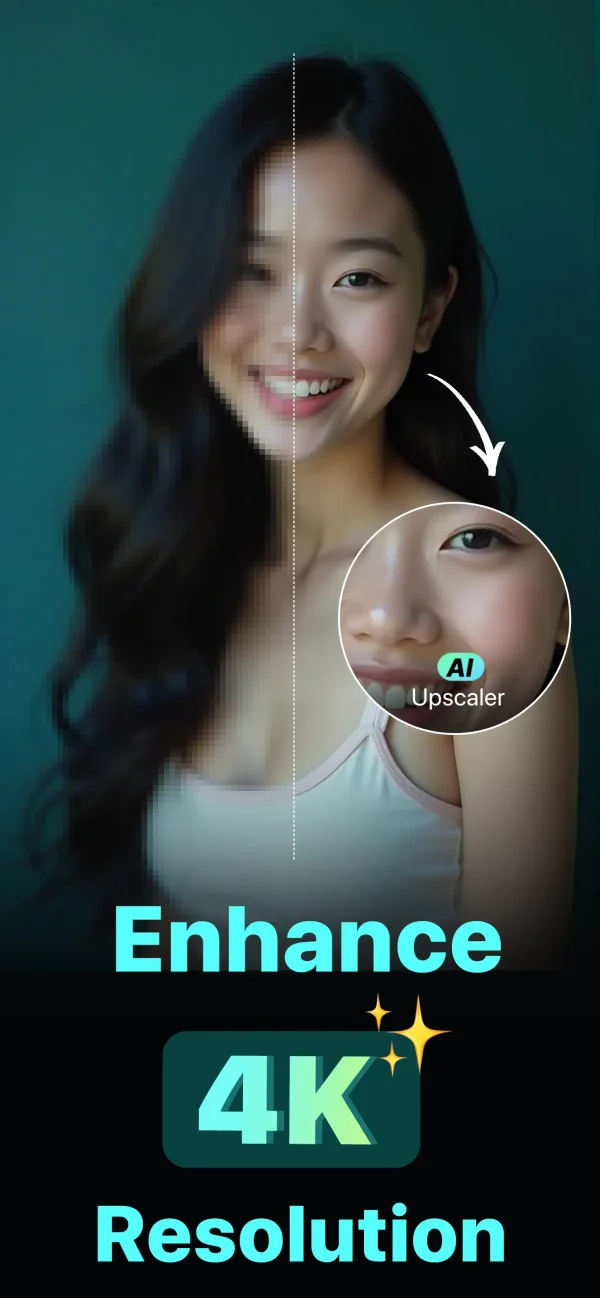
Fix pixelated, blurry, and low-quality photos instantly with AI Image Enhancer. Enhance your photos to improve image quality. Make them sharper, crisper, and cleaner. Upscale your photo to get higher resolution image with one tap.
- Object Remover AI
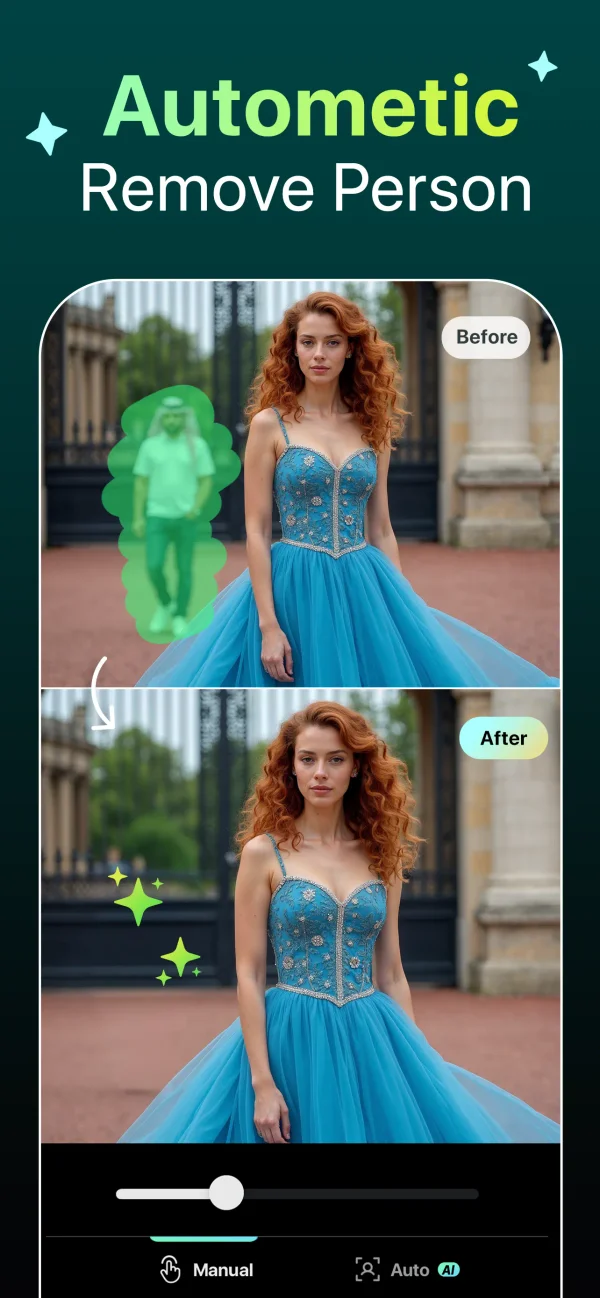
Remove unwanted objects from your photos. With the incredible AI object removal tool, you will get clean photos. select the unwanted object, text or person you want to clean up and AI object remover delete unwanted objects easily and naturally. Remove watermark, photo timestamp, logos, anything you don't want show in the picture.
- Remove background automatically
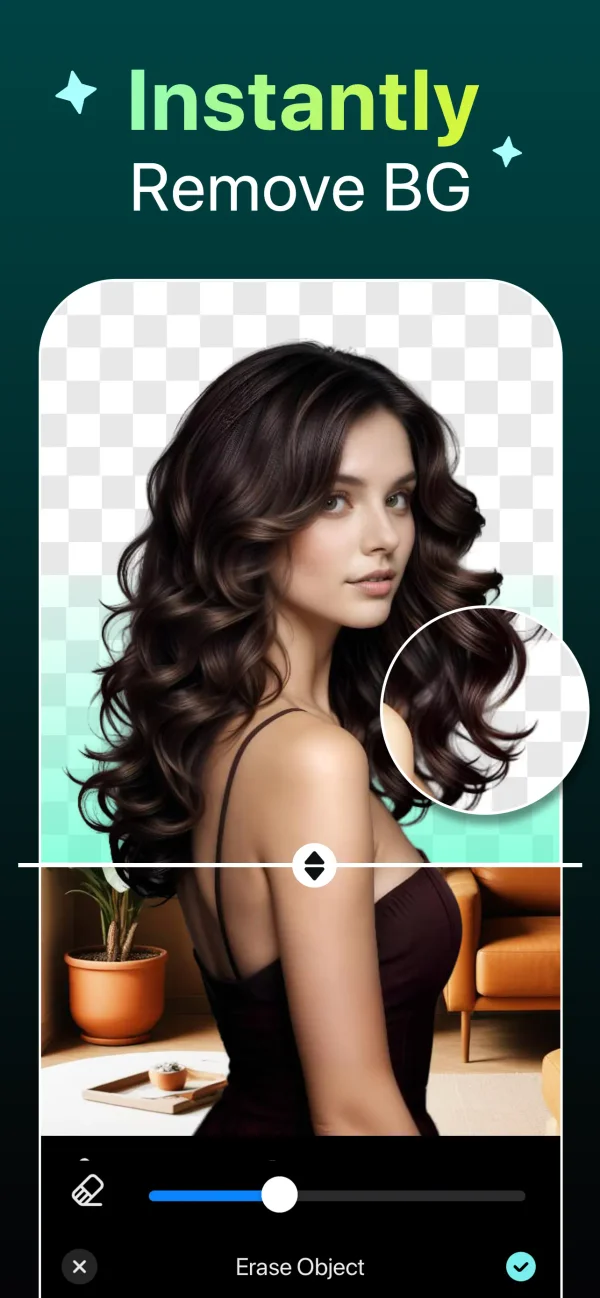
Our AI background remover instantly removes the background of your photos in seconds! With our AI-powered technology, you'll get quickly and perfectly remove the background in your images and get a nice transparent background or you can add any new background. ai remove objects & background
- Replace Sky with AI
You can Automatically replace sky background in seconds Using our AI sky replacer. There is a wide range of sky photos in our AI sky replacer, such as cloudy sky, sunny sky, morning sky, galaxy sky, blue sky etc. You can use these sky for free to make your photos creative and stunning.
- AI Image Upscaler
Increase image resolution without losing quality. AI image Upscaler with the latest AI technology upscale images to 2X or 3X. Preserve and restore image details to improve image quality to the next level.
- AI Photo Colorizer
Colorize photos with AI, Convert Black and White Photo to Color with AI. Our AI photo colorizer will color your old and black and white photos into colorful pictures with one tap!
- AI Object Remover – Automatically detect and remove unwanted items, remove objects from photos
- Photo Retouch Tool – Clean up blemishes, wrinkles, or dust
MORE AI PHOTO TOOLS
• Remove unwanted objects and people
• Erase distractions from photos
• Remove and replace backgrounds
• Enhance blurry and low-quality images
• Upscale images with AI
• Restore old photos
• Colorize black-and-white photos
• Replace skies with AI
• Retouch photos and remove imperfections
• Export high-quality images
• Simple one-tap editing experience
Subscription Information:
Pixscale Pro
With PixelUp Pro, you get unlimited access to all features and content offered for purchase within the app.
Additional Subscription Information:
Subscription for PixelUp Pro for full access to all features.
Subscription length: one week and one month.
Your payment will be charged to your iTunes Account as soon as you confirm your purchase.
You can manage your subscriptions and turn off auto-renewal from your Account Settings after the purchase.
Subscription automatically renews unless auto-renew is turned off at least 24 hours before the end of the current period
The account will be charged for renewal within 24 hours before the end of the current period
When canceling a subscription, your subscription will stay active until the end of the period. Auto-renewal will be disabled, but the current subscription will not be refunded.
Privacy Policy: https://sites.google.com/view/dipaksuhagiya-privacy-policy/home
Terms of Use: https://sites.google.com/view/dipaksuhagiya-terms-condition/home
If you need our help with any questions, please send us an email at dipaksuhagiya041@email.com.
What’s new
Version 1.0.11 · Sep 24, 2026
-Improved tool stability and overall app responsiveness.
- Minor bug fixes and performance enhancements.
Thanks for using Remove Object! We’re continuously improving the app to make your editing experience faster, smoother, and more reliable.
App privacy
What Dipak Suhagiya declares on the App Store about how this app handles data.
-
Data used to track you
May be used to track you across apps and websites owned by other companies.
- Identifiers
- Usage data
-
Data linked to you
May be collected and linked to your identity.
- Identifiers
-
Data not linked to you
May be collected but is not linked to your identity.
- Usage data
Privacy practices may vary, for example with the features you use or your age.
Information
- Seller
- Dipak Suhagiya
- Category
- Photo & Video
- Version
- 1.0.11
- Updated
- Sep 24, 2026
- Released
- Jun 23, 2024
- Size
- 44.1 MB
- Requires
- iOS 15.6 or later
- Age rating
- 4+
- Price
- Free
- In-app purchases
- Yes
- Languages
- English, Arabic, Bengali, French, German, Hindi, Italian, Japanese, Korean, Malay, Portuguese, Russian + 1 more
- Copyright
- © DS@2024
You might also like
-
 SnapErase: Photo Object EraserRemove object with AI
-
 PicPixy - Objects RemovalAI Erasure & magic sky
-
 AI Erase & Remove ObjectsAI Retouch & Cleanup Tool
-
 EraserDuck- AI Object removalPimple Eraser&Photo Remover
-
 AI Eraser - Photo CleanupEasily erase objects in photos
-
 Photo Eraser – Object RemoverRemove objects from photo
-
 Remove Object: Photo RetouchMagic Eraser: Cut Out Editor
-
 AI Photo RetouchAI Object Remover Editor
-
 Remove Objects From Photo: RBQSmart Eraser & Object Removal
-
 Remove Objects - Photo EditorPhoto Editor and Remove Object