
Remove Objects: Photo Editor
Bg Remover, Background Eraser
Designed for iPhone, iPad
Free · In-app purchases
- Age rating4+
- CategoryGraphics & Design
- DeveloperProtools LLP
- LanguagesEnglish+ 9 more
- Size107.6 MB
Links to the official App Store page
Download.org hosts no file of Remove Objects: Photo Editor. The button opens its official App Store page, published by Protools LLP. Listing last checked on Nov 24, 2026.
Screenshots
About
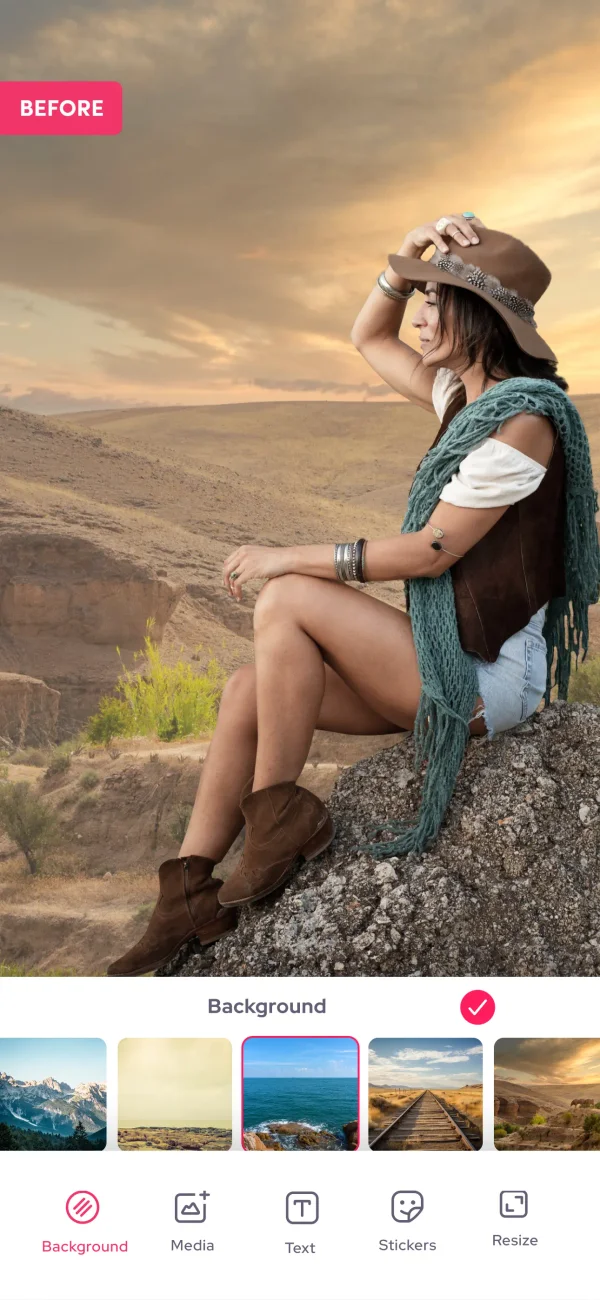
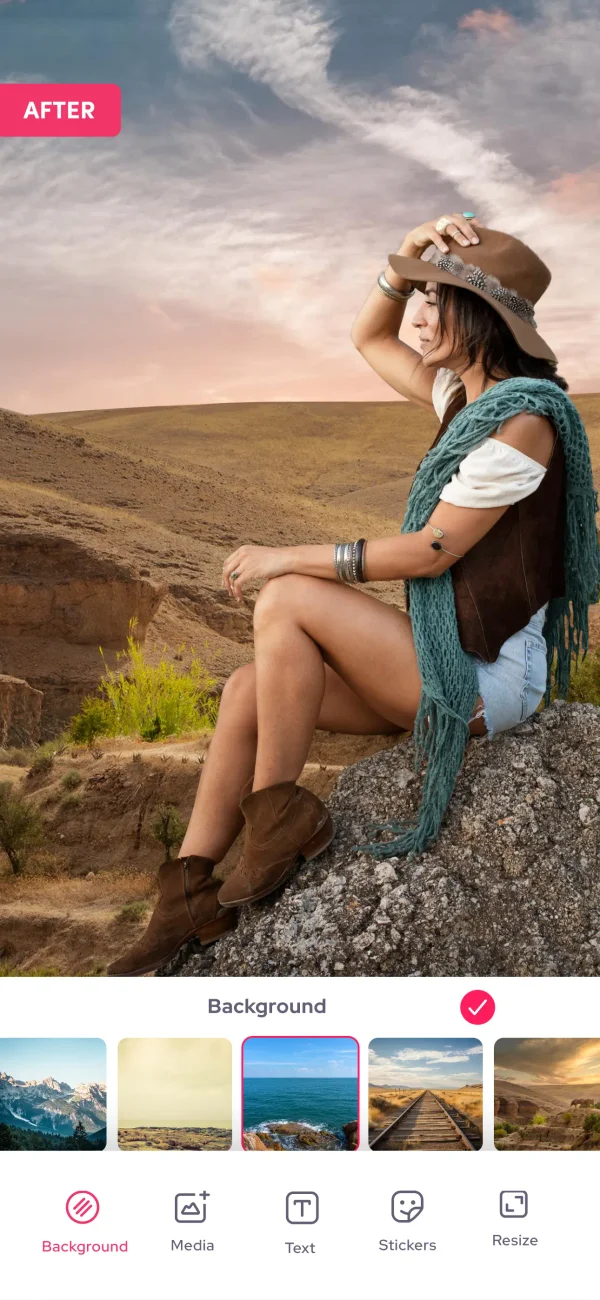
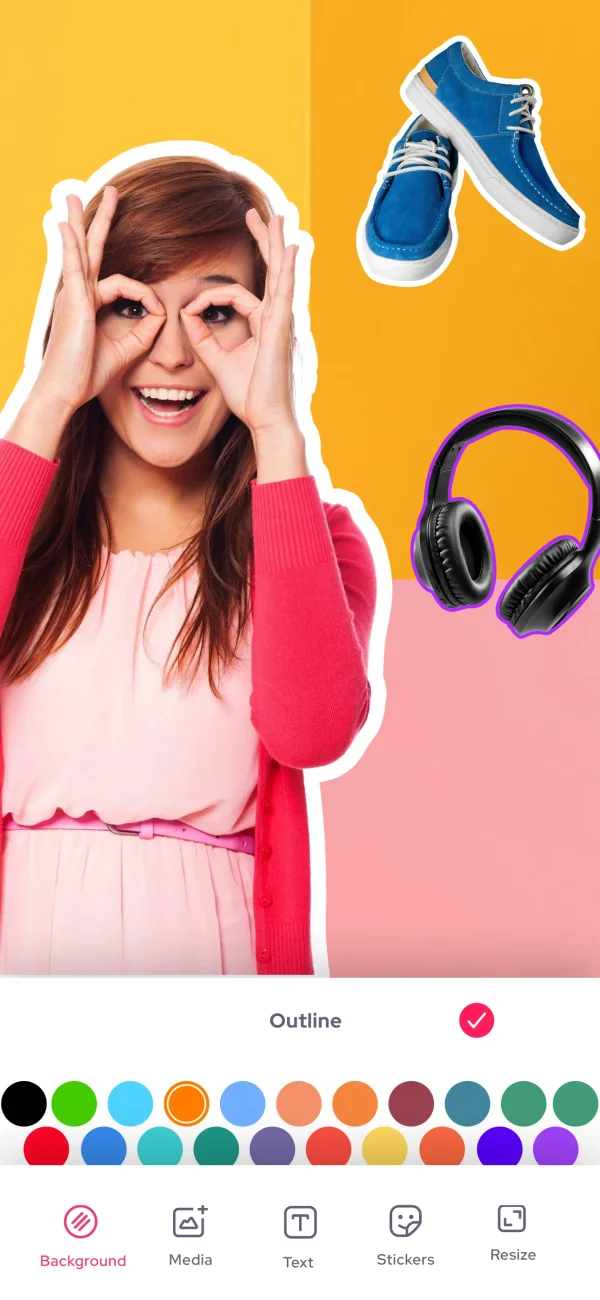
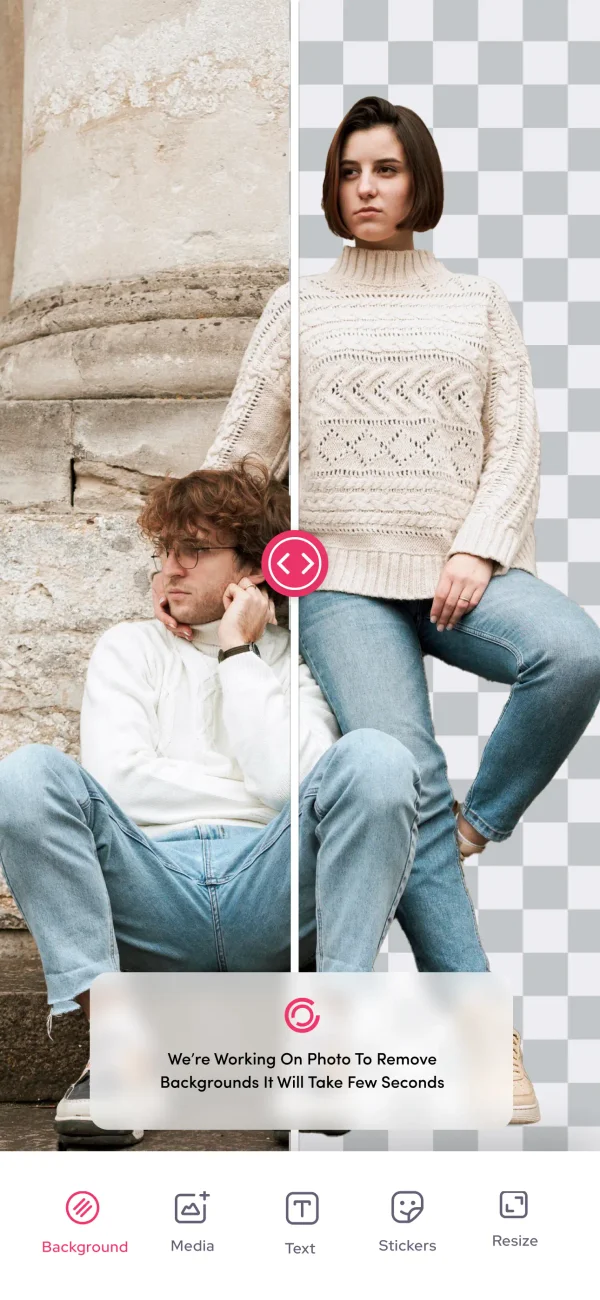
Looking for an online tool to remove the unwanted objects in the background of your pictures? With our exclusive Background Remover app, you can quickly remove the background from any of your photos while maintaining transparency. Craft your own perfect picture by removing the background and highlighting the subject and superimposing it over a new picture.
The background remover tool lets you highlight the topic of your photo while creating a translucent backdrop, allowing you to place your new image in a number of different styles and locations. Place it on a colourful backdrop or add a new background to totally transform your subject's surroundings.
This app is best in class since it includes automatic background area removal. Simply touch the area you want to remove, and the "Magic Wand" function will automatically remove the area of similar color. Use transparent images with other apps such as Keynote. Pages or more.
Key Features:
- Background eraser - Erase the backdrop of any photo and replace it with a fresh one.
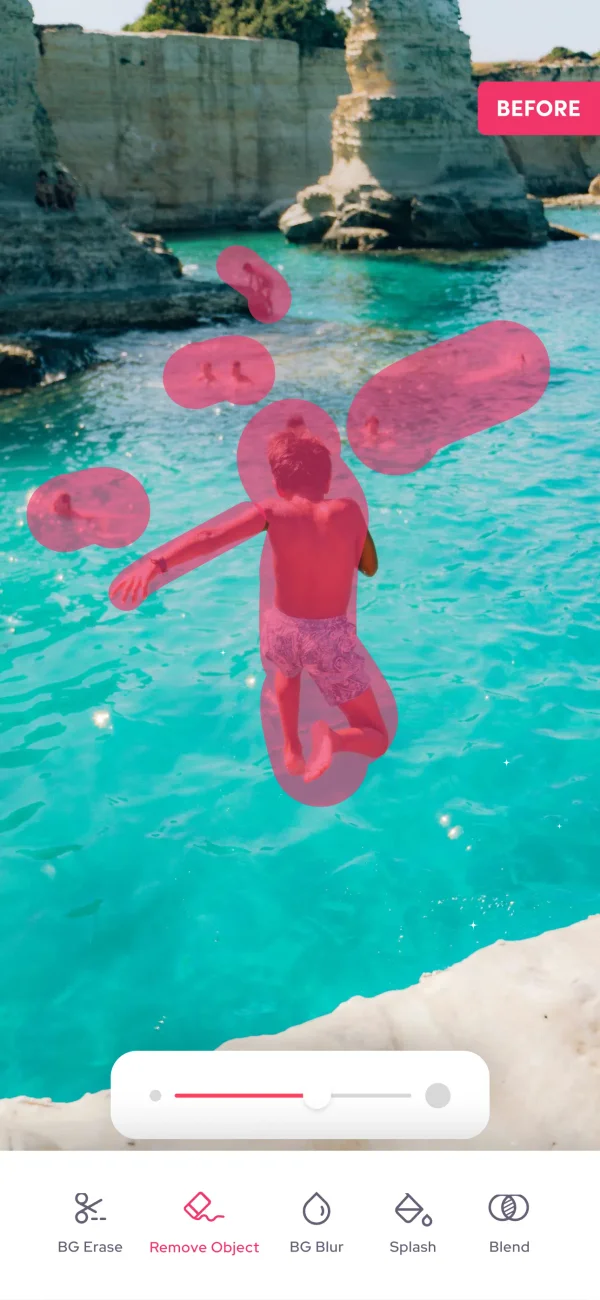
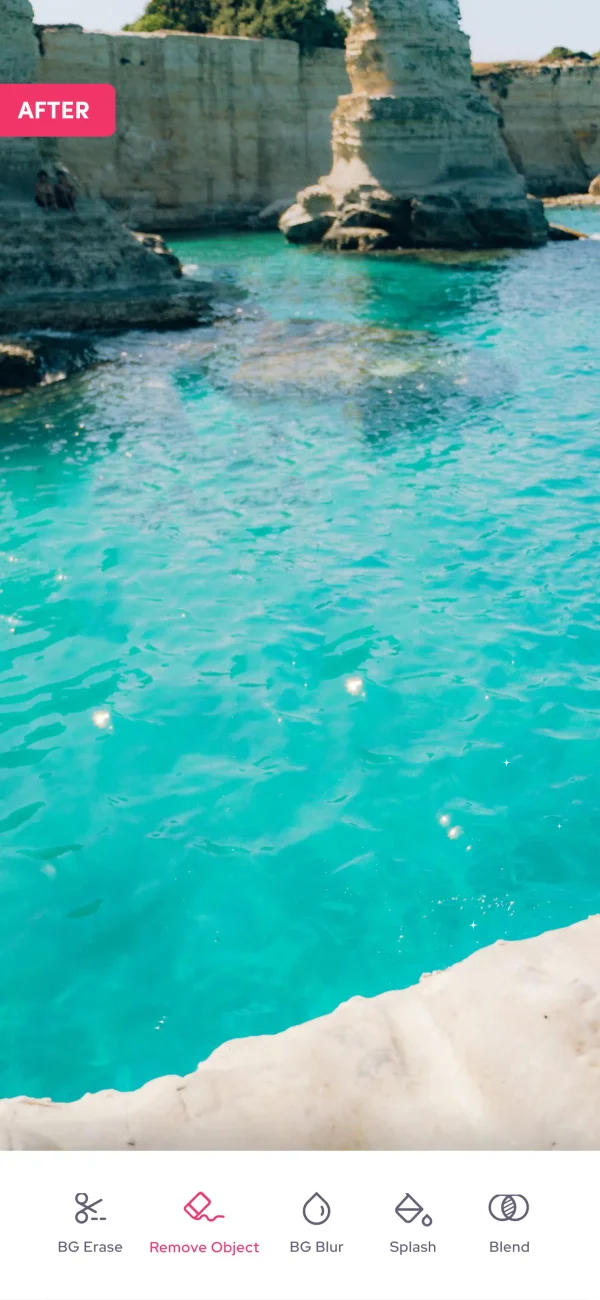
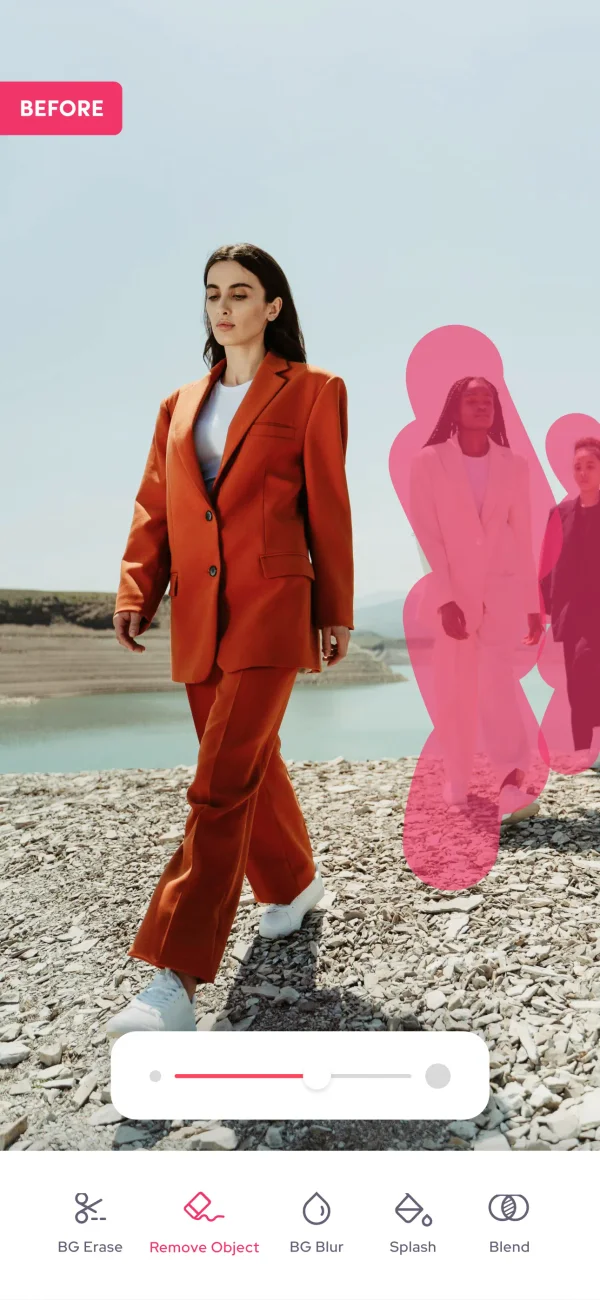
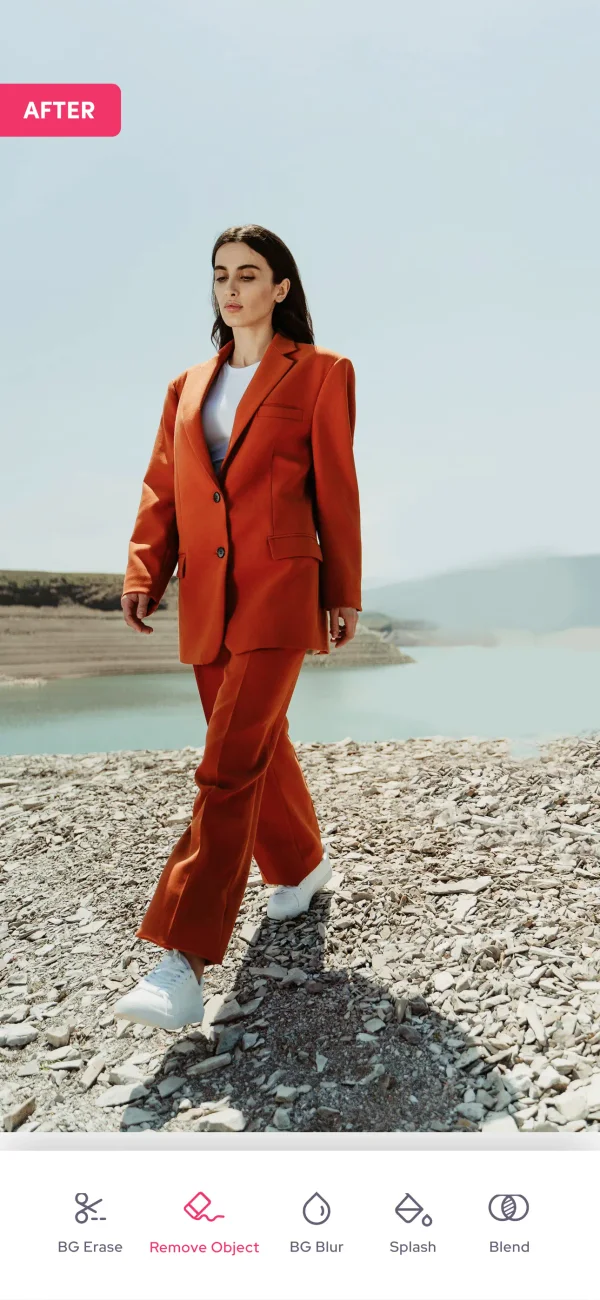
- Object remover - Quickly remove unwanted objects in the background of your picture.
- Blur background - Blur the background of any picture of yours with just a few taps.
- Splash tool - Highlight or modify particular colors in your images to produce fantastic picture splash effects.
- Blend Tool - This allows you to create blends, which are a collection of intermediate items and colors between two or more chosen objects.
- Professional Photo Filters - Apply our high-quality, one-of-a-kind filters to your photos to create astonishing effects.
- Background opacity adjustments - Adjust the opacity of filters, layers, and effects as much as you want in the background of your picture.
Mixup your cropped images to get ultimate results.
You can add overlays on the photos for getting great results it will enhance your photos by adding additional art objects on your photos.
SUBSCRIPTION FOR PREMIUM FEATURES:
Remove Object offers 1 auto-renewing subscription options:
A 3-day trial then
Weekly $2.99 per Week
• Subscription automatically renews unless auto-renew is turned off at least 24 hours before the end of the current period
• Account will be charged for renewal within 24-hours prior to the end of the current period, and identify the cost of the renewal
• Subscriptions may be managed by the user and auto-renewal may be turned off by going to the user's Account Settings after purchase
• Any unused portion of a free trial period, if offered, will be forfeited when the user purchases a subscription to that publication, where applicable
Privacy policy:
https://bremoverapp.protool.app/bremoverapp/privacy-policy
Terms: https://bremoverapp.protool.app/bremoverapp/terms-conditions
Support URL
https://protool.app/bgremover/
What’s new
Version 1.15.46 · Nov 23, 2026
- Performance Improvement
App privacy
What Protools LLP declares on the App Store about how this app handles data.
-
Data used to track you
May be used to track you across apps and websites owned by other companies.
- Identifiers
- Usage data
-
Data linked to you
May be collected and linked to your identity.
- Identifiers
- Usage data
-
Data not linked to you
May be collected but is not linked to your identity.
- Usage data
- Diagnostics
Privacy practices may vary, for example with the features you use or your age.
Information
- Seller
- PROTOOLS LLP
- Category
- Graphics & Design
- Version
- 1.15.46
- Updated
- Nov 23, 2026
- Released
- Sep 10, 2021
- Size
- 107.6 MB
- Requires
- iOS 16.0 or later
- Age rating
- 4+
- Price
- Free
- In-app purchases
- Yes
- Languages
- English, French, German, Italian, Japanese, Korean, Portuguese, Russian, Simplified Chinese, Spanish
- Copyright
- © PROTOOLS LLP
You might also like
-
 Object Removal Photo EraserRemove Objects People Remover
-
 Retouch: Erase Objects RemoverAI Magic Eraser Remove People
-
 Remove Objects From Photo・Background Removal, Erase Text
-
 Background Remover - PNG MakerPhoto background changer
-
 Remove Objects · Photo EraserBackground Eraser, Sky Changer
-
 Object Remover, photo eraserRemove background
-
 Photo Retouch Eraser - RemovalBlemish Editor, Remove Objects
-
 Background Eraser: Bg Remover+Remove Objects,CutOut
-
 Object & Person Remover: NixelErase People, Logo & Photo Bg
-
 Photo Cut: Cutout pro & pasteCrop Editor,Background changer