
Remove Text From Photo
Delete words from image
Designed for iPhone, iPad
Free · In-app purchases
- Age rating4+
- CategoryPhoto & Video
- DeveloperHYPER IGNITION SYSTEMS
- LanguagesEnglish+ 32 more
- Size21.9 MB
Links to the official App Store page
Download.org hosts no file of Remove Text From Photo. The button opens its official App Store page, published by HYPER IGNITION SYSTEMS. Listing last checked on Nov 28, 2026.
Screenshots

About
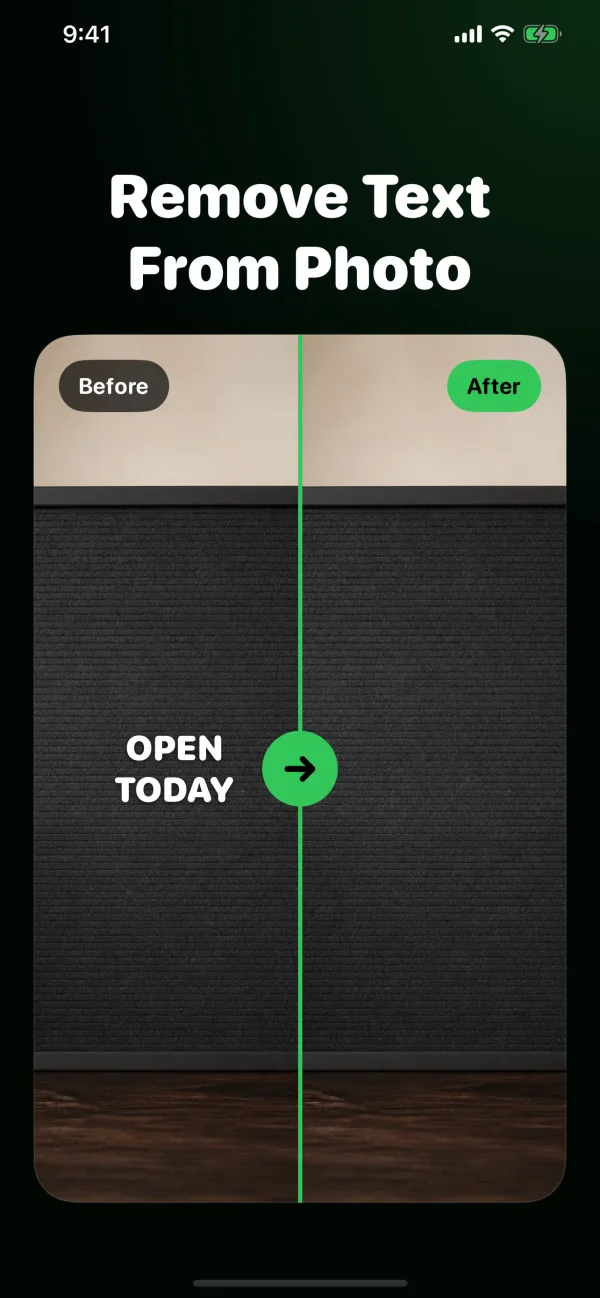
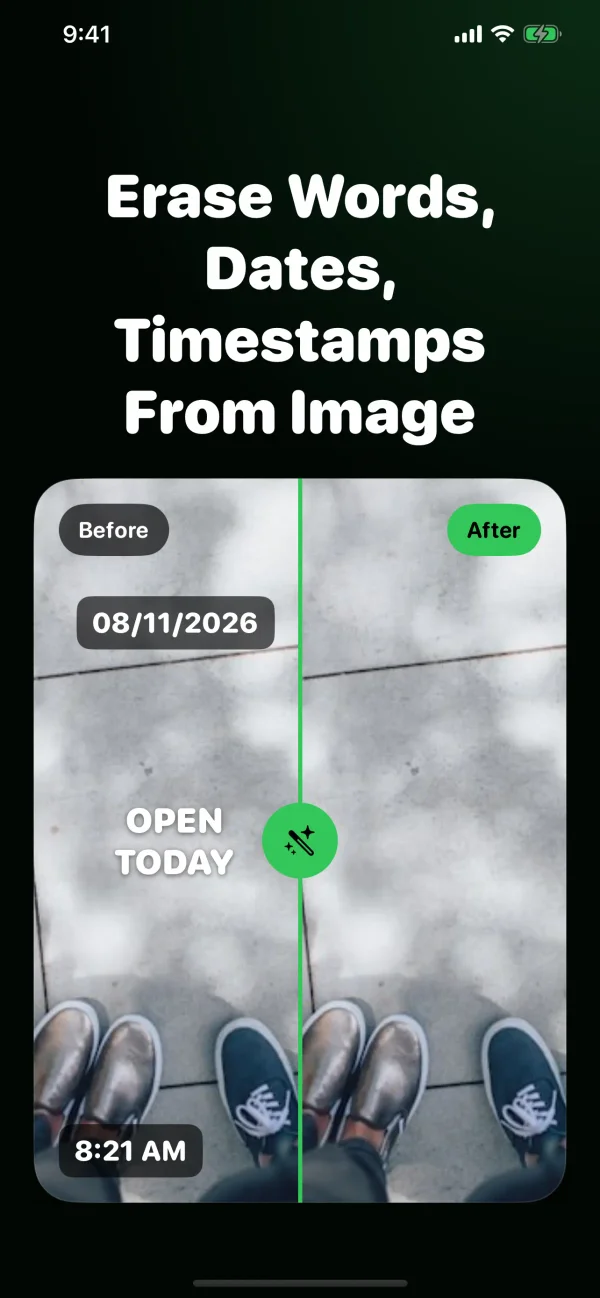
Remove text from photos and screenshots on your iPhone or iPad. Remove Text From Photo uses AI-assisted editing to erase unwanted words, captions, dates and timestamps from your images.
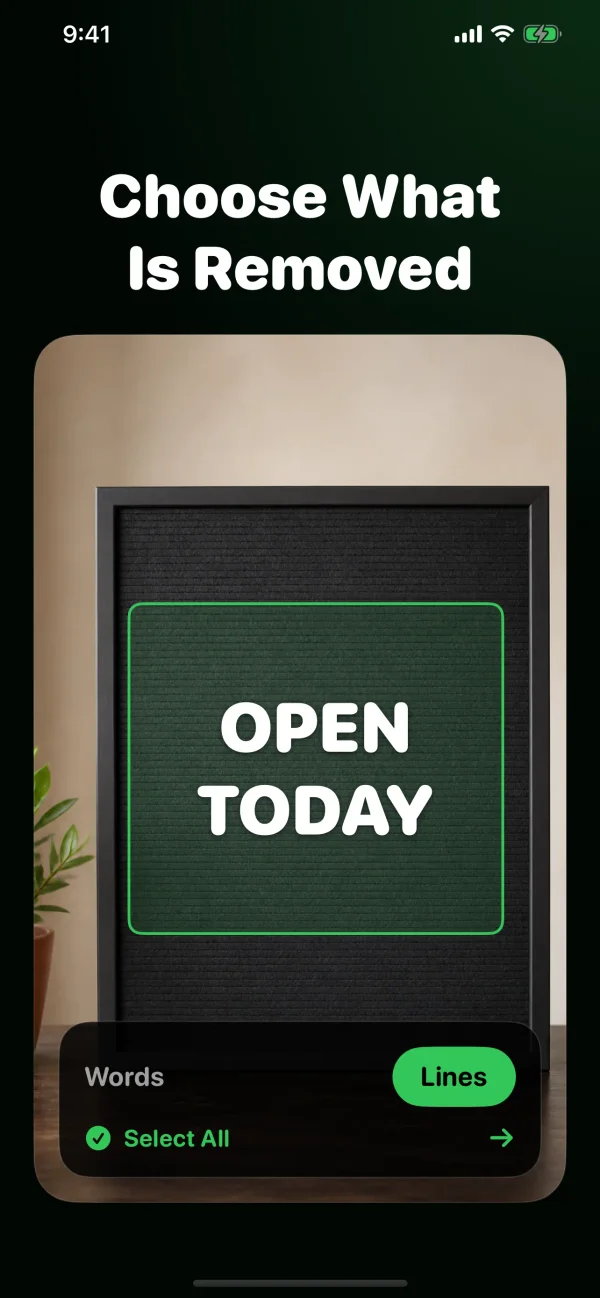
Clean up a screenshot, remove a distracting caption from a picture, or erase a visible date stamp from a photo. Choose specific words and lines to remove, or clear all text in one step.
You control what to select:
• Pick individual words or lines for targeted text removal.
• Review the highlighted text before processing your image.
• Use Remove All Text when you want to clear the writing in a picture.
• Preview the edited result before saving or sharing.
To remove text from an image, choose a photo from your library, take a new picture, or open an image from Files. Select your removal option, let the app process the image, then review the result. Save it to Photos or share it with another app.
Use your word eraser for everyday photo cleanup: unwanted text on signs, captions over pictures, and date or time overlays in screenshots. Revisit completed edits in History when you want to view, save or share a previous result.
AI results vary depending on the image, text and background. Complex backgrounds may take longer to process.
Subscription Information:
– Available plans and prices appear in the app before purchase. Options may include weekly or yearly subscriptions and a one-time lifetime purchase.
– Free Trial: If offered, it will automatically convert to a paid subscription unless canceled.
– Payment: Charged to your Apple ID account at confirmation of purchase.
– Auto-Renewal: Automatically renews unless canceled at least 24 hours before the end of the current period.
– Managing Subscription: Users can manage subscriptions and turn off auto-renewal in Account Settings on the App Store.
Terms of Use: https://hyperignitionsystems.com/terms-of-service
Apple EULA: https://www.apple.com/legal/internet-services/itunes/dev/stdeula/
Privacy Policy: https://hyperignitionsystems.com/privacy-policy
What’s new
Version 3.1 · Nov 26, 2026
Performance improvements
App privacy
What HYPER IGNITION SYSTEMS declares on the App Store about how this app handles data.
-
Data used to track you
May be used to track you across apps and websites owned by other companies.
- Identifiers
-
Data not linked to you
May be collected but is not linked to your identity.
- User content
- Identifiers
- Usage data
Privacy practices may vary, for example with the features you use or your age.
Information
- Seller
- HYPER IGNITION SYSTEMS - FZCO
- Category
- Photo & Video
- Version
- 3.1
- Updated
- Nov 26, 2026
- Released
- Dec 19, 2024
- Size
- 21.9 MB
- Requires
- iOS 17.6 or later
- Age rating
- 4+
- Price
- Free
- In-app purchases
- Yes
- Languages
- English, Arabic, Catalan, Croatian, Czech, Danish, Dutch, Finnish, French, German, Greek, Hebrew + 21 more
- Copyright
- © HYPER IGNITION SYSTEMS - FZCO
You might also like
-
 Remove Text from ImagesErase, Edit, Tweak Pictures
-
 PhotoFix - Text Remover Borderremove text & resize image
-
 TextOff: Photo Text Eraser AIRemove Watermarks and Objects
-
 Photo Retouch - Remove objectAdd watermark to video picture
-
 Video Eraser .AI Remove Objects
-
 Video Eraser - Remove ObjectErase text & people from video
-
 Magic Eraser - Remove PeopleErase People & Objects with AI
-
 Easy Photo Eraser & RetouchAI Removes & Replaces Objects
-
 Video Eraser & Remove ObjectsVideo retouch & object remover
-
 CutVibe: Video Eraser & EditorRemove Objects, AI Edit, Music