Repeatica: AI Study Space
Classes handled. Exam ready.
Designed for iPhone, iPad
Free · In-app purchases
- Age rating4+
- CategoryEducation
- DeveloperLaunchific LLC
- LanguagesEnglish+ 9 more
- Size53.0 MB
Links to the official App Store page
Download.org hosts no file of Repeatica: AI Study Space. The button opens its official App Store page, published by Launchific LLC. Listing last checked on Nov 15, 2026.
Screenshots
About
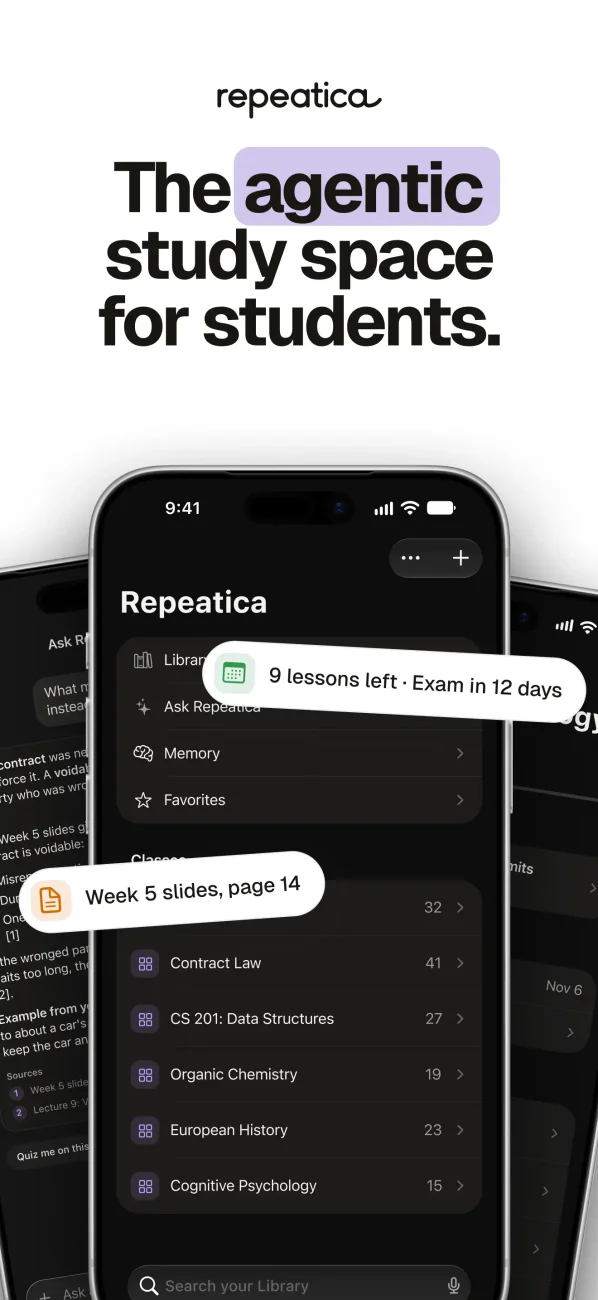
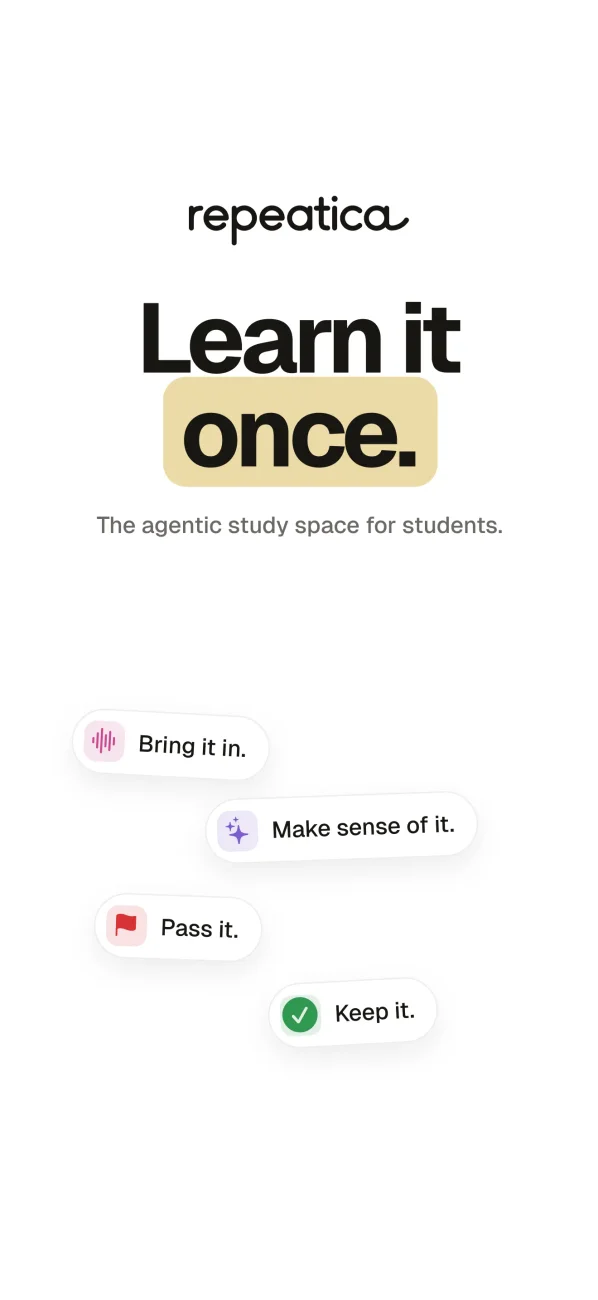
The agentic study space for students. Finally, one place to record your lectures, ask anything and get it handled, turn one sentence into a full course, and walk into every exam ready.
Everything happens in your classes. Each class you take gets its own place for its lectures, slides, readings, notes, and exams, and Repeatica does the work on what it holds: it reads your material, answers from it, and makes notes, quizzes, and courses once you confirm. The learning stays yours.
EVERY LECTURE, HANDLED.
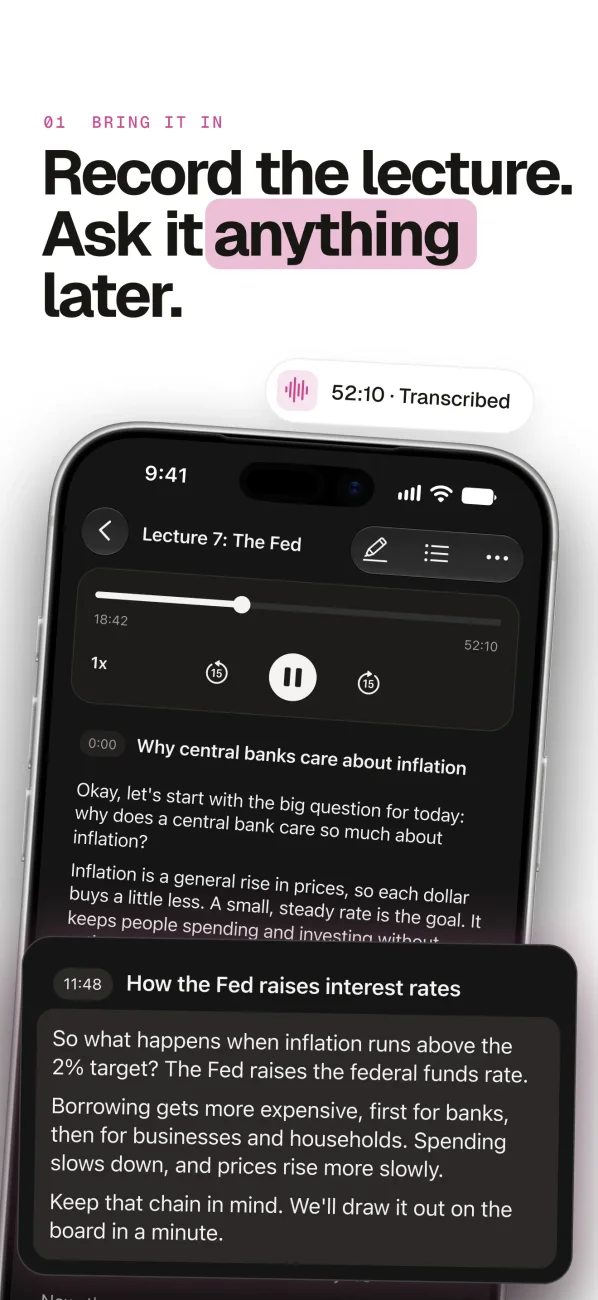
Bring each lecture into its class, make sense of it, and keep what matters.
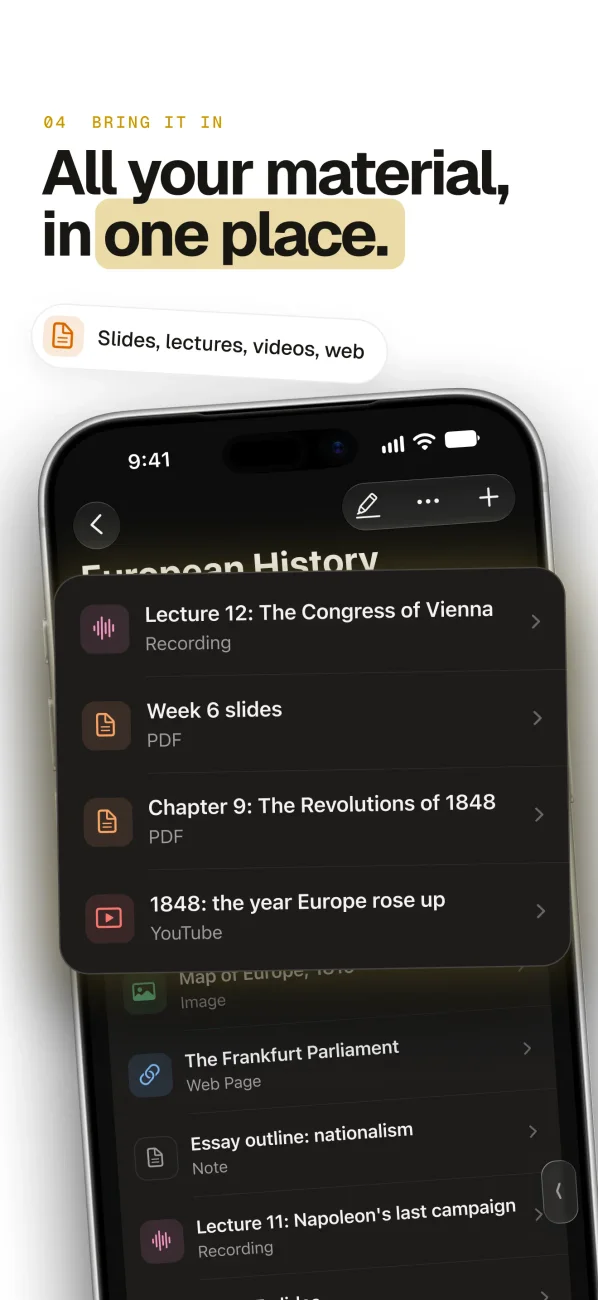
- Record lectures up to 2 hours, then read the transcript split into chapters
- Add PDFs up to 1,000 pages, slide decks, and photos of the board or a textbook page
- Save YouTube videos and web pages from the app or the share sheet, and forward an email from your professor
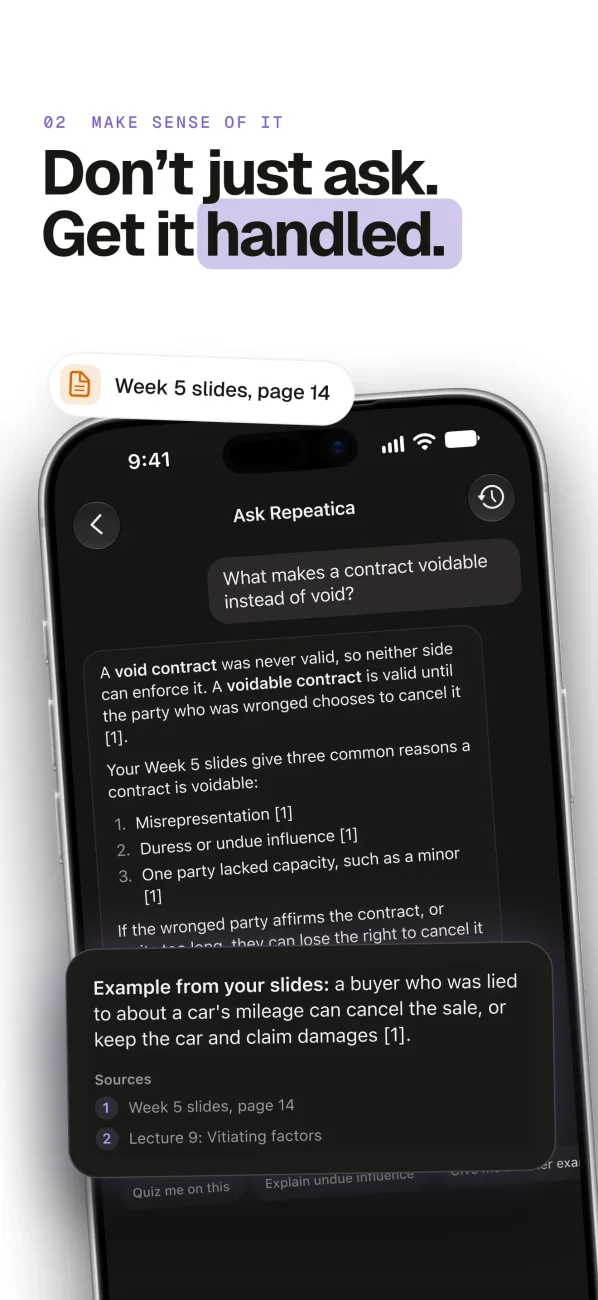
- Ask Repeatica anything about one lecture, a whole class, or your entire Library, with answers that cite the page, slide, or moment they came from
- It tells you when your material doesn't cover a question
- Ask for a summary, a translation, or a simpler explanation, or snap a photo of a problem
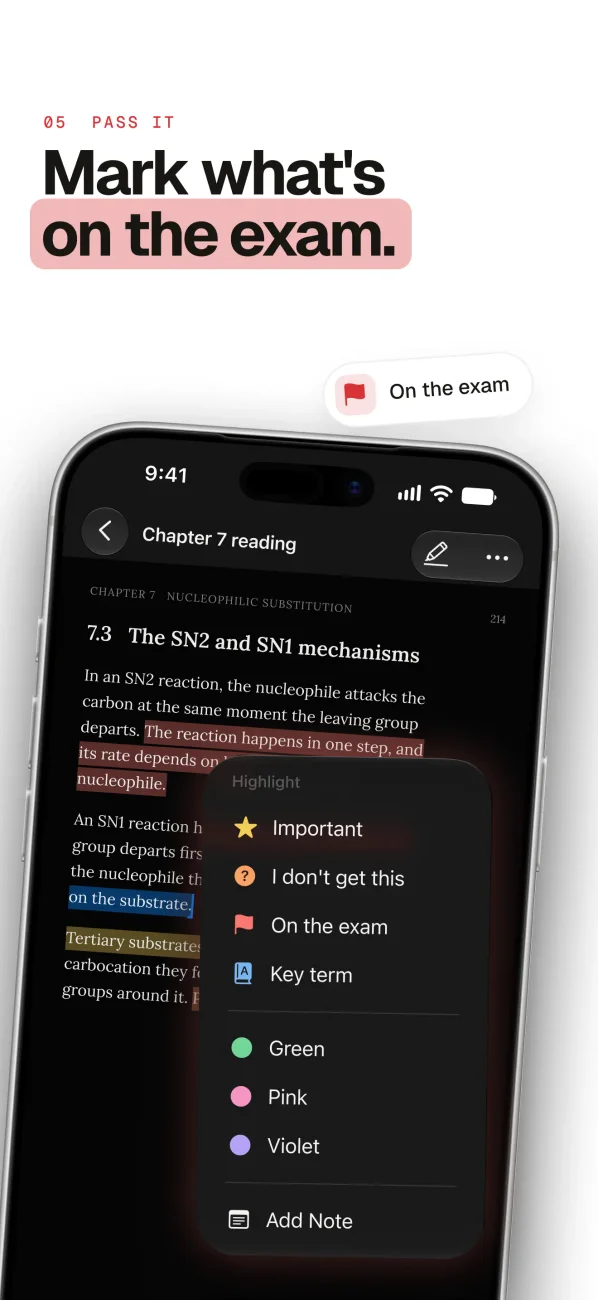
- Highlight what's important, what's on the exam, and what you don't get, then ask Repeatica to explain the parts you don't get
- Write your own notes next to your sources. Everything exists once in your Library and can sit in every class that uses it
EVERY EXAM, READY.
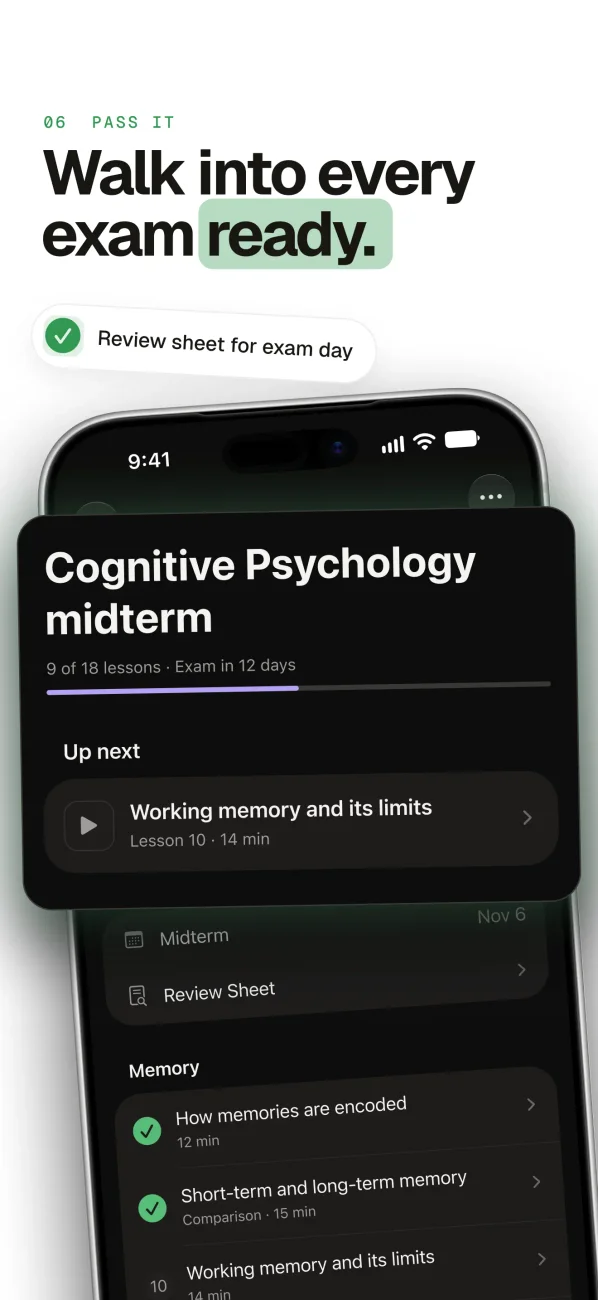
Add your quizzes, midterms, and final to a class, and it counts down to the next one. When the date gets close, ask Repeatica, and it turns everything the class gathered into what gets you ready.
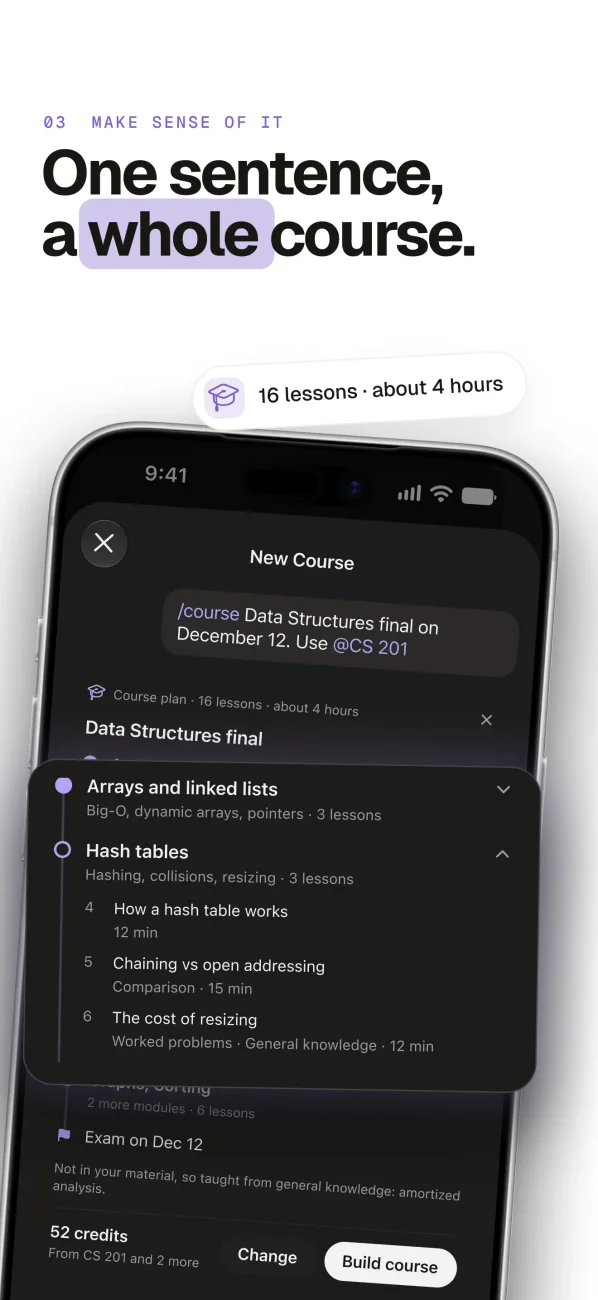
- Type one sentence, like "Data Structures final on December 12", and Repeatica plans a course of short lessons
- It builds from your slides and readings, or from general knowledge when you have no material yet, and every lesson says which: "From your slides" or "General knowledge"
- See the whole plan before anything is built, and change it in a sentence
- Every lesson ends with a short check, and lessons left and days left sit side by side
- Ask for a practice set in your exam's format whenever you're ready, or say "quiz me on this" about any lecture or reading
- Open a one-page review sheet on exam day
EVERYTHING YOU LEARN, KEPT.
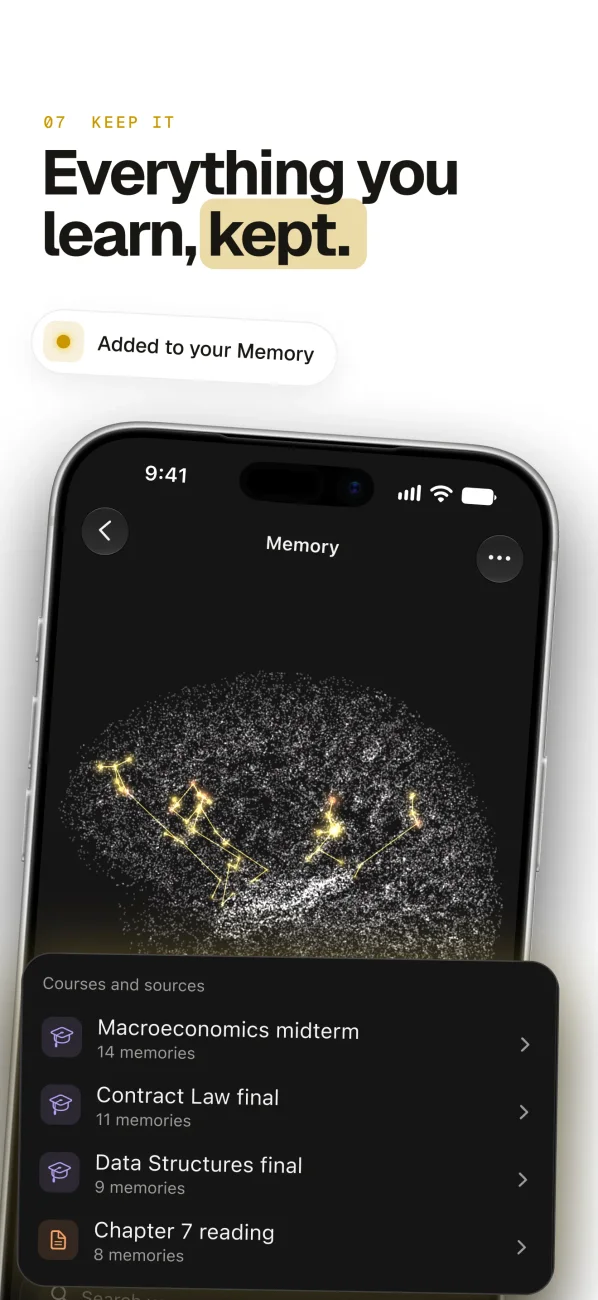
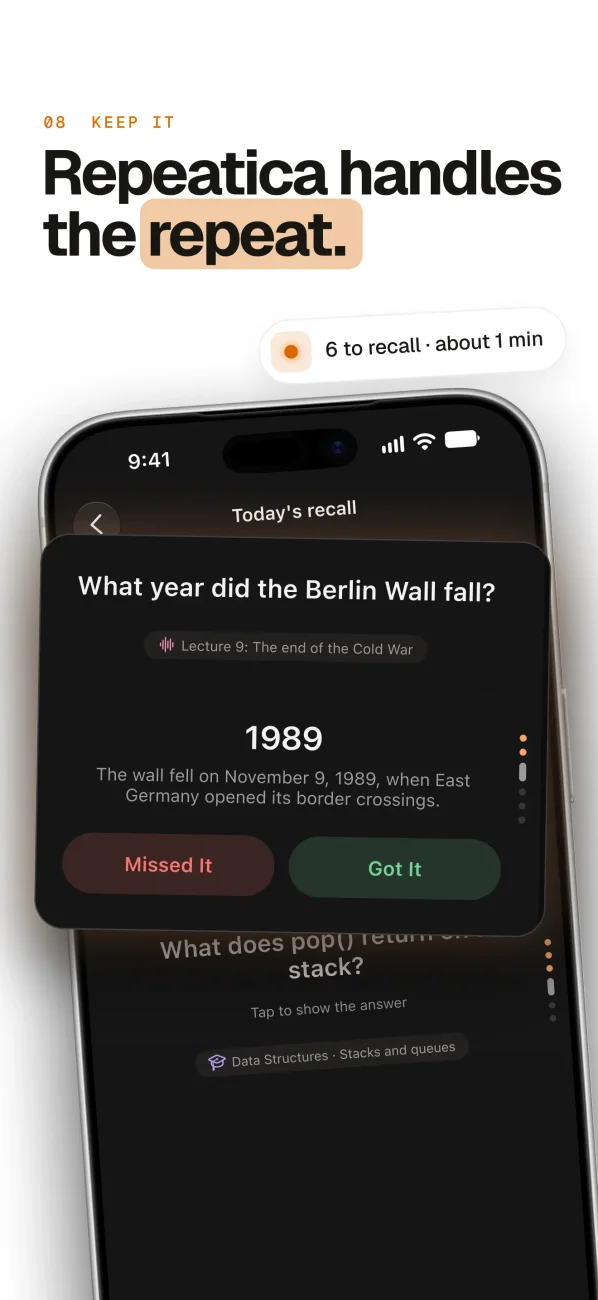
Keeping starts in week one. Choose Remember This on anything you understood: a passage, a highlight, an answer, a lesson. Repeatica writes one question with a short answer and brings it back when it's time, through the semester and after it. It handles the repeat; you answer one question when it shows up, a couple of minutes a day at most.
- Memory shows everything you kept, from every class, as a brain you can explore
- Today's recall brings back one question at a time: answer Got It or Missed It
- A reminder tells you when it's time, and a break never leaves you a backlog
ON EVERY DEVICE
iPhone, iPad, Mac, and the web. Your classes and your Library stay in sync everywhere.
FREE TO START
Repeatica is free to start, with 150 credits to get going. Asking, transcribing, and building courses use credits. Repeatica Plus is a subscription with 1,000 credits a month, 10 GB of storage, and the exam-day review sheet. Remember uses no credits: keep up to 50 memories free, or as many as you like with Plus.
WE HELP YOU KNOW IT
Repeatica is built to help you understand the material, so the work you hand in is yours.
Learn it once.
Terms of Service: https://www.repeatica.com/terms
Privacy Policy: https://www.repeatica.com/privacy
What’s new
Version 2.0.0 · Nov 14, 2026
New in Repeatica:
Repeatica 2.0 is our biggest update yet: one place for everything you're learning. Everything you had is still here, in a new place.
- Library: your notes, PDFs, recordings, YouTube videos, web pages, and images now live in one Library. A note with files attached became a class, and folders now hold your classes.
- Classes: each class you take gets its own place for material, notes, and chats. The same PDF can sit in every class that uses it.
- Ask Repeatica: ask about one lecture, a whole class, or your entire Library, and see where each answer came from. Your earlier chats moved here too, and it's on every plan.
- Courses: type one sentence or start from your slides, and Repeatica plans short lessons that end with a practice check. Add your exam date and the course counts the days.
- Remember: choose Remember This on anything you understood, and Repeatica writes one question and brings it back when it's time. Memory shows everything you kept, and today's recall takes a couple of minutes a day.
- Chapters: recordings and YouTube videos come with a transcript split into chapters.
- Highlights: mark what's important, what's on the exam, and what you don't get, then ask Repeatica to explain it.
- Email it in: forward an email to your private Repeatica address and it becomes a note.
A few things work differently:
- Lessons now come as courses. Lessons you already made still open from their note.
- Streaks are gone, and flashcard review has no schedule or reminders.
- Sources are read when you add them, so there's no processing step.
App privacy
What Launchific LLC declares on the App Store about how this app handles data.
-
Data linked to you
May be collected and linked to your identity.
- Purchases
- Contact info
- User content
- Identifiers
-
Data not linked to you
May be collected but is not linked to your identity.
- Location
- Usage data
- Diagnostics
Privacy practices may vary, for example with the features you use or your age.
Information
- Seller
- Launchific LLC
- Category
- Education
- Version
- 2.0.0
- Updated
- Nov 14, 2026
- Released
- Jan 31, 2026
- Size
- 53.0 MB
- Requires
- iOS 17.6 or later
- Age rating
- 4+
- Price
- Free
- In-app purchases
- Yes
- Languages
- English, French, German, Japanese, Korean, Portuguese, Russian, Simplified Chinese, Spanish, Turkish
- Copyright
- © 2026 Launchific LLC. All rights reserved.
You might also like
-
 StudyBrief: Snap & StudyAI Study Sheets in Seconds
-
 Recall TutorAI Lectures, Quizzes & Voice
-
 SuResearchResearch papers, explained
-
 Big Brain Homework HelperEducation
-
 MistakeLab: Wrong Answer LogSpaced Repetition & Exam Prep
-
 Viszmo: AI Study & FlashcardsAI Tutor & 7 Study Modes
-
 Quanta — Passo a Passo AtivoGuided practice in Portuguese
-
 臨床医学各論|疾患の理解と復習問題集Education
-
 한국사 매니저 - 한능검 오답 학습Education
-
 CramPocket: AI Study & QuizFlashcards, quizzes from photo