Repeating Alarm Clock: Weekly
Day of week alarms and snooze
Designed for iPhone, iPad
Free · In-app purchases
- Age rating4+
- CategoryUtilities
- DeveloperShota Yamashita
- LanguagesEnglish+ 46 more
- Size48.1 MB
Links to the official App Store page
Download.org hosts no file of Repeating Alarm Clock: Weekly. The button opens its official App Store page, published by Shota Yamashita. Listing last checked on Nov 14, 2026.
Screenshots
About
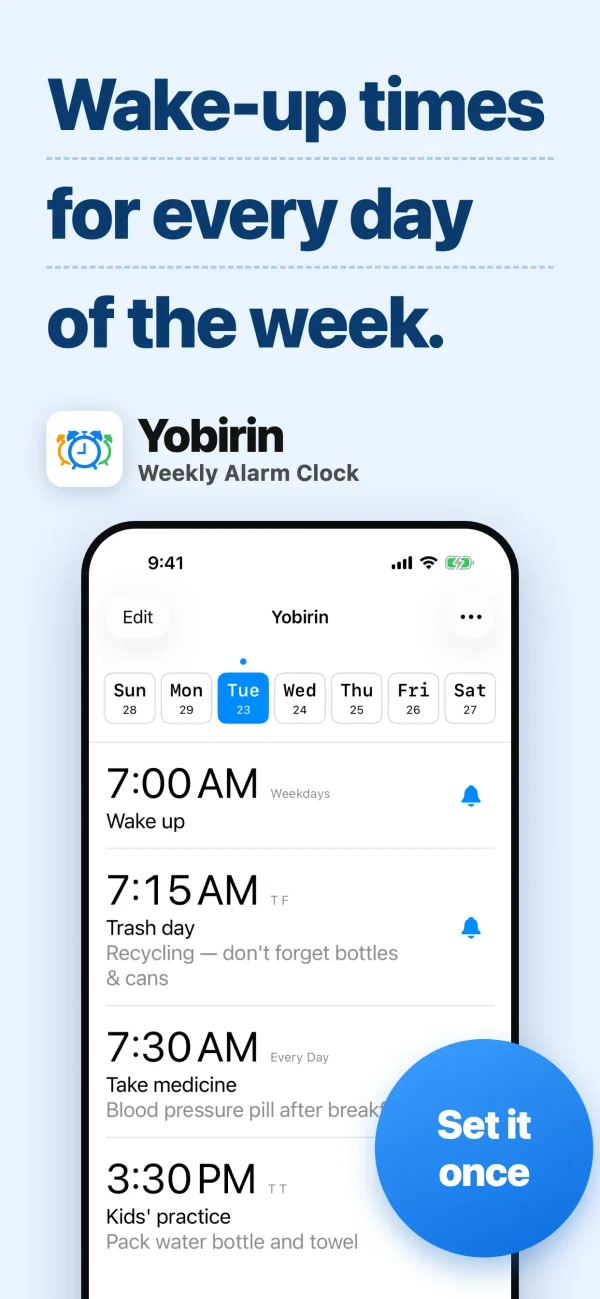
Yobirin is a simple alarm app that lets you set different alarms for each day of the week.
Tired of resetting tomorrow's alarm every single night? Yobirin takes that small daily stress off your hands.
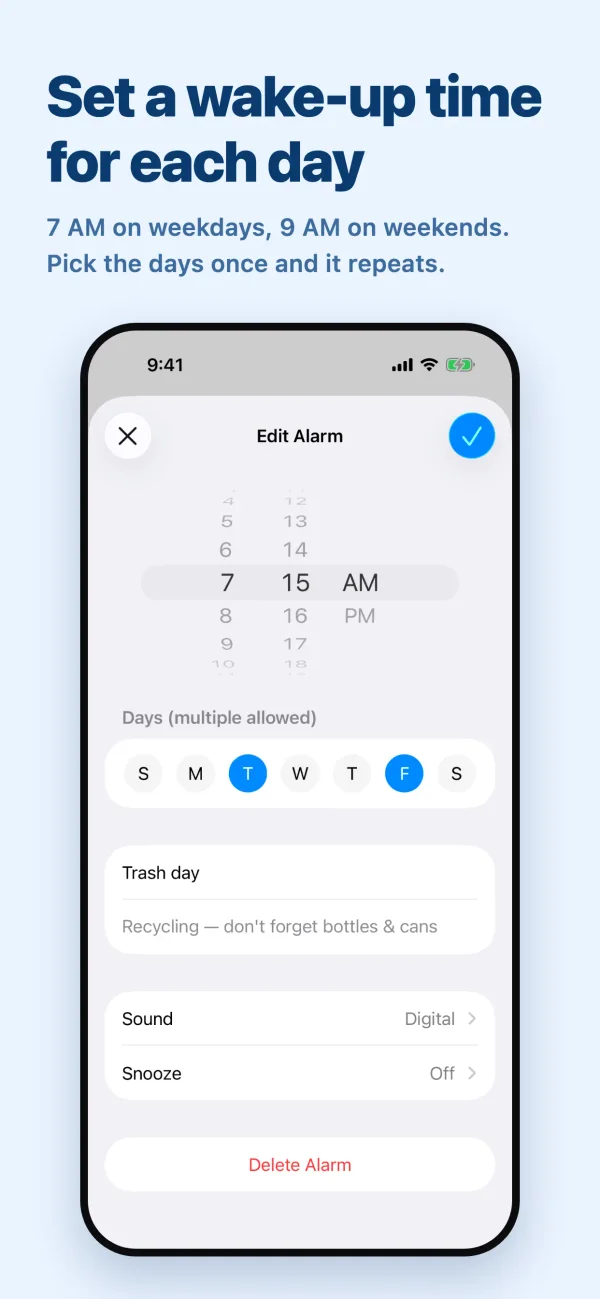
Set your alarms once, and they repeat automatically every week.
"Wake up early on Mondays, sleep in on weekends."
"Garbage day reminders for Mon/Wed/Fri — and don't forget the things I always forget."
"Tuesday night only — can't miss my favorite show."
Whatever your weekly rhythm looks like, automate it with a single setup.
Built on the same system as the iPhone's built-in alarm, with the flexibility of day-by-day customization.
Main Features
■ Day-by-day alarm settings
Save different times, sounds, and snooze settings for each day of the week. Set once, and it repeats every week automatically.
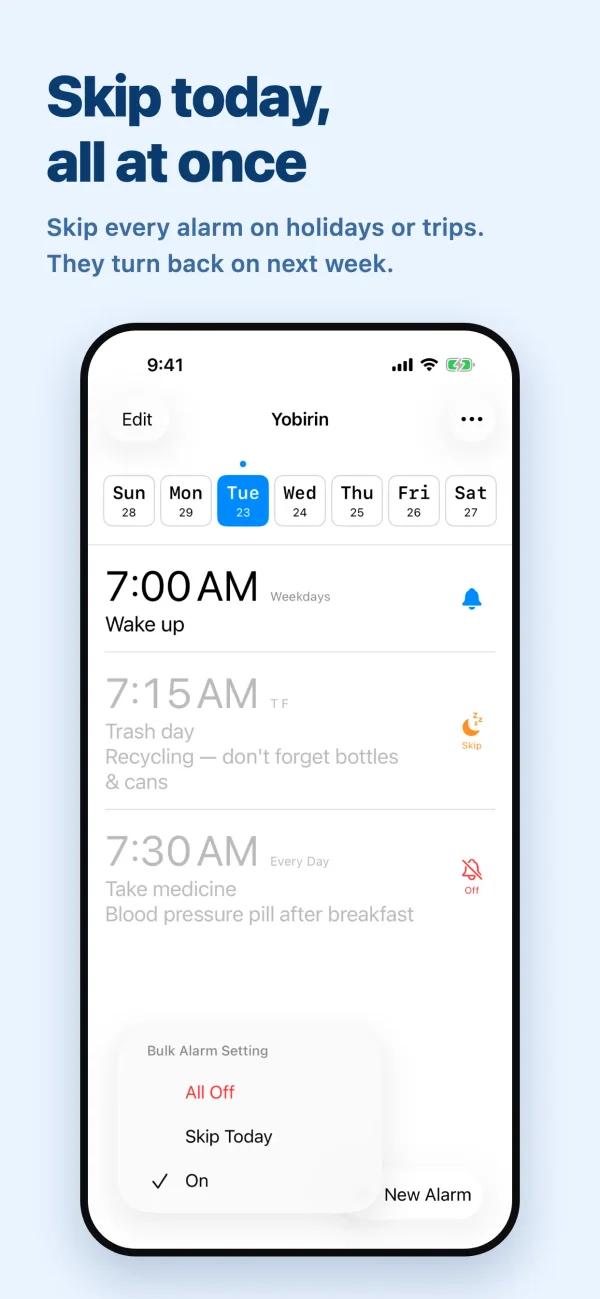
■ Smart per-day skip
Need to skip just this week's alarm? Easy. Skipped alarms automatically turn back on next week, so you'll never forget to re-enable them.
■ Bulk alarm controls
On a holiday or going on a trip? With one tap, skip or turn off all of today's alarms.
■ Labels & notes
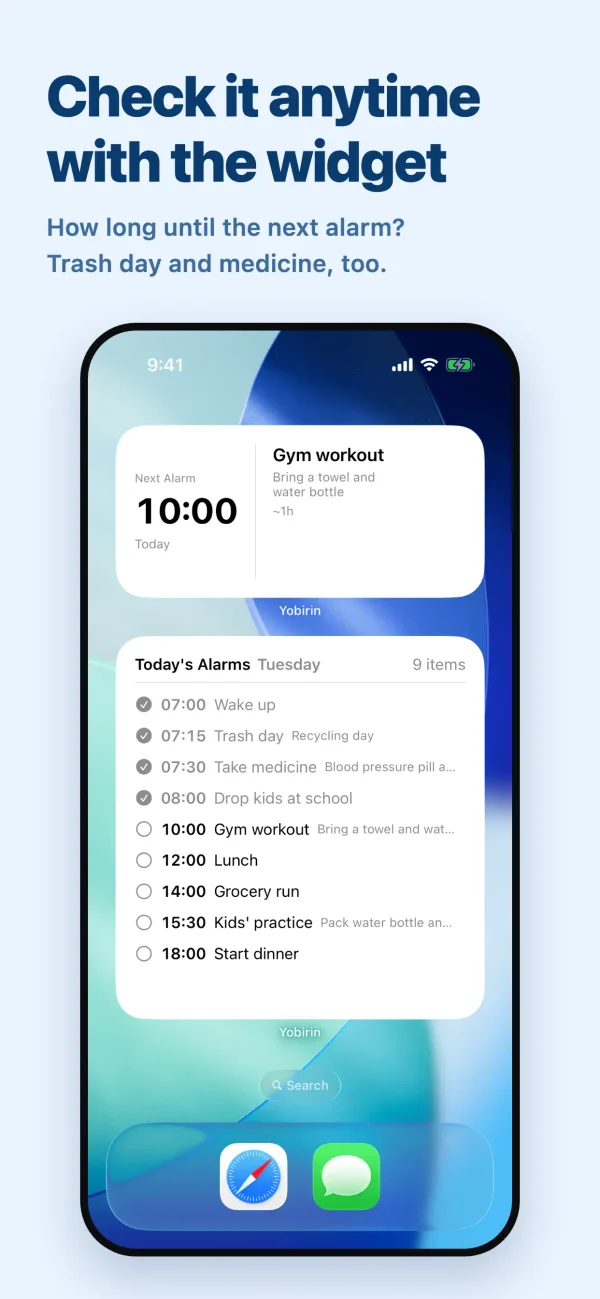
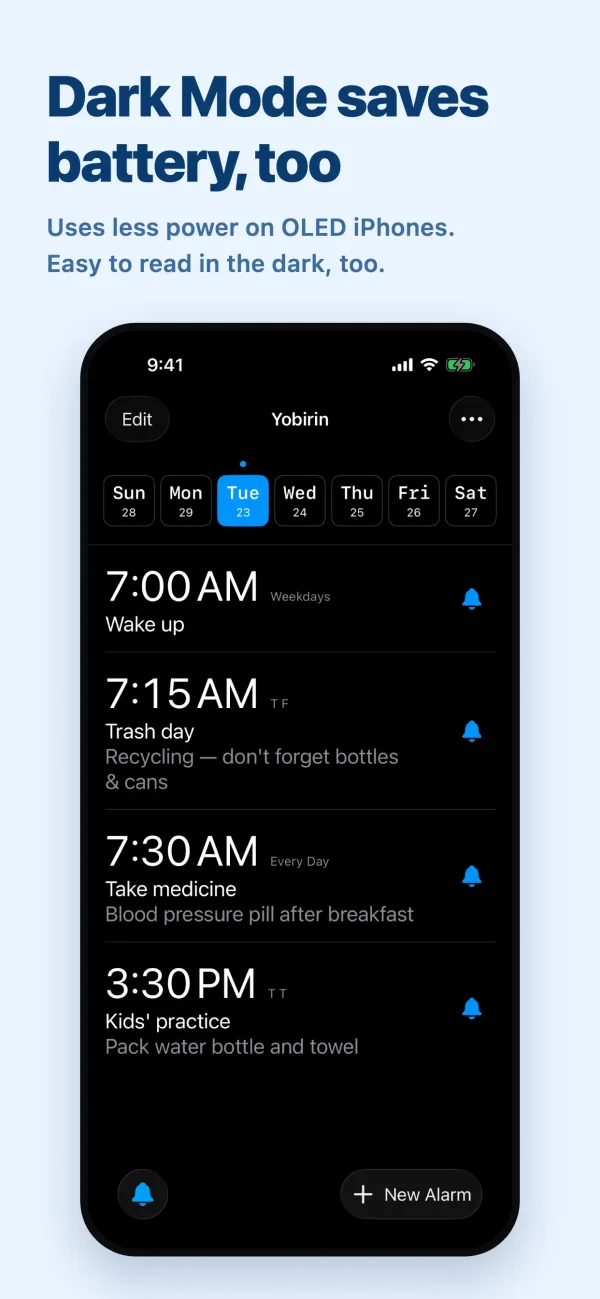
Show labels like "Pack lunch" or "Take meds" on your alarms. Notes are visible right from the alarm list.
■ Current time bar
See at a glance how close you are to the next alarm — visualize your day's progress.
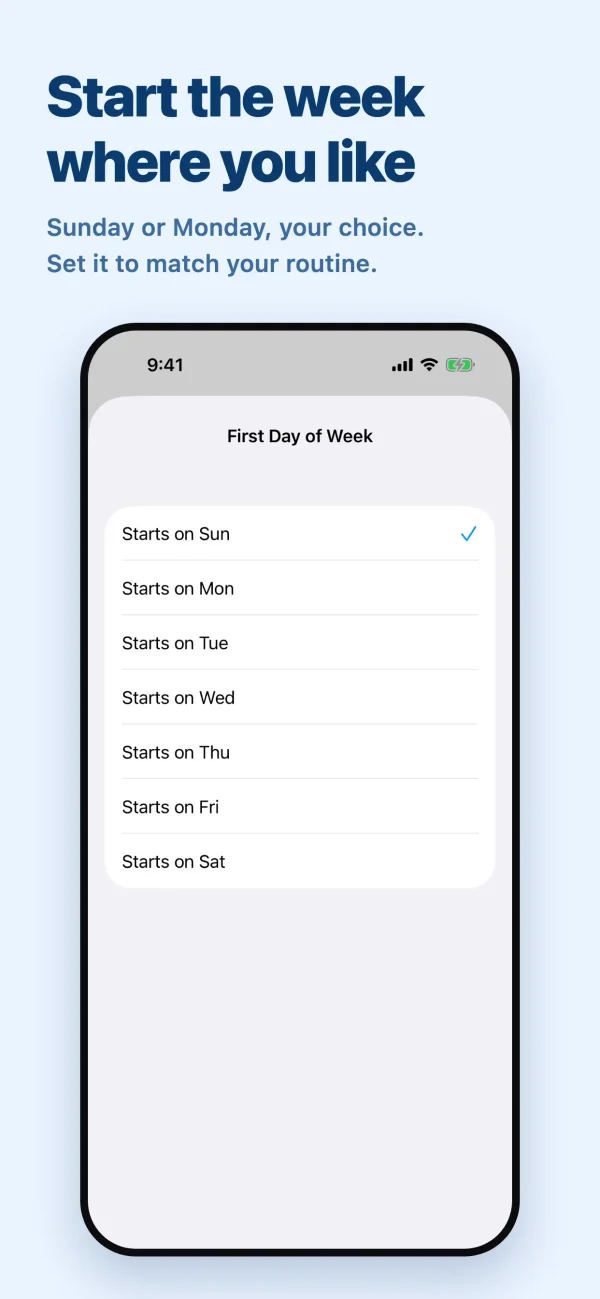
■ Customizable week start
Choose which day starts your week to match your lifestyle.
■ OS-level alarm notifications
Built on the same system as the iPhone's standard alarm, your alarms ring reliably even in the background.
■ Full iPad support
- A layout built for the larger screen, so your weekly alarm list has room to breathe
- Works in both portrait and landscape
- Supports Split View and Slide Over — keep your alarm list beside another app
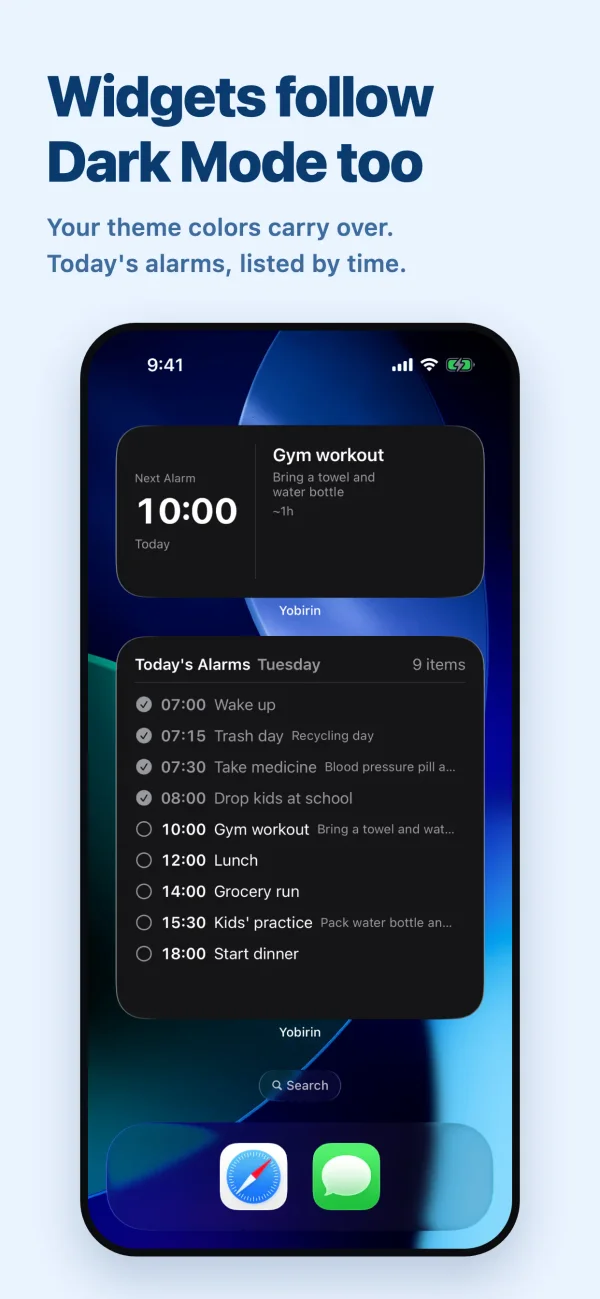
- Add the same alarm widgets to your Home Screen as on iPhone
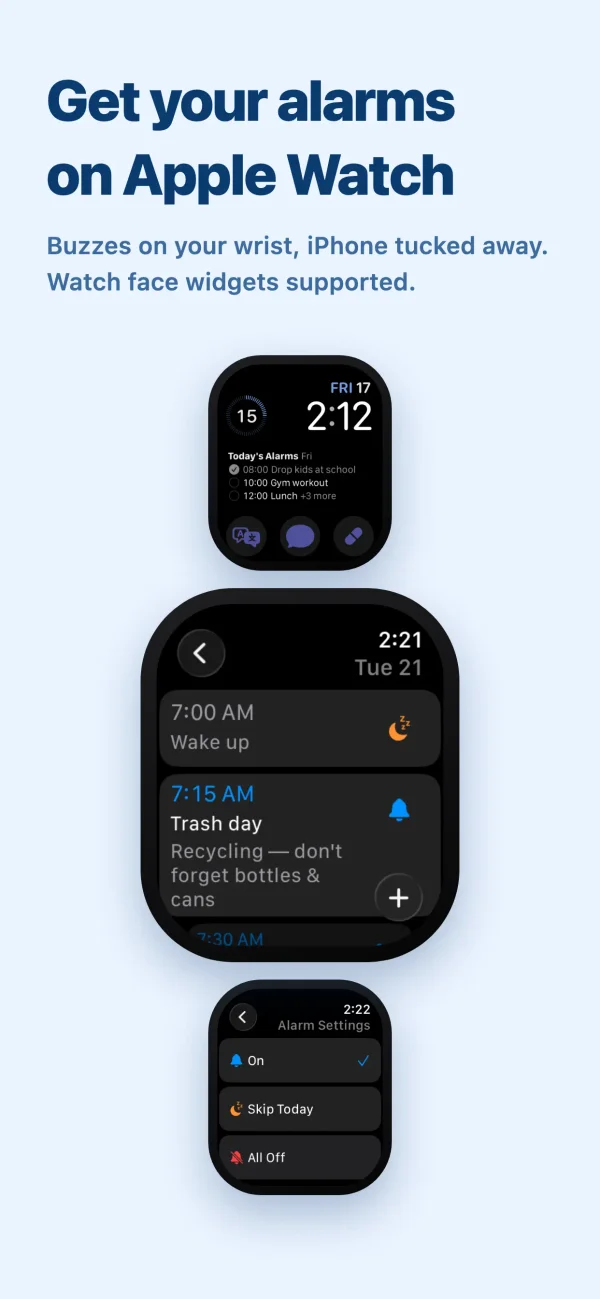
■ Apple Watch app
Check and control alarms right from your wrist — no need to take out your iPhone.
- See your next alarm and the full weekly list on Apple Watch
- Tap to cycle through "On → Skip → Off"
- Bulk actions like "Skip today" and "Turn all off" right from your wrist
- Real-time sync with iPhone keeps everything up to date
■ Apple Watch complications
Add Yobirin to your watch face in various complication sizes.
- "Next Alarm" widget shows your upcoming alarm
- "Today's Alarms" widget lists today's schedule
Glance at your wrist to see your day.
■ Apple Watch notifications
Same system as the iPhone's built-in alarm — alarms ring on Apple Watch too. Even when your phone is in your bag, the wrist tap won't let you miss a thing.
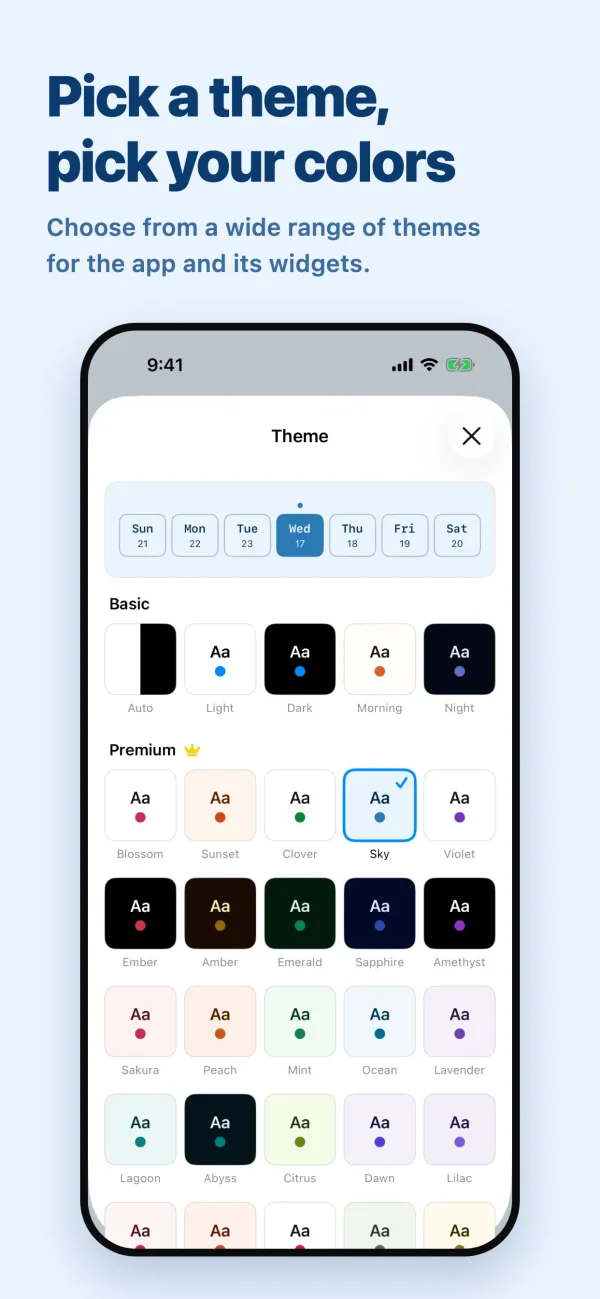
■ Theme customization
Match the app's color theme to your taste. Make the screen you see every morning feel like yours.
■ iCloud backup & sync
With iCloud enabled, your alarm data is automatically backed up.
Sign in with the same Apple ID on iPad or iPhone, and alarms sync across devices.
Reinstalling the app? Your data is restored from iCloud automatically.
Made for you if:
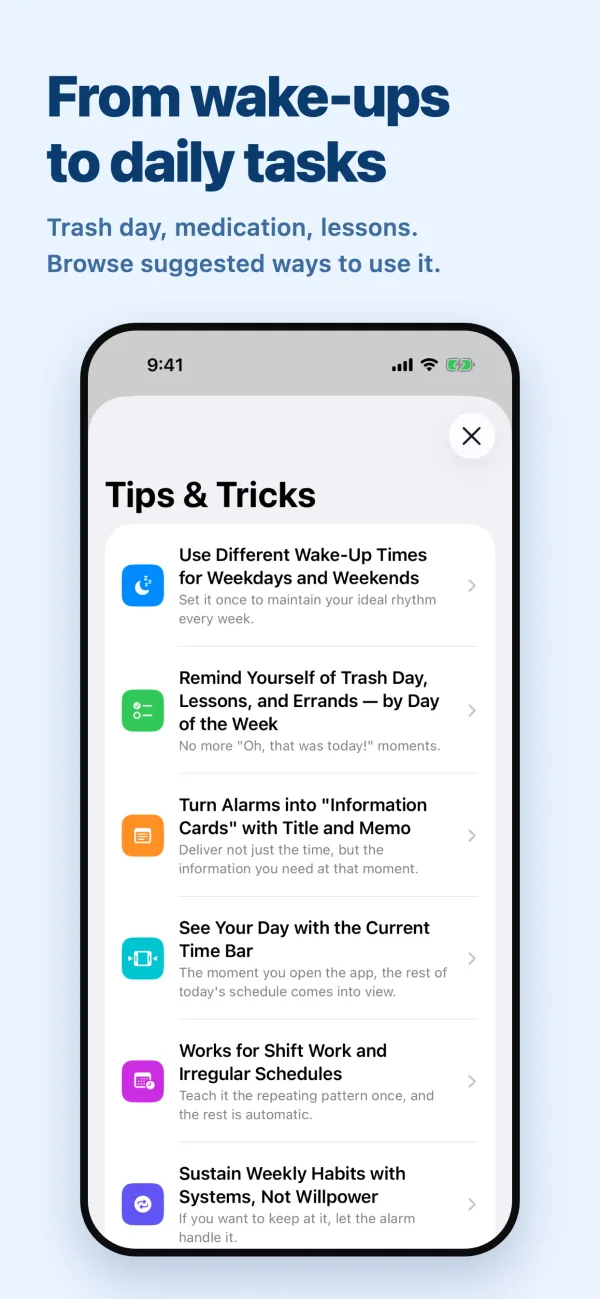
■ You wake at 7 AM on weekdays but want silence on weekends
■ You want to remember weekly things like garbage day or class supplies
■ You work shifts and your wake-up time changes each day
■ You want time-based reminders for daily tasks
■ You have weekly commitments you can't afford to miss
■ You want to see the day's tasks the moment you wake up
■ The standard alarm app feels cluttered to manage
■ You want to control alarms from your Apple Watch
Wake up smarter with Yobirin.
What’s new
Version 1.3.1 · Nov 12, 2026
• Added many more alarm sounds, organized into 9 categories.
• Long-press an alarm to edit or delete it.
• Minor bug fixes.
App privacy
What Shota Yamashita declares on the App Store about how this app handles data.
-
Data used to track you
May be used to track you across apps and websites owned by other companies.
- Identifiers
- Usage data
-
Data linked to you
May be collected and linked to your identity.
- Purchases
- Location
- Identifiers
- Usage data
-
Data not linked to you
May be collected but is not linked to your identity.
- Usage data
- Diagnostics
Privacy practices may vary, for example with the features you use or your age.
Information
- Seller
- Shota Yamashita
- Category
- Utilities
- Version
- 1.3.1
- Updated
- Nov 12, 2026
- Released
- Apr 12, 2026
- Size
- 48.1 MB
- Requires
- iOS 26.1 or later
- Age rating
- 4+
- Price
- Free
- In-app purchases
- Yes
- Languages
- English, Arabic, Bengali, Bulgarian, Catalan, Croatian, Czech, Danish, Dutch, Finnish, French, German + 35 more
- Copyright
- © 2026 rands. ALL RIGHTS RESERVED.
You might also like
-
 Alarm Pro: Flexible AlarmsMonthly, Biweekly & No Snooze
-
 Alarmate: Date Alarm ClockReminders for Tasks & Events
-
 Clock - Alarm ClockSmart Alarm & Countdown Timer
-
 Math Alarm Clock - MathWakeLoud wake up, heavy sleepers
-
 Loud Alarm Clock - SmartClockWake up on time, no snooze
-
 Weekly Alarm ClockWeekly schedule support
-
 AlwaysOn: Standby ClockNightstand & Ambient Display
-
 Alarm Clock ۬Sleep Tracker & Alarm Clock
-
 Clock - Wake Up GentlyAlarm, World Clock & Sleep
-
 Simple_ClockMinimal Analogue Clock