- Age rating4+
- CategorySports
- DeveloperRuifeng Zhang
- LanguagesEnglish+ 2 more
- Size5.5 MB
Links to the official App Store page
Download.org hosts no file of ReplayMark. The button opens its official App Store page, published by Ruifeng Zhang. Listing last checked on Nov 24, 2026.
Screenshots

About
ReplayMark helps athletes and coaches record and review training and competition videos, starting with fencing. Record a match or choose a video from Photos to examine movement, distance and timing on iPhone or iPad.
RECORD AND REVIEW SCORES (iOS 18 or later)
• Record a match, keep score live, pause and resume, and add bookmarks and notes.
• Review the score as it changes over time, jump between points, and add or correct score events.
• Finished recordings are saved to Photos when available, or kept in the app if Photos is unavailable. Exports can optionally include match names and scores, as well as marker notes.
ORGANIZE YOUR LIBRARY
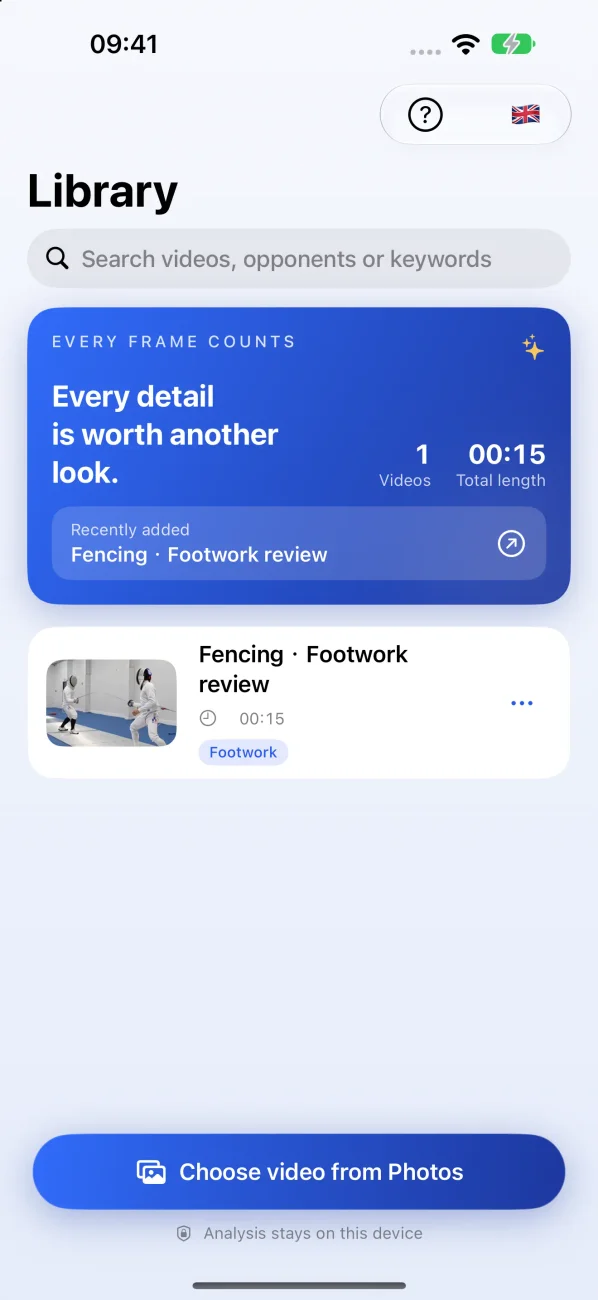
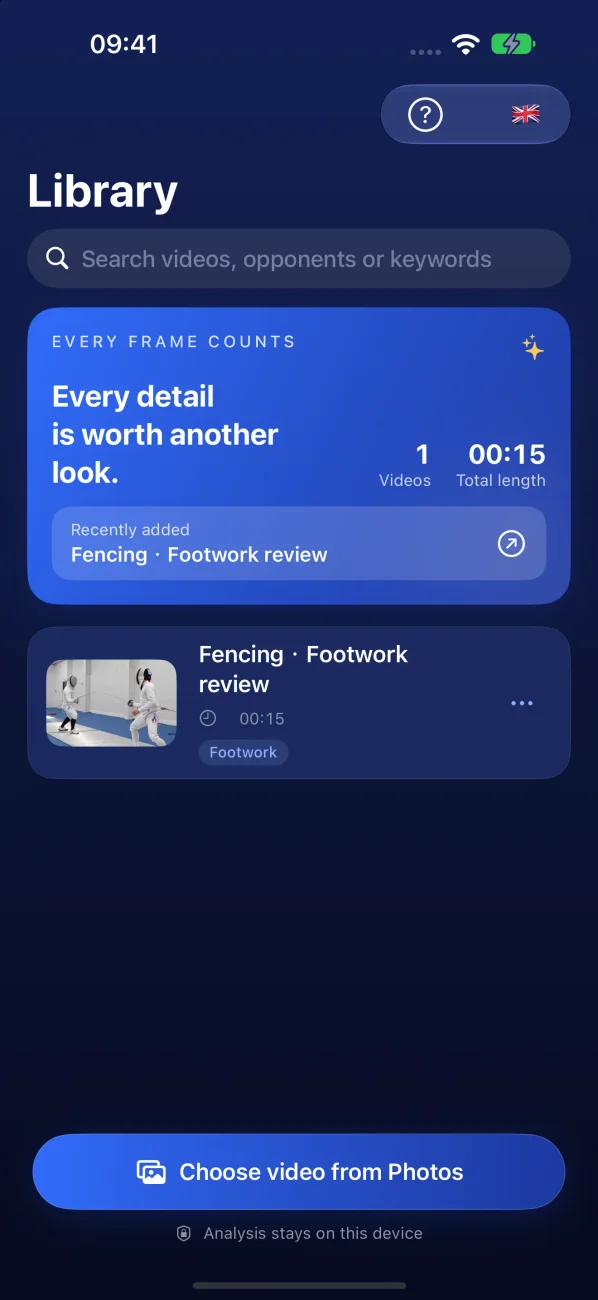
• Browse as a list or group by event or recording date; expand or collapse groups.
• Add names, events, tags and notes, and search across those details.
REVIEW KEY MOMENTS
• Draw lines and circles directly over the video in Analysis mode. Strokes smooth out when you lift your finger. Undo the latest stroke or clear all drawings.
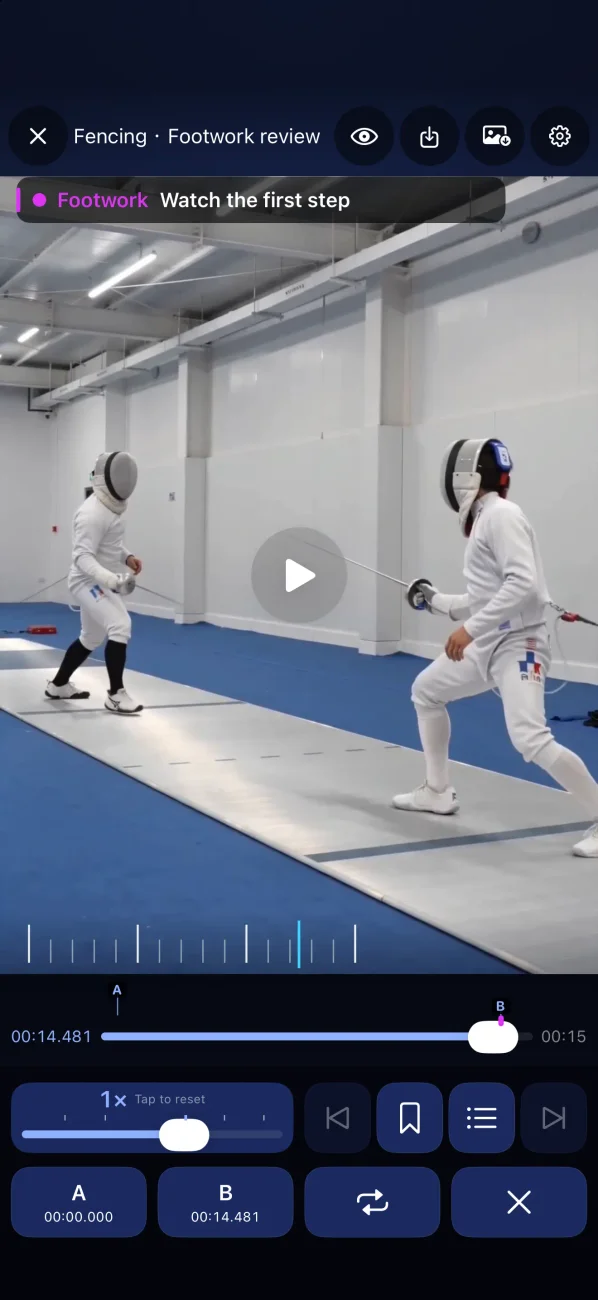
• Use the time ruler or timeline to seek and choose playback speeds from 0.1× to 3×.
• Hold the edges for frame navigation or the center for temporary slow playback. Double-tap to jump; pinch and pan to zoom.
• Add markers with categories and notes, choose their display duration, and jump between them.
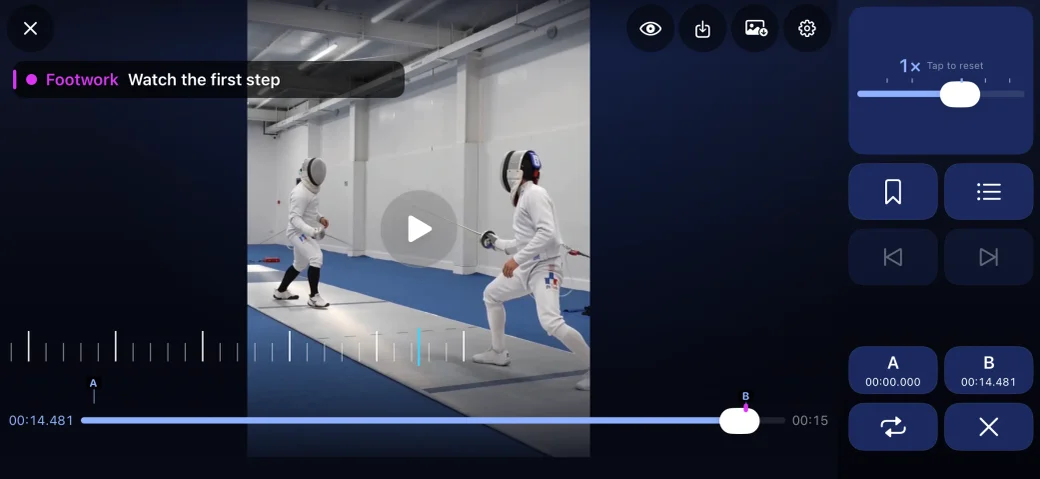
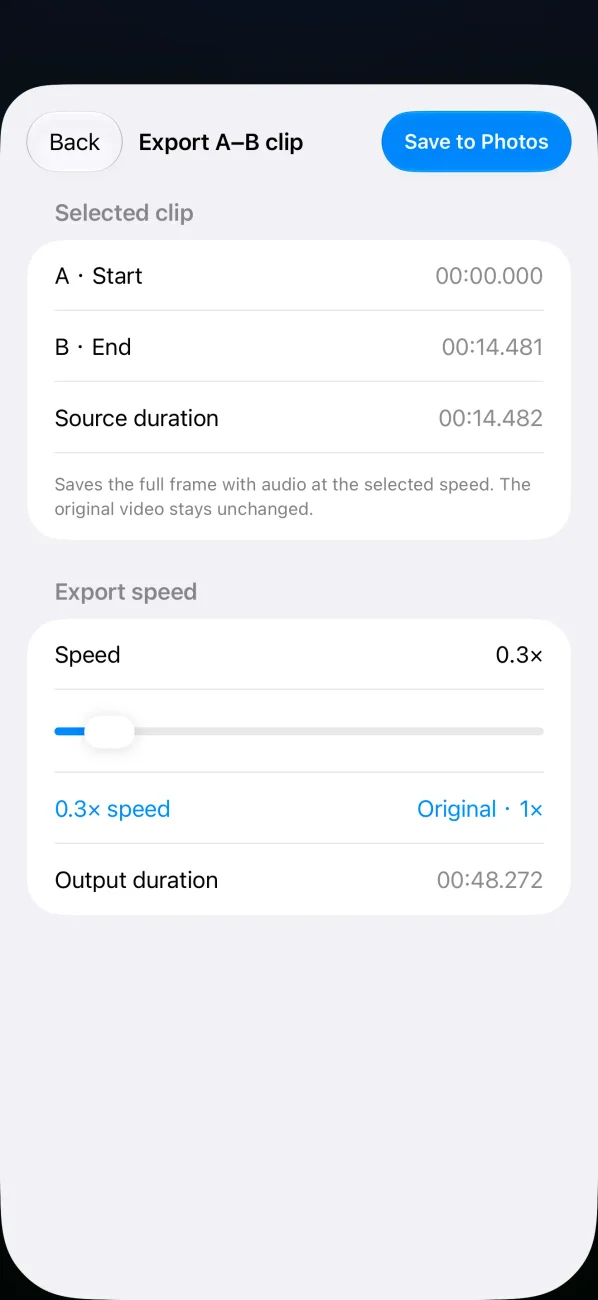
• Loop an A–B section, export a clip at a chosen speed, or save the current frame to Photos without changing the original.
• Use portrait or landscape, viewing or analysis mode, and resume each video at its saved position.
LOCAL BY DESIGN
No account is required. English, Simplified Chinese and German are available in the app, along with an offline guide. Local videos work offline; iCloud-only originals may need to download. Frame navigation and playback rates depend on the media; 60 fps recording depends on the device. ReplayMark does not provide automatic AI analysis.
What’s new
Version 3.4 · Nov 24, 2026
Draw directly on the video during review to highlight a movement or circle a key detail. Strokes smooth out when you lift your finger. Undo the last stroke or clear all drawings.
You can also adjust camera zoom while match recording is paused. Recording resumes at the selected zoom level. Match recording requires iOS or iPadOS 18 or later.
App privacy
What Ruifeng Zhang declares on the App Store about how this app handles data.
-
Data not collected
The developer does not collect any data from this app.
Privacy practices may vary, for example with the features you use or your age.
Information
- Seller
- Ruifeng Zhang
- Category
- Sports
- Version
- 3.4
- Updated
- Nov 24, 2026
- Released
- Oct 14, 2026
- Size
- 5.5 MB
- Requires
- iOS 17.0 or later
- Age rating
- 4+
- Price
- $4.99
- Languages
- English, German, Simplified Chinese
- Copyright
- © 2026 Ruifeng Zhang
You might also like
-
 Touche FencingAI Fencing Video Analysis
-
 EnGarde HubSports
-
 FencingLabAI Fencing Video Analysis
-
 剑小友Sports
-
 FencingX : Fencing analyse appFencing Training System
-
 ReBout: Fencing & HEMA ReplaySlow motion · video referee
-
 FencingPoolSports
-
 Best Card BreaksSports
-
 击剑圈Sports
-
 AskFRED MobileFencing Tournaments & Results