RepoMind: Dictate GitHub Tasks
Your coding agent picks it up
Designed for iPhone, Mac
Free · In-app purchases
- Age rating4+
- CategoryProductivity
- DeveloperDANIEL BENITO DIAZ
- LanguagesEnglish+ 1 more
- Size8.2 MB
Links to the official App Store page
Download.org hosts no file of RepoMind: Dictate GitHub Tasks. The button opens its official App Store page, published by DANIEL BENITO DIAZ. Listing last checked on Nov 20, 2026.
Screenshots



About
The fix occurs to you away from the keyboard. You dictate it in ten seconds, and by the time you open the project your coding agent already knows what to do.
DICTATE, DON'T TYPE
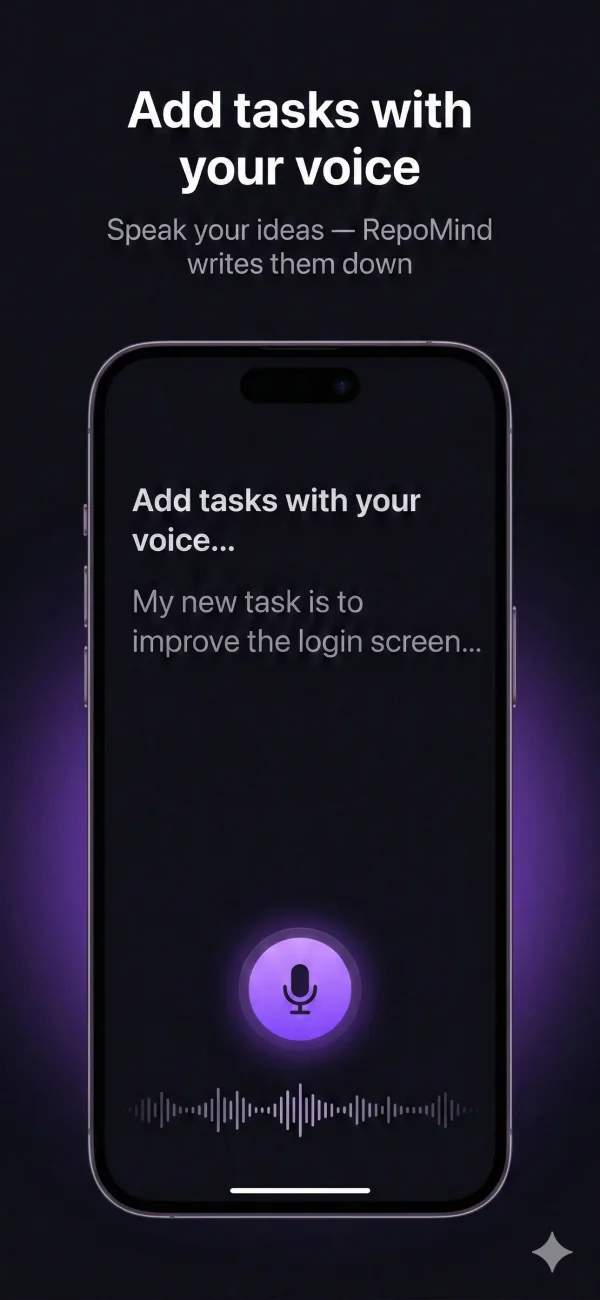
Hold the mic and talk. RepoMind transcribes it and files the task in whichever project you choose. It listens in two languages at once, so you never have to switch gears mid-sentence. Attach a screenshot and the context travels with the task.
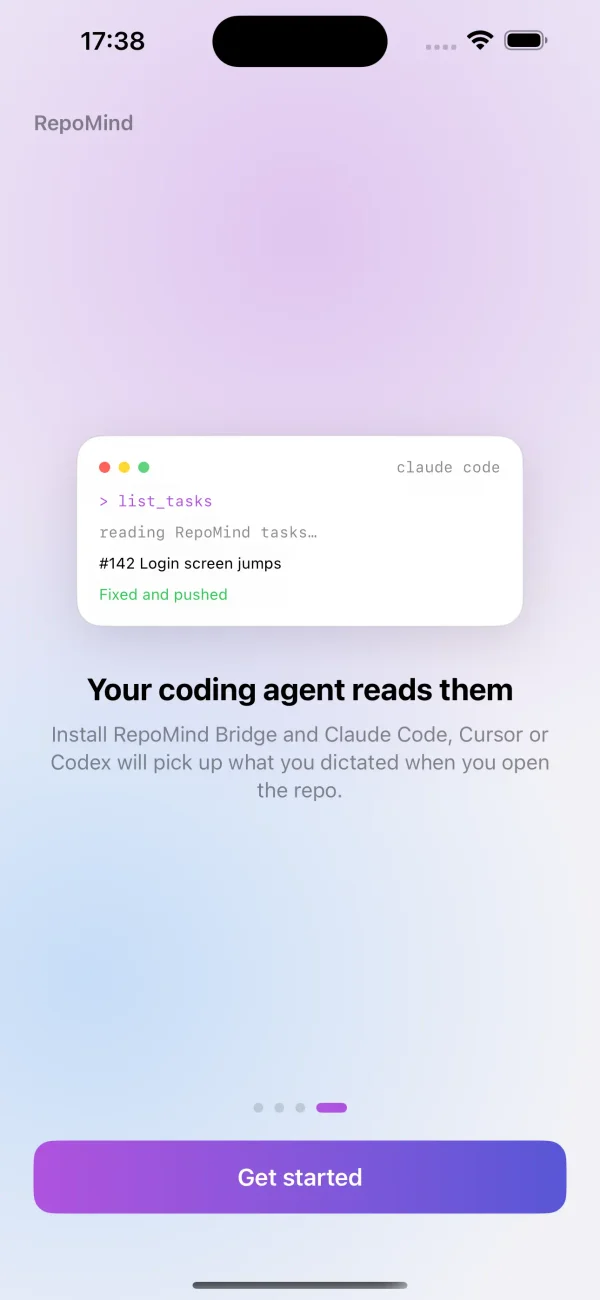
YOUR CODING AGENT READS THEM
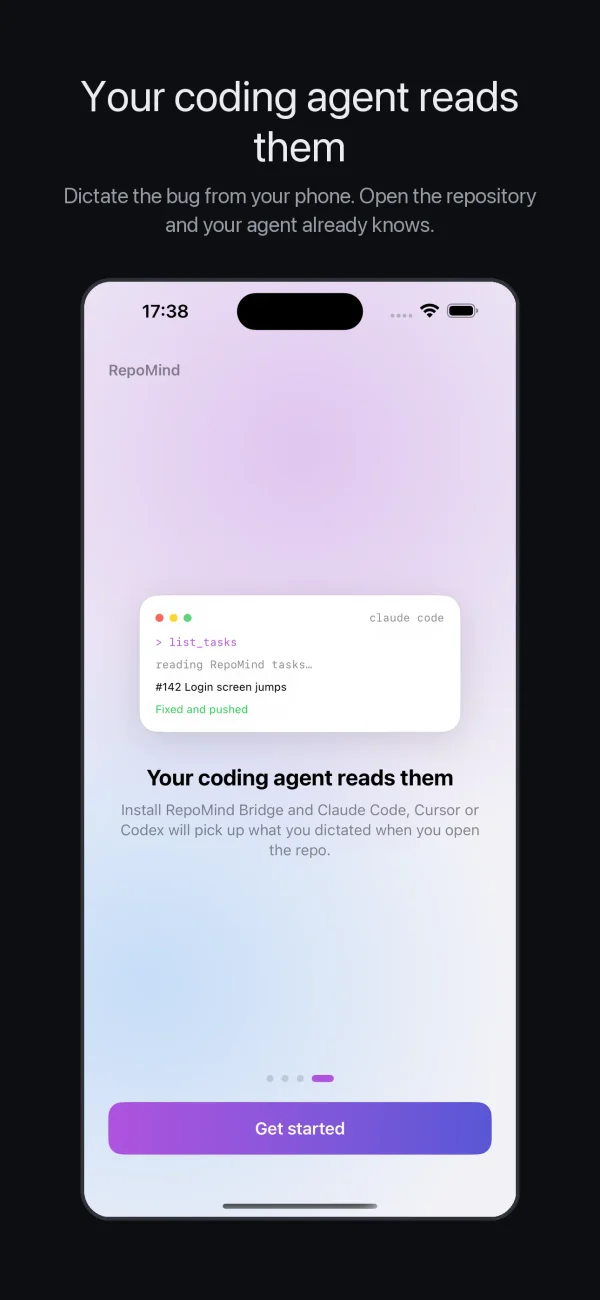
This is the part no other app does. Install RepoMind Bridge and Claude Code, Cursor or Codex pick up your tasks when they open the repository — marking them in progress, asking you when something is ambiguous, closing them when the work is done. You dictate from the sofa; by the time you sit down, it has already started.
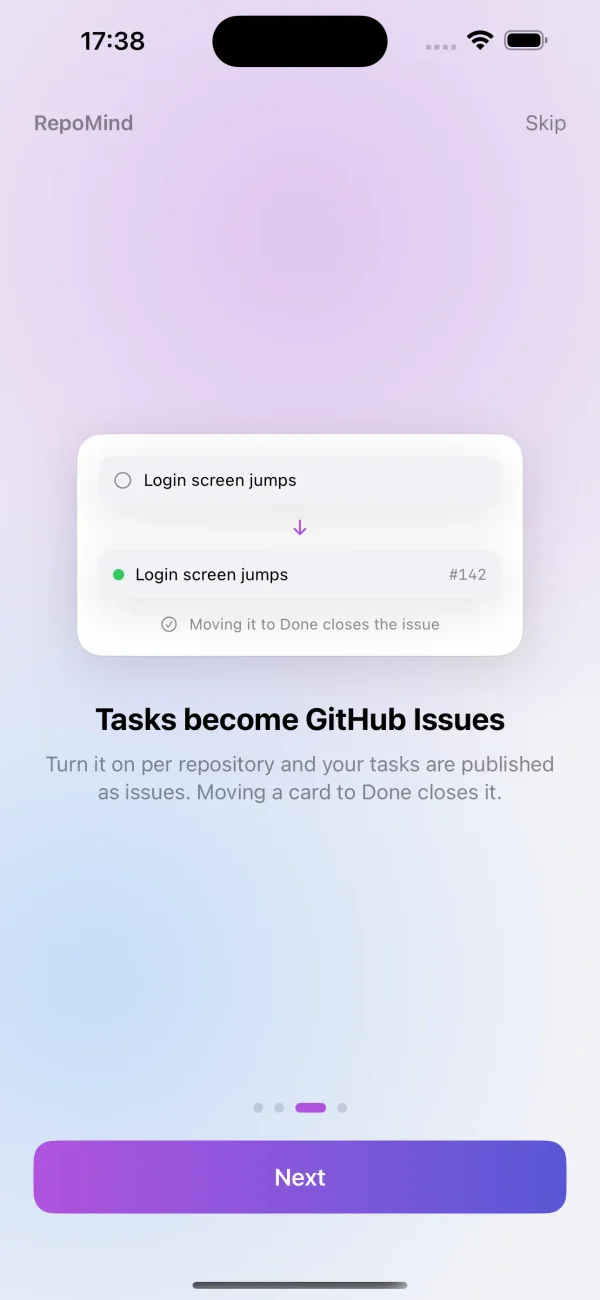
YOUR TASKS ARE GITHUB ISSUES
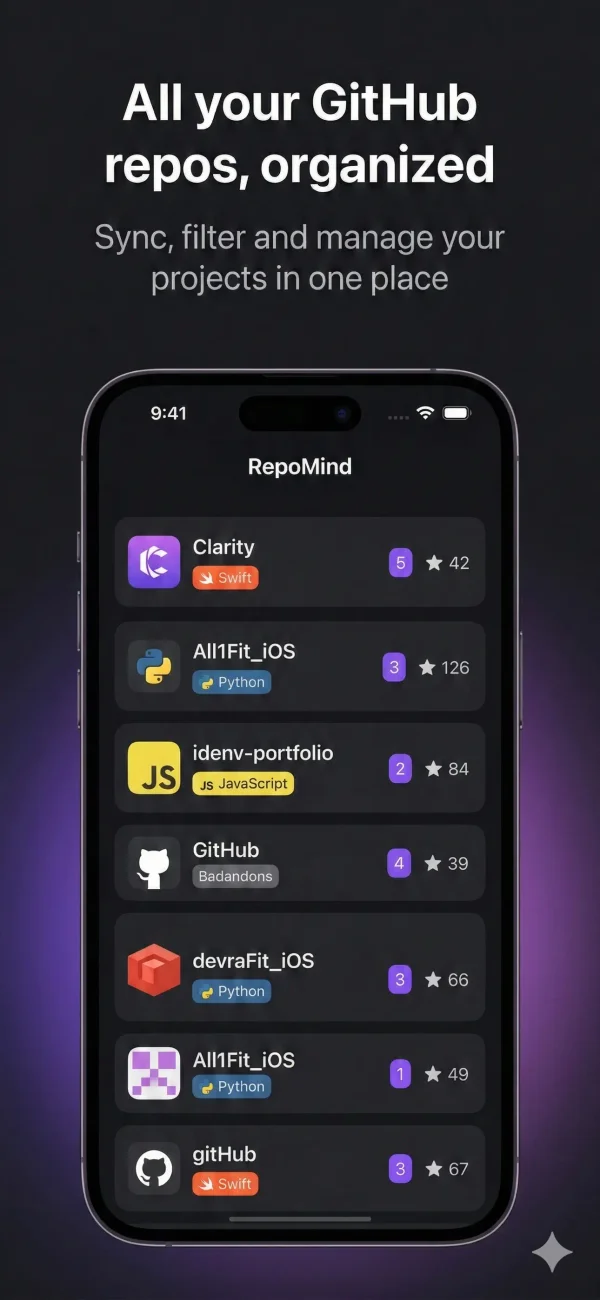
Every task is published as an issue in its repository, with its column as a label. Moving a card to Done closes the issue. And it works both ways: whatever gets closed on GitHub shows up as done on the board, and issues opened outside the app come in on their own.
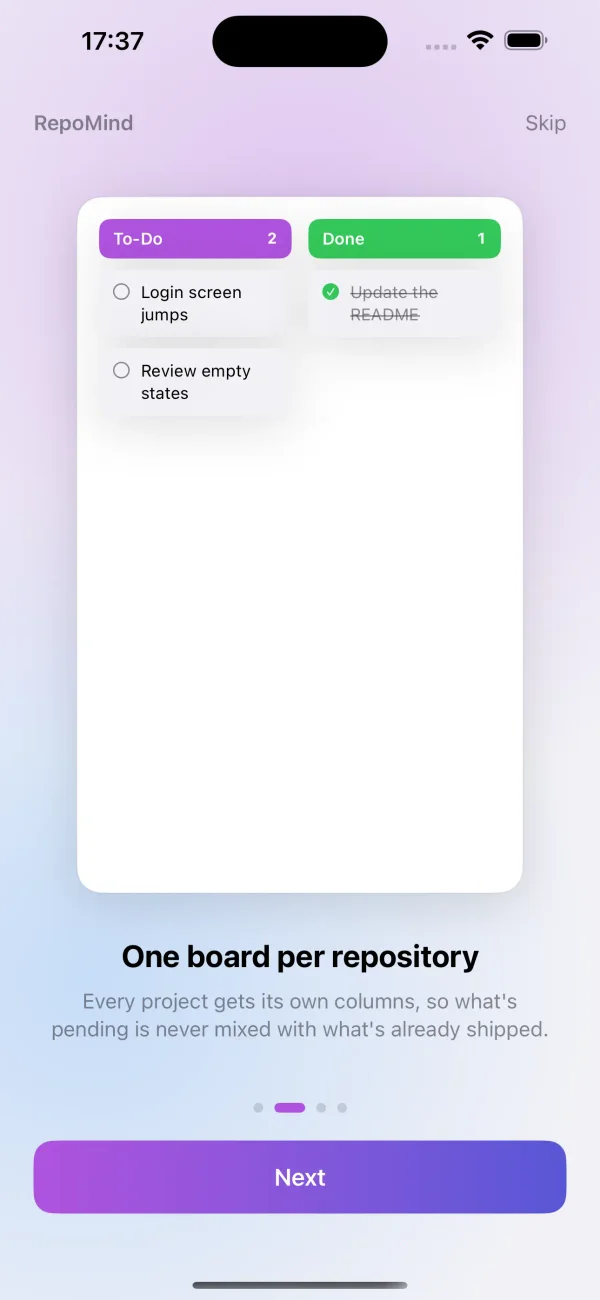
ONE BOARD PER PROJECT
Each repository gets its own columns, with a separate one for ideas so a half-formed thought never ends up published as an issue. Folders to group projects. And a Today screen that gathers whatever needs attention across all of them.
ICLOUD SYNC
iPhone, iPad and Mac, always the same. No accounts and no servers of ours: your data travels through your own private iCloud. And when something fails, the app tells you exactly what, instead of going quiet.
FREE AND PRO
Free: 3 repositories, 1 GitHub account, 3 columns per board. Pro: everything unlimited, one single payment. No subscriptions.
What’s new
Version 1.5.2 · Aug 24, 2026
Fixes:
• Projects no longer appear duplicated. The cause was a GitHub account registered twice, which made every sync insert fresh copies of all your repositories
• Icons no longer vanish on refresh. They were never lost: what you saw were those new copies, which never had an icon in the first place
• Opening a project no longer means waiting to see what your agent closed
New:
• An ideas column: pick it in each project's settings and its tasks stop being published as issues and stop counting as pending. A half-formed idea is not a task
• A notification when an issue opened outside the app arrives, grouped by repository
• On Mac, configuring a project's icon is now in the context menu — with no swipe gesture, it was the one action you could not reach
App privacy
What DANIEL BENITO DIAZ declares on the App Store about how this app handles data.
-
Data not collected
The developer does not collect any data from this app.
Privacy practices may vary, for example with the features you use or your age.
Information
- Seller
- DANIEL BENITO DIAZ
- Category
- Productivity
- Version
- 1.5.2
- Updated
- Aug 24, 2026
- Released
- Apr 23, 2026
- Size
- 8.2 MB
- Requires
- iOS 17.0 or later
- Age rating
- 4+
- Price
- Free
- In-app purchases
- Yes
- Languages
- English, Spanish
- Copyright
- © 2026 Daniel Benito Diaz
You might also like
-
 Chorus: Content RepurposerProductivity
-
 Pantheon BiographyTurn your stories into a book
-
 Repur Meld -AI Content StudioAI Social Posts & Captions
-
 RepurpRepurpose content instantly
-
 TaskOolProductivity
-
 Linkdown - Link to MarkdownSave web pages as Markdown
-
 YourAI - Your Custom Local AIAI Smart, Locally, Token free
-
 TaskWhisper – Voice TasksTurn speech into tasks
-
 Monotasking: reminders widgetFocus on the important task
-
 Personal.AIOn device AI Agent