Rereminder: Presentation Timer
Countdown with multiple alerts
Designed for iPhone, iPad
Free · In-app purchases
- Age rating4+
- CategoryUtilities
- Developerhyunho lee
- LanguagesEnglish+ 22 more
- Size22.6 MB
Links to the official App Store page
Download.org hosts no file of Rereminder: Presentation Timer. The button opens its official App Store page, published by hyunho lee. Listing last checked on Nov 21, 2026.
Screenshots

About
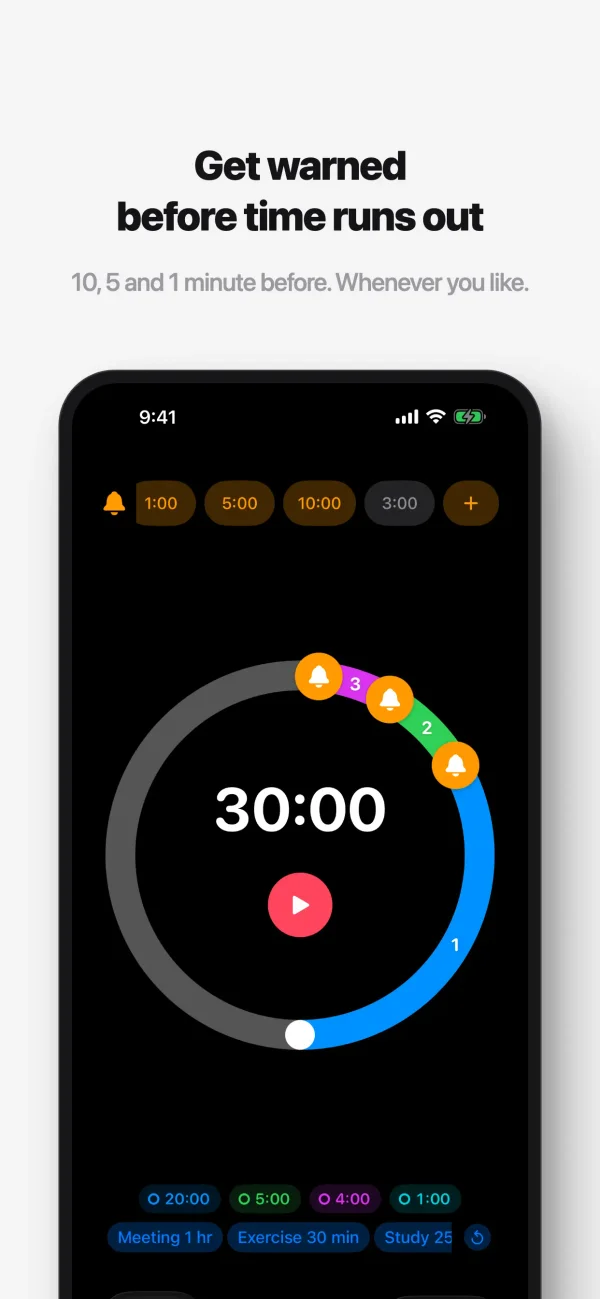
Get warned before time runs out.
5 minutes before your presentation ends.
3 minutes before the meeting wraps up.
1 minute before your workout is over.
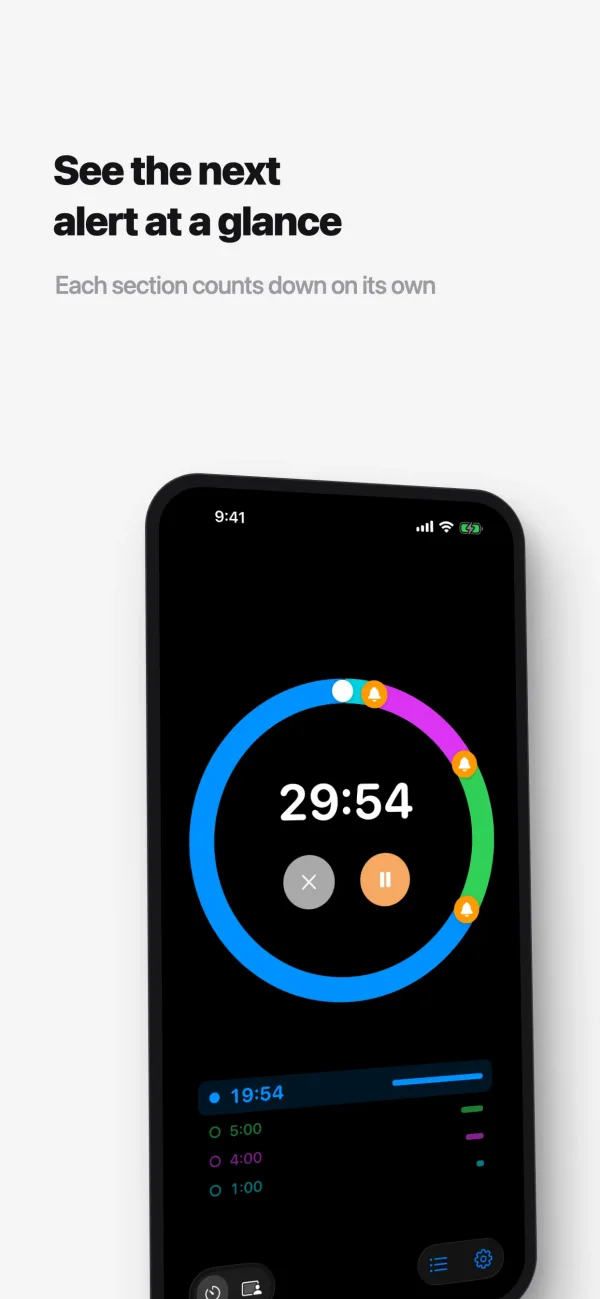
Rereminder sends step-by-step alerts before your timer hits zero, so you're always prepared and never caught off guard.
PRE-ALERTS — The Feature Other Timers Don't Have
Most timers only alert you when time is up.
Rereminder alerts you before it's up.
- Set alerts at 1, 3, 5, 10, 15, or 30 minutes before end
- Customize the timing to fit your needs
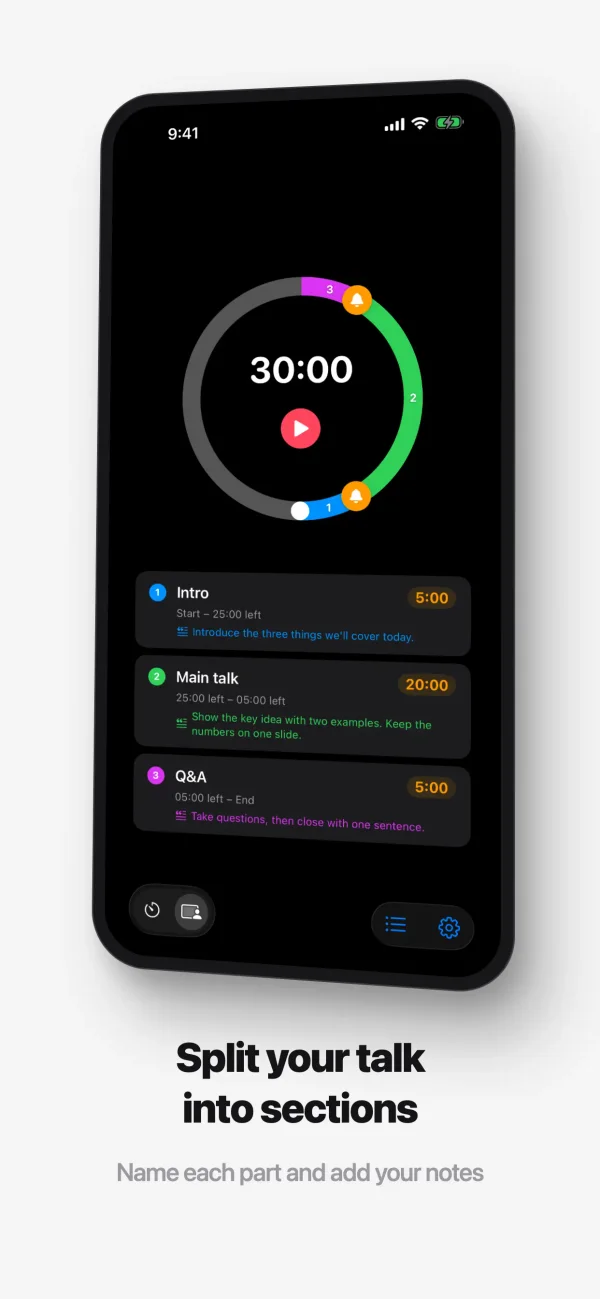
- Add custom messages to each alert
e.g., "Wrap up your slides", "Start cooldown"
KEY FEATURES
- Dynamic Island & Live Activity
See your timer in real-time without unlocking your phone
- Apple Watch
Start, pause, and track timers from your wrist
- Timer Templates
Save your favorite setups and launch them instantly
- Labels & Colors
Organize timers by purpose — Presentation, Meeting, Exercise, Study
- Sound & Vibration
Choose the right alert style for any situation
- Overtime Tracking
Keep counting after the timer ends so you know how far over you went
PERFECT FOR
- Speakers who need to pace their presentations
- Meeting hosts who respect everyone's time
- Athletes managing rest intervals between sets
- Students using Pomodoro with staged alerts
- Coaches and mentors running timed sessions
WHY "Rereminder"?
re + reminder = remind you again
We remind you before it's too late — again and again.
Every feature is open while you try the app. After that, pre-alerts, your last setup and saved templates stay free. Remember adds unlimited templates and your full history. Pro adds Session Mode. Each comes yearly or as a one-time purchase.
No ads · No forced subscriptions · No internet required
Terms of Use: https://www.apple.com/legal/internet-services/itunes/dev/stdeula/
Privacy Policy: https://m1zz.github.io/Rereminder/en/privacy.html
What’s new
Version 2.3.10 · Nov 18, 2026
The ring can now repeat in rounds.
Session scripts now split into slides.
The ring now moves smoothly.
App privacy
What hyunho lee declares on the App Store about how this app handles data.
-
Data not collected
The developer does not collect any data from this app.
Privacy practices may vary, for example with the features you use or your age.
Information
- Seller
- hyunho lee
- Category
- Utilities
- Version
- 2.3.10
- Updated
- Nov 18, 2026
- Released
- Sep 22, 2025
- Size
- 22.6 MB
- Requires
- iOS 26.0 or later
- Age rating
- 4+
- Price
- Free
- In-app purchases
- Yes
- Languages
- English, Czech, Danish, Dutch, Finnish, French, German, Greek, Indonesian, Italian, Japanese, Korean + 11 more
- Copyright
- © 2025 LeeoCrew
You might also like
-
 TriTab Calc: Multi CalculatorThree calculators at once
-
 MiruMado Focus BrowserPrivate focus web browser
-
 NuboxAccount Subscription Manager
-
 ShadowClip: Redact ScreenshotsCovers API keys, cards & faces
-
 Calcula KeyboardScientific Math Keyboard
-
 Geometry Calculator - TriangleAngle, area, volume solver
-
 ZoneClockTime Zone Converter
-
 Sleep Fighters: Alarm ClockBoxing Alarm: Punch to Wake Up
-
 Text Scanner AI: OCR & ScanScan, Translate & Export PDF
-
 VaultQR: Hybrid SecurityHide Digital Notes on Paper