
RescueTime
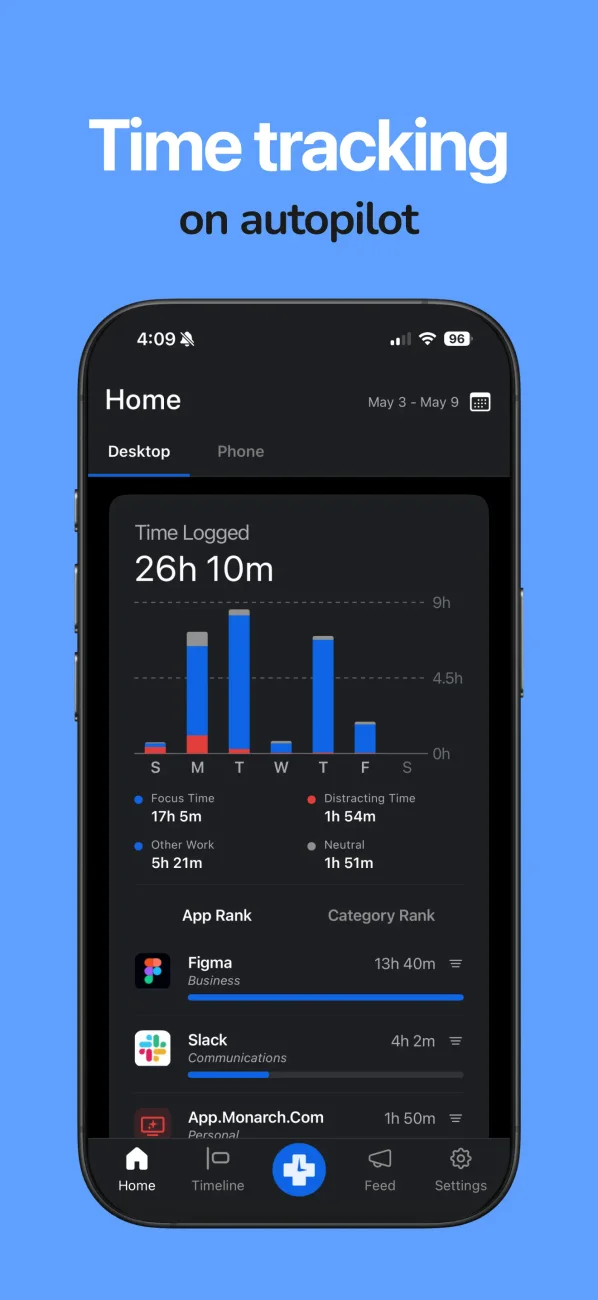
Time tracking, on autopilot
Designed for iPhone, iPad
Free · In-app purchases
- Age rating4+
- CategoryProductivity
- DeveloperRescueTime
- LanguagesEnglish
- Size59.6 MB
Links to the official App Store page
Download.org hosts no file of RescueTime. The button opens its official App Store page, published by RescueTime. Listing last checked on Nov 22, 2026.
Screenshots

About
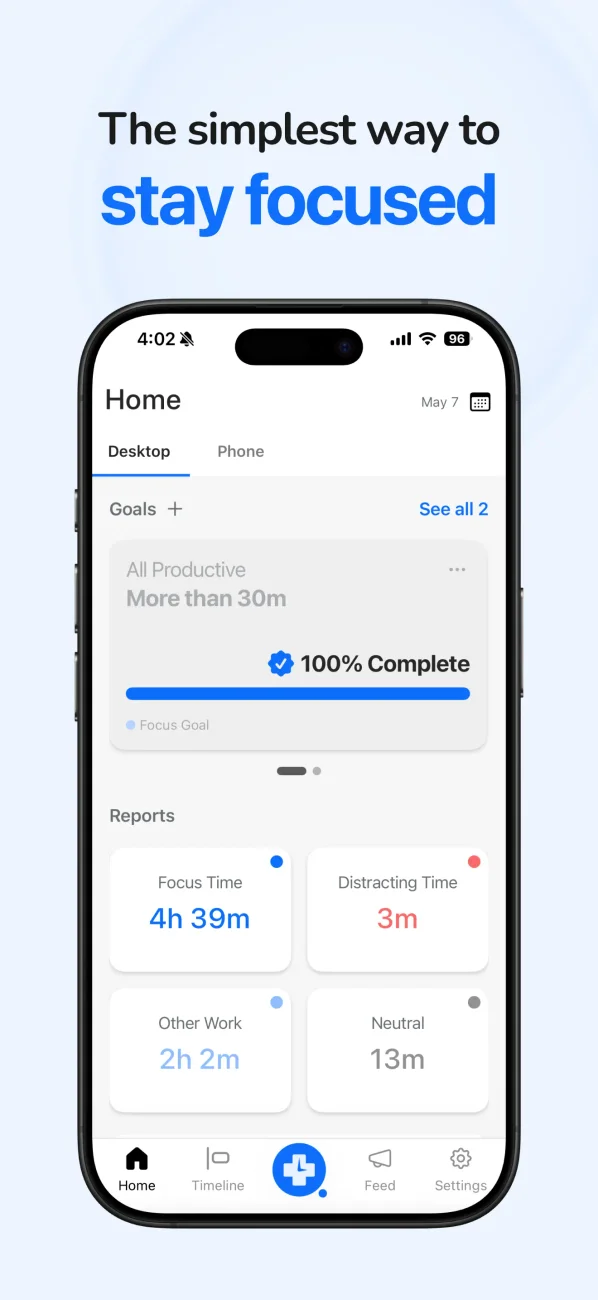
RescueTime helps you track time, block distractions, manage goals, and understand your full workday across phone and desktop. Together this gives you a clear view of your habits and the tools to improve them. Understand where your time goes, stay focused when it matters, and build better workdays without extra effort.
One subscription works across all your devices, syncing your data to give you a complete picture of your time on mobile and desktop.
**Created For iOS**
RescueTime for iOS brings powerful, simple focus tools to your phone:
• Automatic app tracking: see app activity with productivity ratings and daily and weekly summaries (optional Screen Time permission).
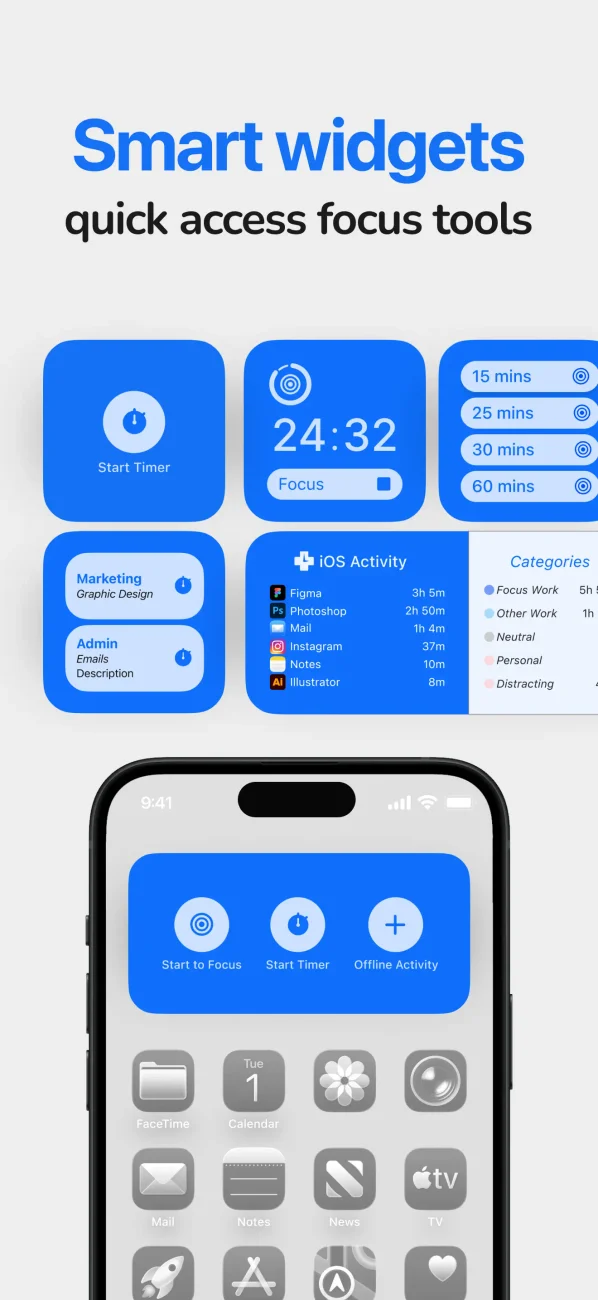
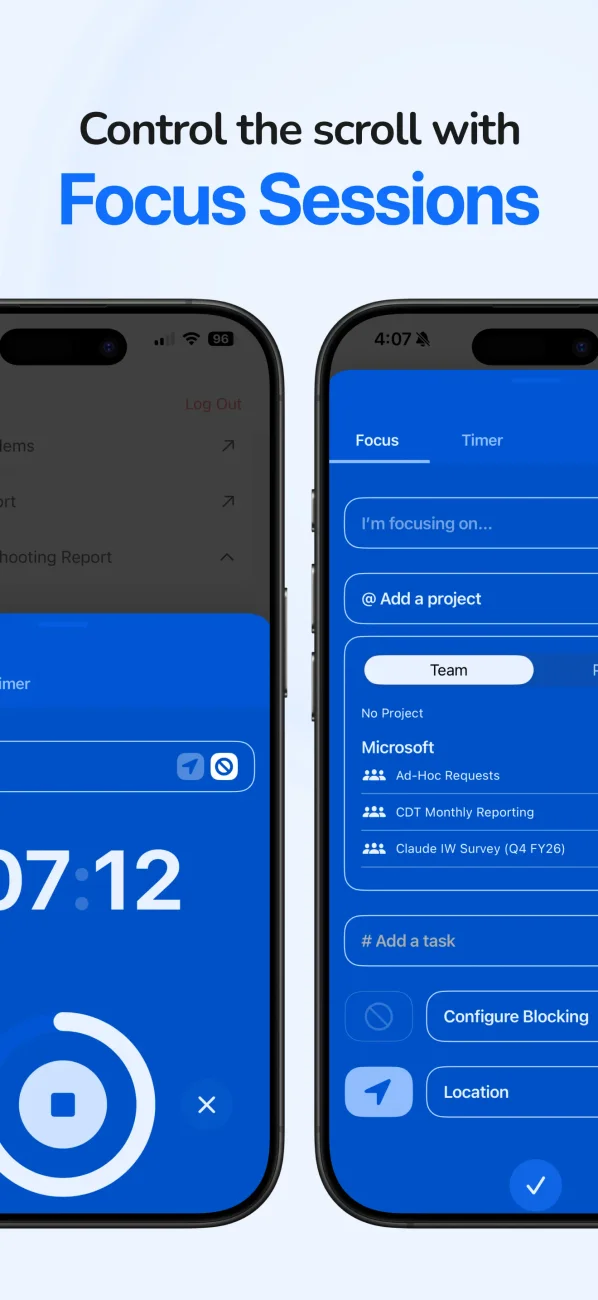
• Focus Sessions with optional app blocking: stay on task with time-boxing, optionally grant permission to block distractions in real time.
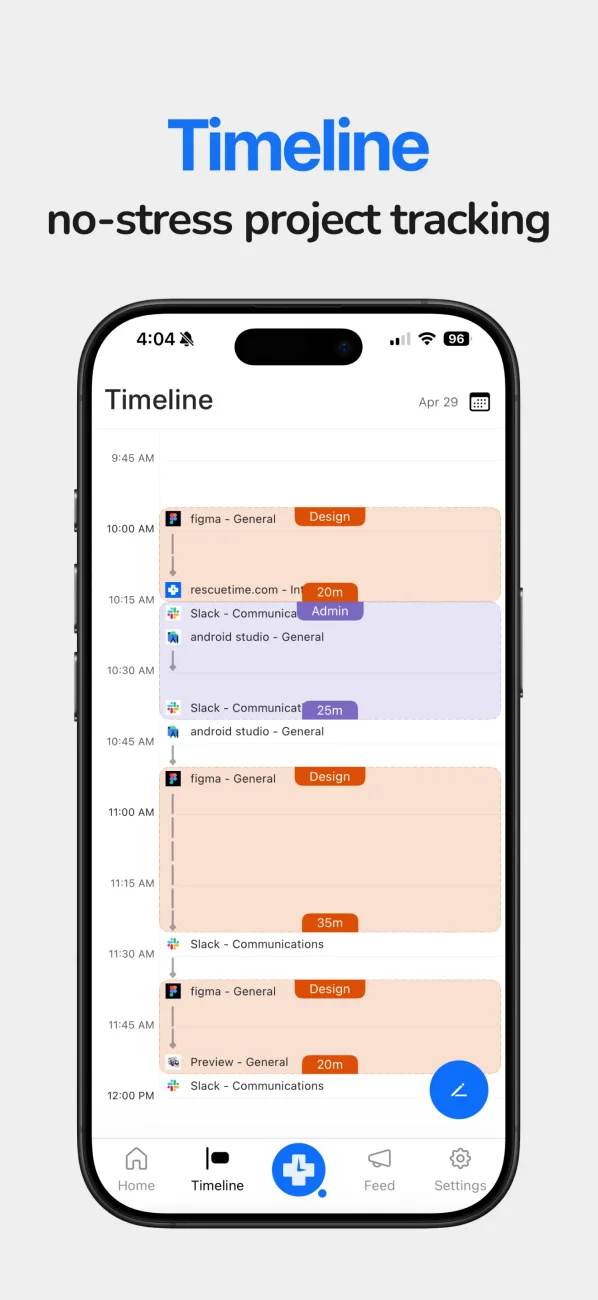
• Project tracking: log time to specific projects and track progress across sessions and timers.
• Offline time: add meetings, calls, and other offline activities to complete your day.
• Reporting: View and manage your time across all your devices in the app.
• Available in English, Spanish, French, German, Japanese, Chinese, Portuguese, and Russian.
**Focus Sessions**
Start a Focus Session when you need uninterrupted time to work. RescueTime blocks distractions, tracks your progress, and delivers a summary when you're done.
Use timers for time boxing or to track open-ended tasks. Sessions and timers can be linked to projects, so your focused time always counts toward something meaningful.
**Full Workday Perspective**
Install RescueTime on your desktop to see the full picture. Your activity, focus sessions, and progress sync seamlessly across devices. Please note that RescueTime for desktop is only available in English.
**Goals And Insights**
Set daily goals for focused work, screen-free time, or better online habits. RescueTime tracks your progress automatically and shows how your behavior aligns with your goals.
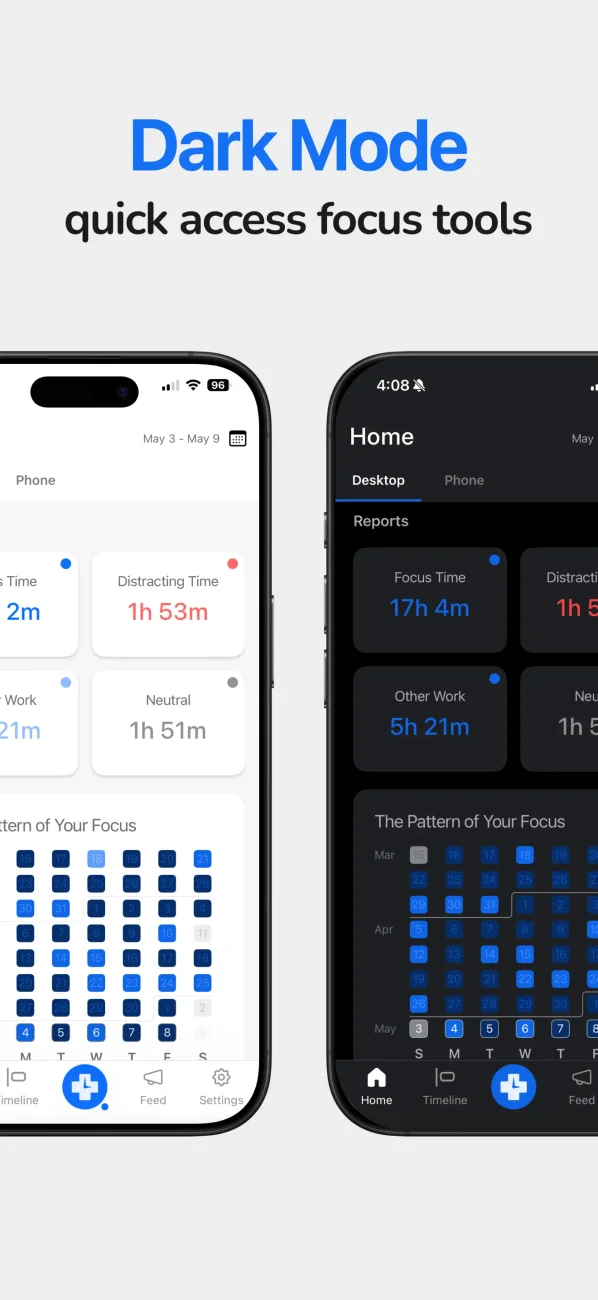
Weekly summaries highlight trends over time, so you can see what's working and what's not.
**Permissions**
Several optional features require elevated permissions. Reporting: tracking phone app activity requires Screen Time permission, and you can choose to use this feature or not. Focus Sessions: using the optional app blocking part of sessions requires Screen Time permission in order to offer real-time intervention.
**Plans**
Solo Focus includes automatic tracking with full history, Focus Sessions with real-time app blocking, offline activity logging, goals with daily targets, alerts and automations, advanced filtering, and integrations.
Solo+ includes everything in Solo Focus, plus automated project and task tracking with RescueTime Timesheets. Link activities and timers to projects to automatically generate timesheets or track progress across work and personal goals.
Free includes automatic basic tracking, daily and weekly reports, the Productivity Pulse, and two weeks of activity history. Offline time logging, project tracking, and distraction blocking require a subscription.
**For Teams**
RescueTime also offers team plans with shared projects, team dashboards, manager insights, and centralized settings. Team plans are only available at rescuetime.com.
**Privacy**
RescueTime does not record keystrokes, capture screenshots, or read message and website content.
You control what is tracked, can pause tracking at any time, and can export or delete your data whenever you choose.
What’s new
Version 3089 · Nov 20, 2026
Improved Dashboard & Timeline performance.
Improved user experience for adding and moving time blocks on the Timeline tab.
App privacy
What RescueTime declares on the App Store about how this app handles data.
-
Data linked to you
May be collected and linked to your identity.
- Contact info
- Identifiers
- Usage data
- Diagnostics
-
Data not linked to you
May be collected but is not linked to your identity.
- Diagnostics
Privacy practices may vary, for example with the features you use or your age.
Information
- Seller
- RescueTime, Inc
- Category
- Productivity
- Version
- 3089
- Updated
- Nov 20, 2026
- Released
- Nov 3, 2022
- Size
- 59.6 MB
- Requires
- iOS 17.4 or later
- Age rating
- 4+
- Price
- Free
- In-app purchases
- Yes
- Languages
- English
- Copyright
- © 2026 RescueTime, Inc.
You might also like
-
 Timelines Time TrackingPersonal & Work Hours Tracker
-
 ATracker Time TrackerDaily Task Habit Goal Routine
-
 Timery: Time TrackerEasy time tracking with Toggl
-
 SunsamaDaily planner
-
 StayFree - Block Apps & SitesLimit screentime, stay focused
-
 Remember The Milk: To-Do ListTo-Do List, Tasks & Reminders
-
 Freedom: Screen Time ControlBlock Apps. Stay Focused.
-
 Stay Focused App/Site BlockerWebsite & Screen Time Limit
-
 Akiflow: AI Planner & CalendarTime Blocking & To-Do List
-
 Be Focused – Pomodoro TimerDeep Focus for Work and Study