
Resize Video Compressor App
Reduce Video Size Fast & Easy
Designed for iPhone, iPad
Free · In-app purchases
- Age rating4+
- CategoryProductivity
- DeveloperCodepaint Inc.
- LanguagesEnglish+ 1 more
- Size65.8 MB
Links to the official App Store page
Download.org hosts no file of Resize Video Compressor App. The button opens its official App Store page, published by Codepaint Inc. Listing last checked on Nov 12, 2026.
Screenshots
About
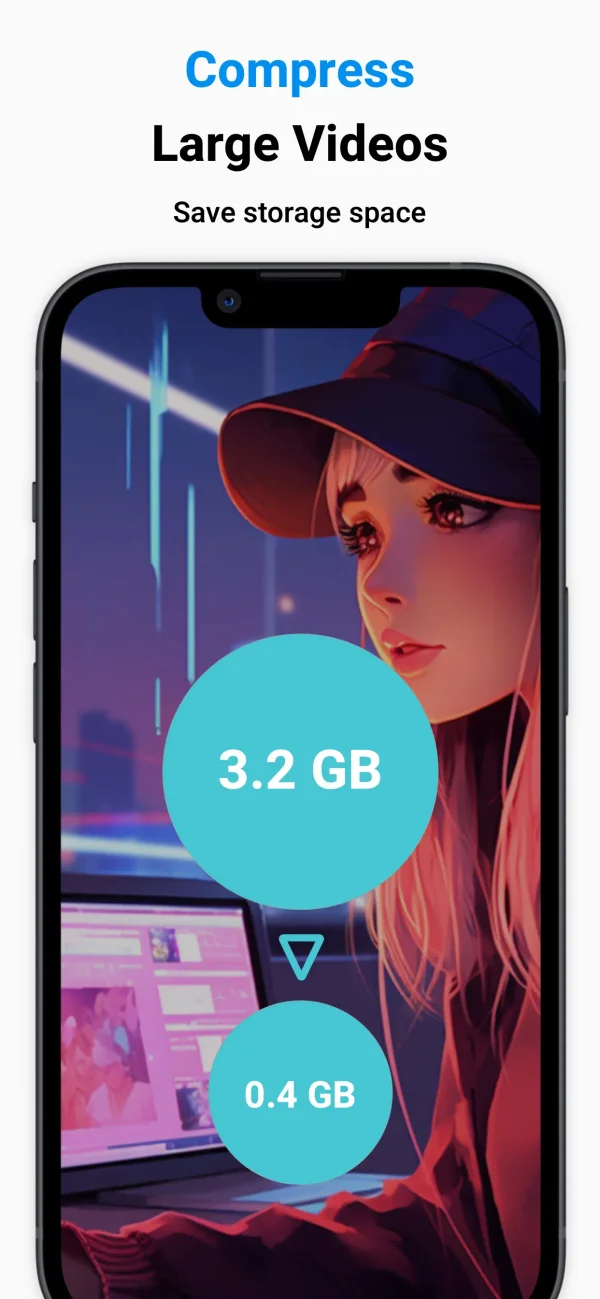
Resize Video Compressor helps you make large videos smaller by resizing and compressing them.
Use it when your iPhone storage is getting full, when a video is too large to send, or when you want a lighter file for social media, messaging apps, or everyday sharing.
Find large videos more easily and compress them to free up storage.
** Who Is This App For? **
- You want to free up iPhone storage by reducing large videos.
- You need to make videos easier to send in messaging apps or on social media.
- You want to prepare videos for social media before posting.
- You record in high quality but do not need every video to stay full size.
- You have many screen recordings and want to keep the content while reducing file size.
- You received a large video and want to make it easier to share.
** Features & How to Use **
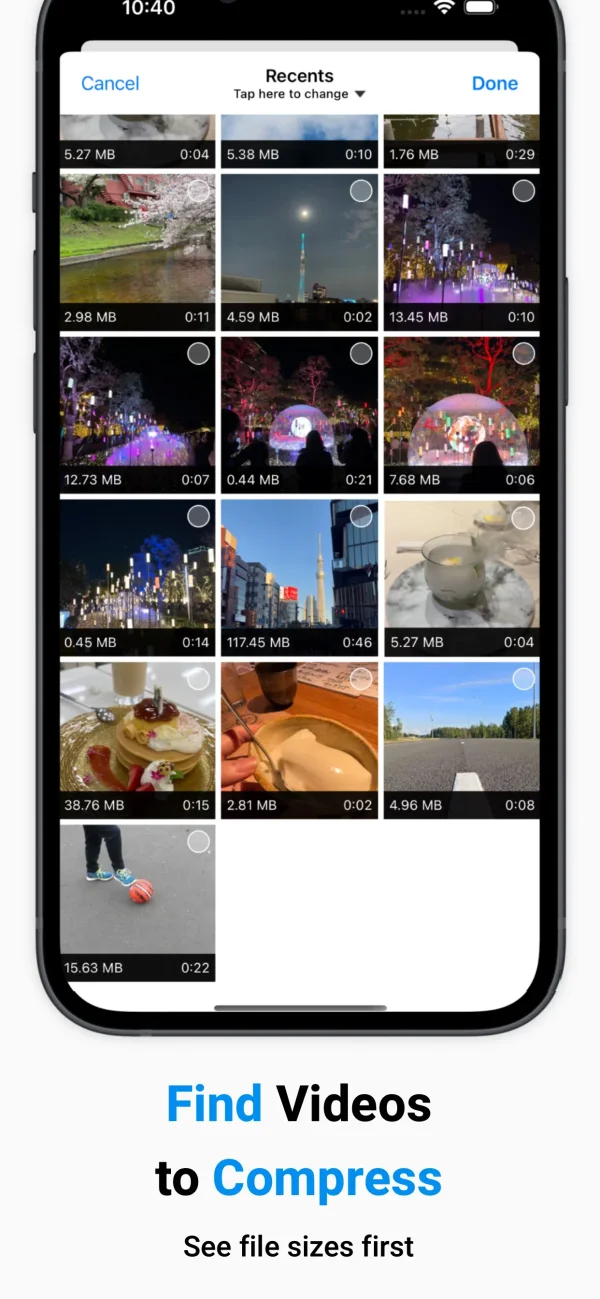
■Find Large Videos
Find videos that take up more storage in your Photo Library.
Check size, duration, and resolution, then choose the videos you want to compress.
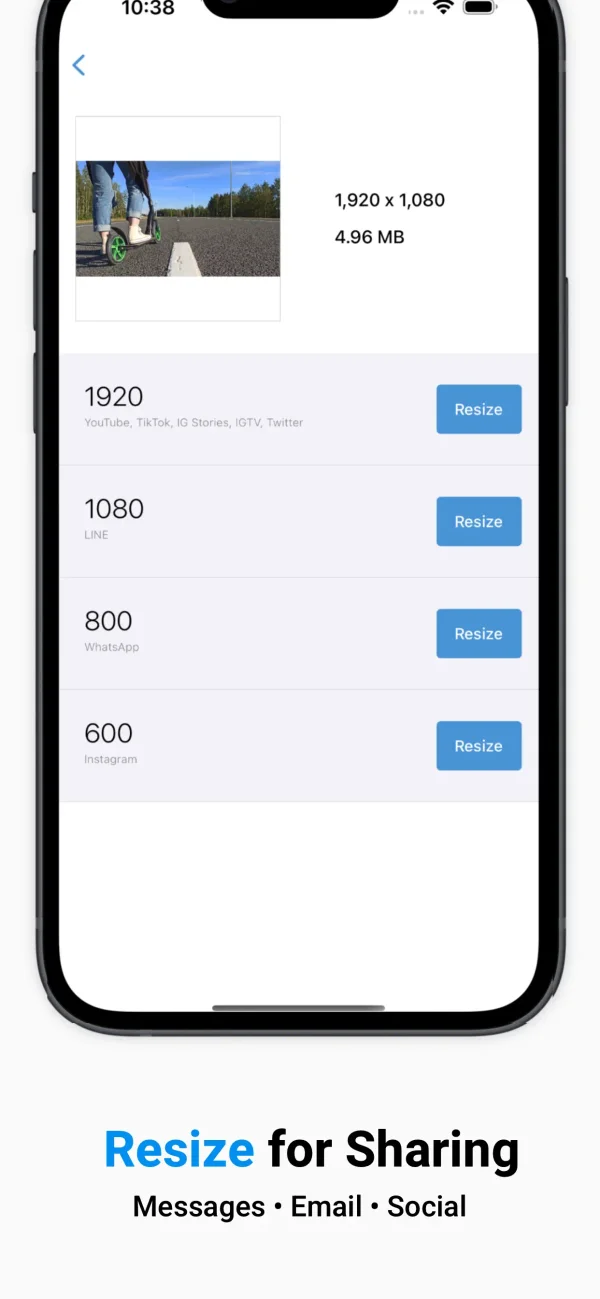
■ Select a Size
Choose a preset resolution based on common social media and messaging needs.
- 1920: YouTube, TikTok, Instagram Stories, IGTV, Snapchat, X (Twitter), Discord
- 1080: LINE
- 800: WhatsApp
- 600: Instagram
■ Compress
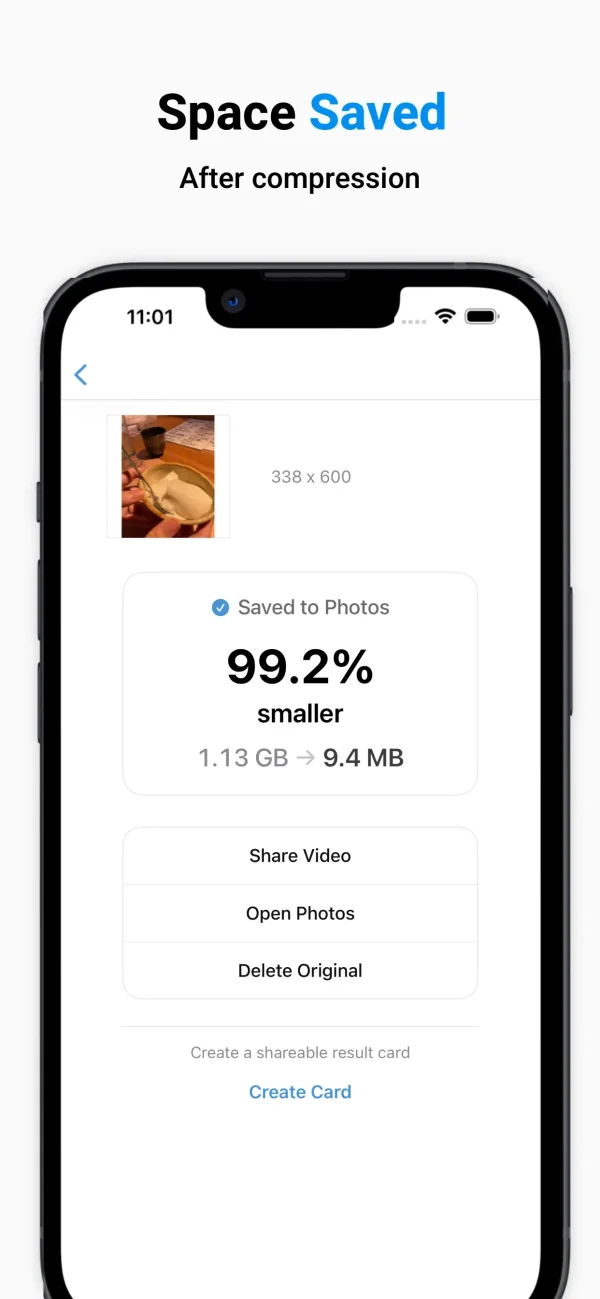
Tap "Resize" to create a smaller version of your original video and save it to your Photo Library.
■ Share & Delete
- Share compressed videos directly to social media or messaging apps.
- Share a result card that summarizes how much storage you saved.
- Optionally delete the original video after saving the compressed version. Deleted videos move to "Recently Deleted" in your Photo Library.
** Paid Version **
We offer a subscription-based or one-time purchase option for the paid version.
Paid version features:
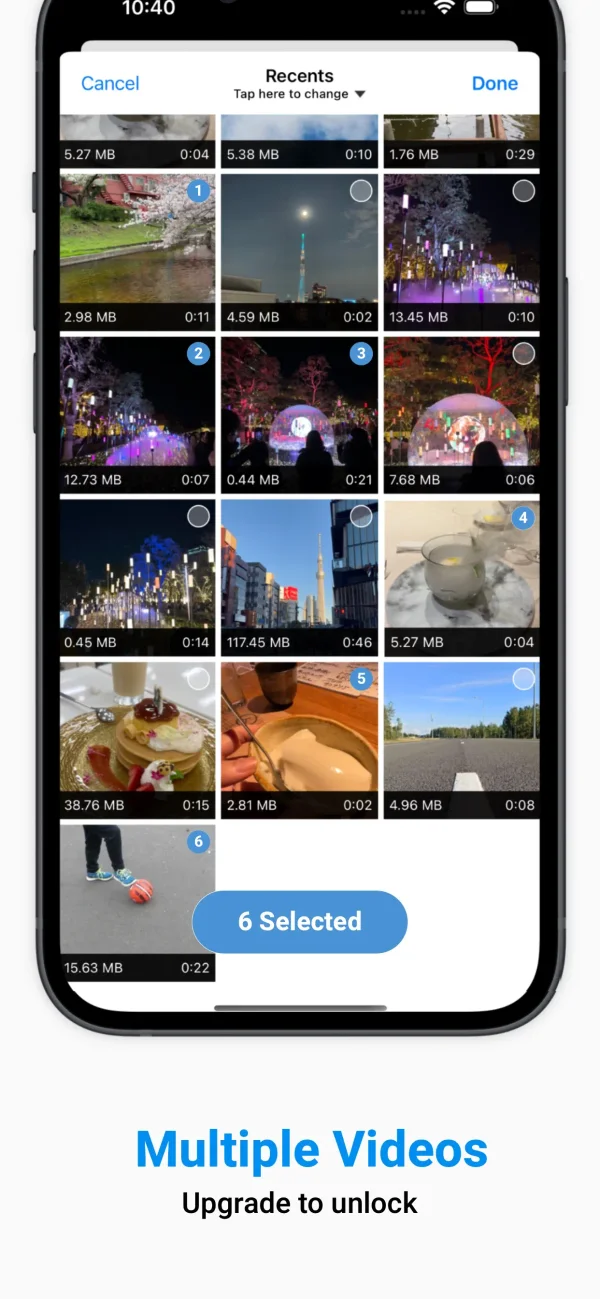
- Batch Compression: Select multiple videos and compress them in one batch.
- Fine-Tune Output: Set size, FPS, bitrate, and codec to control quality and compatibility.
- Quick Previews: Export a short preview to test settings before full compression.
- Preserve Metadata: Keep creation date and location when possible, so videos stay organized.
- Work Without Ads: Compress, resize, and review results without ad interruptions.
Paid plans:
- Subscription: $0.99/month
- One-Time Purchase: $9.99
Note: Prices may vary by region and time.
** Terms and Conditions for Subscriptions **
- Auto-renewal occurs 24 hours before the end of each billing cycle unless canceled.
- You will be charged through your Apple ID account.
- The current billing period cannot be canceled.
■ How to Manage Your Subscription
Navigate to Settings.app -> Apple ID -> Subscriptions -> Resize Video Compressor to manage your subscription.
Note: If no active subscription is registered, the "Subscription" option may not appear.
** Terms for One-Time Purchases **
- You will be charged through your Apple ID account.
- Cancellations are not permitted.
** Terms of Use **
Read full terms here: https://www.codepaint.app/terms/resize-video-compressor
What’s new
Version 2.1.12 · Nov 4, 2026
Performance improvements
App privacy
What Codepaint Inc. declares on the App Store about how this app handles data.
-
Data used to track you
May be used to track you across apps and websites owned by other companies.
- Identifiers
- Usage data
-
Data linked to you
May be collected and linked to your identity.
- Purchases
- Location
- User content
- Identifiers
- Usage data
- Diagnostics
- Other data
Privacy practices may vary, for example with the features you use or your age.
Information
- Seller
- Codepaint Inc.
- Category
- Productivity
- Version
- 2.1.12
- Updated
- Nov 4, 2026
- Released
- Aug 9, 2020
- Size
- 65.8 MB
- Requires
- iOS 17.0 or later
- Age rating
- 4+
- Price
- Free
- In-app purchases
- Yes
- Languages
- English, Japanese
- Copyright
- © 2026 Codepaint Inc.
You might also like
-
 SlimSpace - CompressorCompress photo & video offline
-
 Compress Video - Shrink PhotosReduce image and video size
-
 Compress Videos - Shrink VideoReduce Video Size, Save Space
-
 Compressor: Photos & PicturesCompress photos, save space
-
 Image Compress Photo & VideoCompressor, Resizer & Shrink
-
 Unzipper: Zip and Unzip filesThe Best Zip File Viewer
-
 Video Vault - Downloader PhotoSafe Videos & Photos
-
 PhotoCompress - Resize ImagesResize photos and videos
-
 AR FunnelProductivity
-
 PDF File Translator AppPdf Translation