
- Age rating4+
- CategoryProductivity
- DeveloperAvero Tech
- LanguagesEnglish
- Size18.5 MB
Links to the official App Store page
Download.org hosts no file of Resource Booking Service. The button opens its official App Store page, published by Avero Tech. Listing last checked on Nov 16, 2026.
Screenshots


About
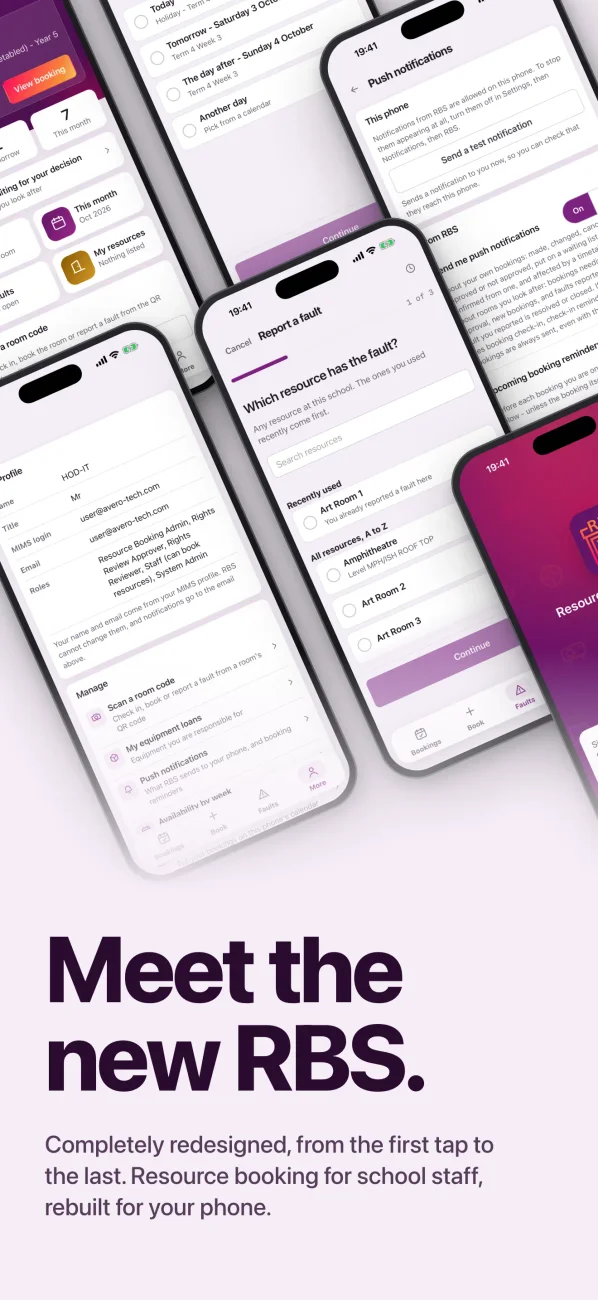
A productivity tool for school staff in Singapore to book resources. This is the mobile version of the Resource Booking Service (RBS) at https://rbs.avero-tech.com. This app requires MIMS authentication and is intended for authorised users only.
This release includes:
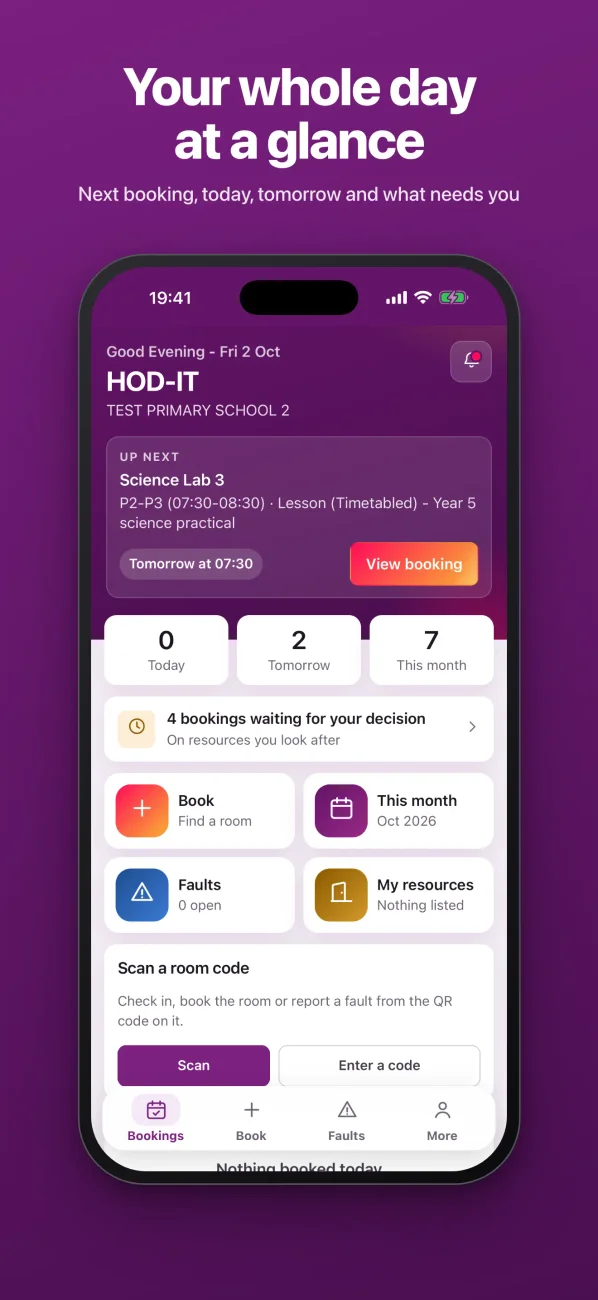
(1) See what you have booked today, tomorrow and across the year, with your next booking and its times on the home screen.
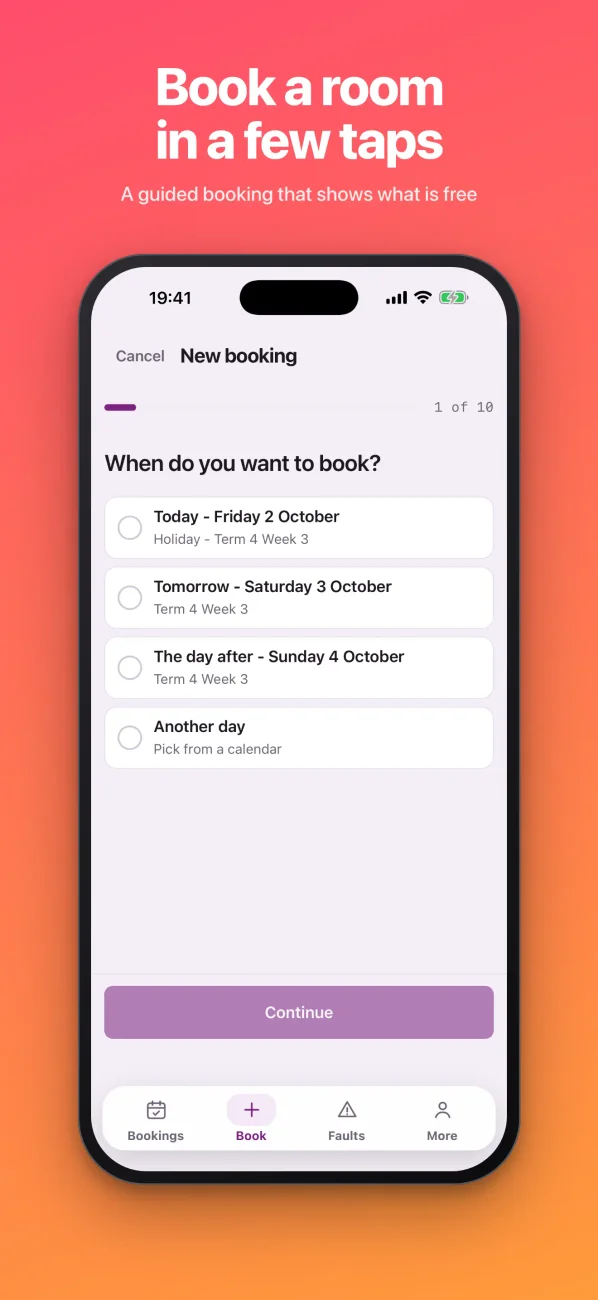
(2) Book a room or facility in guided steps: a single date or a repeating weekly or fortnightly booking, choosing from the resources your school lets you book, with a waiting list when a resource is full.
(3) View, change, reschedule or cancel your bookings, or book the same again.
(4) Report a fault on any resource at your school, add photos or files, and follow it until it is closed.
(5) For resource owners: approve or reject booking requests, see the faults reported on the resources you look after, and see the periods when a resource is blocked.
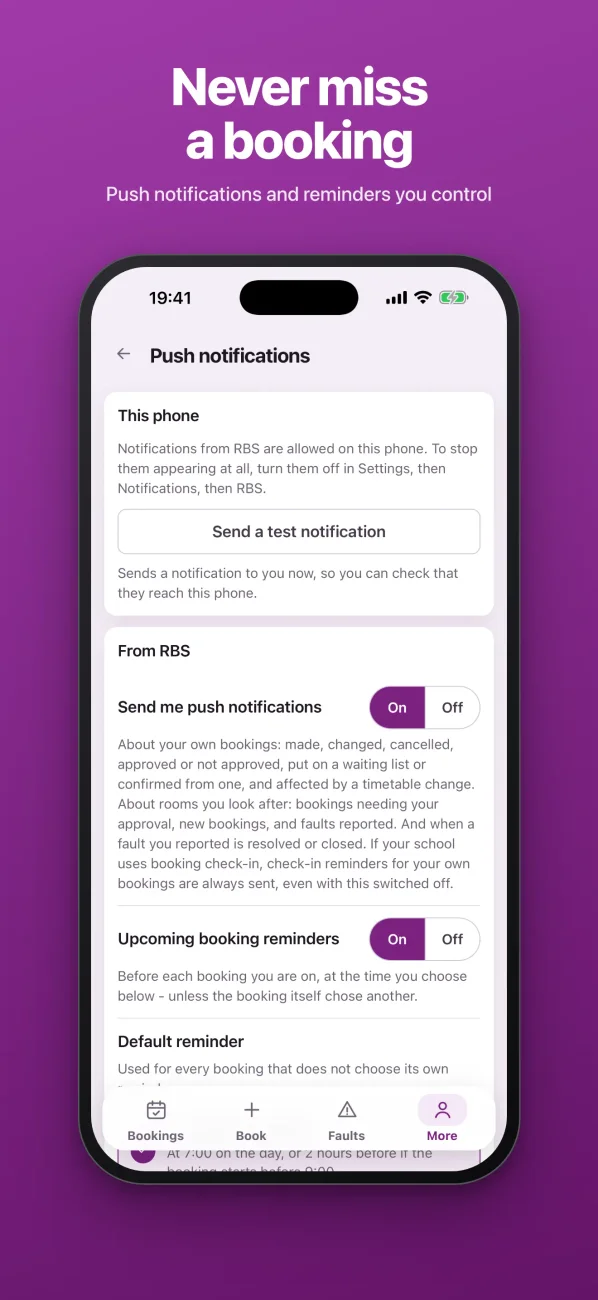
(6) Push notifications for bookings made, changed, cancelled, approved or rejected, for requests waiting on your approval and for faults on your resources, and, if you turn them on, reminders before your bookings. Each type can be switched off on its own.
(7) Add your bookings to your device's calendar, and lock the app with Face ID, Touch ID or your passcode.
(8) If your MIMS account covers more than one school, switch between them.
Staff sign in with their MIMS account. RBS never sees your password: sign-in happens on the MIMS page itself. What you can see and do is set by your school, not by this app.
What’s new
Version 1.1 · Oct 5, 2026
Version 1.1 is a new RBS app, rebuilt from the ground up.
- A home screen with today's and tomorrow's bookings and your next booking
- Book a room or facility in guided steps, including repeating bookings and waiting lists
- View, change, reschedule or cancel your bookings
- Report a fault with photos, and follow it until it is closed
- Approve requests and see the faults on resources you look after
- Push notifications, with each type switchable on its own
- Add your bookings to your device's calendar
- Lock the app with Face ID, Touch ID or your passcode
- Switch between your schools, if your MIMS account covers more than one
App privacy
What Avero Tech declares on the App Store about how this app handles data.
-
Data linked to you
May be collected and linked to your identity.
- Contact info
- User content
- Identifiers
Privacy practices may vary, for example with the features you use or your age.
Information
- Seller
- AVERO TECH PTE. LTD.
- Category
- Productivity
- Version
- 1.1
- Updated
- Oct 5, 2026
- Released
- Jan 19, 2022
- Size
- 18.5 MB
- Requires
- iOS 15.0 or later
- Age rating
- 4+
- Price
- Free
- Languages
- English
- Copyright
- © 2026 Avero Tech Pte. Ltd.
You might also like
-
 Workpal for SG Public ServiceEmployee & Workplace services
-
 HOGC OneProductivity
-
 LifeSGPreviously Moments of Life
-
 OneNSProductivity
-
 SafeGuardianProductivity
-
 To-day: To-Do Lists & PlannerTask Manager & Reminders
-
 Toshi: The Family Calendar AppRoutines for Everyday Life
-
 Until: Countdown & WidgetsDay Counter, Timer & Reminder