Rest Timer - WaitWaitGo!
Gym Workout Countdown Alarm
Designed for iPhone, iPad, iPod touch
Free
- Age rating4+
- CategoryHealth & Fitness
- LanguagesEnglish
- Size20.2 MB
Links to the official App Store page
Download.org hosts no file of Rest Timer - WaitWaitGo!. The button opens its official App Store page, published by . Listing last checked on Nov 12, 2026.
Screenshots

About
Free app. No ads. Start the timer with one tap. Keeps playing music after a short alarm sound. Restart the timer from the notification. Dynamic Island and Live Activity supported.
This is the simplest countdown timer out there, with a set of convenience features you can't find in any other similar app.
It's primarily used for timing rest periods during a strength training workout. It works great in the gym, at home, and outdoors. Let your phone notify you when it's time to start the next set or exercise.
*** Instructions ***
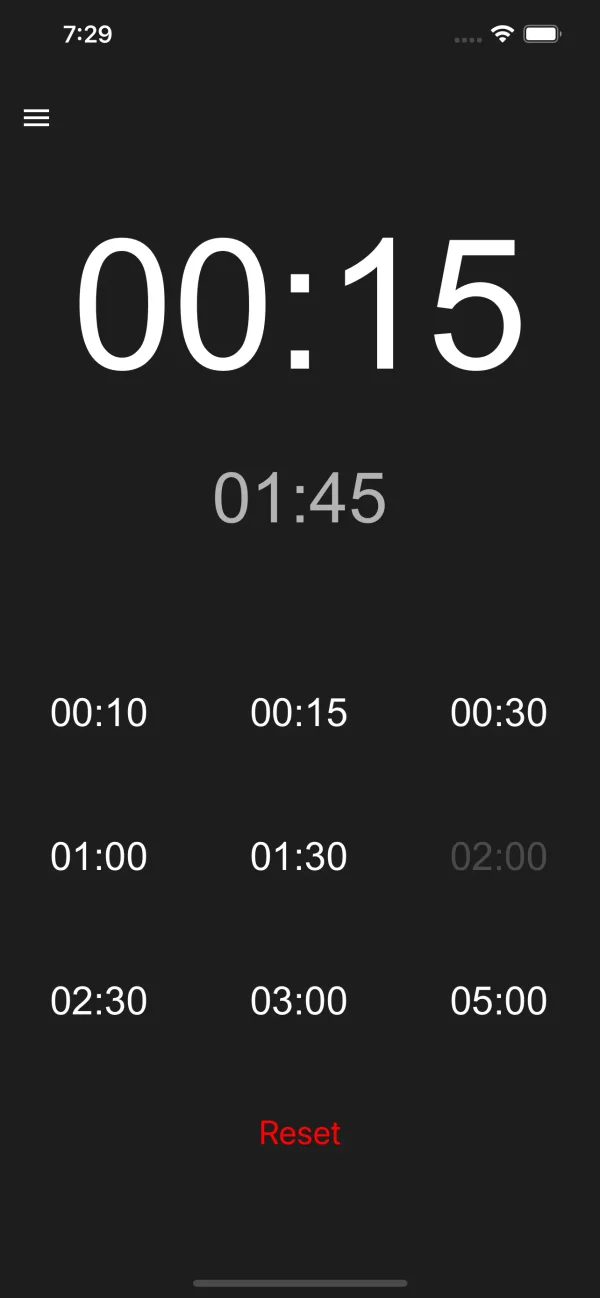
Start the countdown by pressing one of the 9 timer buttons. Reset it if you don't need it anymore.
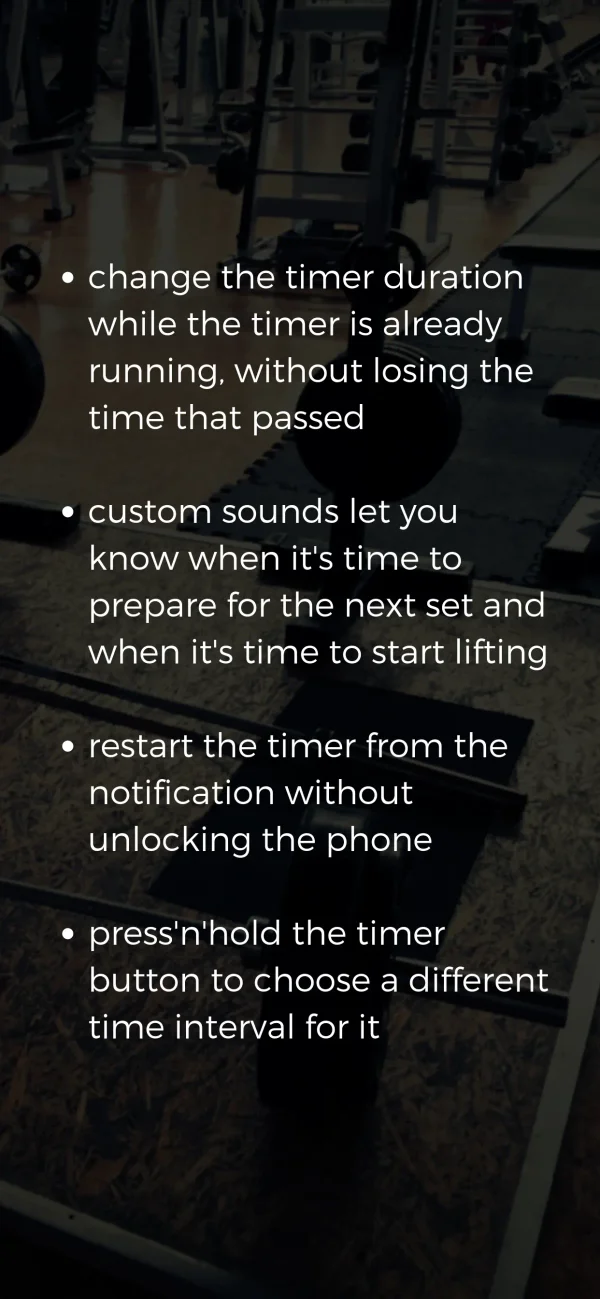
Press'n'hold the button to change its timer duration.
=== Important! ===
Please make sure to allow the app to send you notifications, otherwise, you might not hear sound warnings, and it won't work with the screen locked.
*** What makes this app better than the others? ***
You can change the timer duration while the timer is already running. The app recalculates the remaining time and keeps the time that has already passed. Sometimes there is not enough energy in the tank, and you need an extra minute to rest. Or you started the wrong timer and want to change it to the correct one.
The app uses carefully selected custom sounds that play nicely with your workout music. They are noticeable enough not to miss them but still easy on your ears. A gentle sound warning signals you to start preparing for the next set (for time intervals of 30 seconds and higher). Another more distinct sound follows when the time is up.
When you're done with the set, you can restart the timer from the notification without unlocking the screen! No need to think about how long your rest time is after each set.
*** FAQ ***
Q. I can't hear the sound notifications. What's wrong?
A. Please make sure that you have allowed the app to send you notifications. Go to Settings App -> Notifications -> find WaitWaitGo! -> Allow notifications and Sounds need to be On. Also, make sure that the silent switch on the phone is off, and if you have any iOS focus modes active, make sure they allow notifications from WaitWaitGo!. As a last resort, go to Settings -> Sounds and make sure that the Ringer And Alerts volume slider is set to some higher value.
What’s new
Version 1.12 · Jan 14, 2025
A fresh update to go with your New Year's resolutions. Keep lifting and stay strong!
App privacy
What declares on the App Store about how this app handles data.
-
Data not linked to you
May be collected but is not linked to your identity.
- Location
- Identifiers
- Usage data
- Diagnostics
Privacy practices may vary, for example with the features you use or your age.
Information
- Seller
- Srdan Stanic
- Category
- Health & Fitness
- Version
- 1.12
- Updated
- Jan 14, 2025
- Released
- Oct 12, 2016
- Size
- 20.2 MB
- Requires
- iOS 14.0 or later
- Age rating
- 4+
- Price
- Free
- Languages
- English
- Copyright
- © 2016 Srđan Stanić
You might also like
-
 Restrr - Gym Rest TimerTrain harder, train better.
-
 Gym Rest Timer - Sets & HIITTraining, Workout & Lifting
-
 Fitsifu TimerHIIT & Gym Workout Timer
-
 Best Interval TimerTabata, HIIT, Circuit Training
-
 Timer for Workouts - HIITInterval Tabata Flex Exercise
-
 Set & Rep Counter Workout LogWeight Lifting Gym Tracker
-
 Workout Timer: Intervals & TUTProgrammable Fitness Routines
-
 Box Timer - Simple WOD ClockHIIT, Tabata & Gym Training
-
 Flex Timer: LED Gym TimerEMOM, AMRAP, Tabata, HIIT, WOD
-
 Liftosaur: Scriptable WorkoutsAutomate Your Workouts