- Age rating4+
- CategoryProductivity
- DeveloperKiran Tathekalva
- LanguagesEnglish
- Size2.2 MB
Links to the official App Store page
Download.org hosts no file of ResumeCue. The button opens its official App Store page, published by Kiran Tathekalva. Listing last checked on Nov 18, 2026.
Screenshots



About
ResumeCue is a private, role-aware resume builder for iPhone and iPad.
Create a polished resume quickly, tune it for the role you want, preview it instantly, and export clean files without creating an account. Everything is stored locally on your device.
ROLE-AWARE RESUME BUILDING
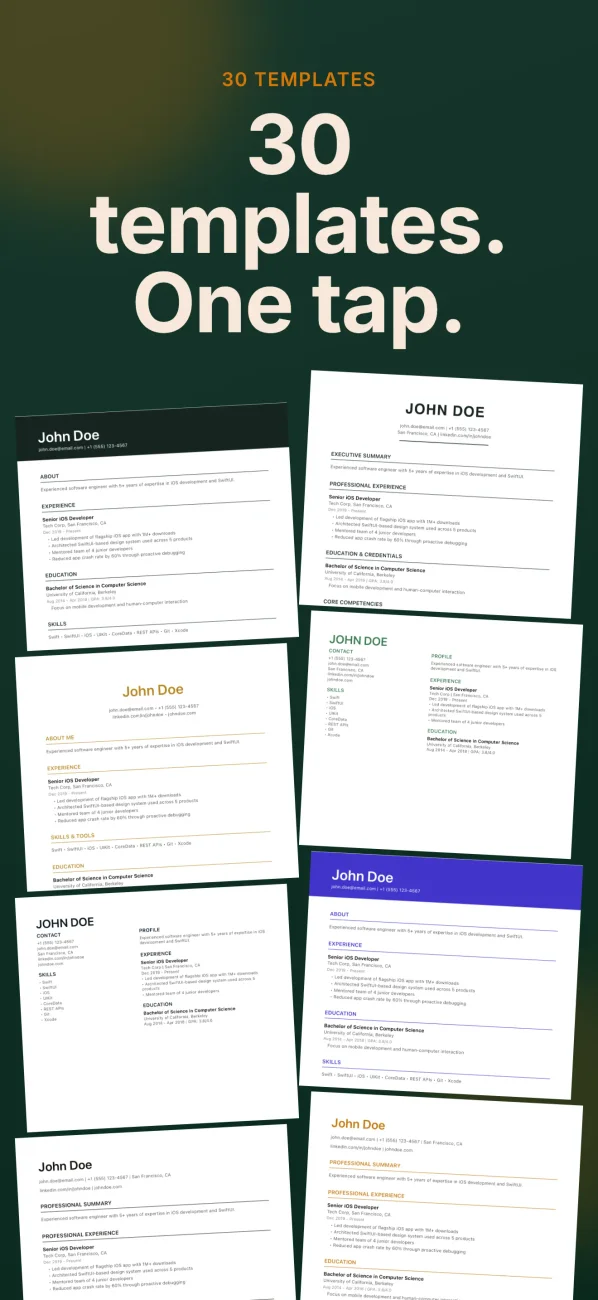
- Start from professional templates built for modern job searches
- Choose from 30 resume styles for technical, creative, graduate, executive, academic, trades, education, nonprofit, data, and business roles
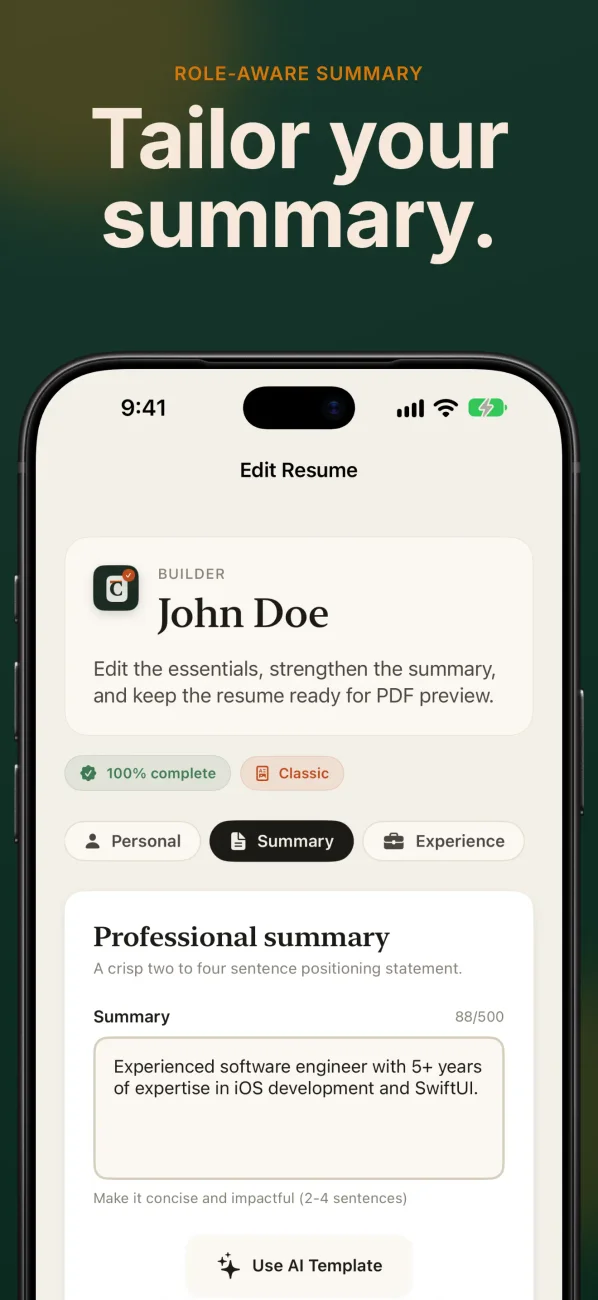
- Use role-aware professional summary cues instead of generic software-only copy
- Keep resumes ATS-friendly and easy to scan
FAST EDITING
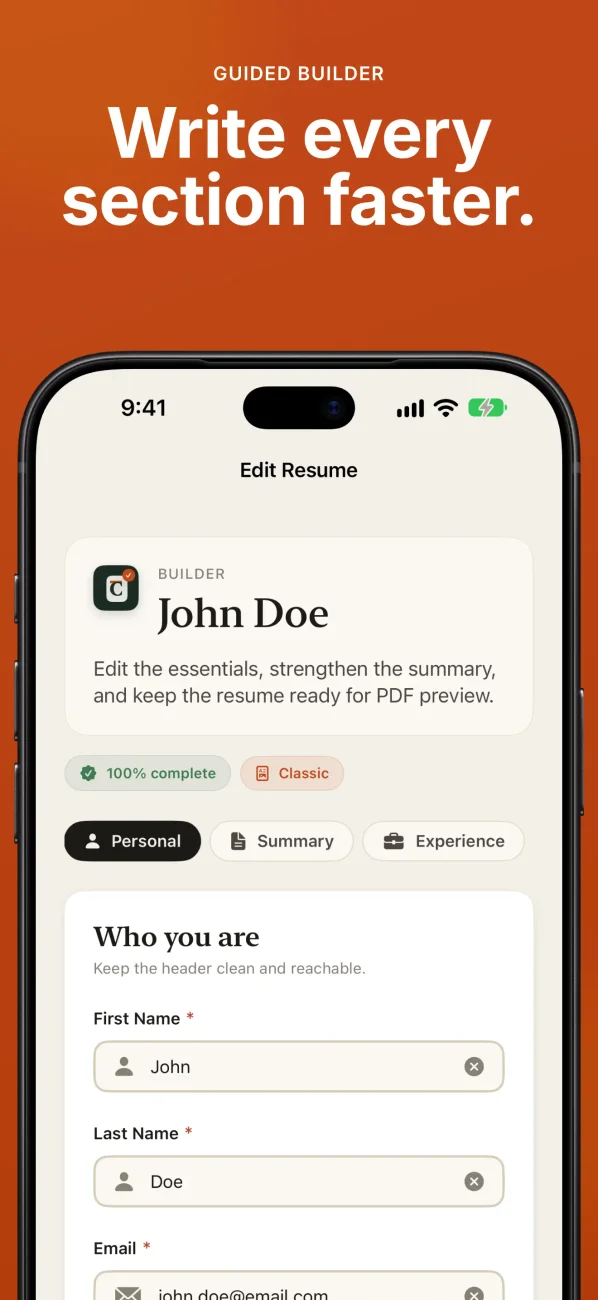
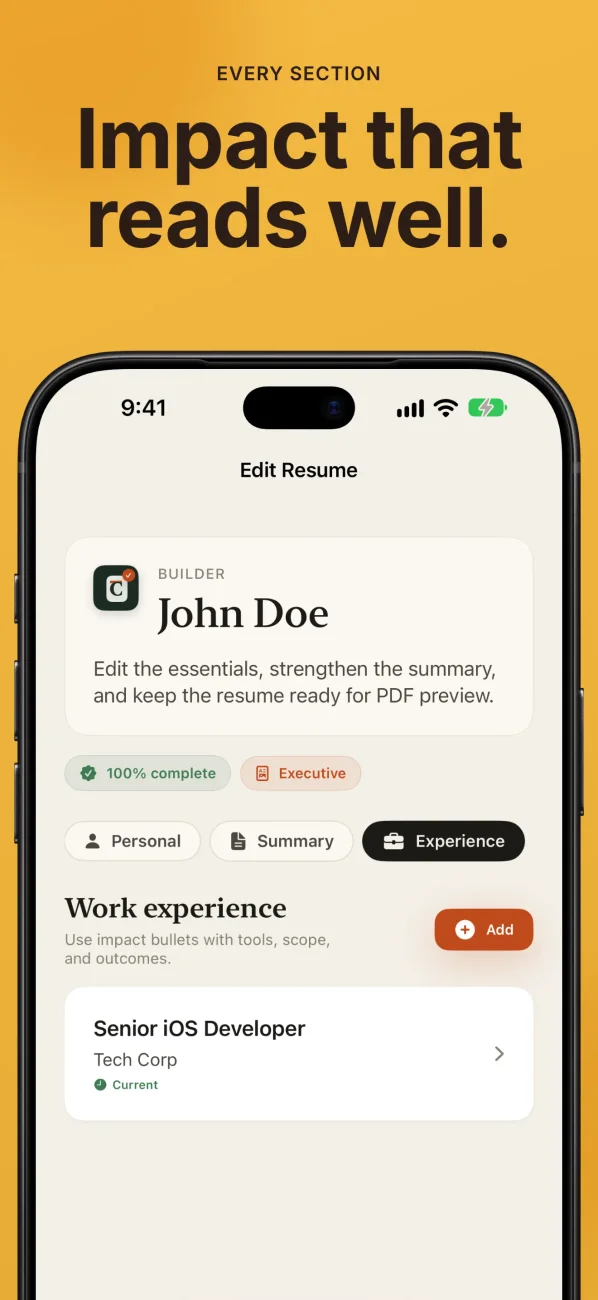
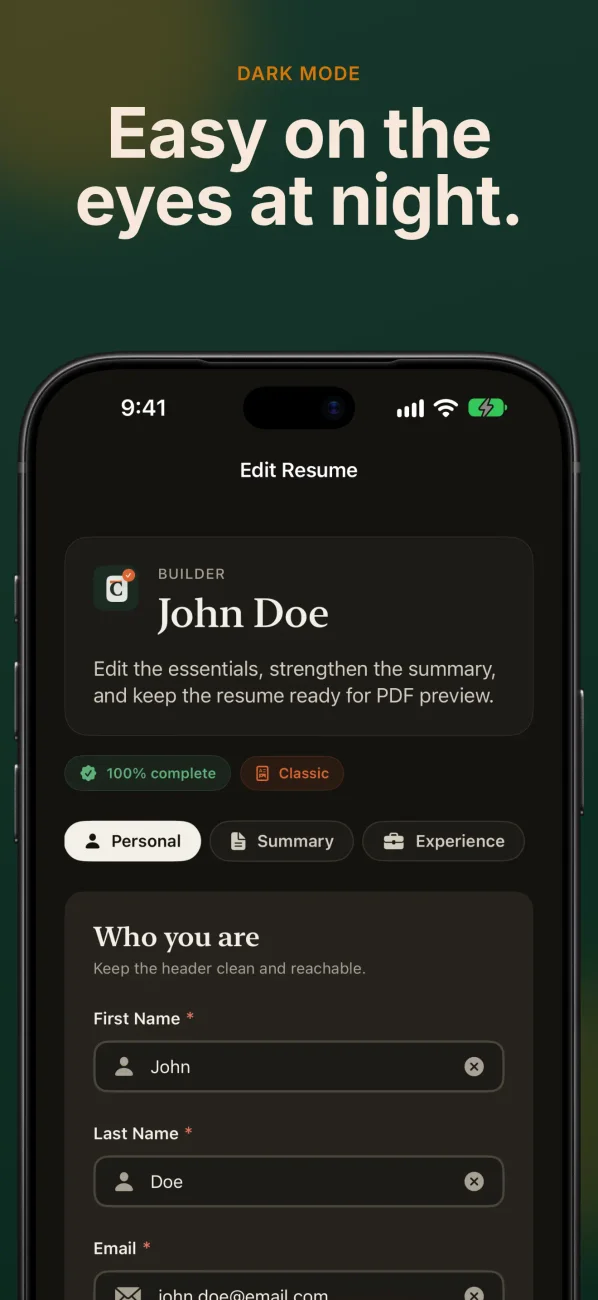
- Edit personal details, summaries, experience, education, projects, and skills
- Preview changes as you work
- Switch templates without rebuilding your resume
- Import resume content, see an ATS readability review, and refine it inside the app
JOB MATCH, ON YOUR DEVICE
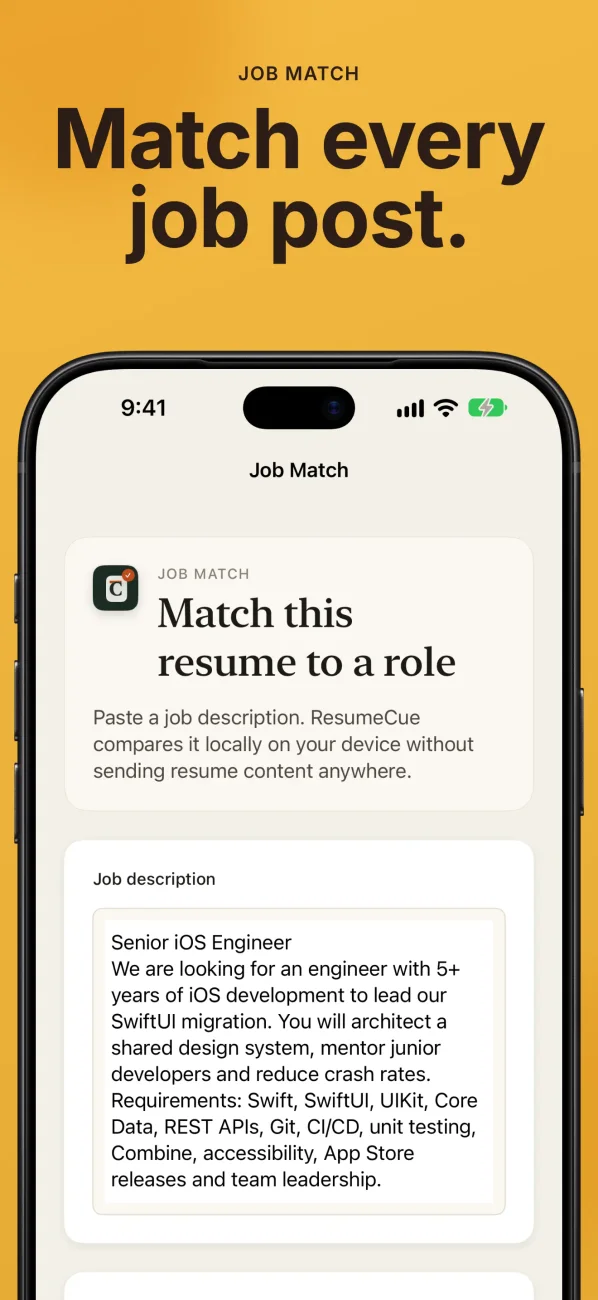
- Paste a job description and compare it with your resume locally
- See matched and missing keywords and a recommended template
- Get prompts for adding measurable, role-relevant bullets
EXPORTS THAT WORK
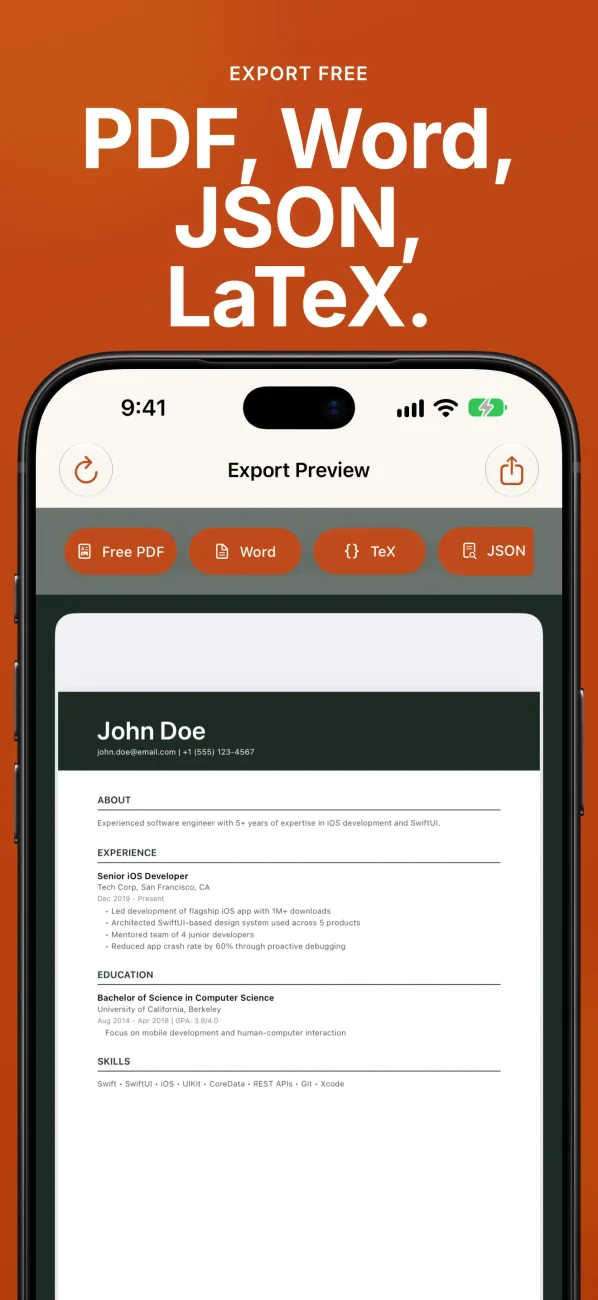
- Export polished PDF resumes for free
- Export Word and JSON Resume files
- Export LaTeX source for advanced editing and version control
- Share through Files, Mail, AirDrop, or any iOS share destination
PRIVATE BY DESIGN
- No account required
- No analytics
- No advertising SDKs
- No tracking
- No third-party resume storage
- Resume data stays on your device
ResumeCue is built for job seekers, students, engineers, designers, researchers, career changers, and professionals who want a focused resume workflow without handing sensitive career data to an online service.
Questions or feedback: support@resumecue.com
Privacy Policy: https://resumecue.com/privacy
Website: https://resumecue.com
What’s new
Version 1.2.1 · Nov 15, 2026
What's new in ResumeCue 1.2.1
Importing a resume works much better
- Choosing a file from Files no longer reports a valid resume as unreadable.
- Word (.docx), RTF, plain text, JSON Resume and most PDF files now fill in your name, contact details, jobs, education and skills for you to review before saving.
- Jobs, dates and degrees are read more accurately, including dates like "March 2021 - Present", dates on the right-hand side of a job title, UK degrees such as BA, BSc and MSc, and employers followed by a city.
- UK and international phone numbers are recognized, not just US ones.
- JSON Resume files from other tools now import. Before, only files exported by ResumeCue did.
- Old Word .doc files and scanned PDFs now tell you what to do instead of showing a vague error.
Your name stays yours
- Switching templates or saving no longer replaces the name on a resume with the sample name "John Doe". Every template shows the name on your resume.
PDF export is still free. No account, no ads, no tracking.
App privacy
What Kiran Tathekalva declares on the App Store about how this app handles data.
-
Data not collected
The developer does not collect any data from this app.
Privacy practices may vary, for example with the features you use or your age.
Information
- Seller
- Kiran Tathekalva
- Category
- Productivity
- Version
- 1.2.1
- Updated
- Nov 15, 2026
- Released
- Jun 30, 2026
- Size
- 2.2 MB
- Requires
- iOS 16.0 or later
- Age rating
- 4+
- Price
- Free
- Languages
- English
- Copyright
- © 2026 ResumeCue
You might also like
-
 OfficeClip SuiteCRM, Time, and Issue Tracking.
-
 Vitaeo: Resume & CV Maker12 templates, PDF export
-
 CVUnio: Resume Builder & CVProductivity
-
 Perimeter MobileBuilt for first responders
-
 OmniPlan 4Powerful project management
-
 Professional Resume BuilderJob CV creator with templates
-
 Dictation App-Dictate AnywhereDictation & Transcription App
-
 Covve - Digital Business CardDesign, Share, Track, Network
-
 PDF Editor - Edit PDF & SignAdvanced PDF Converter
-
 SynctrainSynchronize files securely