
Retouch Object Remove & Editer
Erase People cutout Background
Designed for iPhone, iPad, iPod touch
Free · In-app purchases
- Age rating4+
- CategoryPhoto & Video
- Developer立 林
- LanguagesEnglish+ 26 more
- Size150.7 MB
Links to the official App Store page
Download.org hosts no file of Retouch Object Remove & Editer. The button opens its official App Store page, published by 立 林. Listing last checked on Nov 12, 2026.
Screenshots

About
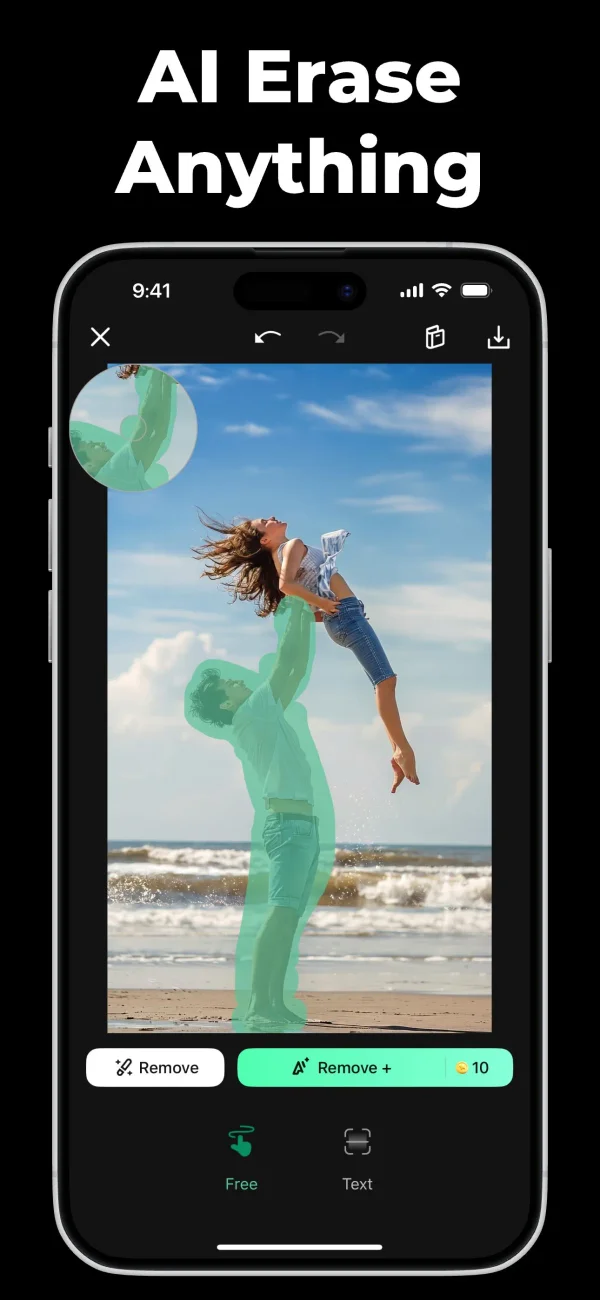
Remove unwanted objects, people, text, and backgrounds from your photos in seconds.
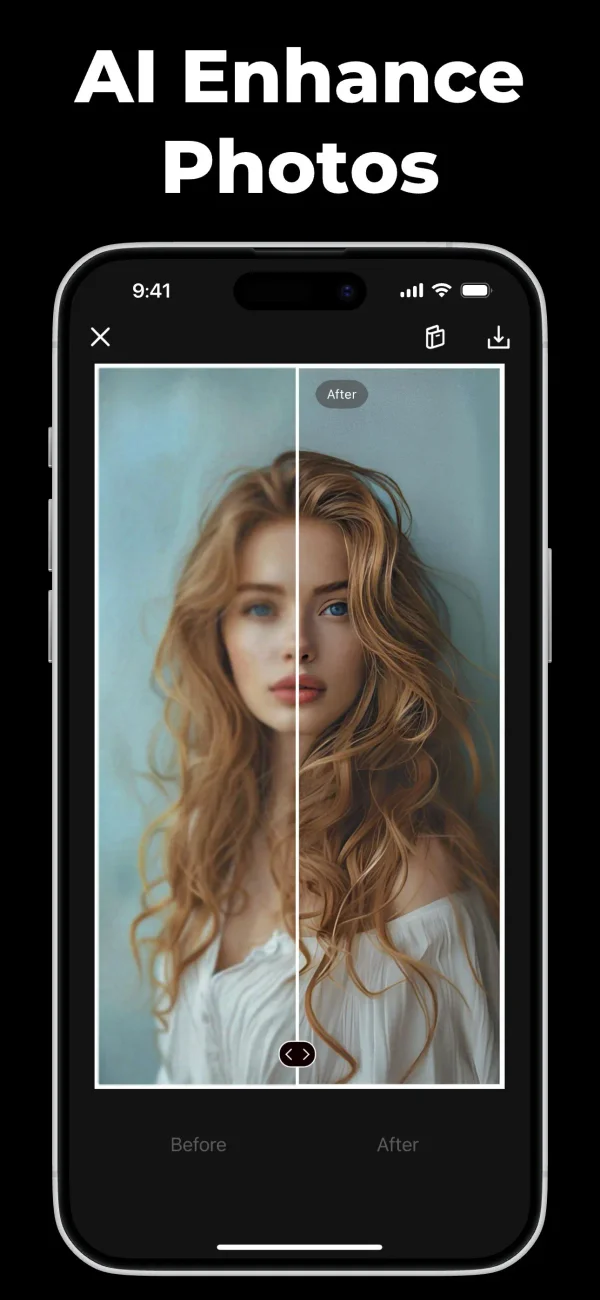
Retouch makes photo cleanup simple with smart eraser, cutout, and editing tools.
Just mark what you want to remove, tap once, and get a cleaner photo.
Retouch is an easy-to-use photo object remover and photo editor designed for everyday edits. Whether you want to erase a stranger from a travel photo, clean up text or logos, remove distractions, change the background, or fix facial blemishes, Retouch helps you create polished photos quickly.
Main Features
Object Remover
Remove unwanted objects from photos with a simple brush. Erase people, wires, trash cans, signs, stickers, text, captions, logos, and other distractions.
People Remover
Clean up your travel, street, party, and portrait photos by removing unwanted people from the background.
Background Cutout
Cut out people, pets, products, or objects from photos and place them on a new background. Create clean profile photos, product images, social posts, and creative edits.
Background Changer
Replace your photo background with any image from your gallery. Make your subject stand out with a cleaner or more creative scene.
Blemish Remover
Retouch selfies and portraits by removing acne, pimples, dark spots, wrinkles, and other small facial blemishes while keeping your photo natural.
Clone & Paste Tools
Copy part of a photo and paste it onto the same image or another background. Create fun clone effects, creative edits, and unique compositions.
Photo Editor
Crop, adjust, filter, add text, apply stickers, and fine-tune exposure, contrast, highlights, shadows, saturation, temperature, and more.
How It Works
Upload a photo
Mark the object, person, text, or background you want to edit
Tap to remove, cut out, retouch, or replace
Use Retouch for:
Removing unwanted objects from photos
Erasing people from the background
Cleaning text, stickers, captions, or logos
Cutting out subjects and changing backgrounds
Fixing blemishes in selfies and portraits
Creating clean social media photos
Making fun clone and paste edits
Editing photos quickly without complex tools
Retouch gives you the tools to clean up and improve your photos with just a few taps. No complicated editing workflow. No desktop software needed. Just open a photo, choose a tool, and create a better image.
Download Retouch today and start removing unwanted objects from your photos.
Disclaimer:
We respect the copyright of all rights holders.
Please make sure you have permission or authorization before editing content owned by others.
This app is intended for personal study, research, and lawful use only.
We are not responsible for any intellectual property infringement caused by unauthorized use.
Retouch PRO Subscription:
Payment will be charged to your iTunes Account at confirmation of purchase.
Subscriptions automatically renew unless auto-renew is turned off at least 24 hours before the end of the current period.
Your account will be charged for renewal within 24 hours before the end of the current period.
You can manage or cancel your subscription anytime in your App Store account settings.
Any unused portion of a free trial will be forfeited if you purchase a subscription.
Terms and Conditions:
https://manage.magicutapp.com/appMagicCutApi/customizepage?pageType=Retouch_iOS_TermsofService
Privacy Policy:
https://manage.magicutapp.com/appMagicCutApi/customizepage?pageType=Retouch_iOS_PrivacyPolicy
What’s new
Version 2.0.0.0 · Jun 13, 2026
Hey, guys,
With this update:
We provide you with the following functions
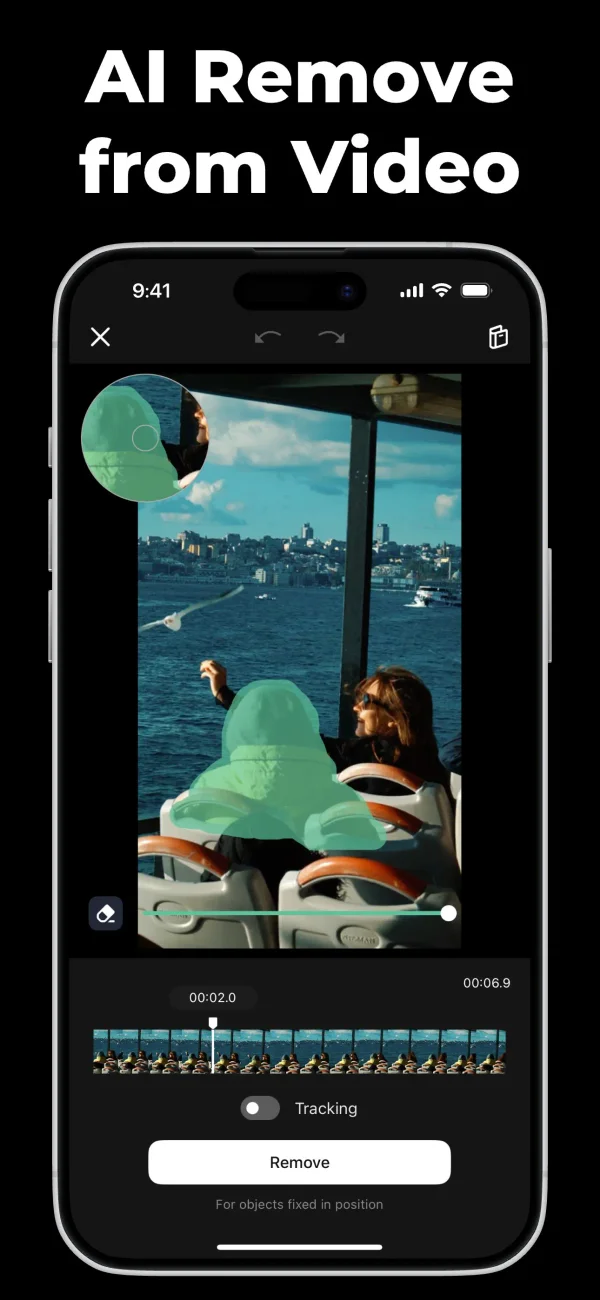
- Now you can remove objects from videos
- Added "Remove+" feature for smarter image removal
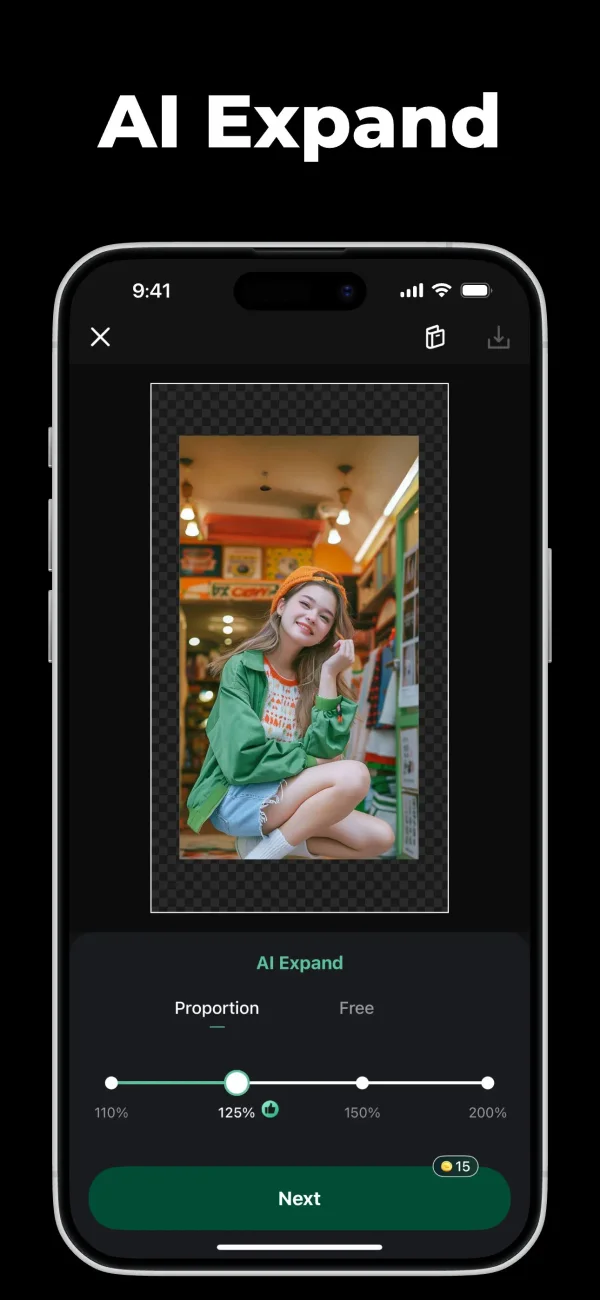
- New function: "AI Expand" is now available
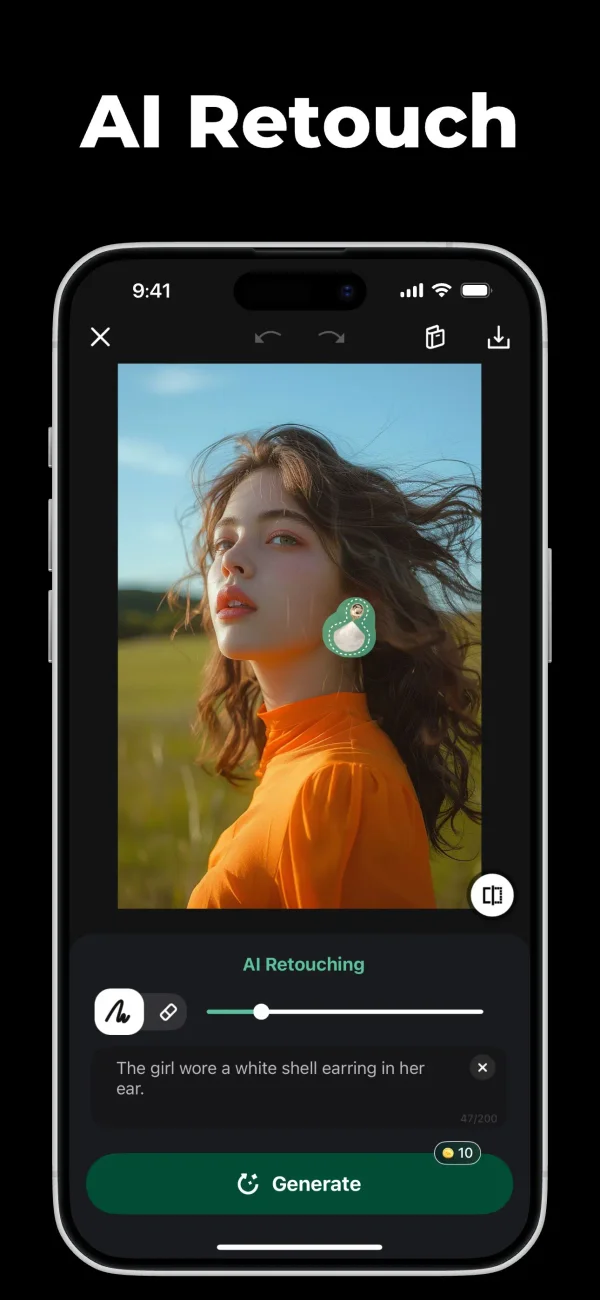
- New function: "AI Retouching" is now available
- New interface: beautiful and easy to use
App privacy
What 立 林 declares on the App Store about how this app handles data.
-
Data used to track you
May be used to track you across apps and websites owned by other companies.
- Identifiers
-
Data not linked to you
May be collected but is not linked to your identity.
- Identifiers
- Diagnostics
Privacy practices may vary, for example with the features you use or your age.
Information
- Seller
- 立 林
- Category
- Photo & Video
- Version
- 2.0.0.0
- Updated
- Jun 13, 2026
- Released
- Sep 14, 2023
- Size
- 150.7 MB
- Requires
- iOS 13.0 or later
- Age rating
- 4+
- Price
- Free
- In-app purchases
- Yes
- Languages
- English, Arabic, Burmese, Cambodian, Czech, French, German, Greek, Hebrew, Hindi, Hungarian, Indonesian + 15 more
- Copyright
- © 2022 Retouch
You might also like
-
 Object Removal: AI EraserRetouch & Background Remover
-
 DuoCam Multicam Video CameraDual Cam Front Back Film
-
 Erase MasterーBackround EditorGet rid of background app
-
 GradCit - Photo editorFilters, stickers, styles!
-
 Retouch Photos: Remove ObjectsPimple remover, remove people
-
 Delete Background From PhotoAI Image BG Changer & Remover
-
 Remove BG - Background RemoverAI Erase BG : Magic eraser
-
 AI Remove: Object EraserRemove objects from photo
-
 PixEdit: AI Magic EraserRemove Objects & Background
-
 AI Background Removal-EraseXvideo,photo edit,magic eraser