
- Age rating4+
- CategoryProductivity
- DeveloperMARIE MORIKAGE
- LanguagesEnglish+ 1 more
- Size15.0 MB
Links to the official App Store page
Download.org hosts no file of Retro TODO. The button opens its official App Store page, published by MARIE MORIKAGE. Listing last checked on Nov 13, 2026.
Screenshots
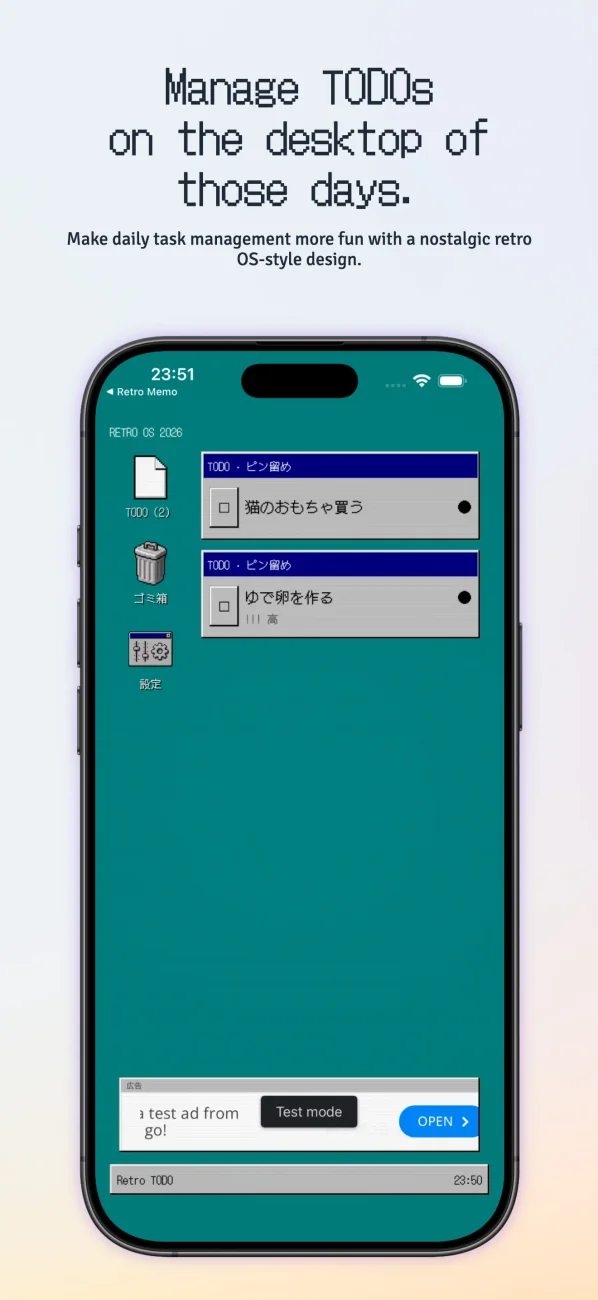
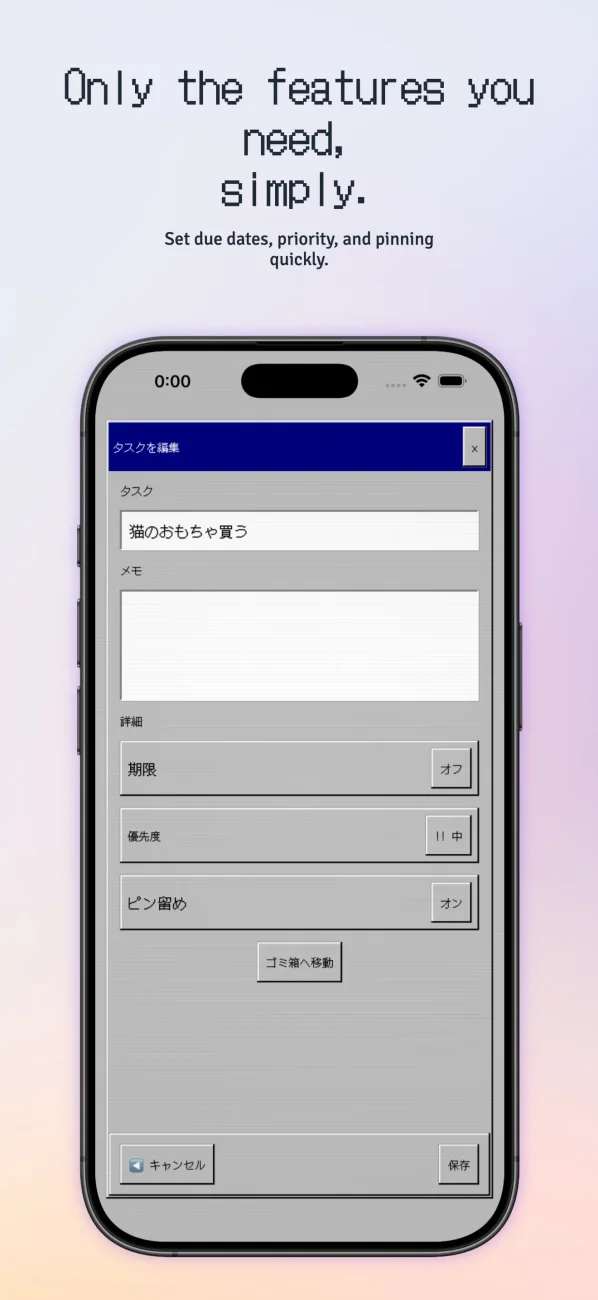
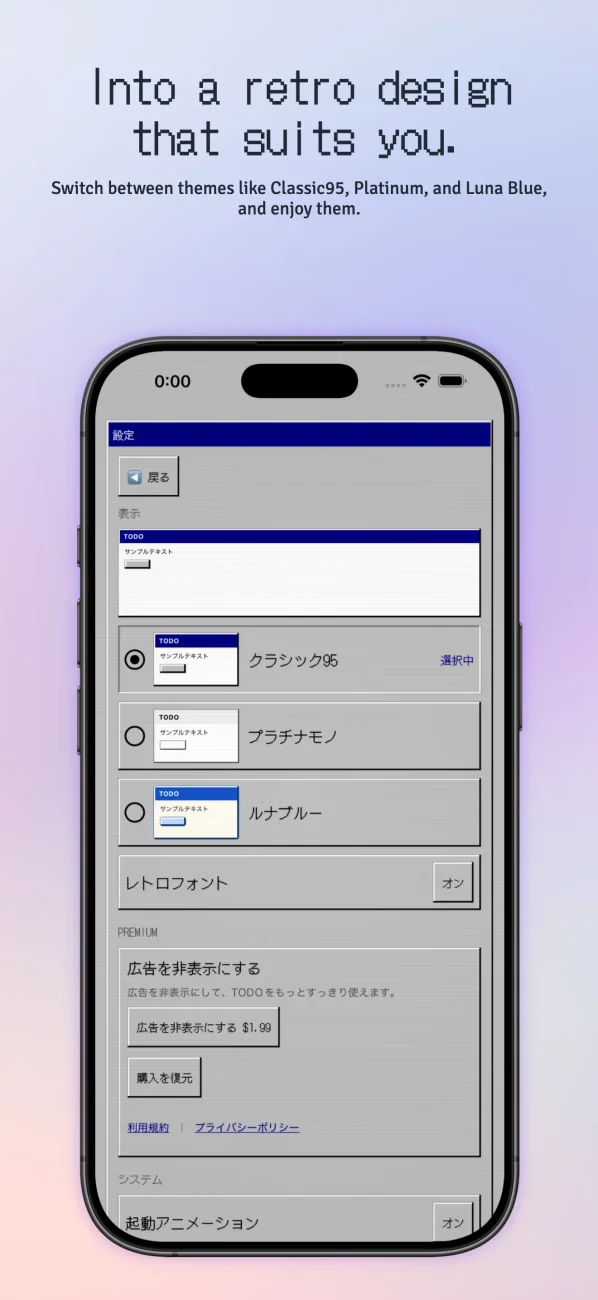

About
Retro TODO
Bring the charm of classic desktop computers to your daily task management.
Retro TODO combines a nostalgic retro interface with modern productivity features, making organizing your day simple and enjoyable.
Features
• Create, edit, and delete tasks
• Set priorities and due dates
• Pin important tasks
• Search tasks instantly
• Sort and filter your list
• Mark tasks as completed
• Restore deleted tasks from Trash
• Automatic cleanup of old deleted items
A Retro Experience
Enjoy a classic desktop-inspired interface with customizable retro themes and optional CRT effects that make task management feel fun and unique.
Premium
• Remove ads for a cleaner experience
Whether you're managing work, study, shopping lists, or personal goals, Retro TODO helps you stay organized with a simple and nostalgic interface.
App privacy
What MARIE MORIKAGE declares on the App Store about how this app handles data.
-
Data not collected
The developer does not collect any data from this app.
Privacy practices may vary, for example with the features you use or your age.
Information
- Seller
- MARIE MORIKAGE
- Category
- Productivity
- Version
- 1.0
- Updated
- Jul 28, 2026
- Released
- Jul 27, 2026
- Size
- 15.0 MB
- Requires
- iOS 17.0 or later
- Age rating
- 4+
- In-app purchases
- Yes
- Languages
- English, Japanese
- Copyright
- © Nekoya WebLab
You might also like
-
 Tuick - Minimalist To-Do ListYour tasks, without the hassle
-
 1 Bit NotesRetro Terminal Note-Taking
-
 SkeuoNotesSimple, retro note-taking
-
 Cozy Pomodoro: Pixeldoro Miniadhd friendly study timer
-
 Flowdi - Visual Time TrackerTime Flow Insight
-
 Freaks: Habit Tracker, StreaksDaily Routine, Journal & Notes
-
 Today: Live CalendarCalendar, Live Calendar, Habit
-
 Nokosu - Folder NotesKeep notes, images & to-dos