
RetroScreens
Classic visuals, rebuilt
Designed for iPhone, iPad, Mac
Free · In-app purchases
- Age rating4+
- CategoryEntertainment
- DeveloperDave Davis
- LanguagesEnglish
- Size40.3 MB
Links to the official App Store page
Download.org hosts no file of RetroScreens. The button opens its official App Store page, published by Dave Davis. Listing last checked on Nov 16, 2026.
Screenshots

About
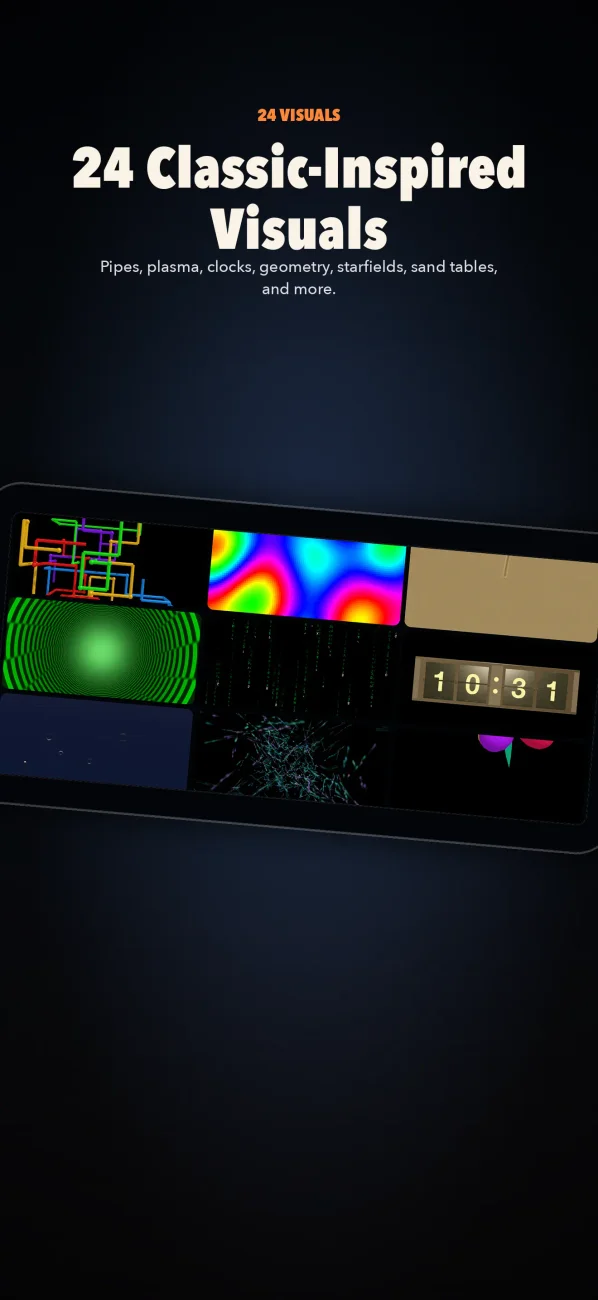
RetroScreens is a library of classic-inspired ambient motion visuals, rebuilt as modern native scenes for iPhone, iPad, Apple TV, and Mac.
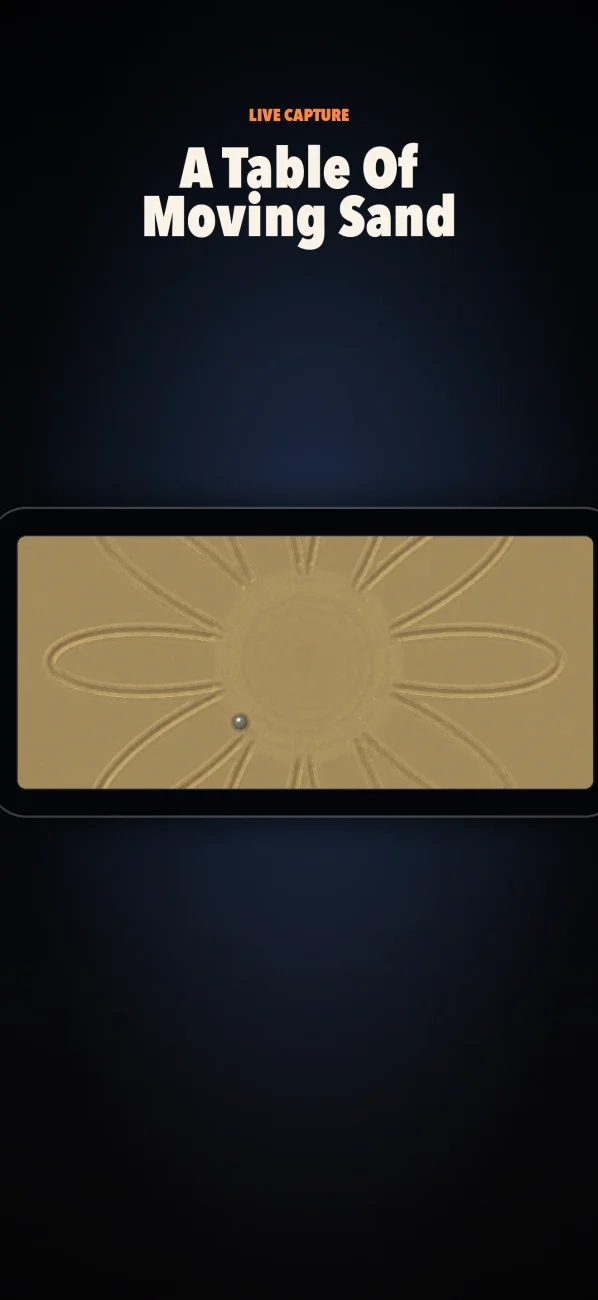
Open the app, pick a visual, and let your device become a quiet piece of motion design: morphing geometry, 3D pipes, color fields, starfields, flip clocks, split-flap boards, plasma waves, sand-table paths, cellular patterns, and more.
The launch catalog includes 24 visuals:
- Test Pattern
- Departures
- Lorenz
- Rosette
- Lifelike
- Flip Clock
- Neon Grid
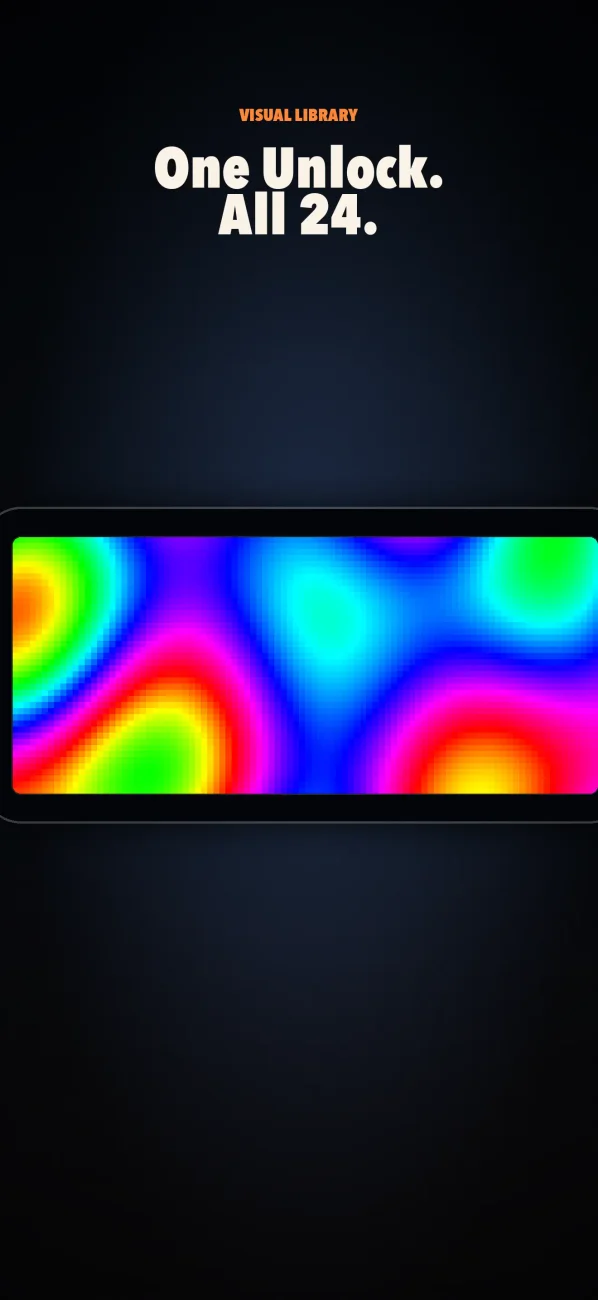
- Plasma
- Flocks
- Flying Microwaves
- Starfield
- Mystique
- Lake
- Pipeworks
- 3D Text
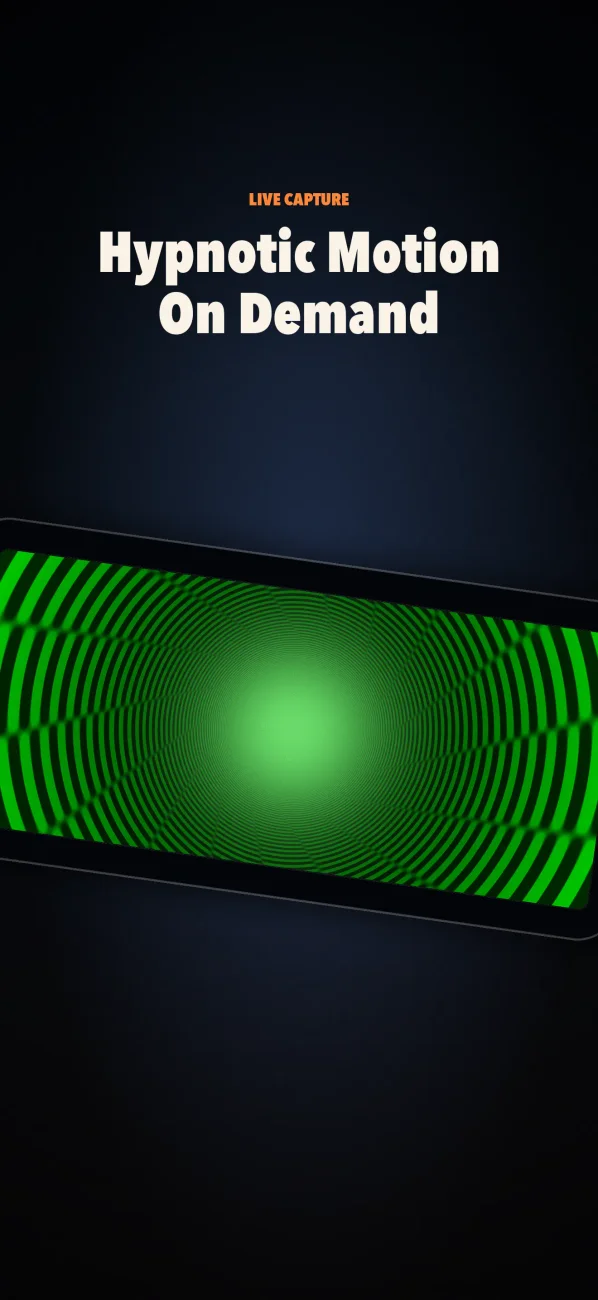
- Tunnel
- Shapeshifter
- Ribbons
- Green Rain
- Bubbles
- Cradle
- Filament
- Bounce
- Sand Table
RetroScreens is built for the Apple devices you already have:
- Play immersive foreground visuals on iPhone and iPad
- Use the Apple TV app as a living-room visual library
- Use the Mac app directly
- Unlock the full v1 catalog once and use it across supported Apple platforms with the same App Store account
Some visuals are precise and minimal. Some are bright, strange, and nostalgic. All of them are rendered on-device and tuned for foreground playback, ambient presentation, and slow visual texture.
RetroScreens includes free starter visuals. Full Unlock opens the full premium catalog and premium settings.
What’s new
Version 1.0.5 · Sep 25, 2026
• A new Broadcast Card joins the Test Pattern collection, inspired by early television calibration screens.
• Original tower artwork, curved lettering, resolution scales, and stepped grayscale bring the era to life.
• Adjust jitter, glow, and scanlines to tune the signal.
• Smoother playback for the new card.
App privacy
What Dave Davis declares on the App Store about how this app handles data.
-
Data linked to you
May be collected and linked to your identity.
- Purchases
- Identifiers
- Usage data
- Diagnostics
Privacy practices may vary, for example with the features you use or your age.
Information
- Seller
- Dave Davis
- Category
- Entertainment
- Version
- 1.0.5
- Updated
- Sep 25, 2026
- Released
- Jun 13, 2026
- Size
- 40.3 MB
- Requires
- iOS 17.0 or later
- Age rating
- 4+
- Price
- Free
- In-app purchases
- Yes
- Languages
- English
- Copyright
- © 2026 David Davis
You might also like
-
 Oscilluma: Live Visual ArtAmbient worlds, endless motion
-
 Dopamine MenuDaily activity inspiration
-
 DM Digital RainFalling code, clock and art
-
 TubeTime+Personal cable TV for Plex
-
 VactrexVectrex console emulator
-
 Illucid - Digital Mind MelterRealtime Audio Visualizer
-
 Touch VisualizerFluid, Sensory & Fidget Games
-
 Pebbl: Sensory Fidget ArtCalm your hands and mind
-
 Play Poster: Display for PlexNow Showing on Your iPad
-
 Rune OracleYggdrasil Runes