- Age rating4+
- CategoryUtilities
- DeveloperJoshua Figueroa
- LanguagesEnglish
- Size22.1 MB
Links to the official App Store page
Download.org hosts no file of RevDash. The button opens its official App Store page, published by Joshua Figueroa. Listing last checked on Nov 20, 2026.
Screenshots

About
See your car’s live data, understand diagnostic codes, and keep a detailed record of your drives. RevDash brings the information that matters into a clear dashboard built for iPhone.
Connect a compatible ELM327 BLE OBD-II adapter to get started.
YOUR DRIVE, LIVE
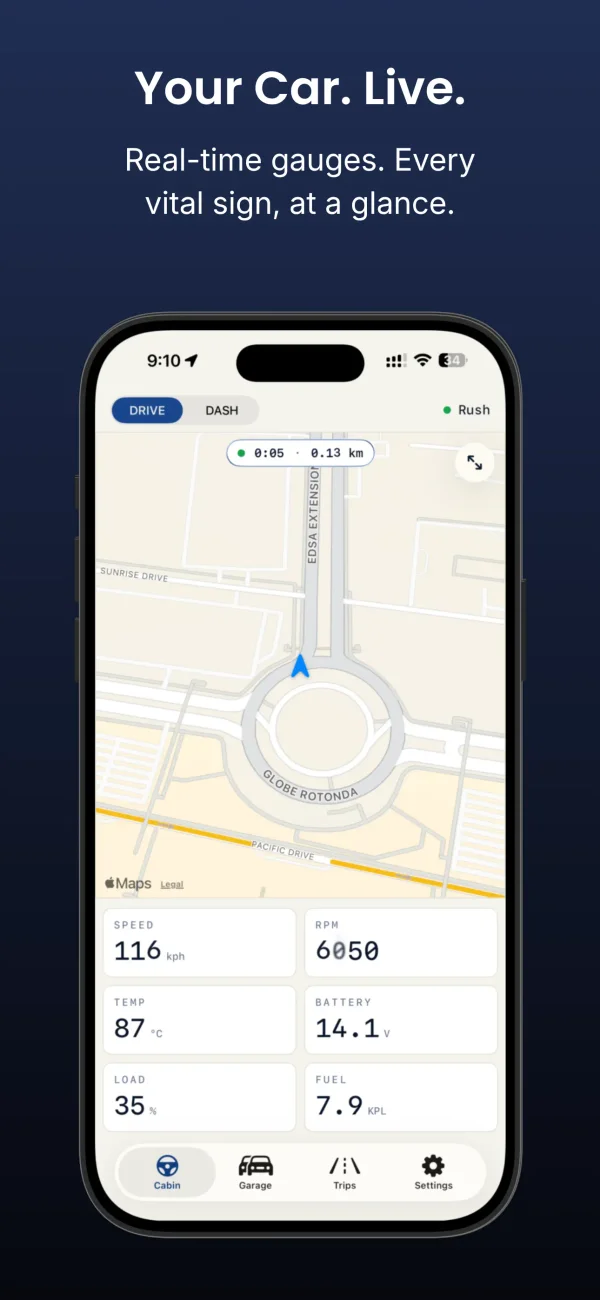
Follow speed, engine RPM, coolant temperature, and other available readings on an instrument-inspired dashboard. Fuel data and other readings depend on what your vehicle supports.
TRIPS THAT RECORD THEMSELVES
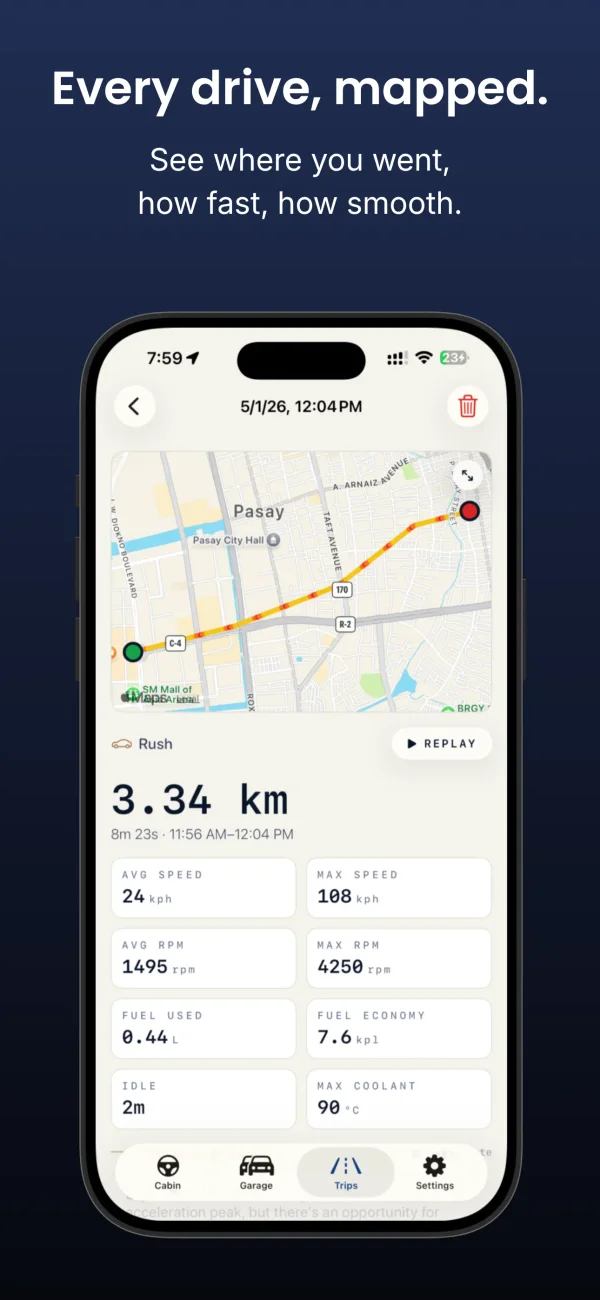
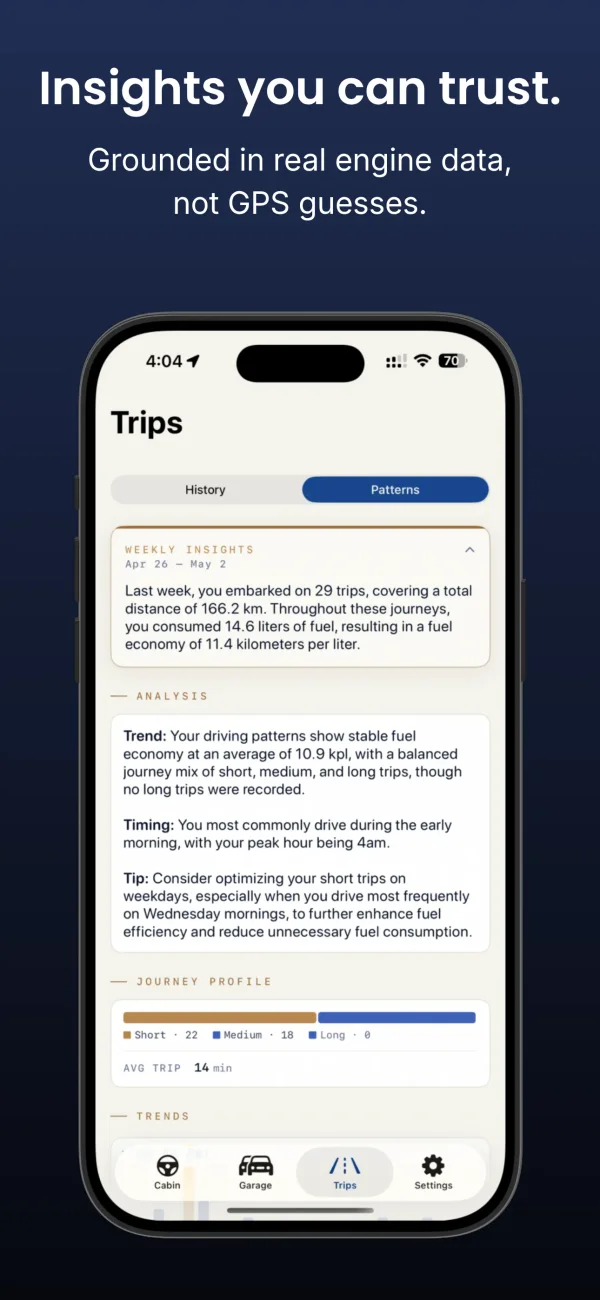
When your adapter is connected, RevDash can detect and record your drives automatically. Look back at distance, duration, fuel use, and route maps in your trip history.
DIAGNOSTICS IN PLAIN LANGUAGE
Read and clear supported OBD-II trouble codes. Clear descriptions help you understand what a warning code means and keep track of diagnostics for each vehicle.
INSIGHTS OVER TIME
Explore weekly driving patterns and fuel economy trends. On supported iPhones, Apple Intelligence adds on-device driving summaries.
THE DETAILS, AT A GLANCE
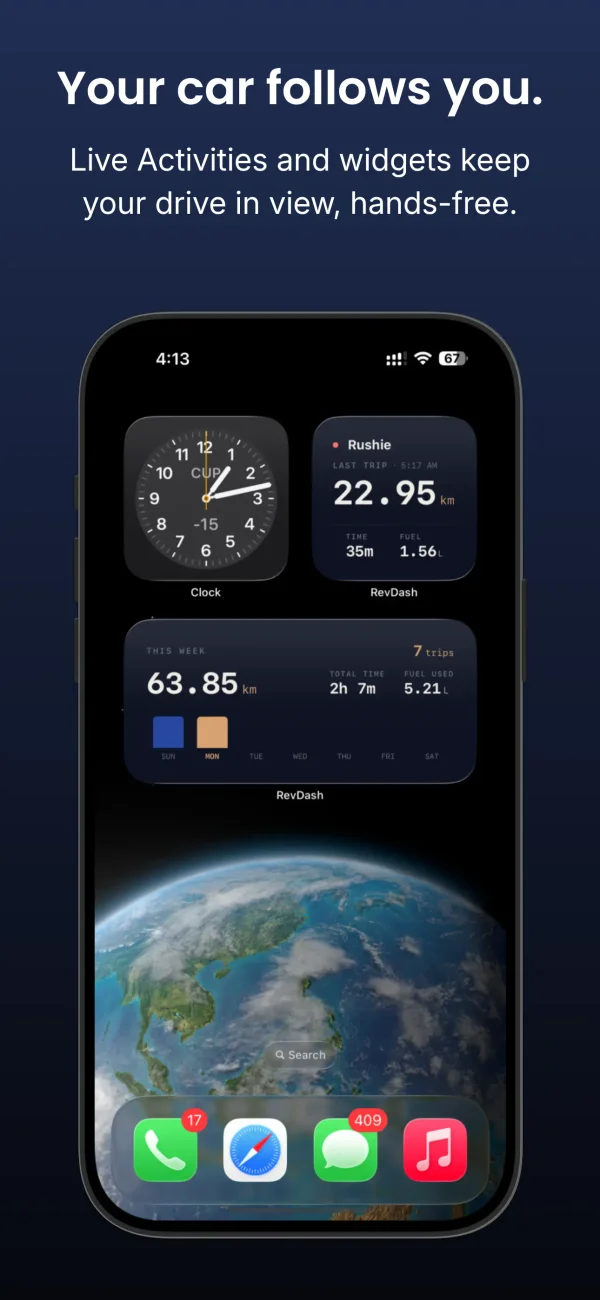
Check recent trip information in widgets, follow live vehicle status on the Lock Screen and Dynamic Island, and view key information with CarPlay.
ROOM FOR EVERY VEHICLE
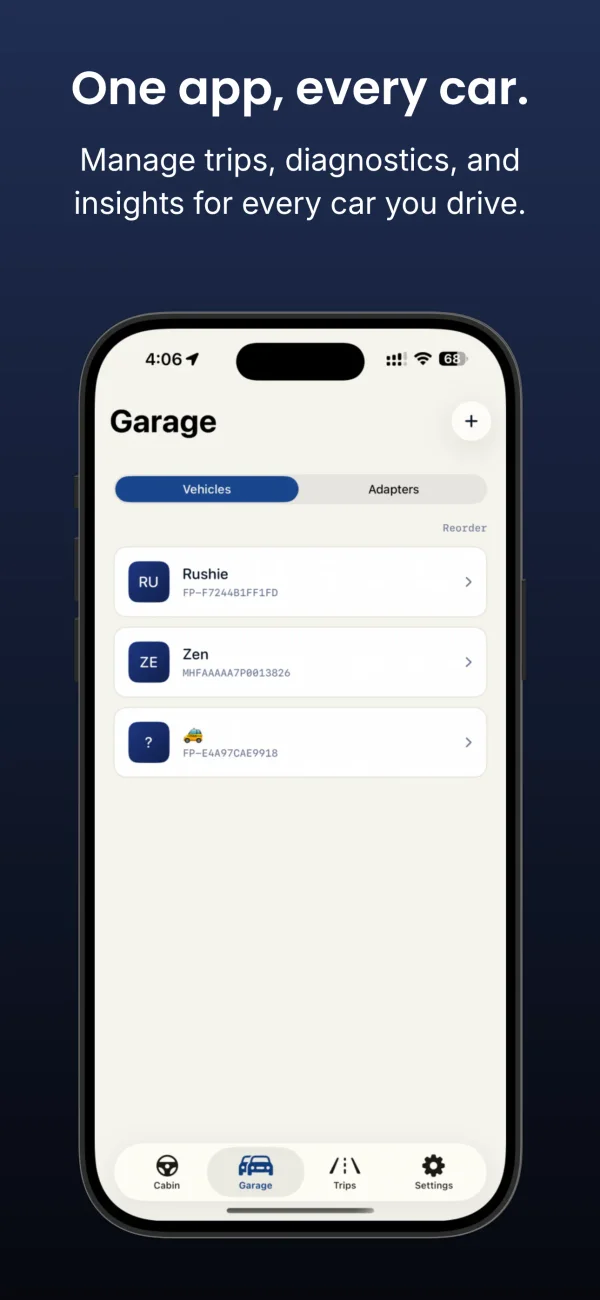
Keep separate trips, diagnostics, and settings for each vehicle in your garage.
PRIVATE BY DESIGN
No ads, subscriptions, analytics, or cloud account. Your driving data stays on your iPhone.
WHAT YOU NEED
• A compatible ELM327 BLE OBD-II adapter
• A vehicle with an OBD-II port
• Bluetooth enabled; Location access for route recording
Apple Intelligence features require a supported iPhone and iOS version. Available vehicle readings vary by make, model, and adapter.
What’s new
Version 2.0.1 · Oct 24, 2026
- iCloud Sync (optional): keep your vehicles, trips and settings in sync across your devices using your private iCloud account. It's off by default, and you can restore your data when setting up a new device.
- Better trip recording: trips now start the moment you pull away, and combined trips no longer show the time you were parked.
- Reliable video exports: if you go offline, exports pause and pick up again when you're back online.
- Redesigned Settings: cleaner, card-style screens.
- Fixes: a smoother CarPlay experience while driving, no more unexpected jumps between screens, and other improvements.
App privacy
What Joshua Figueroa declares on the App Store about how this app handles data.
-
Data not collected
The developer does not collect any data from this app.
Privacy practices may vary, for example with the features you use or your age.
Information
- Seller
- Joshua Figueroa
- Category
- Utilities
- Version
- 2.0.1
- Updated
- Oct 24, 2026
- Released
- May 4, 2026
- Size
- 22.1 MB
- Requires
- iOS 17.0 or later
- Age rating
- 4+
- Price
- $1.99
- Languages
- English
- Copyright
- © Joshua Figueroa
You might also like
-
 OBD DiagnosticsAnalyze your car with AI
-
 BimmerDash: OBD2 GaugeReal-time performance monitor
-
 TachwireLive OBD gauges in your car
-
 CarPulse: OBD2 Car Scan ToolEngine Fault Code Reader
-
 TeslitaAnalytics for Tesla Cars
-
 OpenOBD: OBD2 Car ScannerCheck Engine Light Code Reader
-
 By-climaUtilities
-
 FIXIT FTLUtilities
-
 Key-DispUtilities
-
 Bluetooth Lost BLE FinderFind My Earbuds & Headphones