Reverse Audio: Reverse play
Voice Changer & Audio Editor
Designed for iPhone, iPad, iPod touch
In-app purchases
- Age rating4+
- CategoryEntertainment
- DeveloperAnul Agarwal
- LanguagesFrench+ 3 more
- Size12.9 MB
Links to the official App Store page
Download.org hosts no file of Reverse Audio: Reverse play. The button opens its official App Store page, published by Anul Agarwal. Listing last checked on Nov 10, 2026.
Screenshots
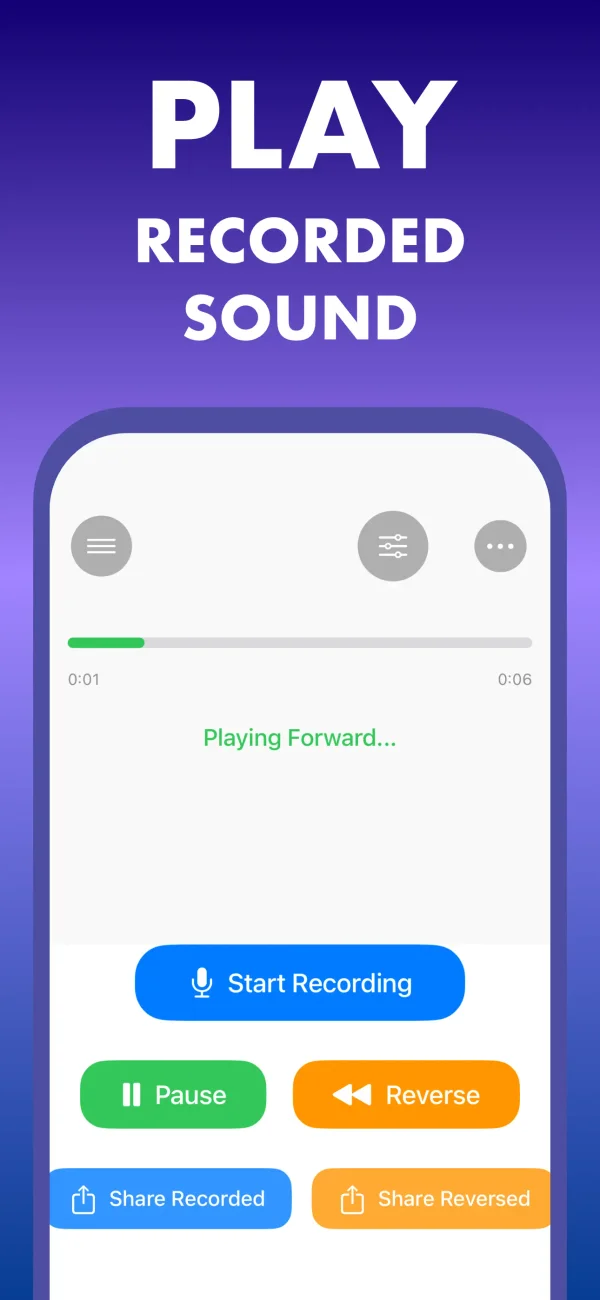
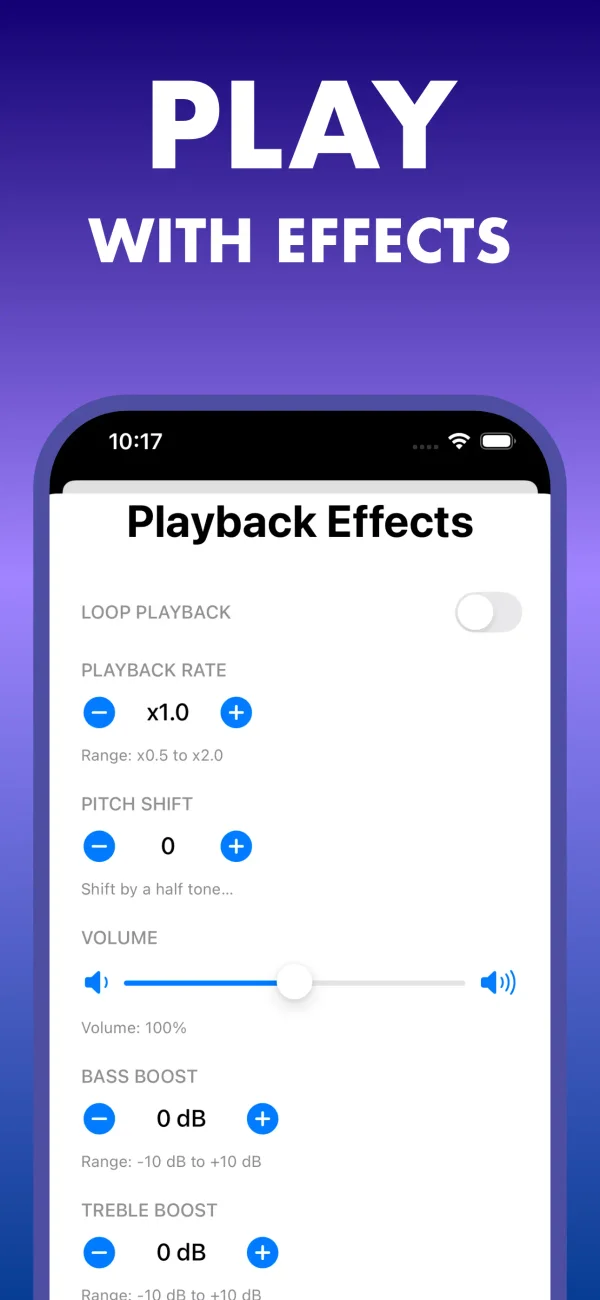
About
REVERSE ANY SOUND IN SECONDS
Meet the fastest way to flip your recordings backwards with studio-grade control. This app is built for creators who want instant reverse audio, one-tap reverse play, a powerful yet simple audio editor, and natural voice change options—without a learning curve.
WHY YOU’LL LOVE IT
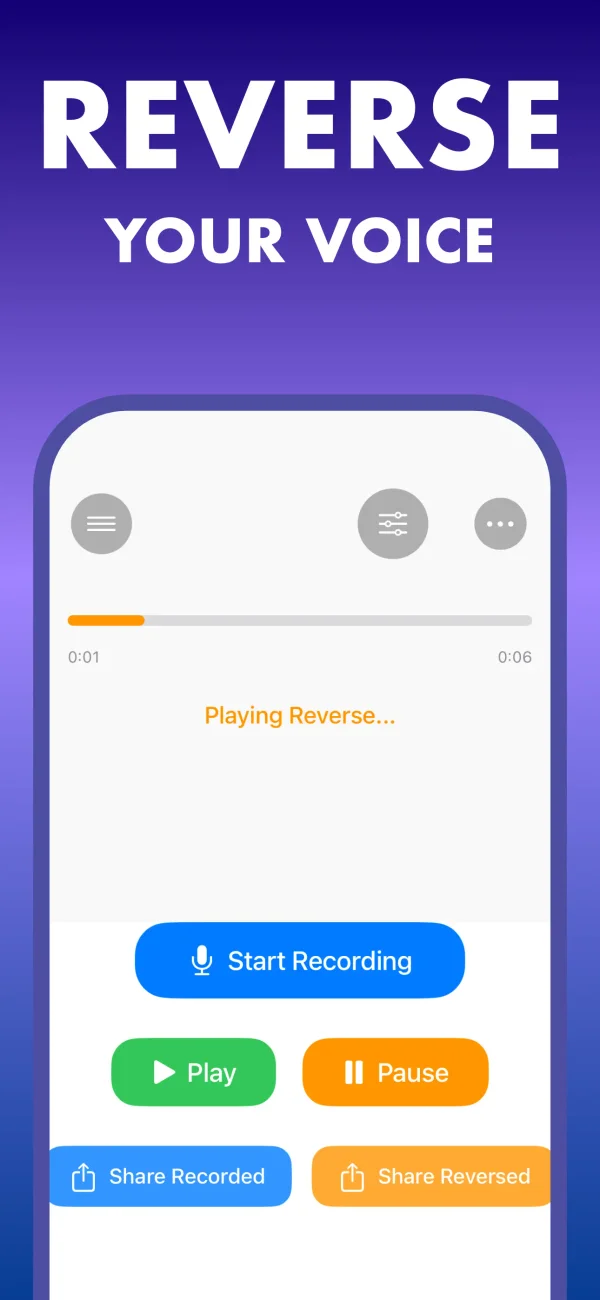
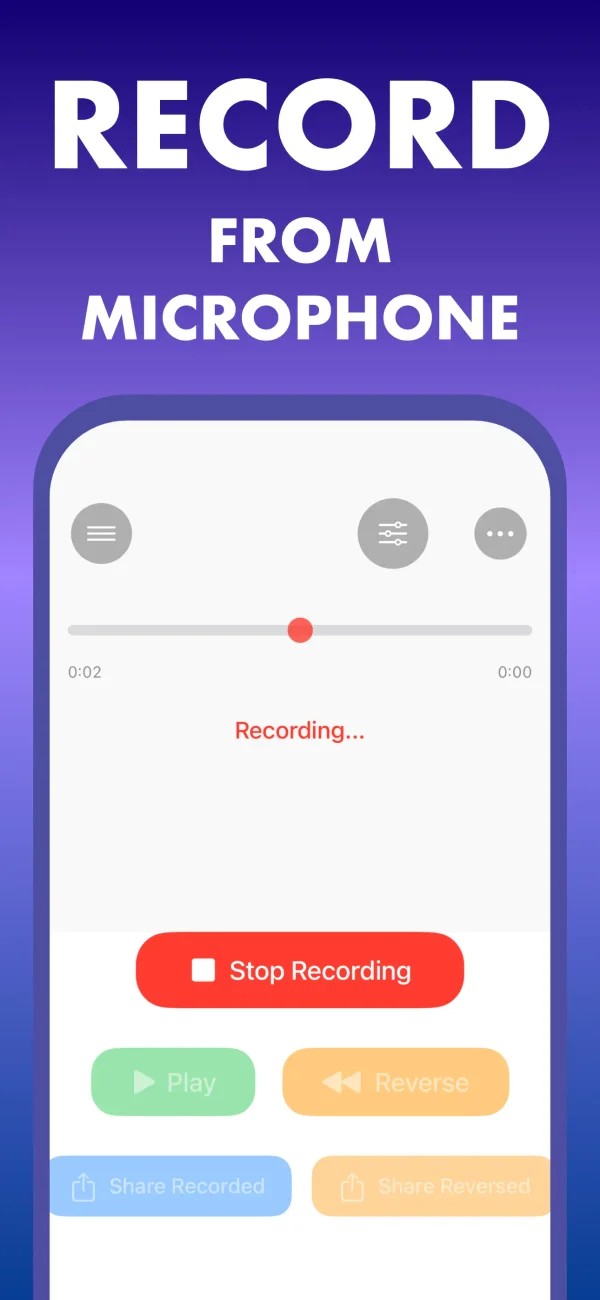
• Reverse on capture: record and instantly hear reverse audio with a single tap.
• One-tap previews: switch between normal playback and reverse play to compare takes.
• Full edit suite: trim, cut, fade, and loop in a clean audio editor designed for speed.
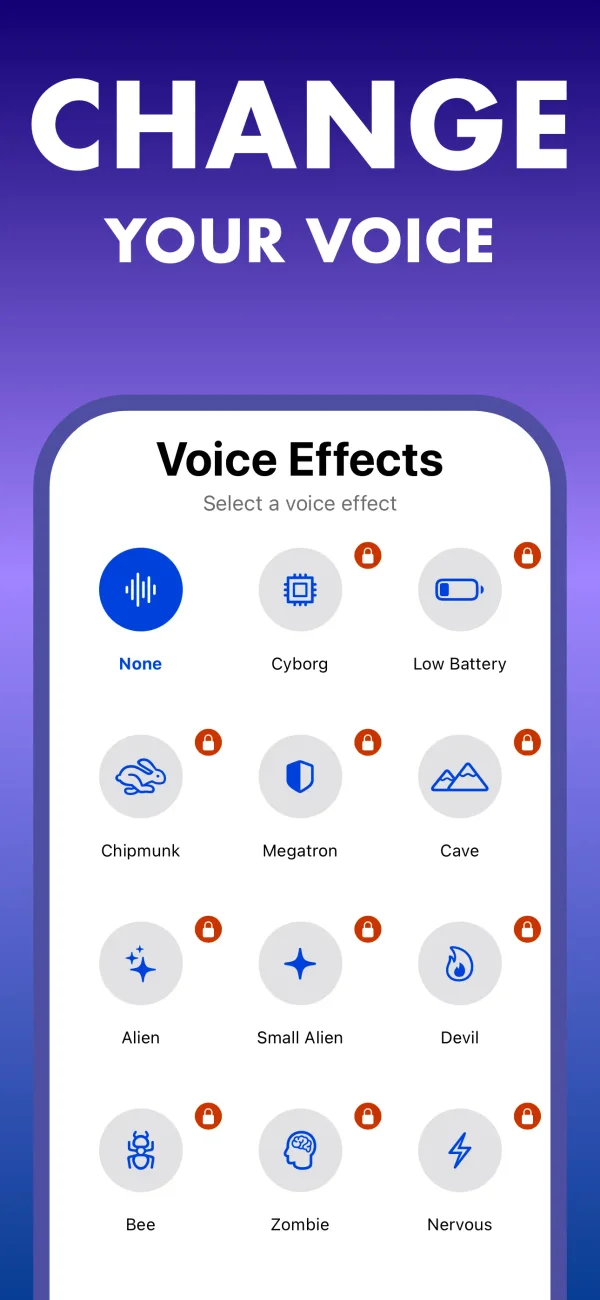
• Express yourself: try pitch shift, formant shift, and EQ for subtle or dramatic voice change.
• Works offline: everything—reverse audio, reverse play, the audio editor, and every voice change—runs on device.
HOW IT WORKS
Record or import any clip.
Tap Reverse to create smooth reverse audio and preview with reverse play.
Use the timeline and tools in the audio editor to trim, split, or add fades.
Apply pitch/formant tools for the exact voice change you want.
Export or share in seconds.
CREATIVE CONTROLS
• Reverse toggle: fly between normal playback and reverse play during editing.
• Speed & direction: combine slow/fast playback with reverse audio for unique textures.
• Precision timeline: frame-accurate selections inside the audio editor.
• Pitch & formant: natural or stylized voice change that keeps character intact.
• Effects rack: reverb, delay, filters—stacked right inside the audio editor.
FILE SUPPORT & WORKFLOW
• Import with Share Sheet, Files, or drag and drop.
• Formats: WAV, MP3, M4A, AIFF, CAF, FLAC, MP4 (audio).
• Non-destructive: the audio editor keeps originals while you experiment with reverse audio and reverse play.
• Exports optimized for social, memes, reels, and music apps.
USE CASES
• Music producers: bounce ideas with reverse audio swells, then refine in the audio editor.
• Podcasters: create instant teasers with smart reverse play moments.
• Students & creators: add a quick voice change to narrations or skits.
• Content makers: turn everyday sounds into cinematic risers with reverse audio plus timing edits in the audio editor.
• Voice artists: explore characters using subtle, realistic voice change before export.
BUILT FOR SPEED
Everything is tuned to keep you moving: lightning-fast waveform rendering in the audio editor, instant reverse audio generation on device, and seamless reverse play while scrubbing.
DETAILS THAT MATTER
• Batch actions: apply reverse audio to multiple clips at once.
• Looping: audition textures with hands-free reverse play.
• Bookmarks: mark beats and edit points in the audio editor.
• Precision export: choose format, bitrate, and loudness after your final voice change.
• Keyboard & Shortcuts: power-user workflows for iPad and Mac.
PRIVACY & OFFLINE
Your audio never leaves your device. Reverse audio, reverse play, edits in the audio editor, and every voice change are processed locally.
WHY THIS APP
Unlike basic recorders, you get professional tools that stay friendly. Whether you’re crafting ASMR reverses, music transitions, or meme magic, the combination of reverse audio, reverse play, a focused audio editor, and flexible voice change gives you the exact control you need.
QUICK START
• “Capture + Reverse” creates instant reverse audio.
• “Preview” toggles reverse play on the fly.
• “Edit” opens the timeline-first audio editor.
• “Transform” applies pitch/formant for targeted voice change.
• “Share” exports in high quality.
SUPPORT
Have an idea? Send feedback from Settings. We’re constantly improving reverse audio quality, reverse play stability, the speed of the audio editor, and the realism of voice change to keep your creativity flowing.
TERMS OF USE:
https://www.apple.com/legal/internet-services/itunes/dev/stdeula/
PRIVACY POLICY:
https://docs.google.com/document/d/1pdCwWkAa2XGCEvKKWewFStq7sC10hE5kcDOvueEb5FM/edit?usp=sharing
What’s new
Version 1.03 · Sep 9, 2025
-In this version of Reverse Audio: Reverse Play, I added voice effects to allow change voice!
App privacy
What Anul Agarwal declares on the App Store about how this app handles data.
-
Data used to track you
May be used to track you across apps and websites owned by other companies.
- Usage data
-
Data not linked to you
May be collected but is not linked to your identity.
- Location
- Identifiers
- Usage data
Privacy practices may vary, for example with the features you use or your age.
Information
- Seller
- Anul Agarwal
- Category
- Entertainment
- Version
- 1.03
- Updated
- Sep 9, 2025
- Released
- Aug 31, 2025
- Size
- 12.9 MB
- Requires
- iOS 15.0 or later
- Age rating
- 4+
- In-app purchases
- Yes
- Languages
- French, English, Spanish, Italian
- Copyright
- © 2025 Anul Agarwal
You might also like
-
 Reverse Audio - Voice ChangerReverse your voice, fun effect
-
 Reverse Audio: Play BackwardFlip Any Sound File & Export
-
 Reverse: AudioReverse play, backwards audio
-
 Reverse Audio: Voice FlipRecord, Reverse & Trim Audio
-
 Reverse Audio and SingingReverse audio and voice
-
 AI Face To StickerExport Cartoonised Headshot
-
 NoiseBox: Simple SoundboardEasy customizable soundboard
-
 Reverse Video - Rewind8#1 Reverser App・Play Backwards
-
 Audio Reverse ™ -Reverse AudioPlay audio forward and reverse
-
 Reverse Audio: Sing VoicesBackwards Singing & Effects