
Reverse Audio Voice Sounds
backwards voice recorder
Designed for iPhone, iPad
Free · In-app purchases
- Age rating4+
- CategoryProductivity
- DeveloperFarouk Nasser
- LanguagesEnglish
- Size15.8 MB
Links to the official App Store page
Download.org hosts no file of Reverse Audio Voice Sounds. The button opens its official App Store page, published by Farouk Nasser. Listing last checked on Nov 26, 2026.
Screenshots



About
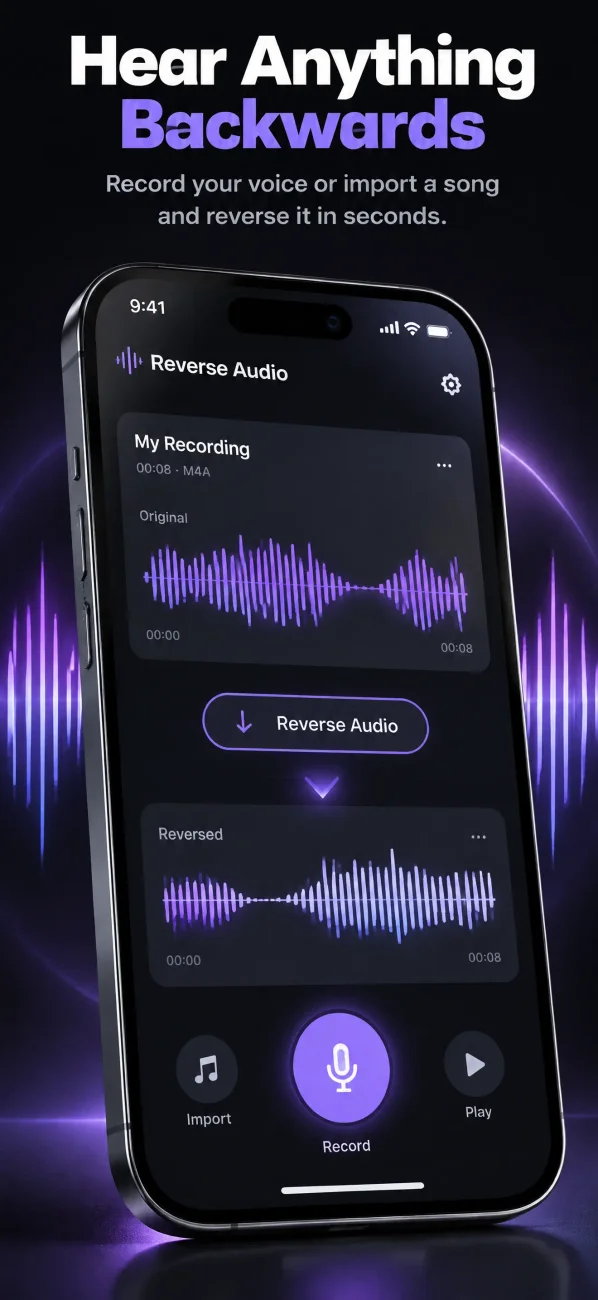
Reverse Audio plays anything backwards. Record your voice, import a song or sound file, and hear it reversed in seconds, right on your iPhone or iPad. Then try the Reverse Challenge: copy the backwards clip, and the app flips your attempt so you can hear how close you got.
It's simple enough for a quick laugh with friends and precise enough for creative sound work. No account, no subscriptions and no limits.
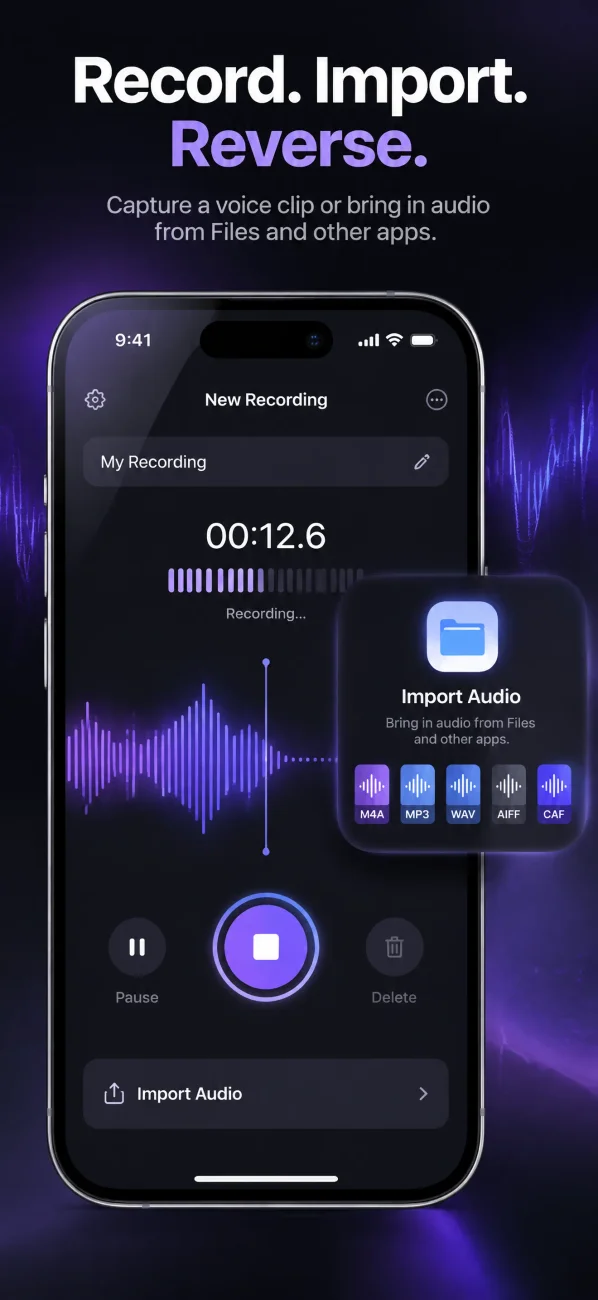
RECORD OR IMPORT • Record straight from the microphone with a live level meter and a timer • Play your take back and name it before you save it • Import audio from the Files app, or send files from other apps with the share sheet • Works with common formats such as M4A, MP3, WAV, AIFF and CAF • Turn on Reverse Automatically and every new recording or import is reversed as soon as it's saved
REVERSE ANY LENGTH • One tap turns your audio backwards • Reverse short voice clips or long recordings; there's no time limit • Processing happens entirely on your device, with a progress indicator you can cancel • Get an optional notification when a long reversal finishes while you're in another app
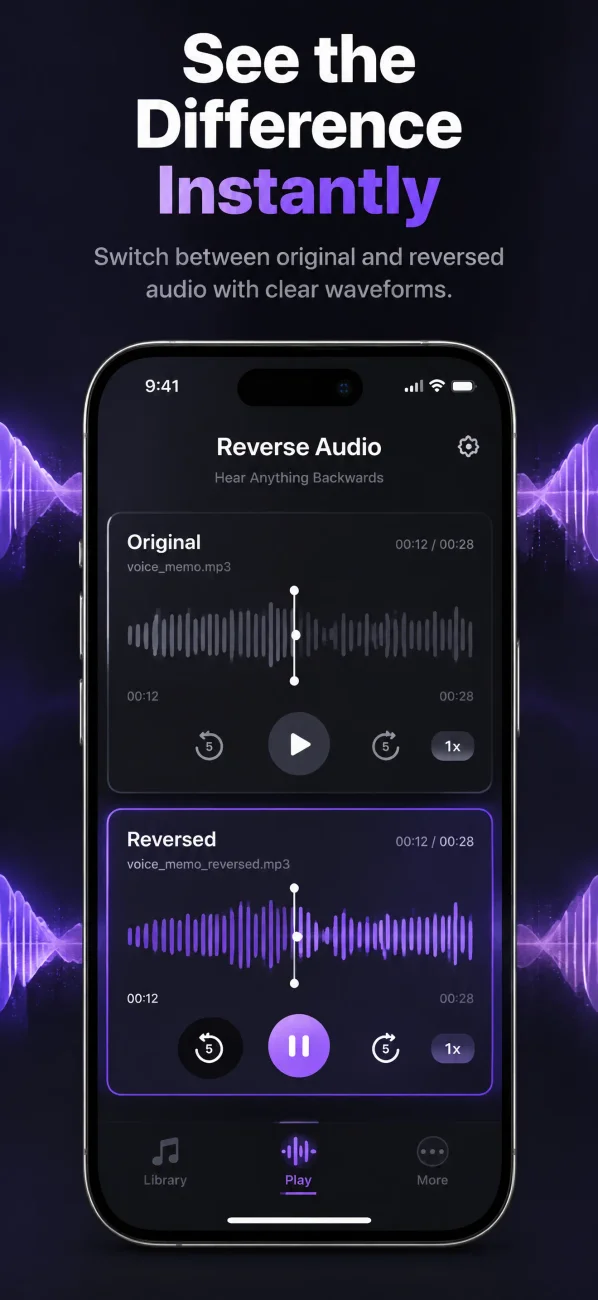
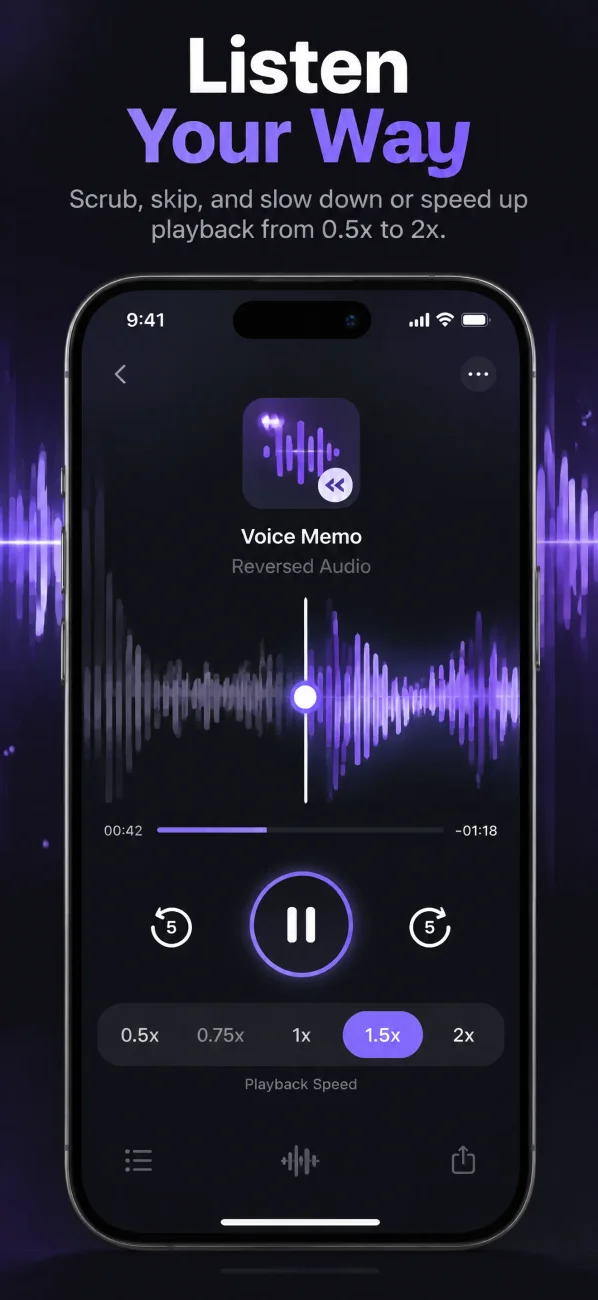
LISTEN AND COMPARE • Switch instantly between the original and the reversed version • See clear waveforms of both • Scrub to any moment and skip back or forward 5 seconds • Change the playback speed from 0.5x to 2x • Keep listening in the background with Lock Screen and Control Center controls
THE REVERSE CHALLENGE Can you speak backwards? Listen to a reversed clip, record yourself copying it as closely as you can, and Reverse Audio reverses your attempt. If you nailed it, you'll hear real words come back. Every round gets a match score, so you can play again and beat it. A fun game for parties, family and friends.
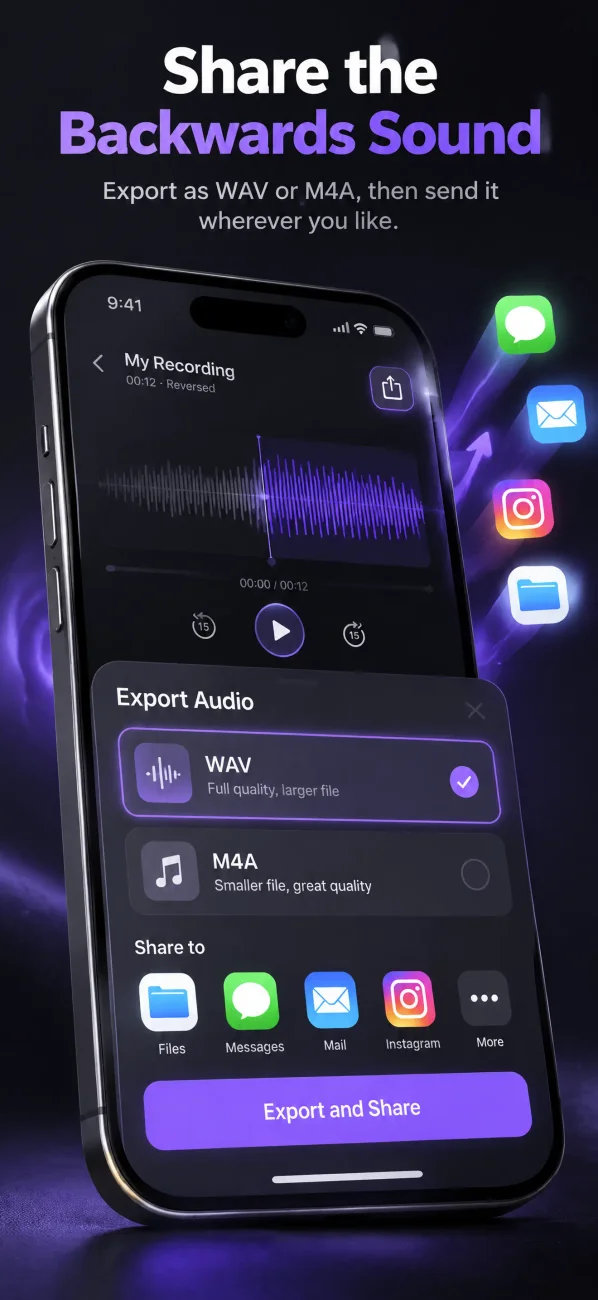
SHARE AND SAVE • Share your reversed or original audio in one tap • Choose WAV for full quality or M4A for smaller files, and set your default format • Save a copy to the Files app, iCloud Drive or any folder you like • Send it to Messages, Mail, social apps or your favourite editor
SIRI, SHORTCUTS AND SPOTLIGHT • "Record audio in Reverse Audio" opens the recorder and starts recording • "Reverse my last recording in Reverse Audio" reverses your newest project without opening the app • "Play my reversed audio in Reverse Audio" starts playback hands-free • Name a project to reverse or play a specific one • Build your own automations in the Shortcuts app, or run Record Audio from the Action button • Find and open your projects from Spotlight on iOS 18 and later
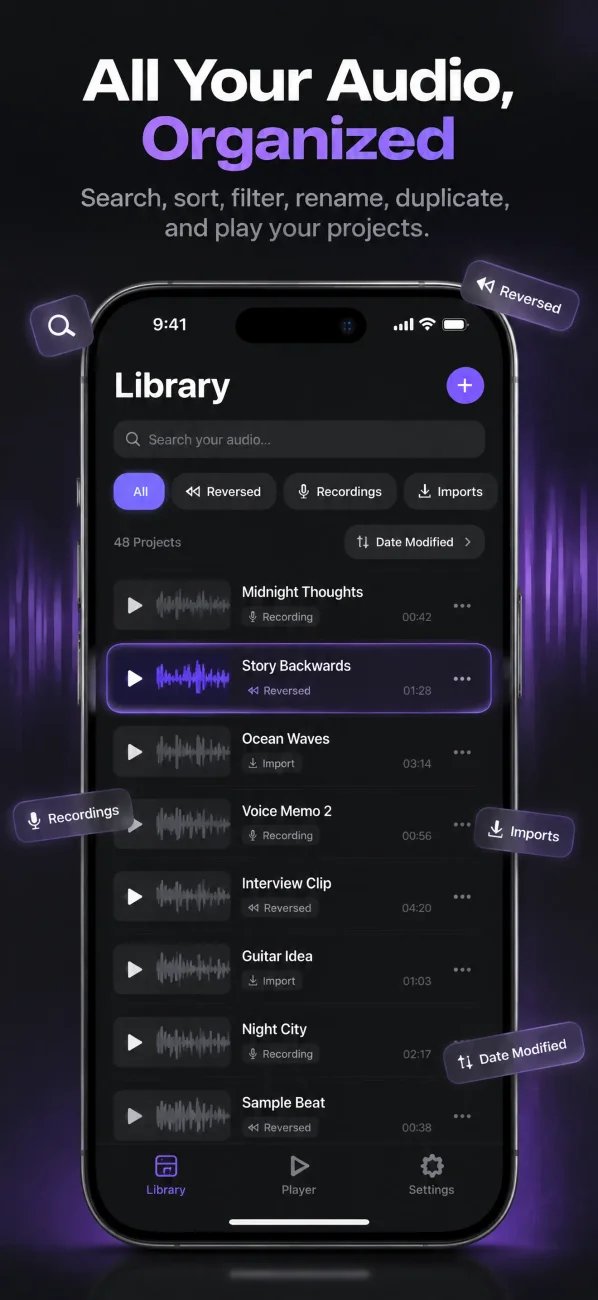
YOUR LIBRARY • Every recording and import is saved as a project with its waveform • Search by name, and sort by newest, oldest, name or length • Filter to show reversed audio, recordings or imports • Rename, duplicate and delete projects in a couple of taps • Play any project straight from the list
BUILT FOR IPHONE AND IPAD • A full iPad layout with a sidebar, a project grid and side-by-side waveforms • Keyboard shortcuts for recording, importing, reversing and sharing • Light and dark themes • Designed for VoiceOver and Dynamic Type
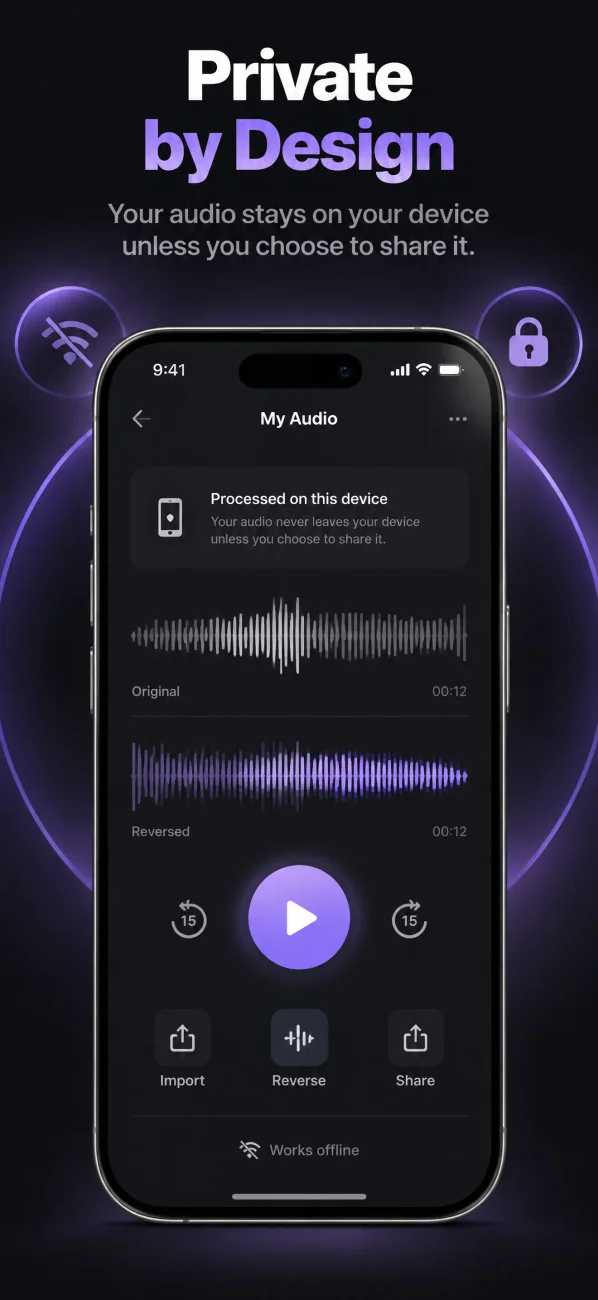
PRIVATE BY DESIGN Your audio never leaves your device unless you share it. Reverse Audio has no accounts, no ads, no analytics and no tracking, and it works fully offline. The microphone is used only while you record.
FREE, WITH EVERYTHING INCLUDED Every feature is free: unlimited projects, any recording length, both export formats and the Reverse Challenge. No subscriptions and no in-app purchases.
GREAT FOR • Hearing what your name, a phrase or a song sounds like backwards • Hunting for hidden messages in music and speech • Backwards speaking games and challenges with friends • Creating reversed sound effects, vocals and transitions for videos and music • Voice and pronunciation practice, and just having fun
Download Reverse Audio and hear the world backwards.
EULA:
https://www.apple.com/legal/internet-services/itunes/dev/stdeula/
What’s new
Version 4.0 · Nov 25, 2026
Reverse Audio 3.0 is our biggest update yet.
NEW: EDIT BEFORE YOU REVERSE
• Select part of a clip to trim it, or reverse just that part and keep the rest playing forwards
• Undo and redo every change. Your original recording is never touched
NEW: SOUND EFFECTS
• Echo, Reverb, Cathedral, Robot and Radio
• Change pitch and speed independently, with one-tap Deep and Chipmunk voices
NEW: CLEAN-UP TOOLS
• Trim silence from the start and end
• Reduce background hiss and hum
NEW: VIDEO
• Import videos from Photos or Files to reverse their sound
• Share as Video: an animated waveform video, vertical for Stories, Reels and TikTok or square for feeds, with no watermark
NEW: PREMIUM
Recording, reversing, sharing, the Reverse Challenge and more stay free. Premium unlocks every effect, fine pitch and speed control, clean-up tools, reversals of any length, and full-length vertical videos.
Everything still runs on your device. No account needed.
App privacy
What Farouk Nasser declares on the App Store about how this app handles data.
-
Data not collected
The developer does not collect any data from this app.
Privacy practices may vary, for example with the features you use or your age.
Information
- Seller
- Farouk Nasser
- Category
- Productivity
- Version
- 4.0
- Updated
- Nov 25, 2026
- Released
- Oct 8, 2026
- Size
- 15.8 MB
- Requires
- iOS 17.0 or later
- Age rating
- 4+
- Price
- Free
- In-app purchases
- Yes
- Languages
- English
- Copyright
- © Reverse Audio, 2027
You might also like
-
 Begin Anyway: Task AlarmADHD Wake Up & Start Mission
-
 FamMindAilenin ortak hafızası
-
 OwnhandTurn handwriting into a font
-
 Glyphi: Speed ReaderRead Books, PDFs & Articles
-
 Bible SlidesPresent scripture with clarity
-
 Lazy LogbookDead simple, easy logbook
-
 Calendar Planner TerminKompassOffline & shared schedules
-
 StepGuard: Walk to Unlock AppsScreen Time & App Blocker
-
 Voice Recorder & Memos - VoikaAI Note Taker,Transcribe Sound
-
 Lovely Nails: Agenda y TurnosProductivity