
- Age rating4+
- CategoryUtilities
- DeveloperAVB Disc Soft, SIA
- LanguagesEnglish+ 9 more
- Size80.4 MB
Links to the official App Store page
Download.org hosts no file of reWASD Mobile. The button opens its official App Store page, published by AVB Disc Soft, SIA. Listing last checked on Nov 14, 2026.
Screenshots
About
Meet the Mobile Controller feature — a new way to use your device!
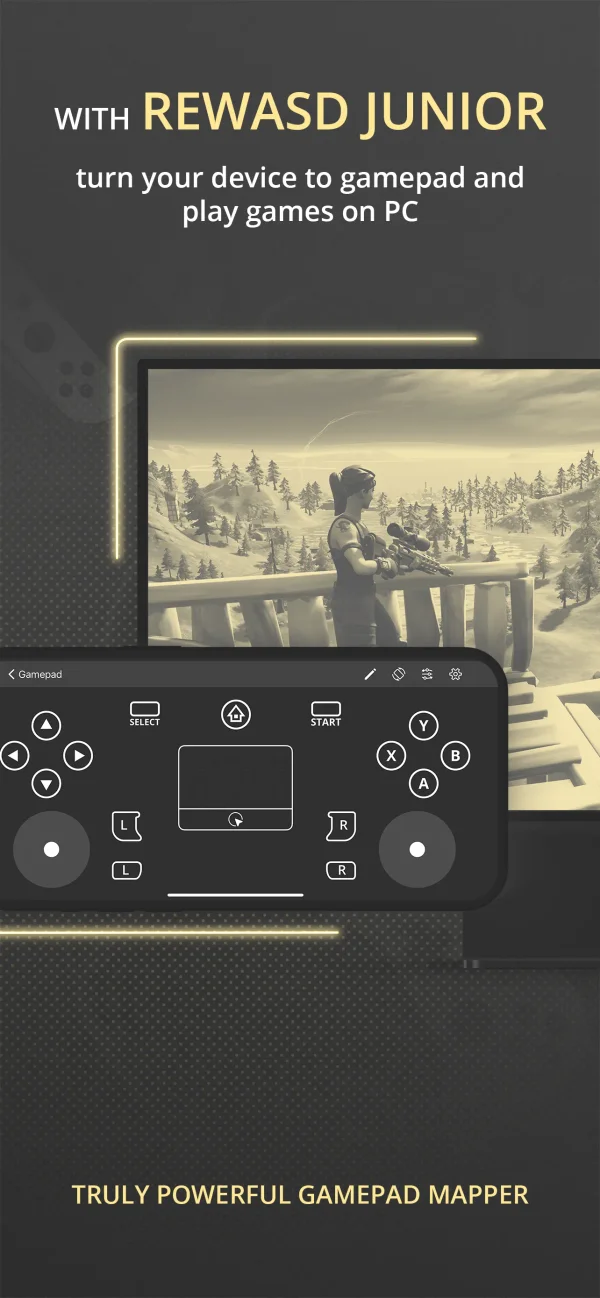
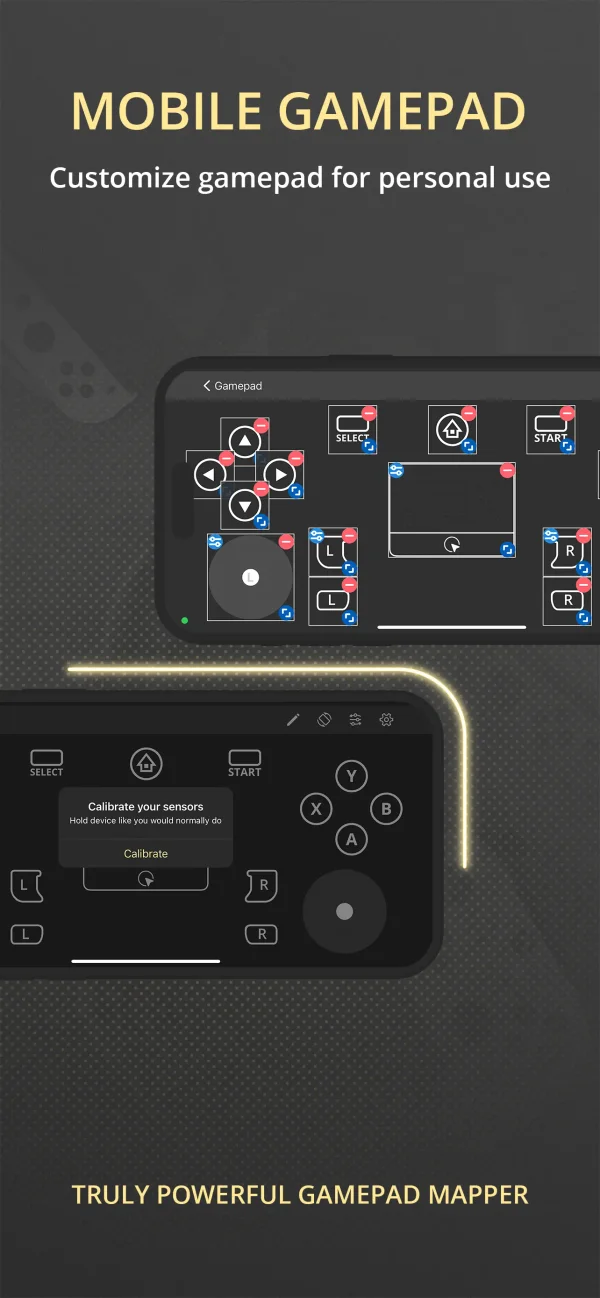
Turn your device to the controller — to use it with a PC or console. You can play in your favorite game with your device even if you does not have gamepad.
All you need is reWASD Mobile and reWASD — please check more information below!
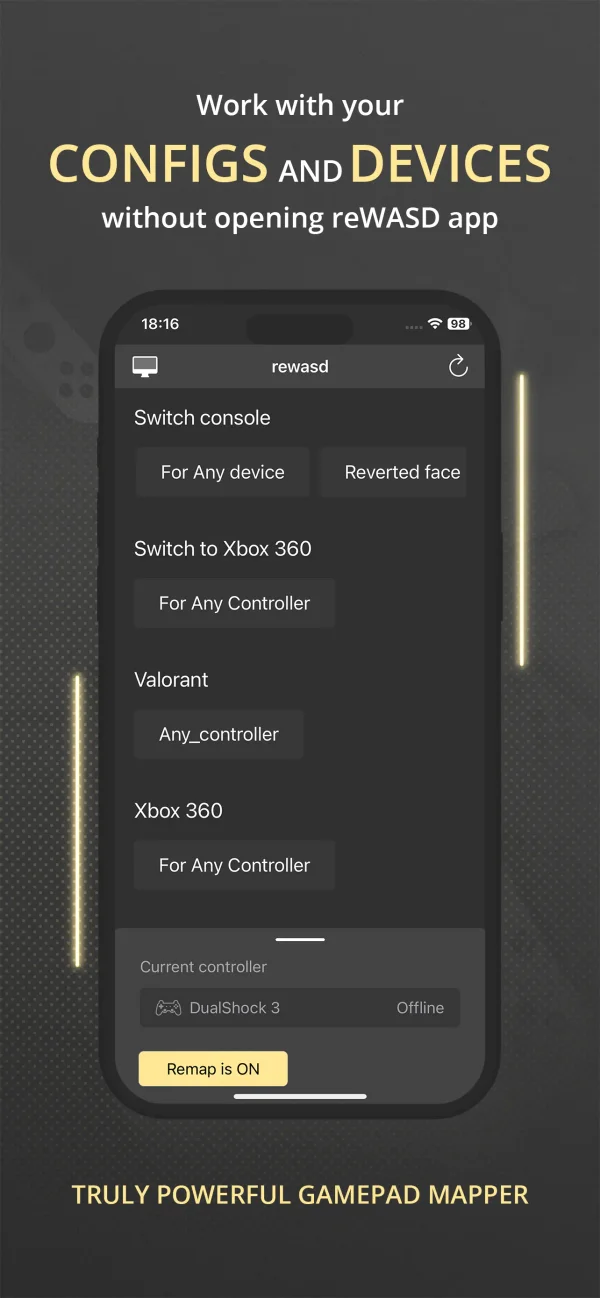
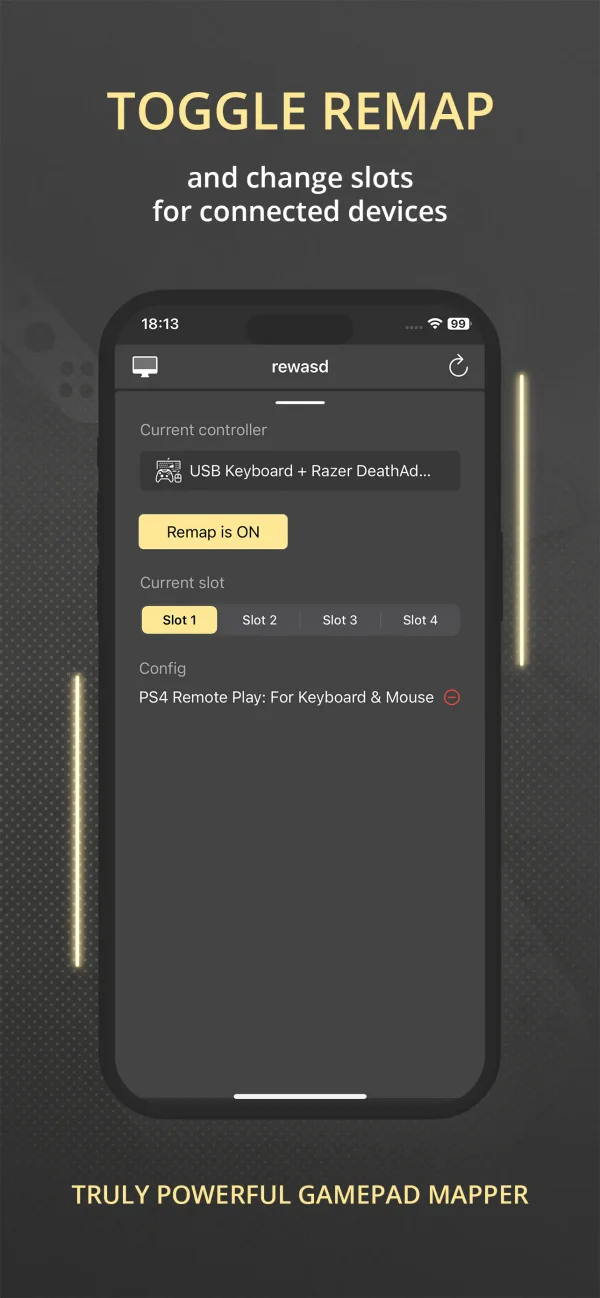
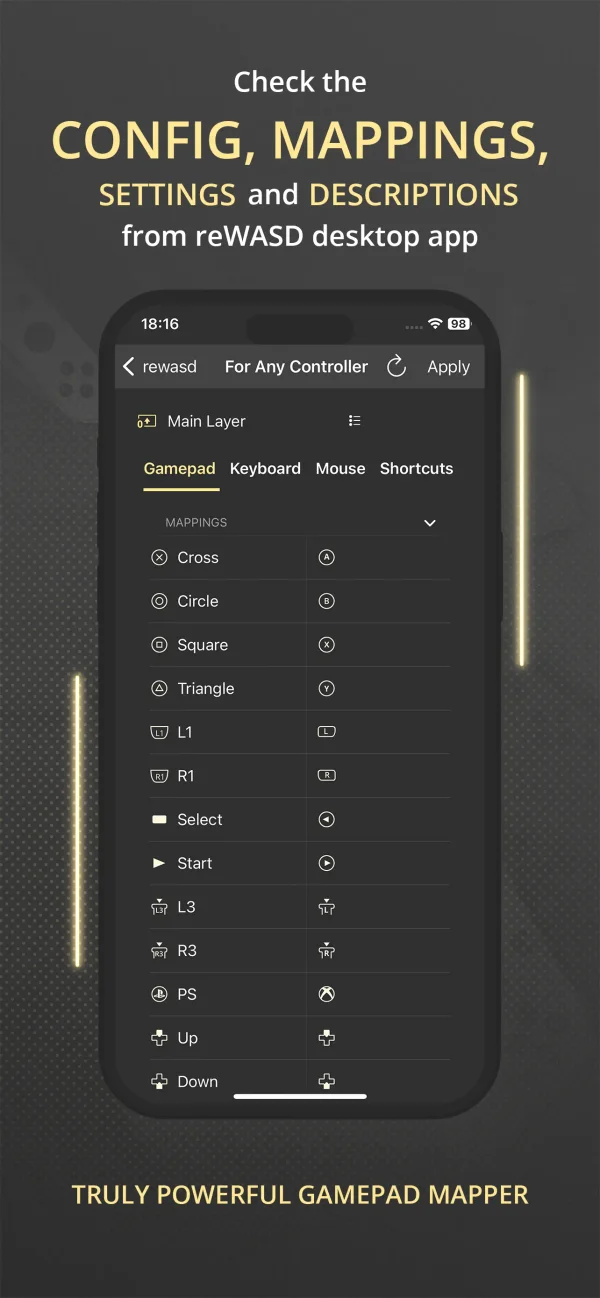
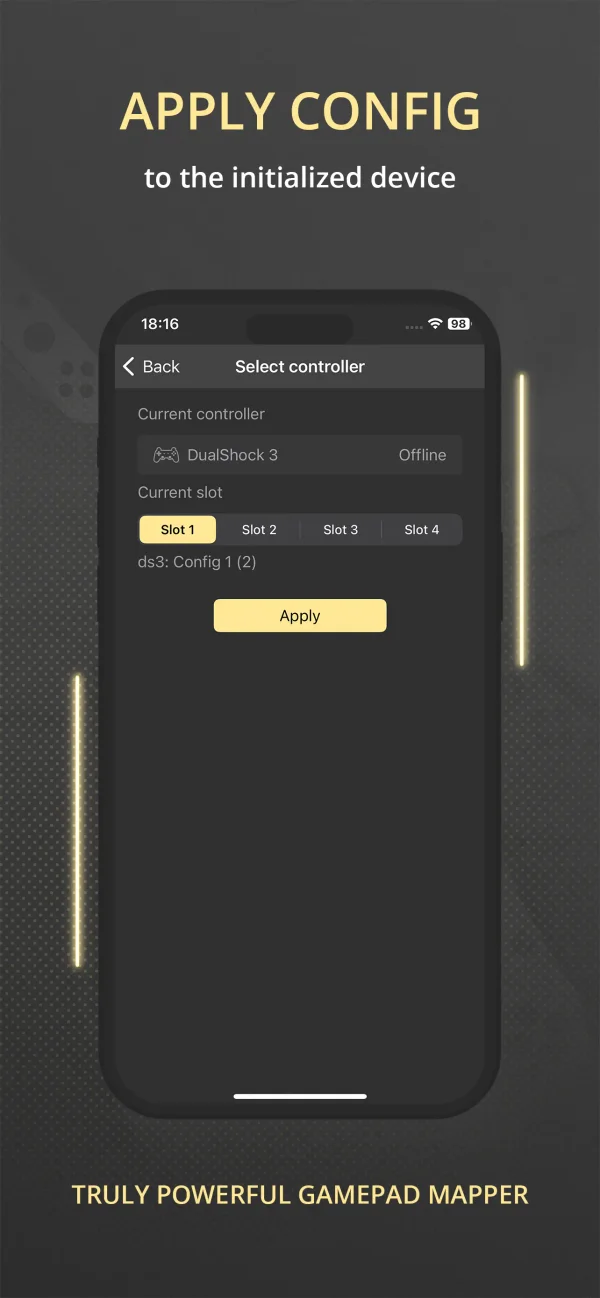
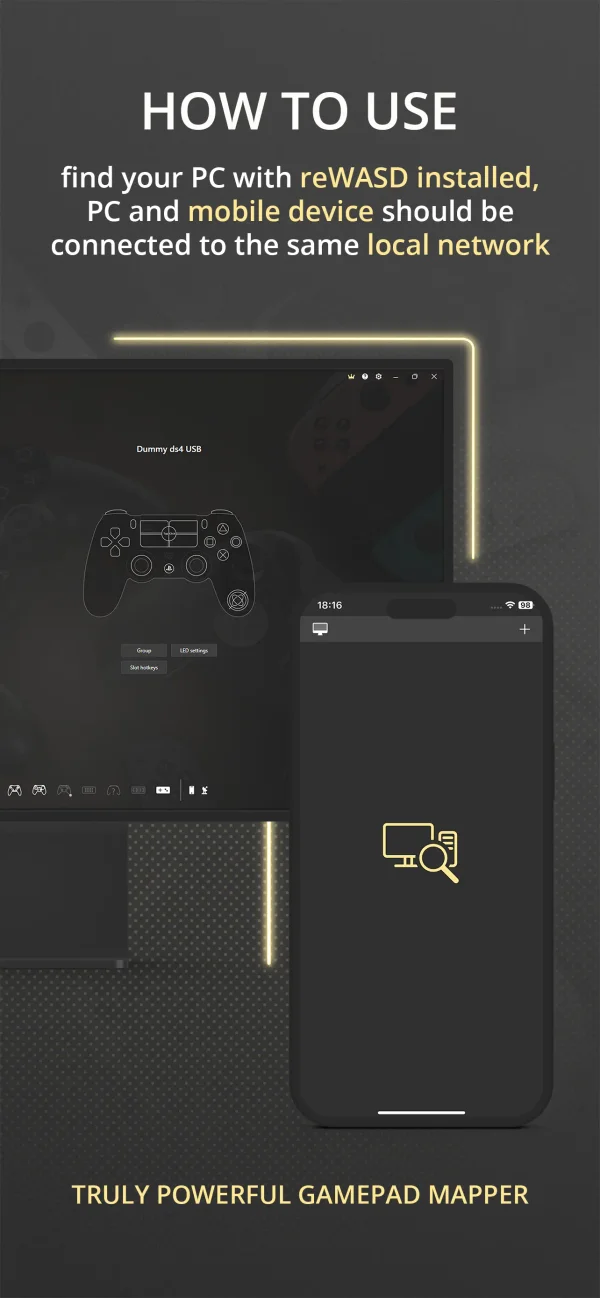
With reWASD Mobile, you do not need to open the PC app if you want to check the config, mappings, settings or descriptions. Just find the computer with reWASD installed and ensure that both devices are connected to the same local network. Once this step is done, you will see the full list of the configs and gaming devices and will be able to “match” those — apply the config you need to the preferable device.
Now, nothing stops you from jumping into the game!
What is reWASD?
reWASD is a gamepad, keyboard and mouse remapper with various features and use cases. Mostly, it is used on the PC with Windows to enhance and adjust your devices for PC gaming. Also, you can use the virtual controller created by reWASD inside the network — on PS4 console or mobile and desktop devices if they are connected via Bluetooth or GIMX adapter.
What is reWASD Mobile?
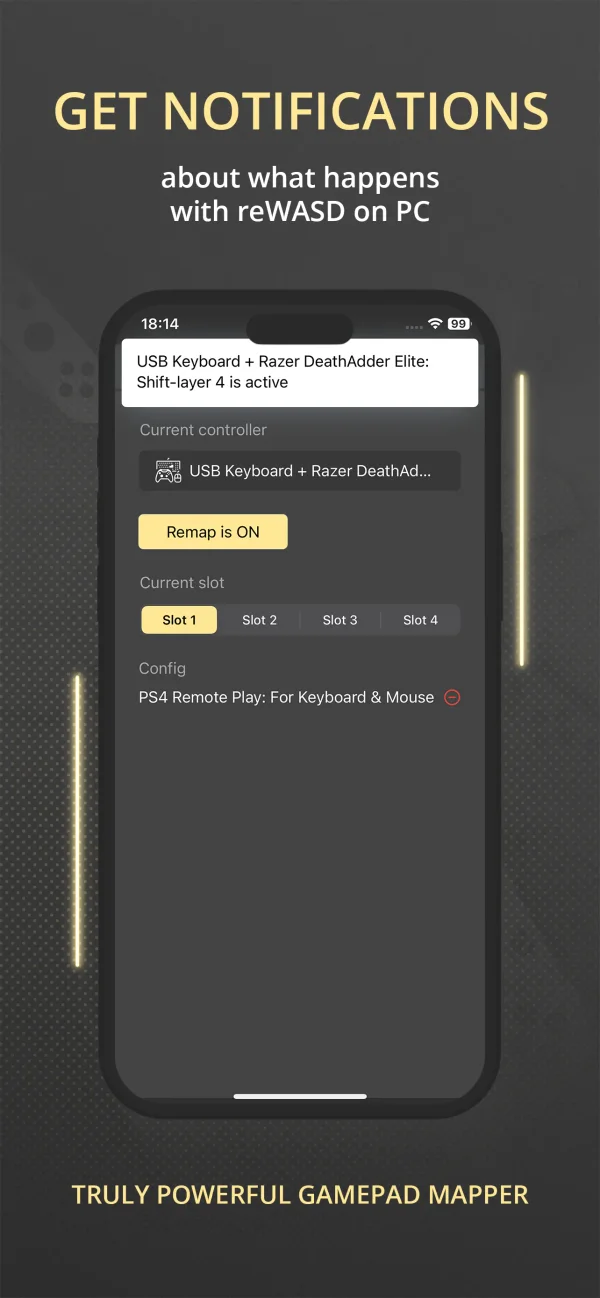
reWASD Mobile is a companion app that lets you manage the configs from your PC on a mobile device. This way you won’t need to Alt+Tab from the game to check the mappings you have in your config, and also you could Apply a config easily with a few taps on your mobile device. In addition, reWASD Mobile gets the notifications from its elder brother on PC while it is opened, so you will be informed if the battery is low or if you switched to another Slot or Shift.
Why should I use it?
reWASD Mobile is an easy way to work with your configs and devices without the necessity to open the app itself on a PC. Right now, you can check everything you have in your config, keep it open to check the mappings or descriptions, get notifications about what happens with reWASD on your PC and apply a config to the initialized device. But we are planning much more features, and hope you could give us suggestions and ideas to make our reWASD Mobile handier for you.
What’s new
Version 3.4 · Aug 18, 2026
Full Support for Steam Controller 2026
Try New Advanced Feature Analog Key Control
App privacy
What AVB Disc Soft, SIA declares on the App Store about how this app handles data.
-
Data not linked to you
May be collected but is not linked to your identity.
- Diagnostics
Privacy practices may vary, for example with the features you use or your age.
Information
- Seller
- AVB Disc Soft, SIA
- Category
- Utilities
- Version
- 3.4
- Updated
- Aug 18, 2026
- Released
- Dec 17, 2021
- Size
- 80.4 MB
- Requires
- iOS 16.0 or later
- Age rating
- 4+
- Price
- Free
- Languages
- English, French, German, Indonesian, Japanese, Russian, Simplified Chinese, Traditional Chinese, Turkish, Ukrainian
- Copyright
- © Disc Soft FZE LLC
You might also like
-
 Flydigi Game CenterUtilities
-
 ShootingPlus V3Utilities
-
 VGamepad LiteBest Virtual Gamepad For PC
-
 PAND-a mouse pro, keyboard bleClipboard & BLE input tool app
-
 Emulstickkeyboard and mouse emulation
-
 Game Controller AppsAll games for MFi Controllers
-
 KeyLinkerUtilities
-
 K2 Mobile Game Dock AppK2 Mobile App
-
 PC RemoteControls your PC easily
-
 MooWii GamingUtilities