RexyView
Your Media Library, Unleashed
Designed for iPhone, iPad, Mac
Free · In-app purchases
- Age rating4+
- CategoryEntertainment
- DeveloperChris Ortega
- LanguagesEnglish+ 31 more
- Size62.2 MB
Links to the official App Store page
Download.org hosts no file of RexyView. The button opens its official App Store page, published by Chris Ortega. Listing last checked on Nov 24, 2026.
Screenshots
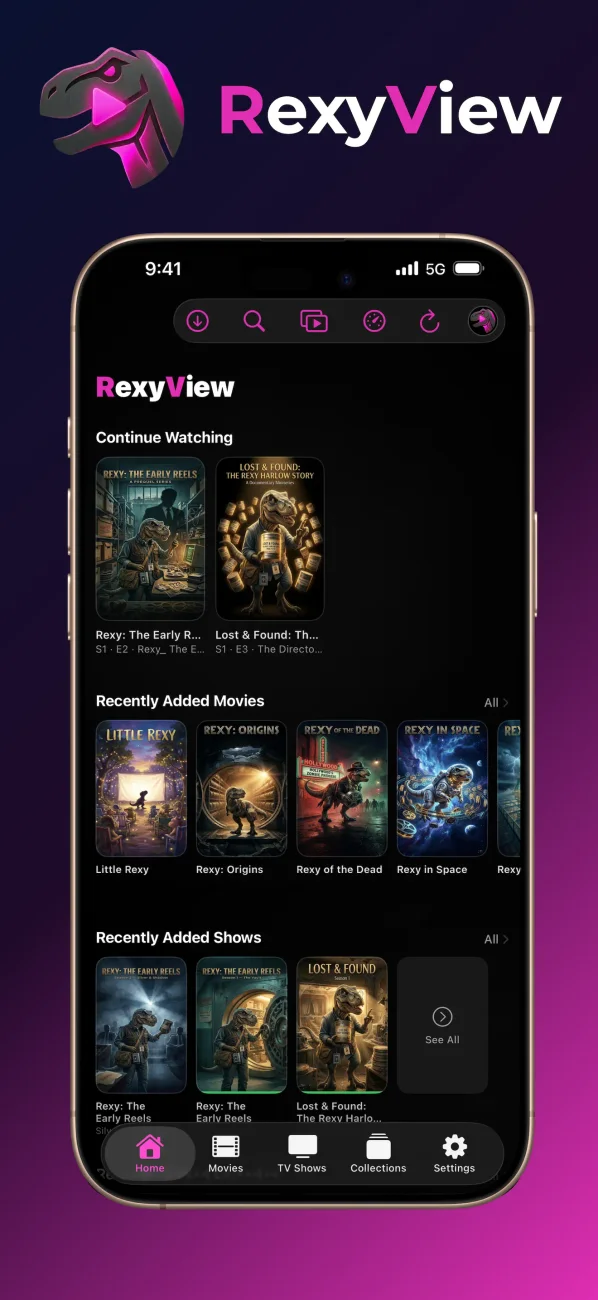

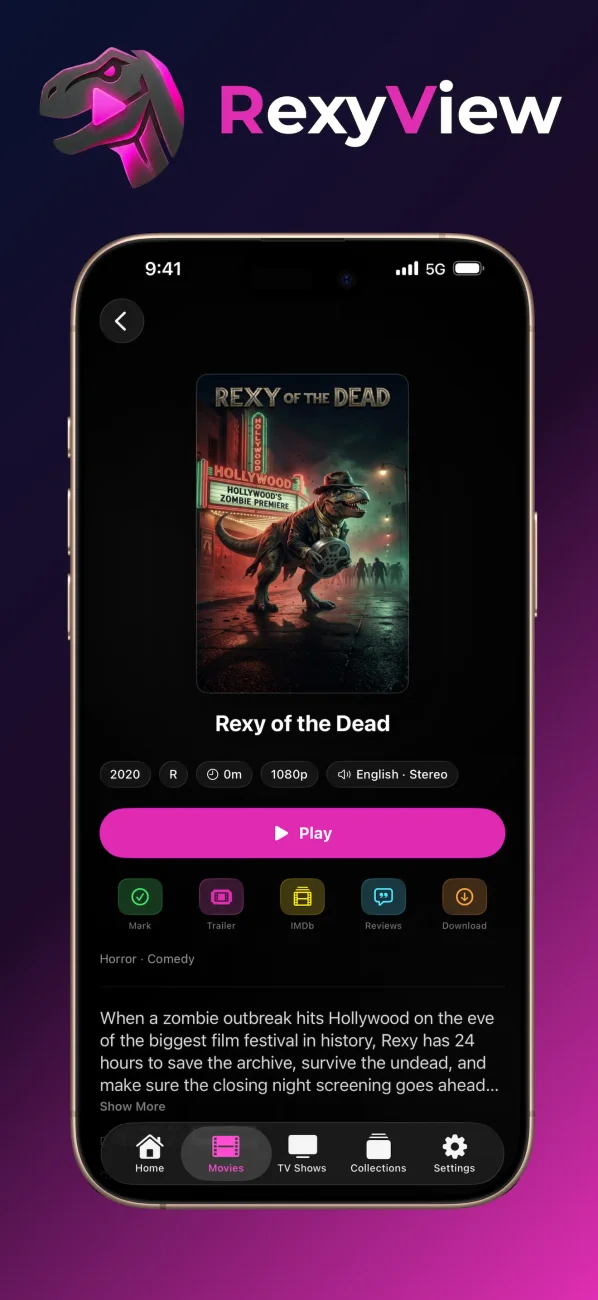
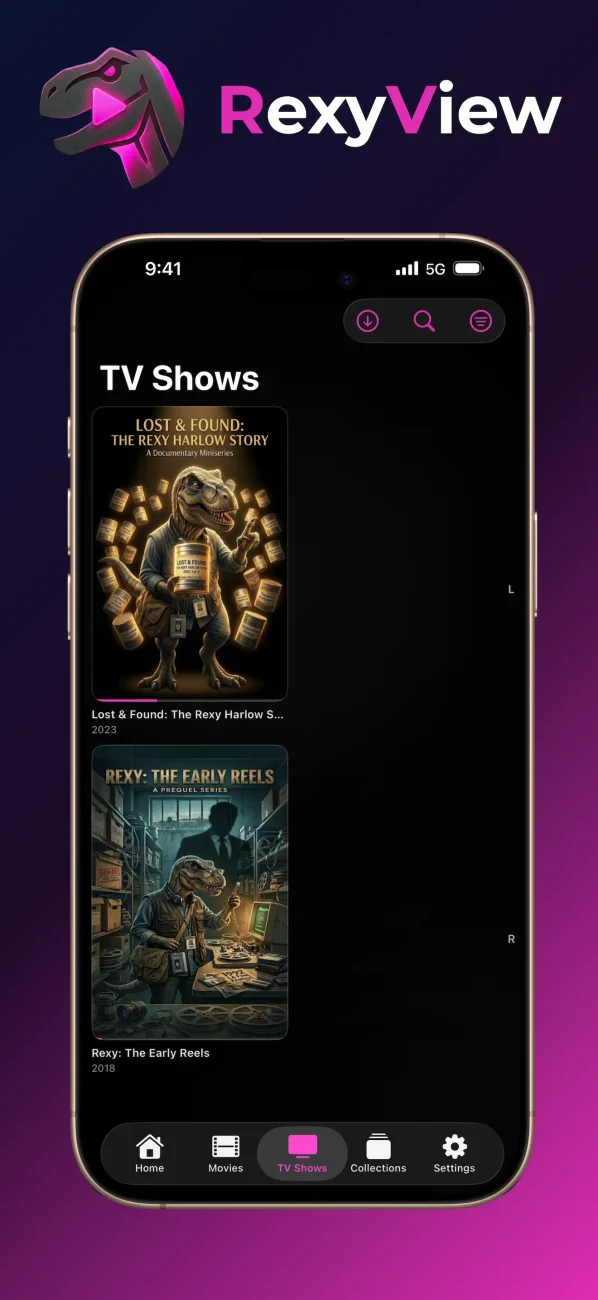
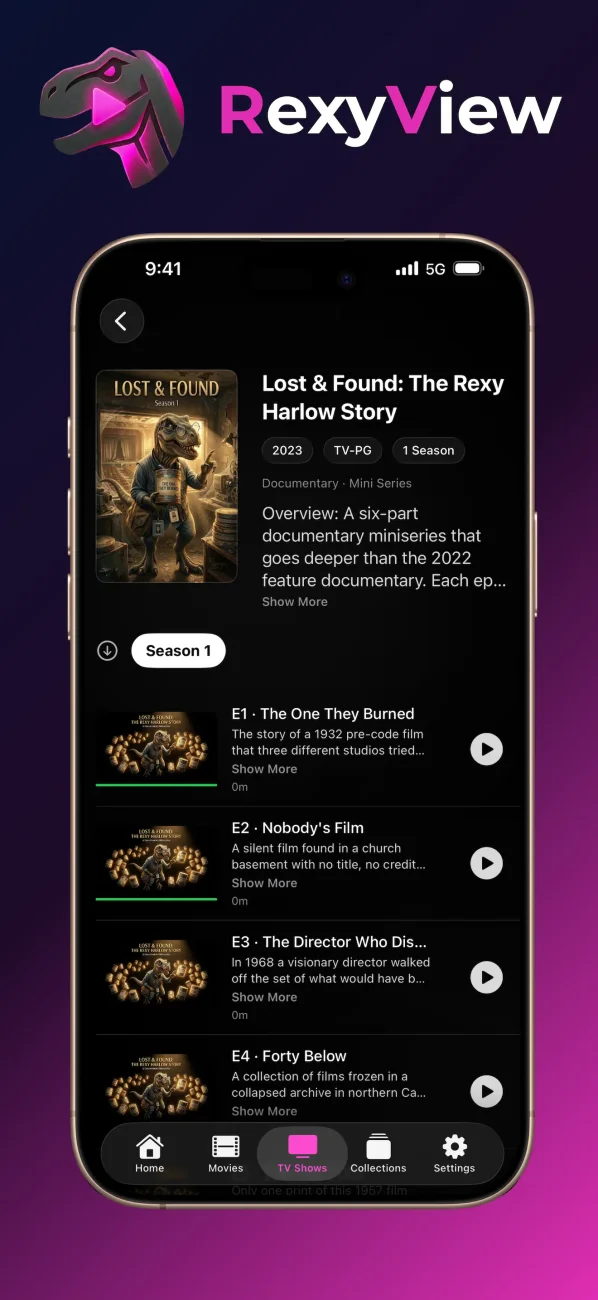
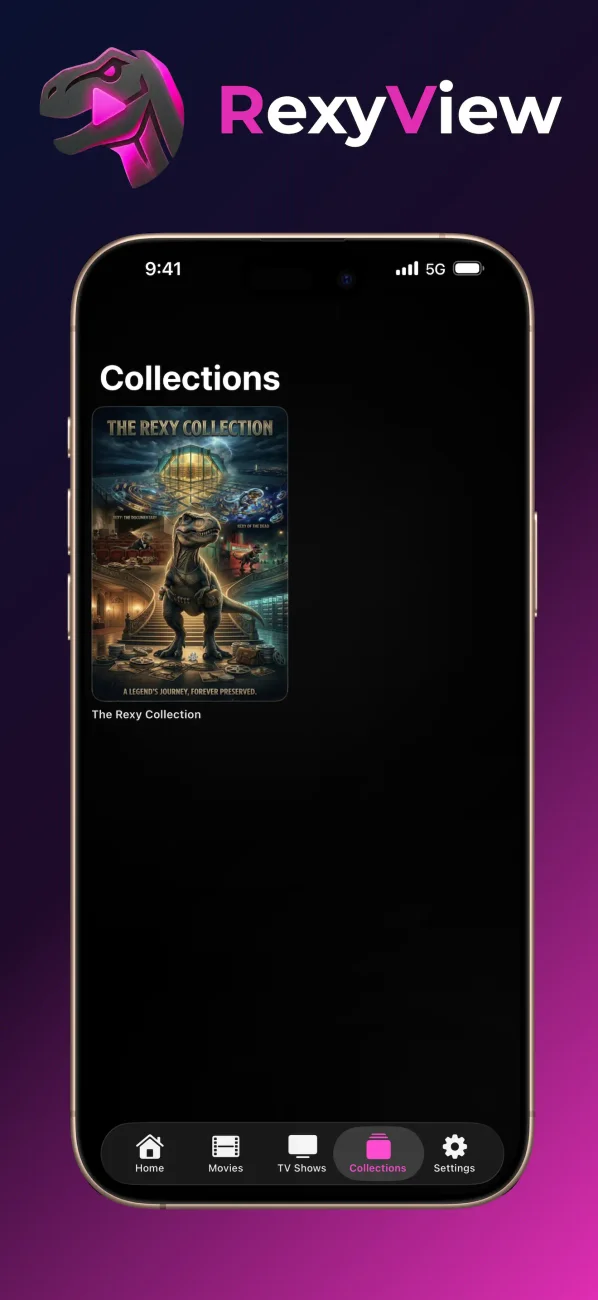


About
RexyView brings your Plex, Jellyfin and Emby servers together in one beautiful app, built natively for iPhone, iPad, Mac, Apple TV and Apple Vision Pro, with an Apple Watch companion. It helps your family find something to watch, gives parents real control and follows you across every Apple device.
ALL YOUR SERVERS, ONE LIBRARY
Use Plex, Jellyfin and Emby side by side, with as many servers and Plex accounts as you like. Turn on Combine Libraries to see every server as one collection. A title on several servers appears once, with a badge for each, and Play From lets you pick which copy to watch.
FIND SOMETHING TO WATCH
• Browse by Theme: pick themes like Dinosaurs, Heists or Christmas and see every title that matches them all
• Under 1 Hour: only what fits the time you have
• Surprise Me: a random pick, from the app or by asking Siri
• Holiday picks that change with the season
• Smart Rows: your own Home rows, like “Best of the 90s” or “Unwatched in 4K”
• Your Year: a shareable card of everything you watched this year
PROFILES AND PARENTAL CONTROLS
“Who’s Watching?” profiles work across every server at once, each with its own photo, optional PIN and maximum content rating, based on your server’s ratings. Set a bedtime, a daily viewing time or a number of episodes a day. When time runs out, a child can ask for more and a parent approves it right from their phone. Profiles and limits can be shared with your family’s devices through iCloud, and viewing time adds up across them, so switching devices doesn’t reset the clock.
EVERY APPLE DEVICE, IN SYNC
iCloud Sync carries your settings, Home layout and Smart Rows to your other devices. Sign-ins can be shared through iCloud Keychain, so a new device is ready in seconds. Handoff continues what you’re looking at on another device. Watched status can stay in step across your servers.
MAKE HOME YOURS
Reorder, hide and add Home rows per profile, choose your Discover tiles, pick a poster grid or a cinematic hero layout, accent colours and backgrounds. HomeKit scenes can dim the lights when you press play.
WATCH AND DOWNLOAD
Plays with Apple’s own video player, with Skip Intro and Credits, Up Next, chapters, audio and subtitle choices, Find Subtitles (when your server supports it), a sleep timer and Picture in Picture. When a file isn’t in a format your device plays, your server converts it. Download movies and episodes to watch offline on iPhone, iPad, Mac and Apple Vision Pro.
FOR SERVER OWNERS
A full Dashboard shows who’s watching what, users and playback history, and lets you stop a stream. Home Screen widgets and the Apple Watch companion keep your server at a glance, and Apple TV shows your newest titles in Top Shelf.
BUILT FOR APPLE
Designed for the Liquid Glass look, with Siri and Shortcuts, Spotlight search, keyboard shortcuts on iPad and Mac, and swipe brightness and volume on iPhone and iPad.
PRIVACY FIRST
No analytics, no tracking and no ads. RexyView has no servers of its own. It connects to your media servers, to Plex’s and Emby’s online services when you use those accounts, to your own iCloud for syncing, to IMDb or YouTube when you open those pages, and to TMDB only if you add your own API key. Nothing reaches the developer unless you choose to send a bug report.
====
Requires your own Plex Media Server (with a Plex account), Jellyfin server or Emby server. RexyView doesn’t provide any content.
RexyView is an independent app and is not affiliated with, endorsed by or sponsored by Plex, Inc., the Jellyfin project, Emby LLC or The Movie Database (TMDB). Plex, Jellyfin, Emby, IMDb and Rotten Tomatoes are trademarks of their respective owners. Metadata and artwork come from your media server. RexyView uses TMDB and the TMDB APIs (with your own API key) but is not endorsed, certified or otherwise approved by TMDB.
====
Terms of Use (EULA): https://www.apple.com/legal/internet-services/itunes/dev/stdeula/
Privacy Policy: https://rexyview.com/privacy
What’s new
Version 2.1 · Nov 10, 2026
• Watch Together: Watch with friends and family on a FaceTime call with SharePlay.
• Control Apple TV from Your iPhone: Start a film on your Apple TV from your iPhone or iPad, and use it as a remote.
• Ask Siri to Play a Title: Say “Play” and a film's name, then “in RexyView”, and it starts playing.
• Extras: Trailers, deleted scenes, featurettes and interviews from your server, on film and show pages.
• Theme Music: Hear a film's or show's theme on its page.
• Edit Playlists and Collections: Rename, reorder and delete playlists.
• Choose a Version: When a film has more than one version, like 4K and 1080p, RexyView asks which one to play when you press Play.
• Smoother Playback with Subtitles: Subtitles built into a file no longer make your server convert the whole video, so these films start sooner and don't freeze.
• More Ways to Sort: Sort libraries in either direction, see them as a list instead of posters on any device, and put everything back with Clear Filters. Sort & Filter also has a clearer new look.
• Remembers Your Languages: On Jellyfin and Emby, RexyView remembers the audio and subtitles you picked for each show.
• Accessibility: Larger text sizes, Reduce Motion and better VoiceOver labels throughout the app.
• Opens Faster: When the server you used last doesn't answer, RexyView opens another one instead of waiting, and shows which server it couldn't reach.
• Help When a File Won't Play: A new help page explains what plays directly, what your server has to convert, and what to check.
• A Welcome for New Users: A short welcome explains what RexyView is and what you need to start watching.
• Fill the Screen: Pinch the video to fill the screen, and press and hold to play at double speed.
• My Videos: Add your own videos, like a wedding or a holiday, from Files, Photos or Finder. Give them a title and cover, and sync them between your devices with iCloud if you like. They stay on the Downloads page, apart from your libraries.
• Two Subtitles at Once: Show a second subtitle language at the same time, from the player's subtitle menu.
• More Ways to Reach Your Server: RexyView now tries IPv6 addresses.
• Clearer Connection Errors: When a server can't be reached, RexyView explains why, shows what it tried, and lets you report a bug right from that screen.
Fixed: Switching Mid-Film · Faster Large Libraries · Removed Titles Disappearing · Picture Subtitles · Easier Plex Sign-In · Translation Fixes"
App privacy
What Chris Ortega declares on the App Store about how this app handles data.
-
Data not linked to you
May be collected but is not linked to your identity.
- Diagnostics
Privacy practices may vary, for example with the features you use or your age.
Information
- Seller
- Christopher Breier
- Category
- Entertainment
- Version
- 2.1
- Updated
- Nov 10, 2026
- Released
- Apr 28, 2026
- Size
- 62.2 MB
- Requires
- iOS 27.0 or later
- Age rating
- 4+
- Price
- Free
- In-app purchases
- Yes
- Languages
- English, Arabic, Catalan, Czech, Danish, Dutch, Finnish, French, German, Greek, Hebrew, Hindi + 20 more
- Copyright
- © Christopher Breier
You might also like
-
 Aether PlayerYour movies, shows & music
-
 Cathode PlayerA native channel video viewer
-
 ArrViewSimplified Media Management
-
 ShowShark: Stream Your MediaMovies, shows, music & more
-
 FlickListsWatch together, track it all
-
 Dusk for PlexThe Plex App we Deserve
-
 Accio for PlexRequest & track your media
-
 Spectati: IPTV & Plex PlayerJellyfin, Emby & NAS client
-
 Dots (Pixel Art)Draw the world, dot by dot
-
 StrimrNative Player for Your Server