
richAI: Expense Tracker
Log money by voice & AI
Designed for iPhone
Free · In-app purchases
- Age rating4+
- CategoryFinance
- DeveloperUnicorn Group LLC
- LanguagesEnglish+ 10 more
- Size16.2 MB
Links to the official App Store page
Download.org hosts no file of richAI: Expense Tracker. The button opens its official App Store page, published by Unicorn Group LLC. Listing last checked on Nov 18, 2026.
Screenshots



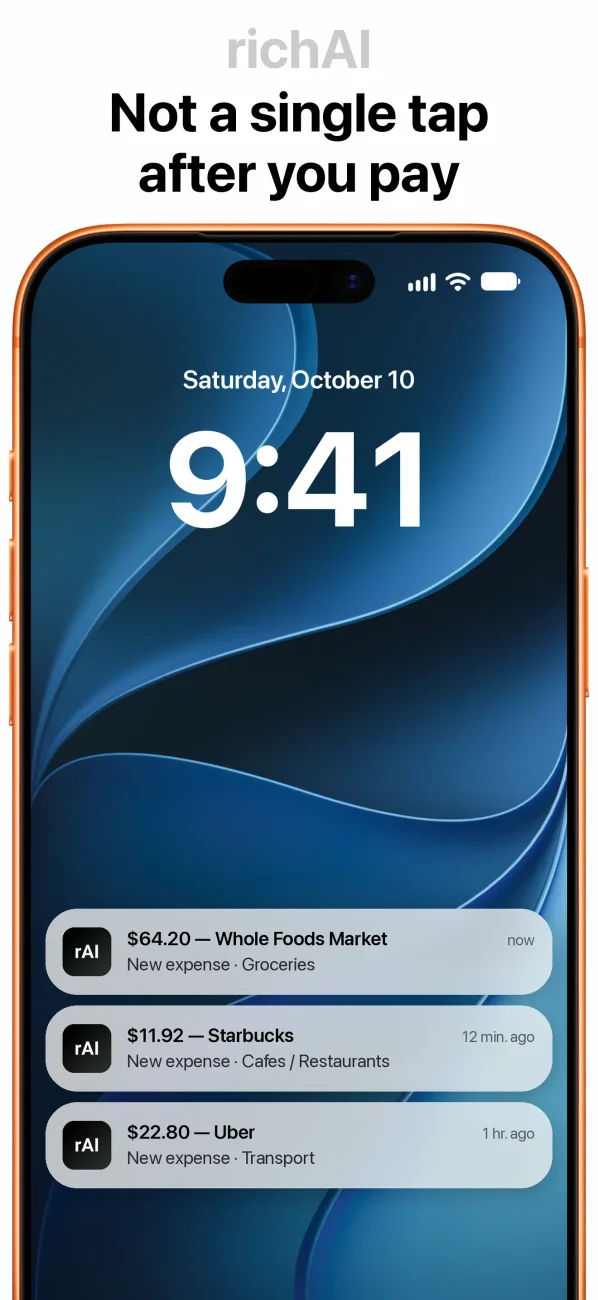
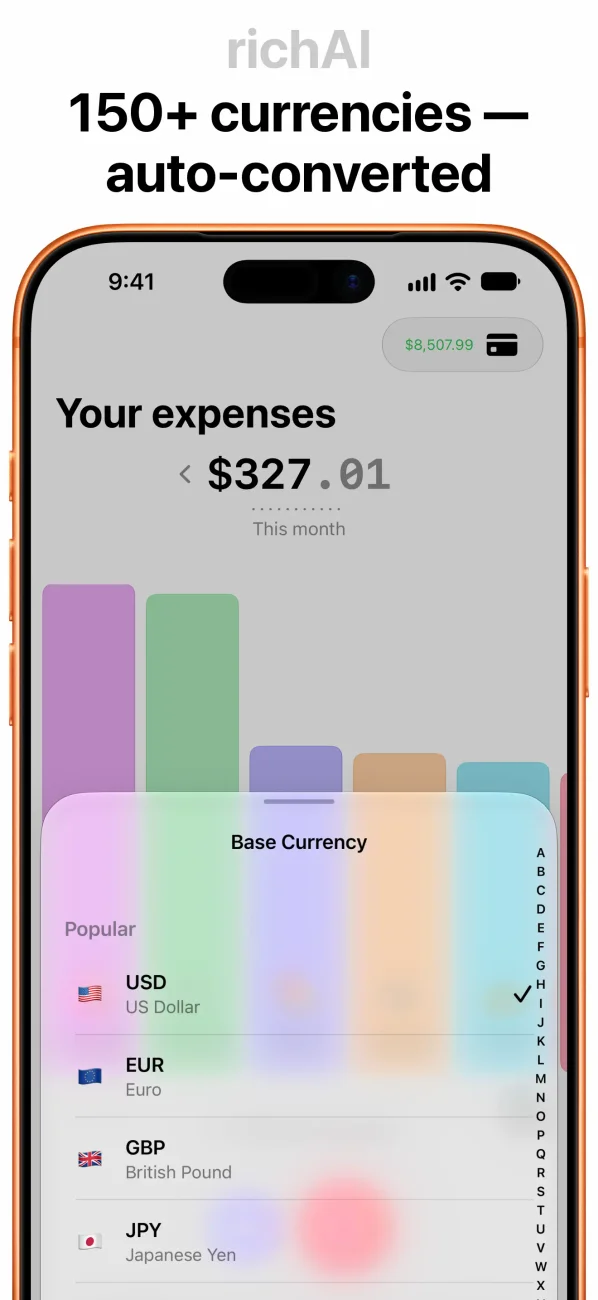
About
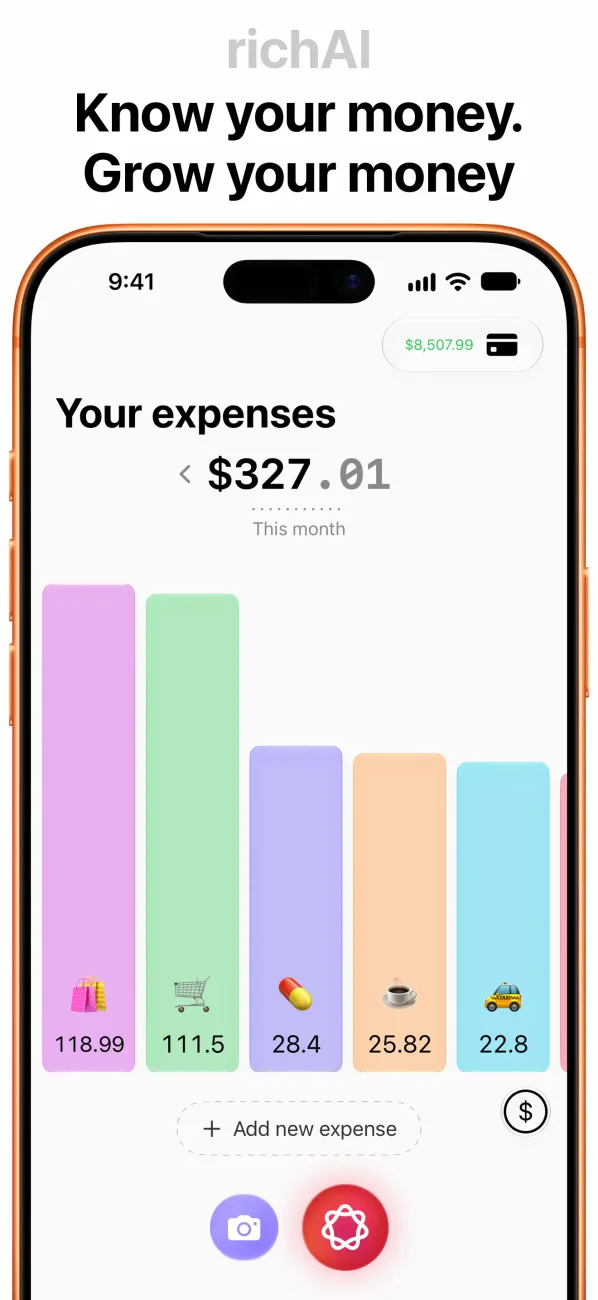
richAI is a personal finance tracker that makes logging expenses effortless. Speak, snap a receipt, or type — AI does the rest.
THREE WAYS TO ADD AN EXPENSE
• Voice input: say what you spent and AI parses the amount, category and note in seconds.
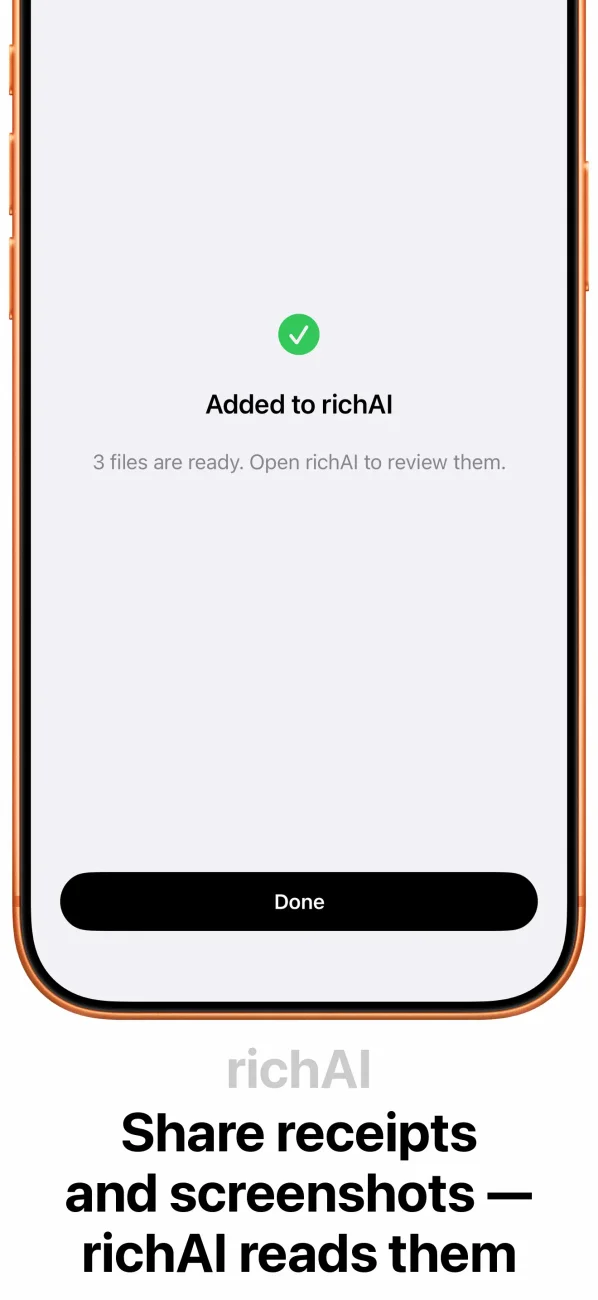
• Receipt scanning: point your camera at a receipt and richAI extracts the data automatically.
• Manual entry: a fast, clean form when you want full control.
SEE WHERE YOUR MONEY GOES
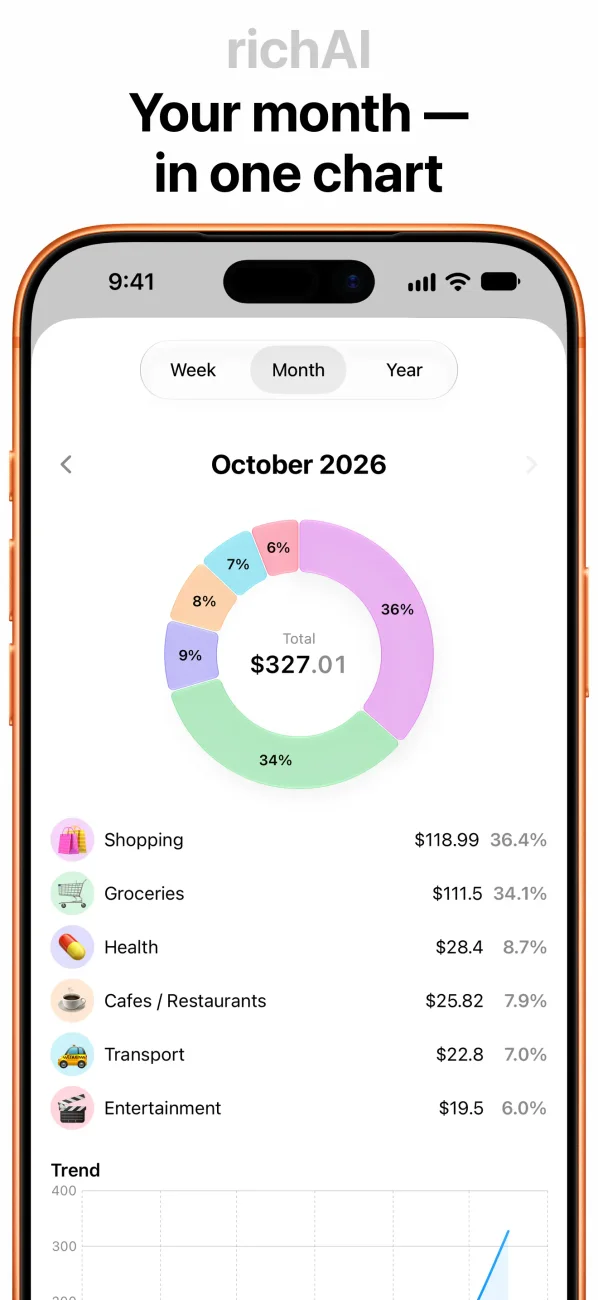
• Spending by category with clear donut charts.
• Trends over time and period-to-period comparison.
• Daily, monthly and yearly breakdowns.
BUILT FOR REAL LIFE
• Multi-currency with automatic conversion.
• Smart categories with AI-generated icons and colors.
• Transaction location saved automatically on a map.
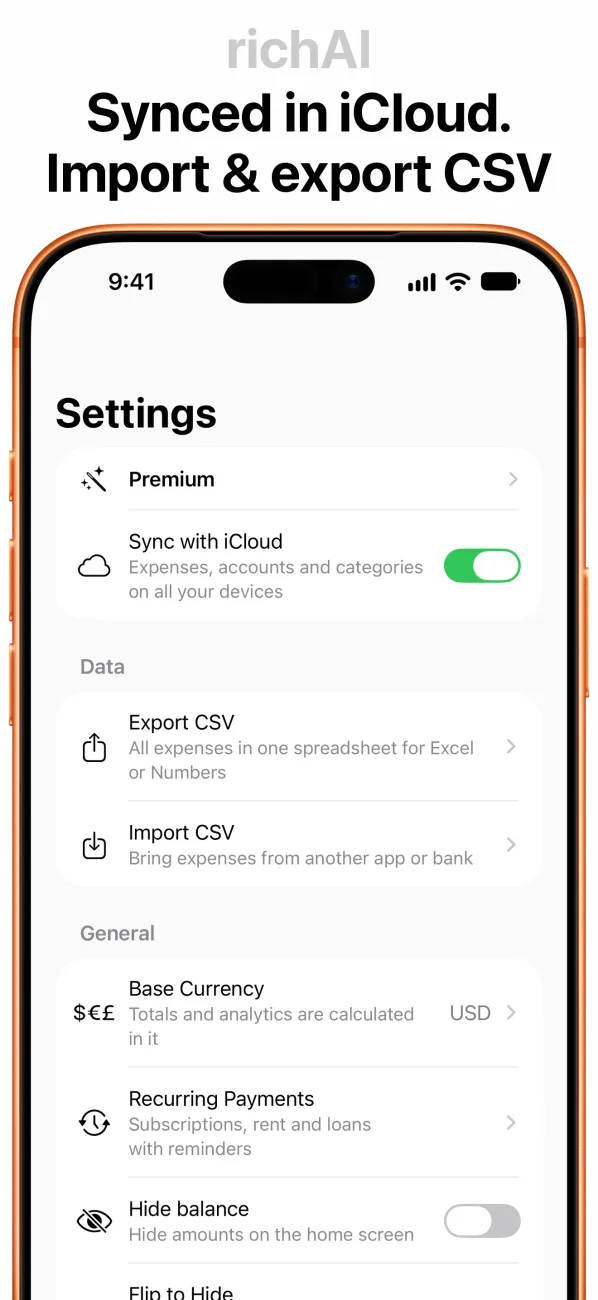
• CSV export and import to move your data in and out.
PRIVATE BY DESIGN
Your financial data syncs through your own private iCloud with CloudKit — it stays yours. Voice and photos are processed to read the expense, not stored on our servers.
richAI Premium unlocks voice input, receipt scanning, iCloud sync, multi-currency, multiple accounts and AI matching of columns and categories in CSV import.
Subscriptions renew automatically; cancel anytime in Settings.
Terms of Use (EULA): https://www.richai.money/terms
What’s new
Version 2.2.0 · Nov 6, 2026
• Importing bank statements from CSV is now free: Settings → Import CSV. A new screen shows which column goes into which field and what the expense will look like before you import.
• Dates, amounts, currencies and debit and credit columns are recognized in many languages and file encodings.
• Only expenses are imported: top-ups, currency exchanges, savings and cash withdrawals are skipped. Mark a transfer recipient as your own account, and those transfers are skipped too.
• Imported expenses get categories from your history with the same store. With richAI Premium, AI picks categories for the rest and matches unfamiliar columns.
• A category you choose for a store yourself now outweighs your history: new expenses from that store get it.
• The voice button now has the same glass look as the camera, and colors no longer bleed into each other on category tiles and the donut chart.
• Settings open without freezing, and main screen animations pause with Reduce Motion and in Low Power Mode.
• Fixed plural forms in several languages.
App privacy
What Unicorn Group LLC declares on the App Store about how this app handles data.
-
Data linked to you
May be collected and linked to your identity.
- Financial info
- Location
-
Data not linked to you
May be collected but is not linked to your identity.
- User content
- Identifiers
- Usage data
- Diagnostics
Privacy practices may vary, for example with the features you use or your age.
Information
- Seller
- Unicorn Group LLC
- Category
- Finance
- Version
- 2.2.0
- Updated
- Nov 6, 2026
- Released
- Jul 22, 2026
- Size
- 16.2 MB
- Requires
- iOS 17.0 or later
- Age rating
- 4+
- Price
- Free
- In-app purchases
- Yes
- Languages
- English, Arabic, French, German, Italian, Japanese, Portuguese, Russian, Simplified Chinese, Spanish, Turkish
- Copyright
- © 2026 Unicorn Group LLC
You might also like
-
 Expensely: Budget & ExpensePersonal Budget & Bill Split
-
 VoiceExpense: Expense TrackerLog spending by voice & budget
-
 Appurum: Net Worth TrackerExpenses, Savings and no banks
-
 Pocketrack: Budget & ExpensesPrivate spending tracker
-
 VoBill - AI Expense TrackerTrack expenses by voice
-
 Pilo: Budget & Expense TrackerMoney Manager, Multi-Currency
-
 Budget tracker: DollarKeeperPersonal Finance & Expenses
-
 Savings: AI Expense TrackerAI receipt scan & quick add
-
 moneasy AI Expense TrackerReceipt Scanner & Voice Entry
-
 Quik: Budget App Money ManagerExpense Tracker & Planner