Ring Sizer: Measure by Camera
Ring Size Measure & Converter
Designed for iPhone
Free
- Age rating4+
- CategoryUtilities
- DeveloperXanthous Tech LLC
- LanguagesEnglish
- Size84.2 MB
Links to the official App Store page
Download.org hosts no file of Ring Sizer: Measure by Camera. The button opens its official App Store page, published by Xanthous Tech LLC. Listing last checked on Nov 15, 2026.
Screenshots
About
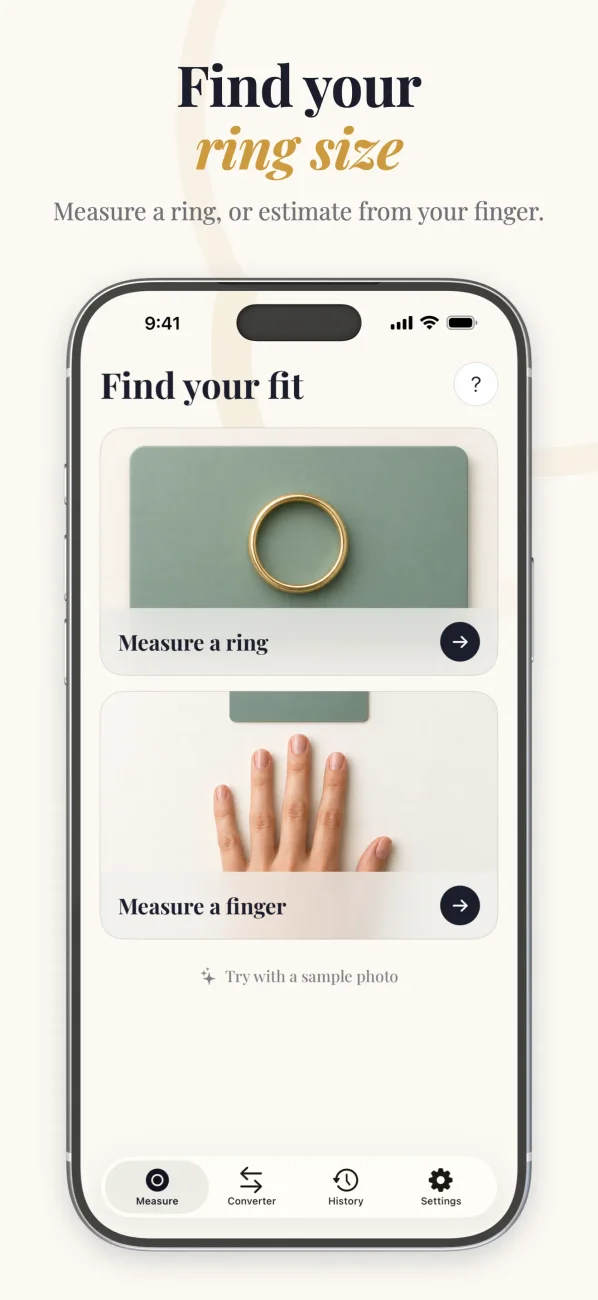
Estimate your ring size with your iPhone camera and a standard-sized card. Measure an existing ring or a finger, check the detected edges, and compare sizes across international charts.
MEASURE WITH A PHOTO
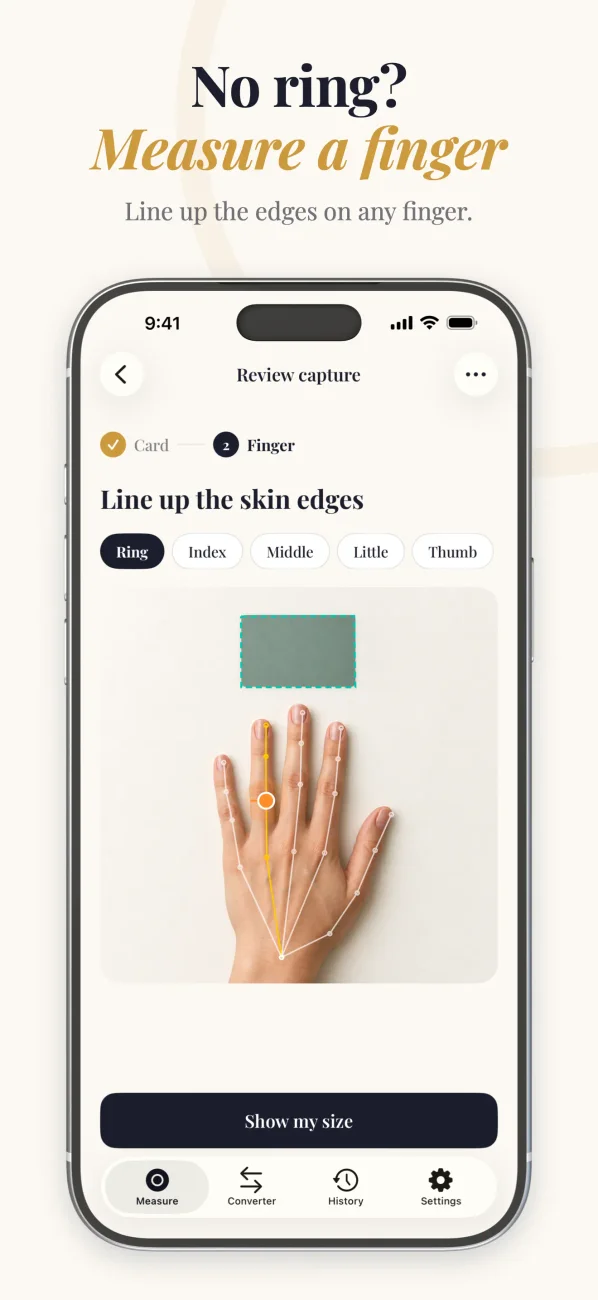
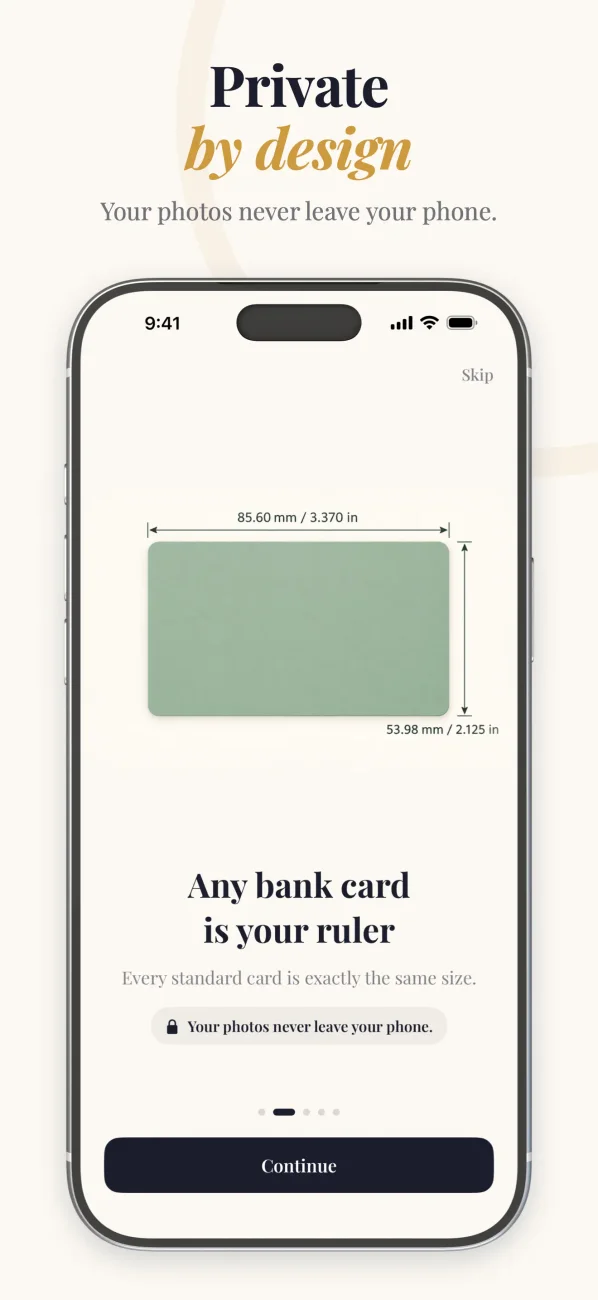
Place a ring on or beside an 85.60 × 53.98 mm card on a flat surface. For fingers, place the card above a relaxed, spread-out hand. Use the level guide, take a photo, or choose an existing picture. The app uses the card as a scale reference and corrects perspective in the card’s plane.
CHECK THE FIT
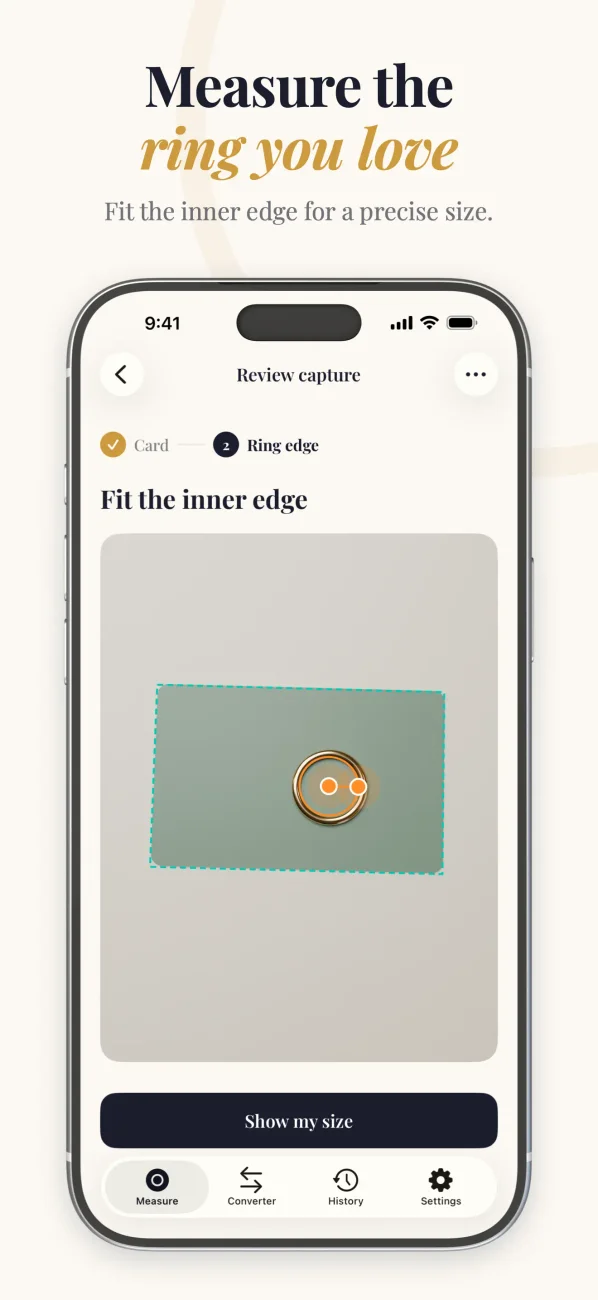
Review the card corners and ring’s inner edge with a magnifying view. Move the ring circle’s center or radius to refine the result. For fingers, slide the measurement along the detected finger to check a wider section or knuckle.
CONVERT RING SIZES
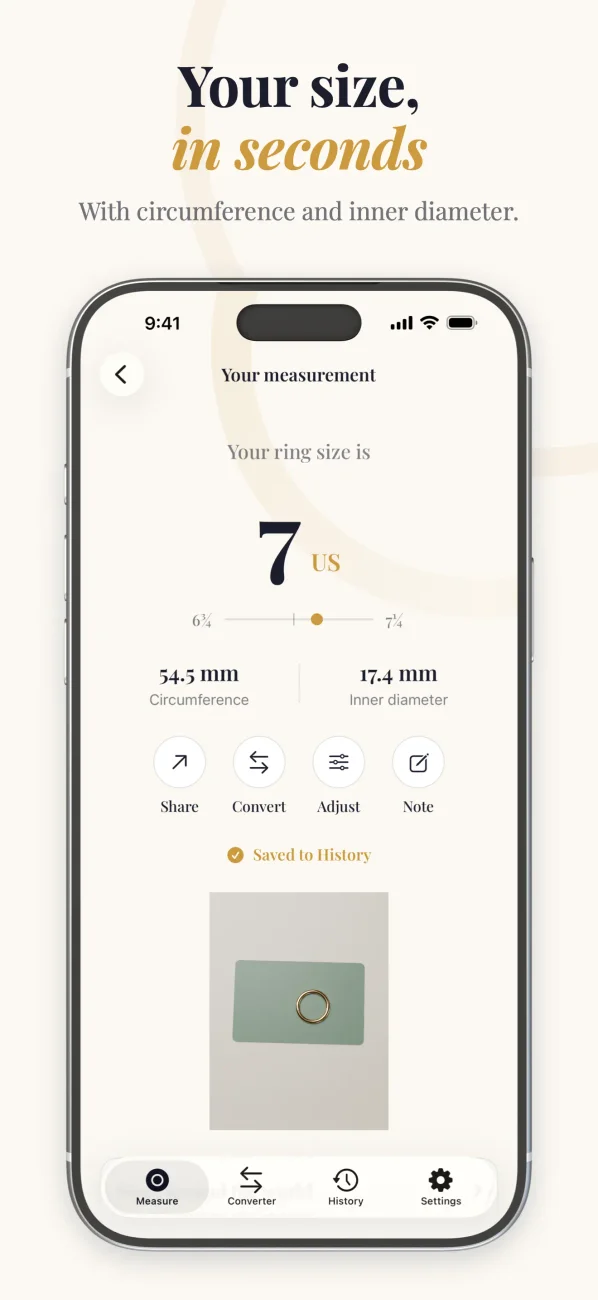
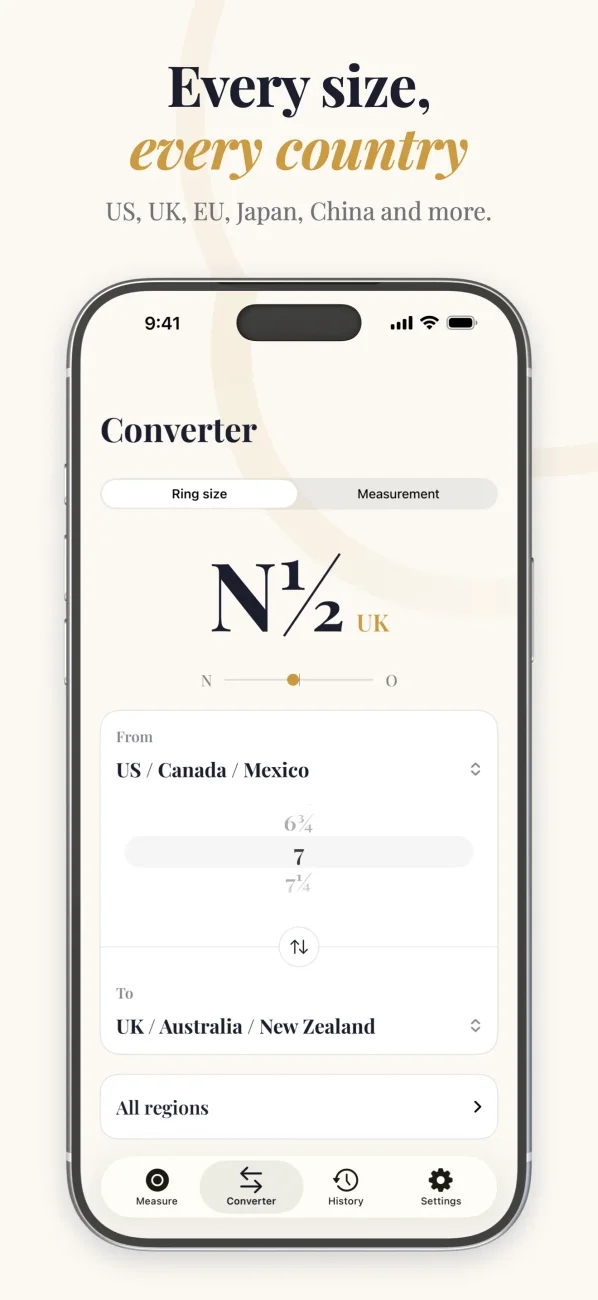
Compare 15 sizing systems, including US/Canada, UK/Australia, European circumference, Japan, Hong Kong, mainland China, Taiwan, India, Brazil, South Korea, Argentina and Chile. Choose your country, preferred size system, and millimeters or inches. Published charts vary, so check your jeweler’s chart before ordering.
KEEP YOUR MEASUREMENTS
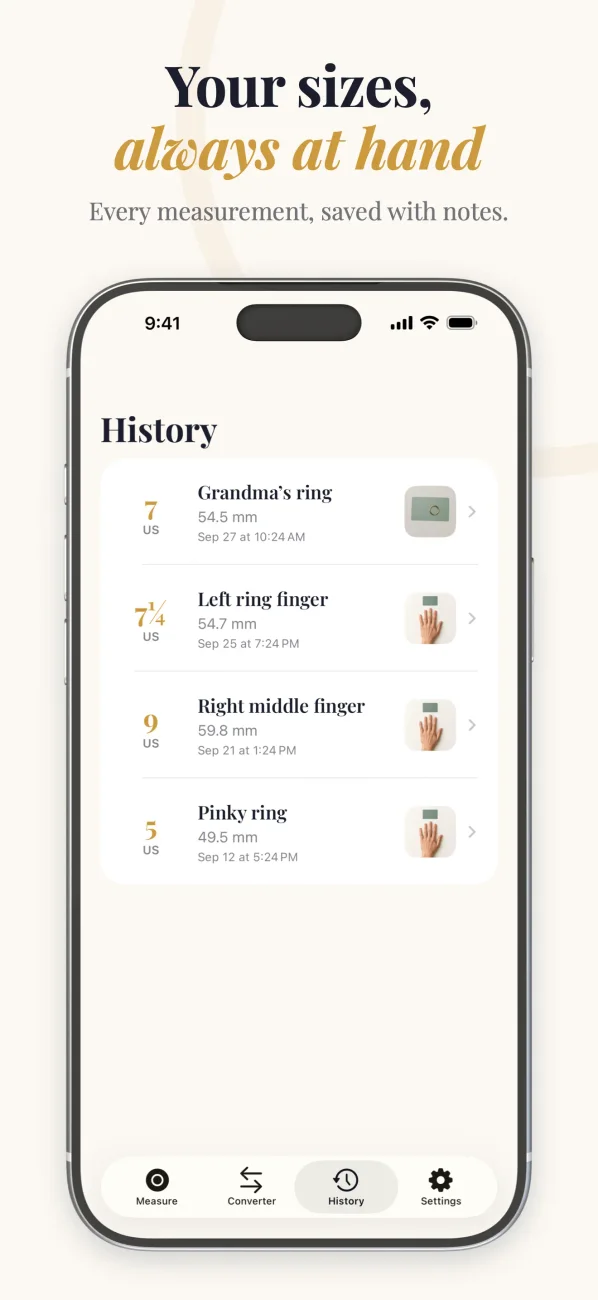
Save results, photos and adjustments in History. Reopen a measurement to review it, add a note, or compare sizes. Your measurement folders are also available in the Files app. Delete one measurement or clear them all in Settings.
ON-DEVICE PROCESSING
Measurement photos are processed on your iPhone. No account, advertising or tracking is required. The app does not upload measurement photos to a server. iOS backups and files you choose to share are controlled by you.
BEFORE YOU ORDER
Results are estimates, not a guaranteed fit. Lighting, camera angle, object height and card placement can affect accuracy. Finger circumference is estimated from visible width; fingers are not perfect circles. Scan a few times and confirm with a physical ring sizer or jeweler before purchasing.
Terms of Use: https://www.x-tech.io/apps/ringsizer/terms
Privacy Policy: https://www.x-tech.io/apps/ringsizer/privacy
What’s new
Version 1.0.1 · Nov 11, 2026
Bug fixes and improvements
App privacy
What Xanthous Tech LLC declares on the App Store about how this app handles data.
-
Data not collected
The developer does not collect any data from this app.
Privacy practices may vary, for example with the features you use or your age.
Information
- Seller
- Xanthous Tech LLC
- Category
- Utilities
- Version
- 1.0.1
- Updated
- Nov 11, 2026
- Released
- Oct 3, 2026
- Size
- 84.2 MB
- Requires
- iOS 18.0 or later
- Age rating
- 4+
- Price
- Free
- Languages
- English
- Copyright
- © 2026 Xanthous Tech LLC
You might also like
-
 SizeMyRing: Ring SizerMeasure finger size, converter
-
 Ringbox - Ring SizerMeasure your finger size
-
 RingMeter: Ring Size FinderMeasure Ring Size on Screen
-
 Ring Sizer: Measure & Try OnFinger Gauge, Size Guide & Fit
-
 DIAMETRO: Ring SizerMeasure ring size on screen
-
 FitMyRingRing Size Finder
-
 Ringa: Ring Sizer & FinderMeasure ring size in mm
-
 RingSizelyUtilities
-
 BandwiseRing sizer, fully offline
-
 Lunet: QR & Barcode ScannerSafe QR Reader & Link Checker