Ringtone Maker Garage
Custom Ringtones for iPhone
Designed for iPhone
Free · In-app purchases
- Age rating4+
- CategoryMusic
- DeveloperTwinBit Ltd
- LanguagesEnglish+ 5 more
- Size100.7 MB
Links to the official App Store page
Download.org hosts no file of Ringtone Maker Garage. The button opens its official App Store page, published by TwinBit Ltd. Listing last checked on Nov 26, 2026.
Screenshots
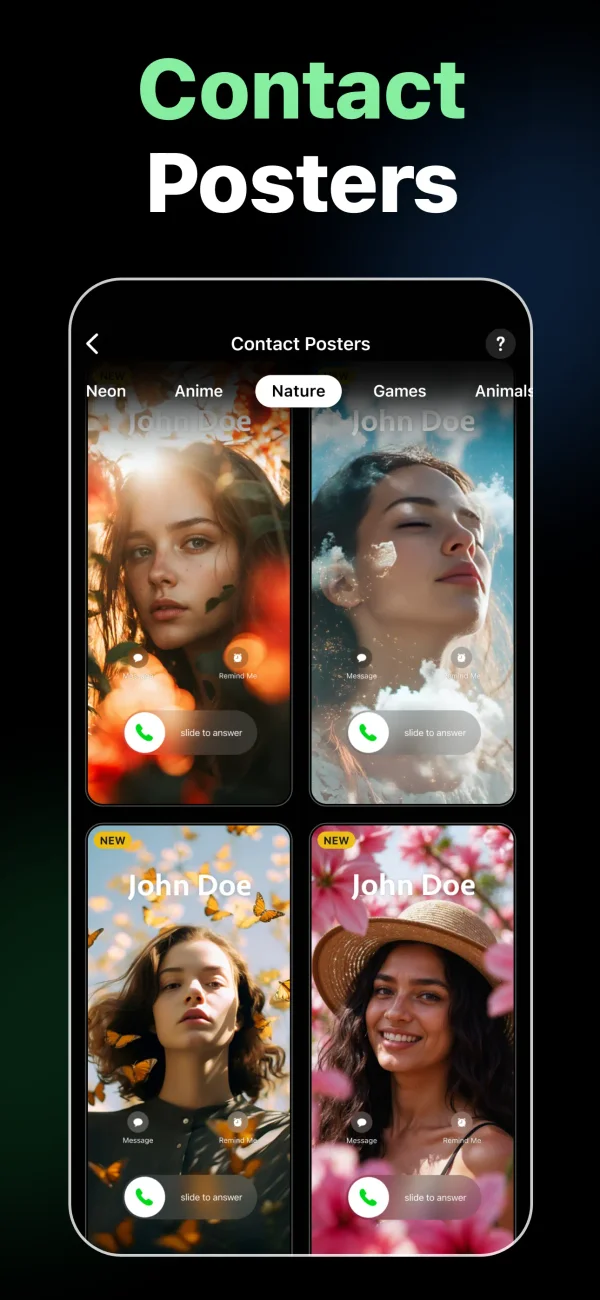
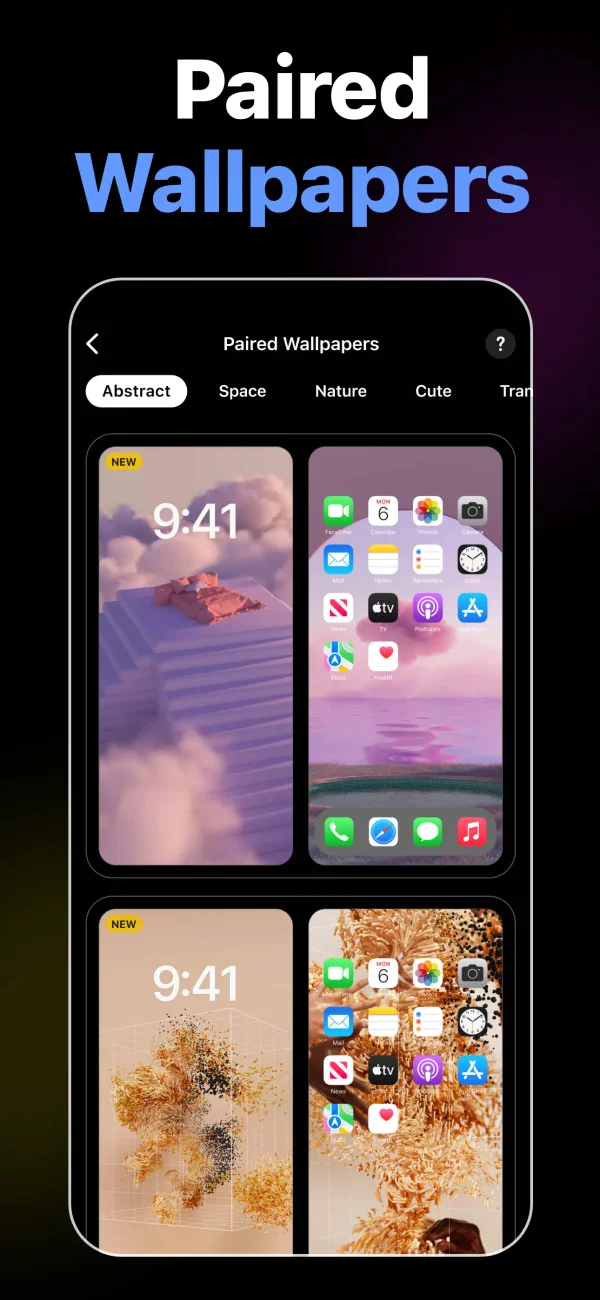
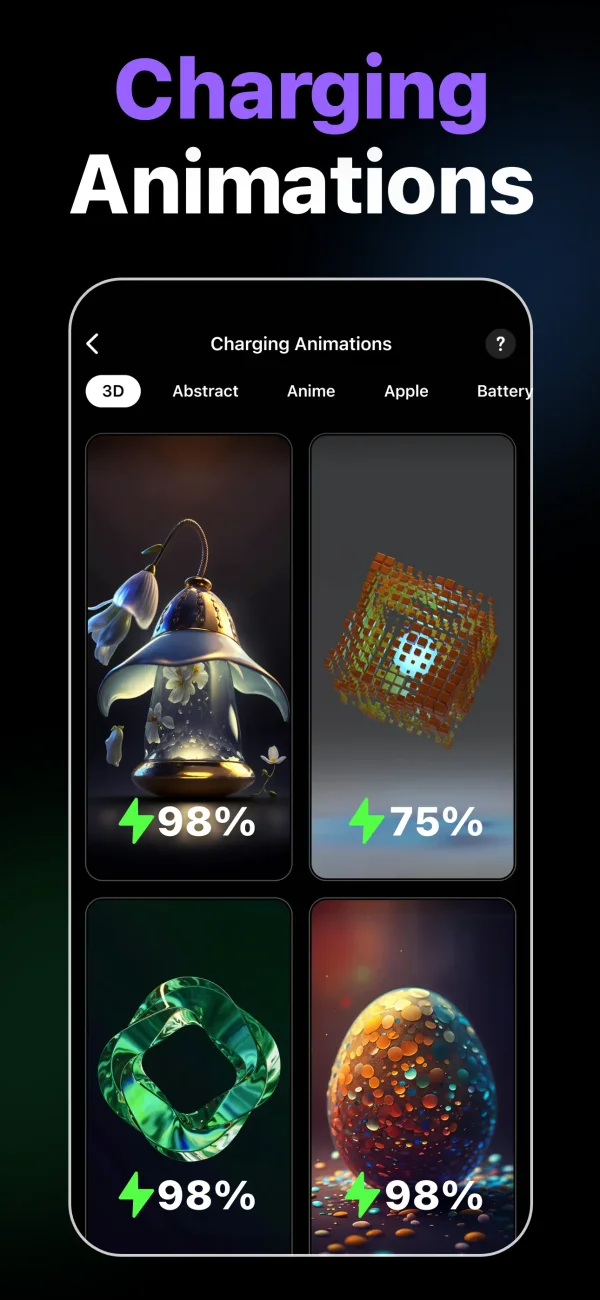
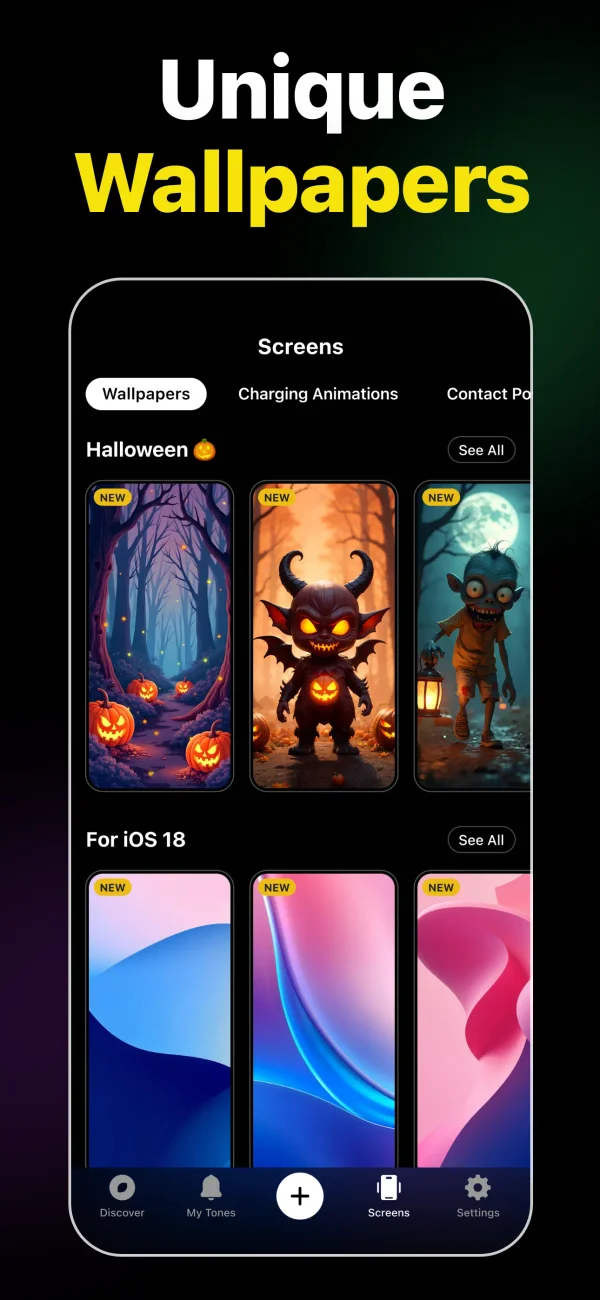
About
Easily create custom ringtones for iPhone with the best Ringtone Maker app using songs from local iTunes and videos. Personalize your ringtones, alarm tones, text alert, and notification sounds anytime from a rich collection of popular music genres and categories.
Key Features of Ringtone Maker:
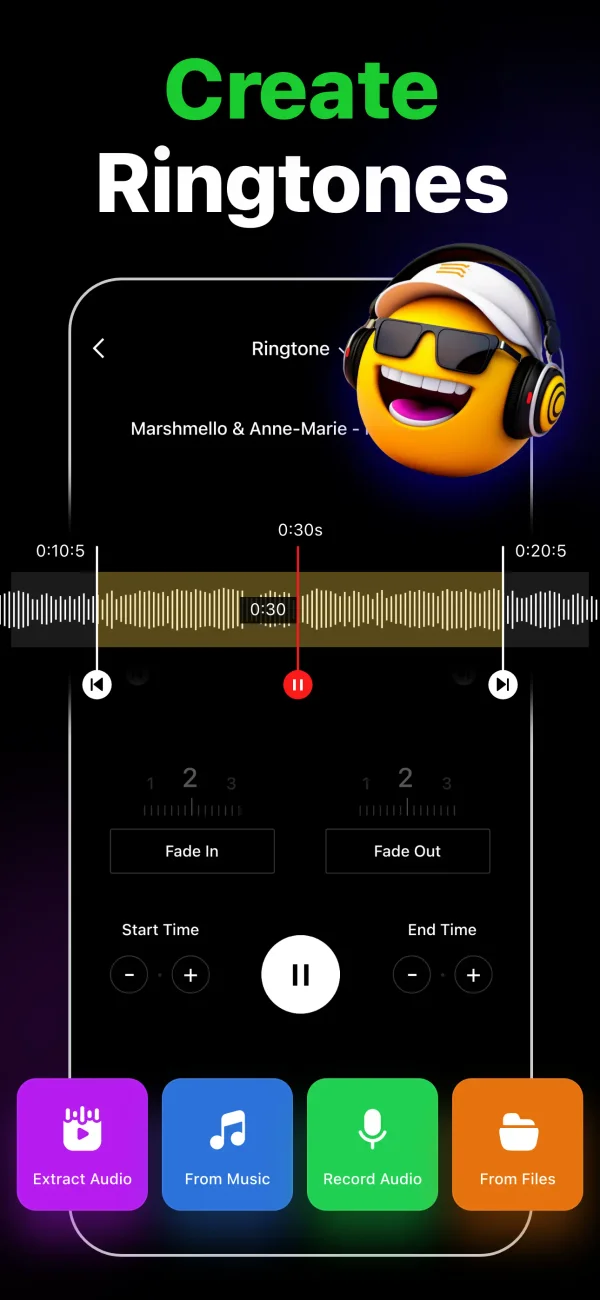
• Create unique ringtones, custom alarms, and text tones for iPhone from local iTunes files
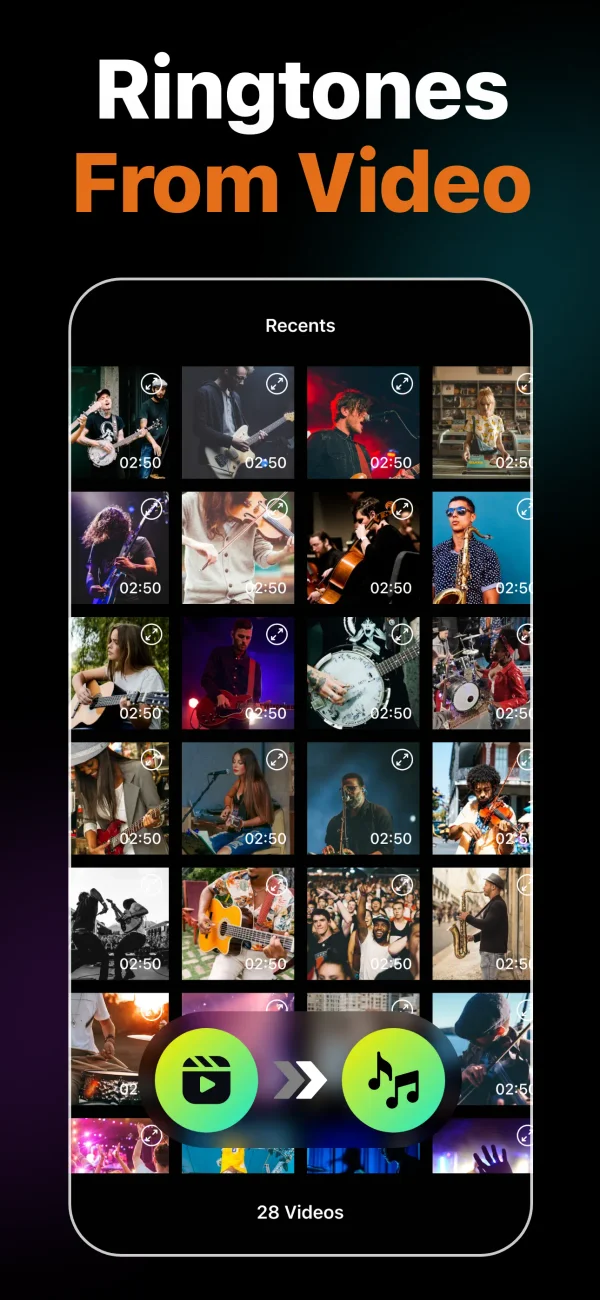
• Extract audio from videos to make ringtones
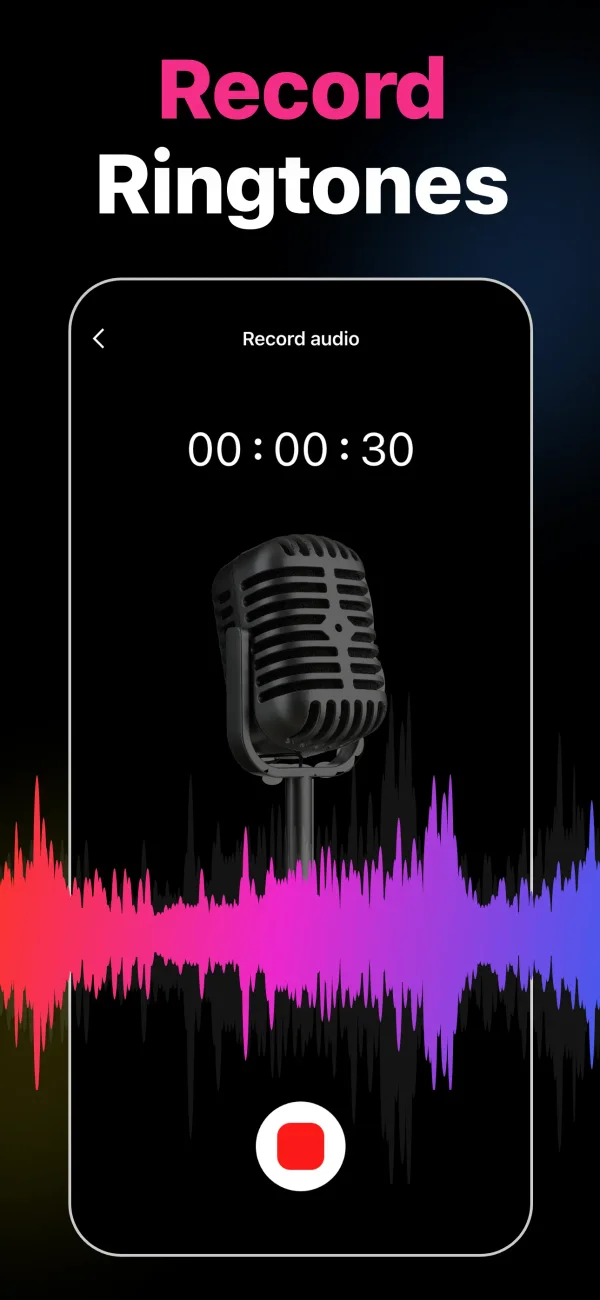
• Record audio to create ringtones
• Trim, Fade in, and Fade out audio files
• Install ringtones via GarageBand and iTunes
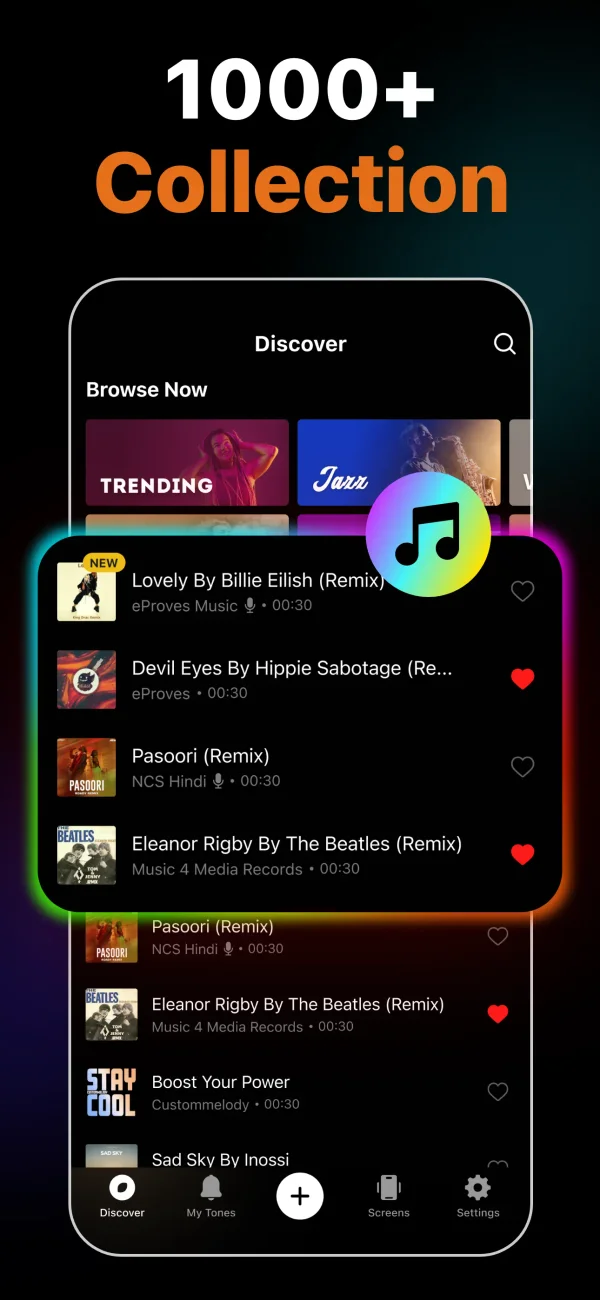
• Numerous catalogs of ringtones – HipHop, Funky, Jazz, Rock, Classical, Children, Comedy, Reggae, TikTok, Blues ringtones, and more
• Regularly updated popular ringtones section
• Mark ringtones as favorites and share them with friends
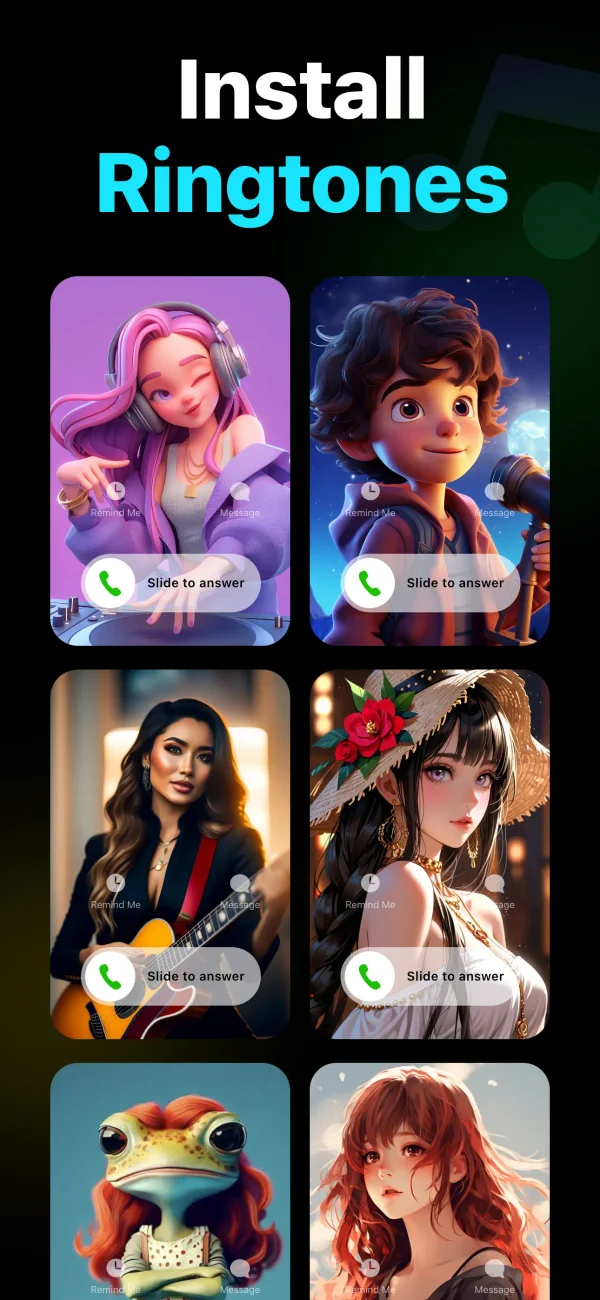
• Large selection of wallpapers to set as iPhone home screen and lock screen
Ringtones from Various Genres of Music
This music ringtones app offers tons of choices for those looking for how to change ringtones on an iPhone. Personalize your device however you want, from Latin, Instrumental, Rap, R&B to Souls, Blues, Pop, and Folk music ringtones.
Create Ringtones from Audio and Video
Make iPhone ringtones by directly recording audio or trimming songs in just a few steps. Cut any music from the local iTunes library using the audio trimmer. You can also extract audio from videos and set them as ringtones on your iPhone.
Cool iPhone Wallpapers
Personalize both your iPhone lock screen and home screen with a wide variety of wallpapers available in the app. From aesthetic wallpapers to cute backgrounds, you have a plethora of options to decorate your iPhone and give it a whole new stylish look.
Popular Ringtones and Favorite Feature
Frequently updated popular ringtones ensure that you don't miss out on trendy tunes and keep your iPhone experience fresh. Also, favorite any ringtones to find those easily later on.
How to make a custom ringtone on iPhone with the Ringtone Maker app?
Whether the goal is to make custom ringtones for contacts or create iPhone text message sounds, just follow these simple steps.
- Tap on the "+" button
- Select the song you want to convert into the iPhone ringtone format
- Trim, fade-in, or fade-out as necessary
- Save the custom ringtone
How to make a ringtone for iPhone without iTunes or PC using Ringtones: Ringtone Maker?
Ringtone Maker app lets you create and install unique ringtones through the GarageBand app.
- Go to the "My Tones" section of the app
- Tap on the three-dot option of the desired track
- Press "Install Ringtone" and then "Install via GarageBand"
- Select GarageBand and long-press the track
- From the pop-up window, press on "Share" and then "Ringtone"
- Tap "Export"
- After exporting, press "Use sound as" to set the ringtone
Auto-Renewable Subscription Terms:
Subscribe to get unrestricted access to all the features outlined above.
• Subscription Length: Weekly, Yearly
• Subscription with a free trial period will automatically renew to a paid subscription unless it is canceled at least 24 hours before the end of the trial period.
• Payment will be charged to iTunes Account at confirmation of purchase.
• Your Apple ID account will be charged for renewal within 24 hours before the end of the trial period.
• Manage and cancel your subscriptions by going to your account settings on the App Store.
• Any unused portion of a free trial period, if offered, will be forfeited when the user purchases a subscription to that publication, where applicable.
• By signing up for this subscription, you agree to our Terms of Use and Privacy Policy.
Terms of Use:
https://www.twinbit.net/tc/ringtones/terms.php
Privacy Policy:
https://www.twinbit.net/tc/ringtones/privacy.php
Disclaimer: This app is free to download, but you will be required to sign-up for an auto-renewing subscription to access the app's full functionality.
What’s new
Version 1.4.9 · May 22, 2026
[Fixes]
• Bug fixes and performance improvements.
App privacy
What TwinBit Ltd declares on the App Store about how this app handles data.
-
Data used to track you
May be used to track you across apps and websites owned by other companies.
- Identifiers
-
Data linked to you
May be collected and linked to your identity.
- Purchases
- Identifiers
- Usage data
- Diagnostics
- Other data
Privacy practices may vary, for example with the features you use or your age.
Information
- Seller
- TwinBit Ltd
- Category
- Music
- Version
- 1.4.9
- Updated
- May 22, 2026
- Released
- Nov 9, 2020
- Size
- 100.7 MB
- Requires
- iOS 16.0 or later
- Age rating
- 4+
- Price
- Free
- In-app purchases
- Yes
- Languages
- English, Japanese, Korean, Russian, Simplified Chinese, Traditional Chinese
- Copyright
- © Twinbit Ltd.
You might also like
-
 RINGTONES for iPhone #free.style ringtone maker
-
 Ringtones Maker for iPhone ‣Create Ringtones with Music
-
 Best Ringtones 2026 for iPhoneCustom Alarm & Text Tone Maker
-
 Ringtones for iPhone: MusicSongs,tones for alerts & alarm
-
 Ringtone Maker - extract audioconvert video to ringtone, mp3
-
 Best Ringtones 2026, Top MusicRingtone maker for iPhone
-
 Ringtone Maker: TUUNESCustom Ringtones & Tones
-
 Music Ringtone : for iPhoneRingtone maker, custom tones
-
 iRingtone: Spotify & YouTubePersonalize your ringtone
-
 Ringtones for iPhoneRingtone Maker & Wallpaper