
Rinora
Effortless notes, smart recall
Designed for iPhone, iPad
Free · In-app purchases
- Age rating12+
- CategoryProductivity
- DeveloperHAO LI
- LanguagesEnglish+ 2 more
- Size13.1 MB
Links to the official App Store page
Download.org hosts no file of Rinora. The button opens its official App Store page, published by HAO LI. Listing last checked on Nov 18, 2026.
Screenshots


About
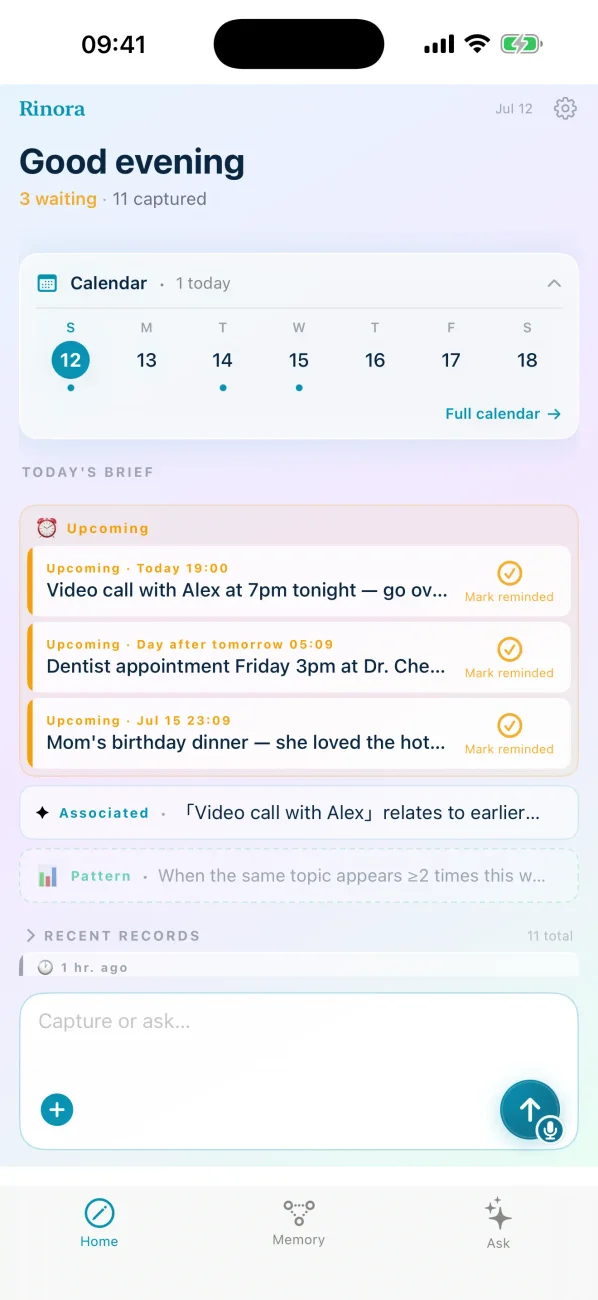
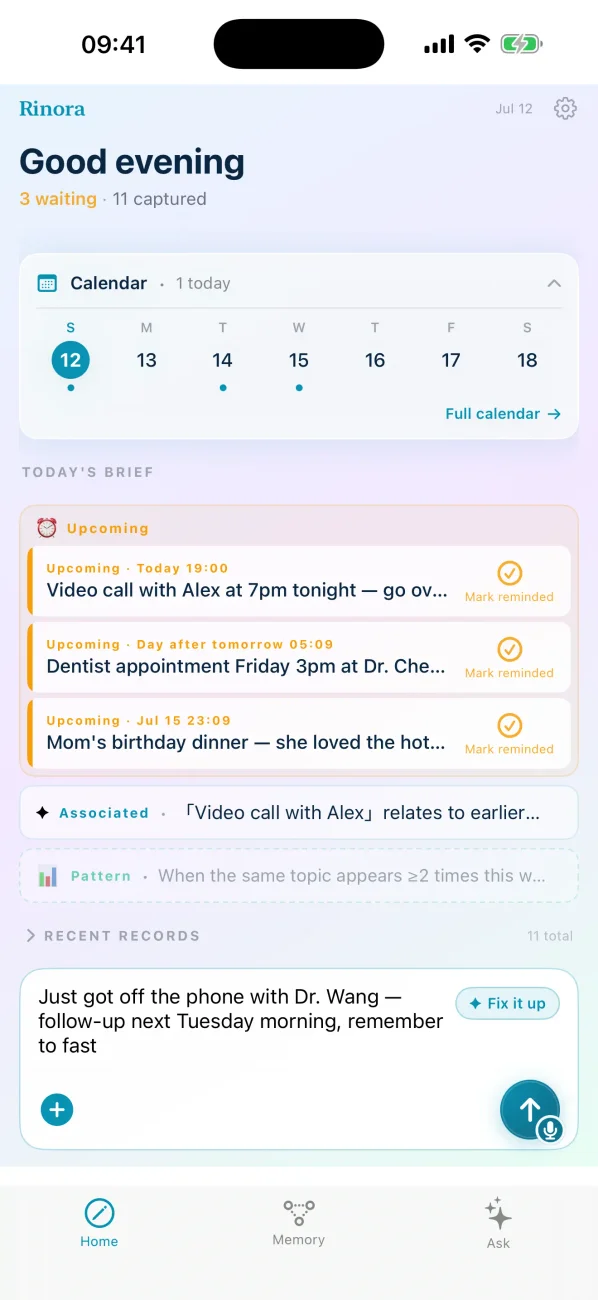
Rinora is your second brain. Dump any thought — typed, spoken, or shared from another app — and never organize a thing. AI does the filing for you.
CAPTURE WITHOUT FRICTION
• Voice notes with automatic transcription
• Share links, text, and images straight from Safari, Notes, and more
• Long rambles auto-split into clean, separate memories
AI DOES THE ORGANIZING
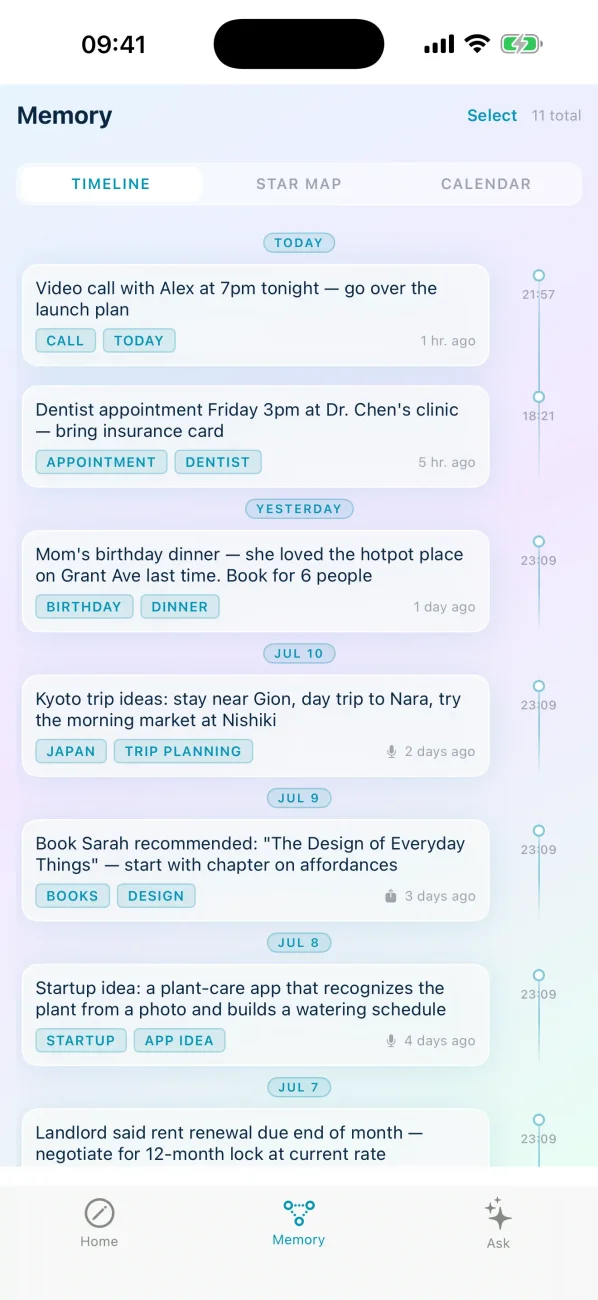
• Every note is auto-tagged and linked to the people, places, and topics inside it
• Similar names are flagged so you can merge them in one tap
• Your memories cluster into an explorable star map
FIND ANYTHING, NATURALLY
• Ask in plain language: "When is my dentist appointment?"
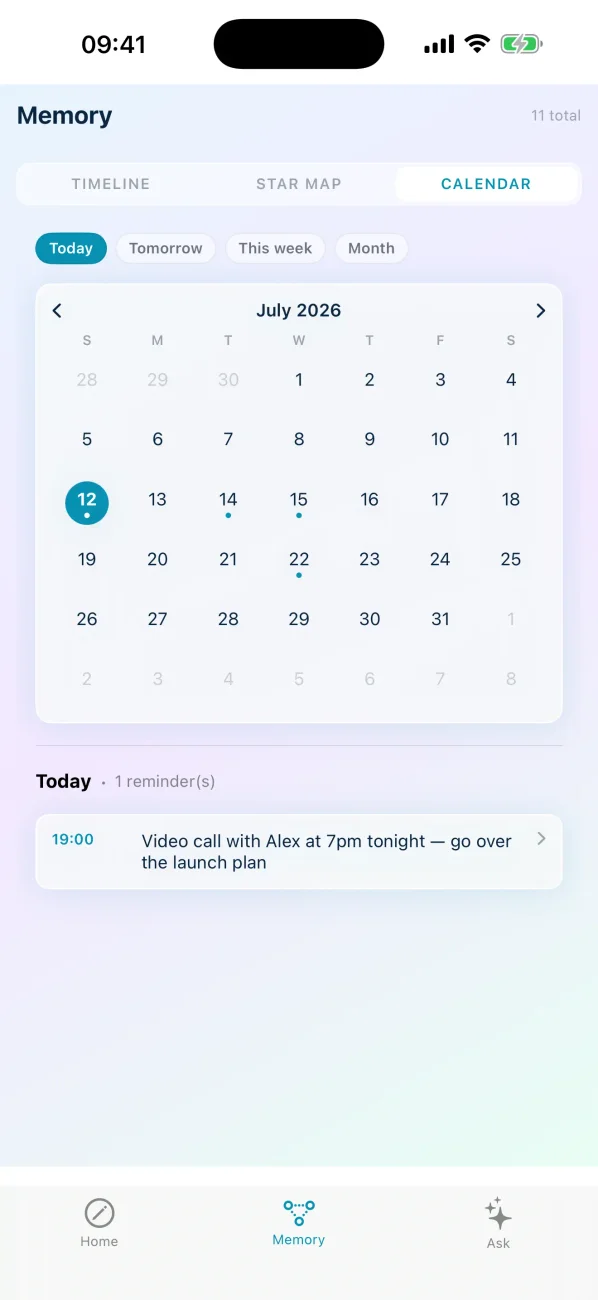
• Browse by timeline, calendar, or the star map
• Answers cite the exact notes they came from
NEVER MISS A THING
• Turn any note into a reminder with flexible timing
• Import from Apple Calendar, and add reminders to it
PRIVATE BY DESIGN
• Works fully without an account
• Account sync is end-to-end encrypted with a key only you hold
• AI is optional — turn it off, or exclude any note from AI with one tap
Rinora Premium (optional subscription) unlocks photo understanding, deep thinking on your memories, and a higher AI quota. Free tier included forever.
Terms of Use (EULA): https://rinora-privacy.vercel.app/terms.html
Privacy Policy: https://rinora-privacy.vercel.app
What’s new
Version 1.1.3 · Oct 22, 2026
What's new in this update:
• Voice input: text no longer repeats after a pause, the last few words are kept when you stop, long dictation no longer disappears, dictating while editing a note no longer replaces what you wrote, and punctuation is added automatically.
• Settings has been reorganized into a clearer two-level layout.
• The font size setting now applies consistently across the whole app, including Settings.
• Fixed some menus and messages that still appeared in English when the app language was set to Chinese.
• If you sign in on a new device before your encryption key has synced, the app now explains why and what to check, instead of showing an empty list.
• If a few notes can't be decrypted, the app now explains clearly, and you can dismiss the notice.
• Delete Account: fixed an issue that prevented some users from deleting their account, and you now see a clear message when it succeeds or fails. The confirmation now states more precisely what is deleted and what is kept, and reminds you that subscriptions must be canceled separately in the App Store.
• Updated the in-app explanations of where your data is stored and how speech recognition works, so they match how the app actually behaves.
• Other stability improvements.
App privacy
What HAO LI declares on the App Store about how this app handles data.
-
Data linked to you
May be collected and linked to your identity.
- Purchases
- Location
- Contact info
- User content
- Identifiers
- Diagnostics
-
Data not linked to you
May be collected but is not linked to your identity.
- Diagnostics
Privacy practices may vary, for example with the features you use or your age.
Information
- Seller
- HAO LI
- Category
- Productivity
- Version
- 1.1.3
- Updated
- Oct 22, 2026
- Released
- Jul 31, 2026
- Size
- 13.1 MB
- Requires
- iOS 17.0 or later
- Age rating
- 12+
- Price
- Free
- In-app purchases
- Yes
- Languages
- English, Simplified Chinese, Traditional Chinese
- Copyright
- © 2026 Hao Li
You might also like
-
 ExoMind External MemoryCapture & recall what matters.
-
 PastivalCelebrate the Unforgettable.
-
 VelumoProductivity
-
 Gate SentryProductivity
-
 Dashlane Password ManagerAutofill, VPN, Authenticator
-
 Zillow Rental ManagerLandlord & Property Management
-
 MyHyundai with BluelinkProductivity
-
 Diary With PasswordNo Ads Journal Diary Notebook