
- Age rating4+
- CategoryUtilities
- DeveloperRISO KAGAKU CORPORATION
- LanguagesEnglish+ 20 more
- Size12.3 MB
Links to the official App Store page
Download.org hosts no file of RISO PRINT-S. The button opens its official App Store page, published by RISO KAGAKU CORPORATION. Listing last checked on Nov 17, 2026.
Screenshots
About
RISO PRINT-S is an application to print PDF, text, or photo/image data directly from tablets or smartphones.
You can print PDF, text, or photo/image data saved in your devices. You can also configure several print settings like duplex print, imposition, punch and staple by using RISO PRINT-S.
[Features]
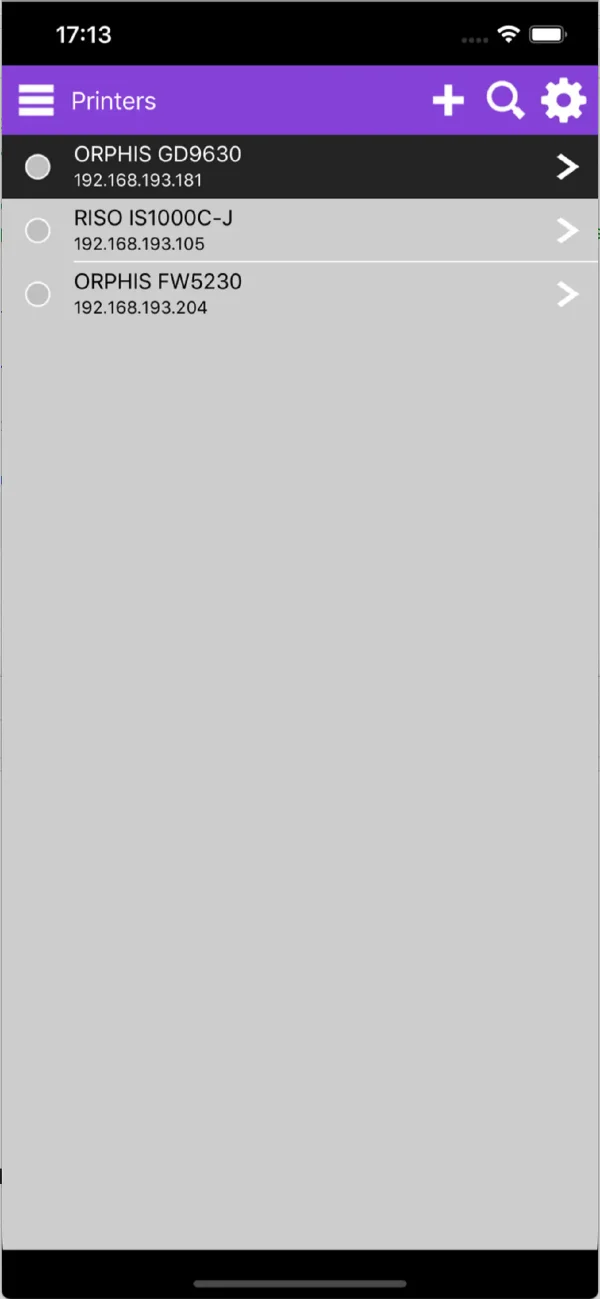
・Registering/Managing Printers
Up to 10 printers can be registered.
・Previewing a PDF, text, or photo/image
The PDF, text, or photo/image is displayed on the preview area of RISO PRINT-S.
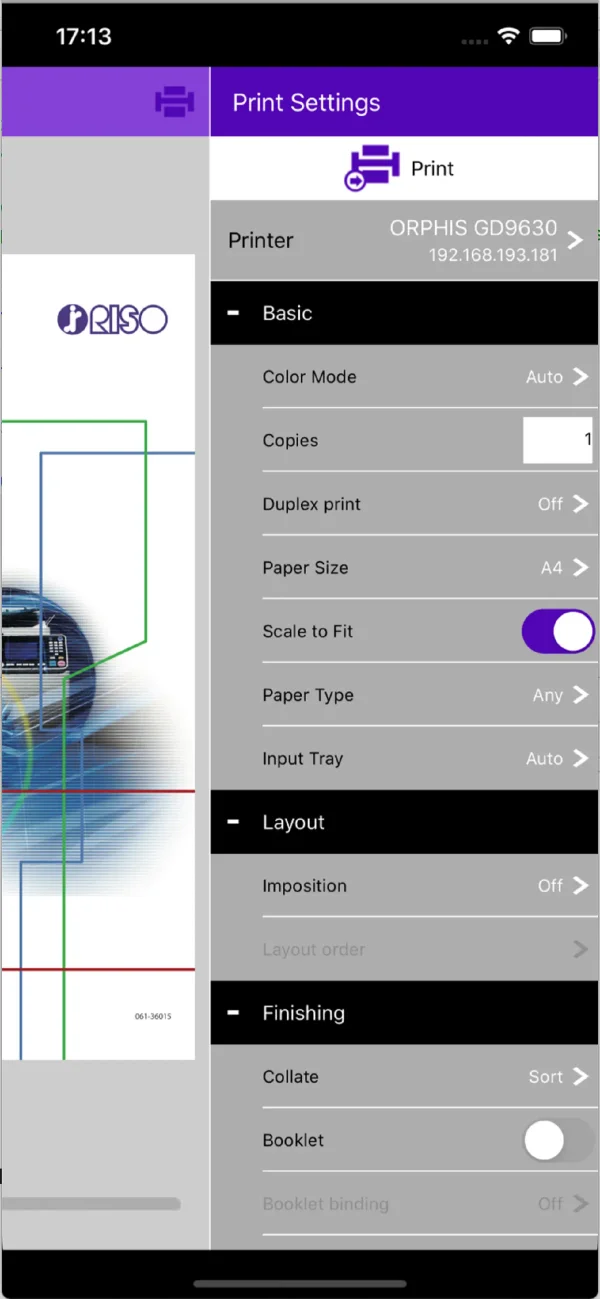
・Configuring the Print Settings on RISO PRINT-S
You can configure the print settings on RISO PRINT-S by a PDF, text, photo/image or a printer.
[Basic]
Color Mode
Copies
Duplex print
Paper Size
Scale to Fit
Paper Type
Input Tray
[Layout]
Imposition
Layout order
[Finishing]
Collate
Booklet
Booklet binding
Layout order
Binding side
Staple
Punch
Output Tray
[Authentication]
Secure Print
PIN Code
・Printable Data
PDF*1 (versions 1.3, 1.4, 1.5, 1.6, 1.7*2)
TXT*3 PNG JPEG/JPG GIF BMP
*1: Encrypted PDF documents are not supported.
*2: Extended features are not supported.
*3: Character codes other than UTF-8 are not supported.
[Supported printers]
ComColor FW Series *1
SHAN CAI YIN WANG FW Series *1
ComColor GD Series *1
SHAN CAI YIN WANG GD Series *1
ComColor FT Series *1
SHAN CAI YIN WANG FT Series *1
ComColor FT EII Series *1
SHAN CAI YIN WANG FT EII Series *1
ComColor GL Series *1
SHAN CAI YIN WANG GL Series *1
ComColor GN Series *1
SHAN CAI YIN WANG GN Series *1
*1:Optional PS kit is required.
[Tested OS]
iOS 15, 16, 17, 18, 26
iPadOS 15, 16, 17, 18, 26
[Supported languages]
Japanese, English, French
[Precautions for use]
・The available features vary depending on your printer and optional devices.
・PDF documents cannot be displayed directly on RISO PRINT-S. Please open a PDF document with other viewer application beforehand. For details, see [HELP] screen.
・When RISO PRINT-S is started after opening a PDF document, the document is displayed on the preview area of the [Home] screen.
・Wireless LAN (Wi-Fi) connection environment is required beforehand.
Please refer to the instructions prepared for your wireless LAN (Wi-Fi) environment to connect and configure it.
・The screens displayed vary depending on the device.
What’s new
Version 6.1.1 · Jul 23, 2026
Now available on iOS 26, iPadOS 26.
App privacy
What RISO KAGAKU CORPORATION declares on the App Store about how this app handles data.
-
Data not collected
The developer does not collect any data from this app.
Privacy practices may vary, for example with the features you use or your age.
Information
- Seller
- RISO KAGAKU CORPORATION
- Category
- Utilities
- Version
- 6.1.1
- Updated
- Jul 23, 2026
- Released
- Sep 17, 2015
- Size
- 12.3 MB
- Requires
- iOS 15.6 or later
- Age rating
- 4+
- Price
- Free
- Languages
- English, Arabic, Danish, Dutch, French, German, Hungarian, Indonesian, Italian, Japanese, Korean, Malay + 9 more
- Copyright
- © 2026 RISO KAGAKU CORPORATION