Riverside: Record, Edit, Share
Studio-quality video, anywhere
Designed for iPhone, iPad
Free · In-app purchases
- Age rating4+
- CategoryPhoto & Video
- DeveloperRIVERSIDEFM, INC
- LanguagesEnglish
- Size221.8 MB
Links to the official App Store page
Download.org hosts no file of Riverside: Record, Edit, Share. The button opens its official App Store page, published by RIVERSIDEFM, INC. Listing last checked on Nov 26, 2026.
Screenshots
About
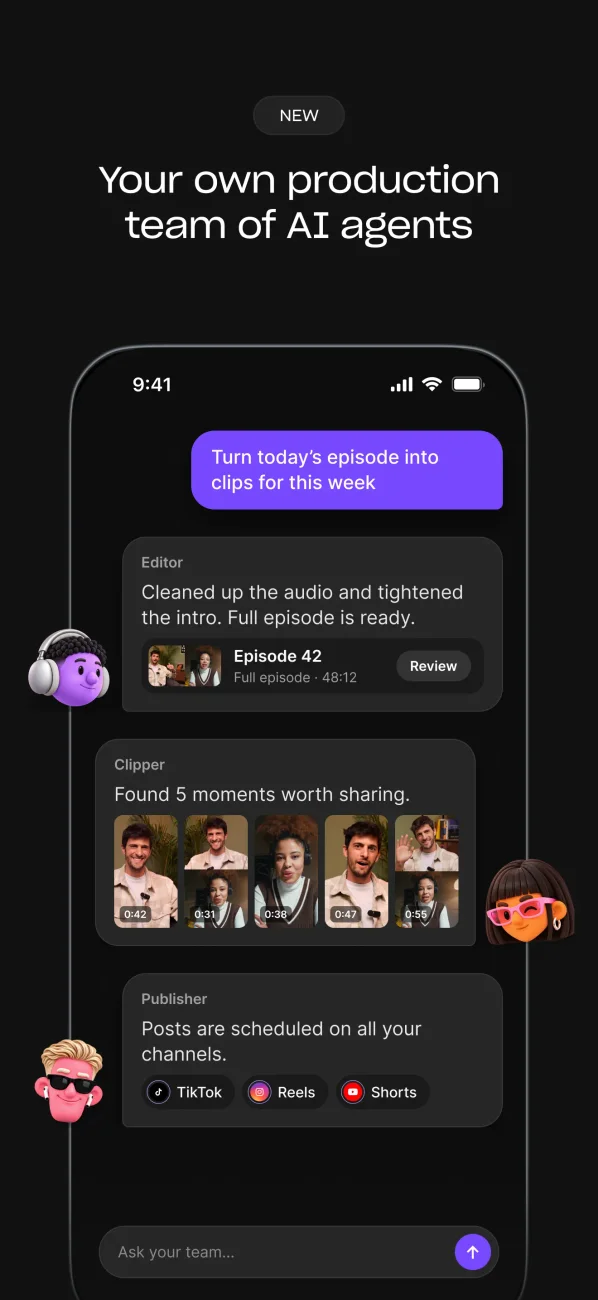
NEW: MEET RIVERSIDE AGENTS
The first AI production team built only for video, now in your pocket. You finish recording, and your team's already on it. Your Producer preps the session, your Editor creates a rough cut, your Clipper pulls the best moments, and your Marketer gets them live. They're experts at video. You call the shots.
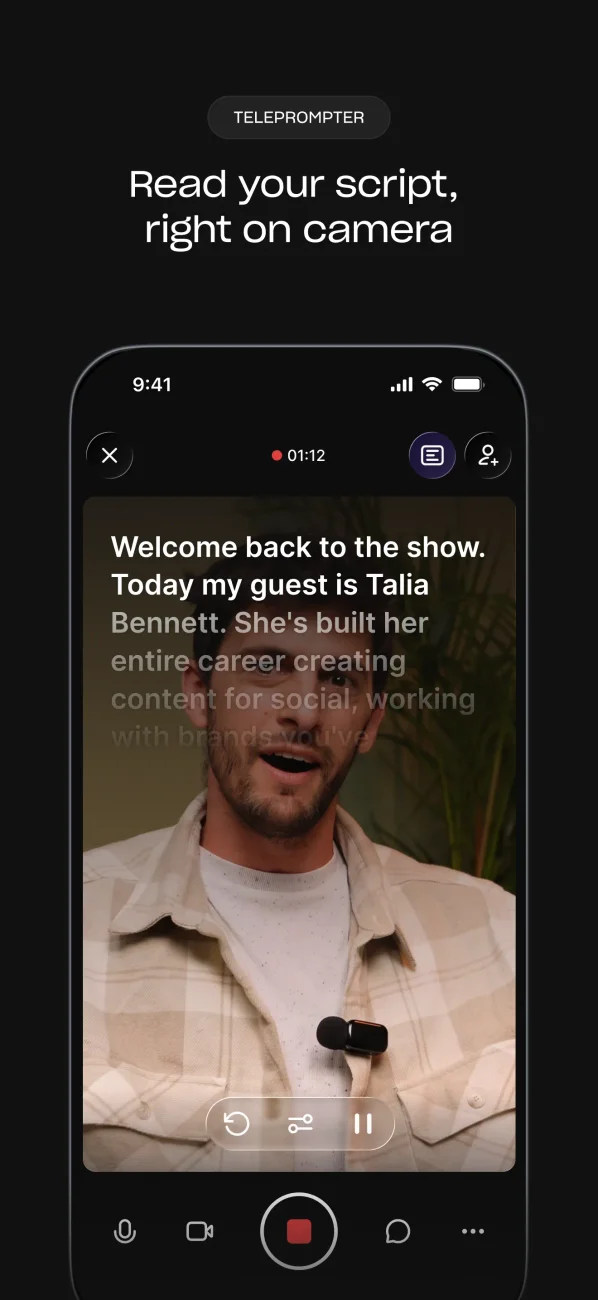
Riverside turns your phone into a portable studio for conversations and talking head videos. Record crisp video and audio anywhere, go live to your audience, and let your agents take it from raw recording to ready to post. Whether you're creating a podcast, a YouTube channel, a personal brand, or content for your business, this is where it gets made.
RECORD ANYWHERE, IN STUDIO QUALITY
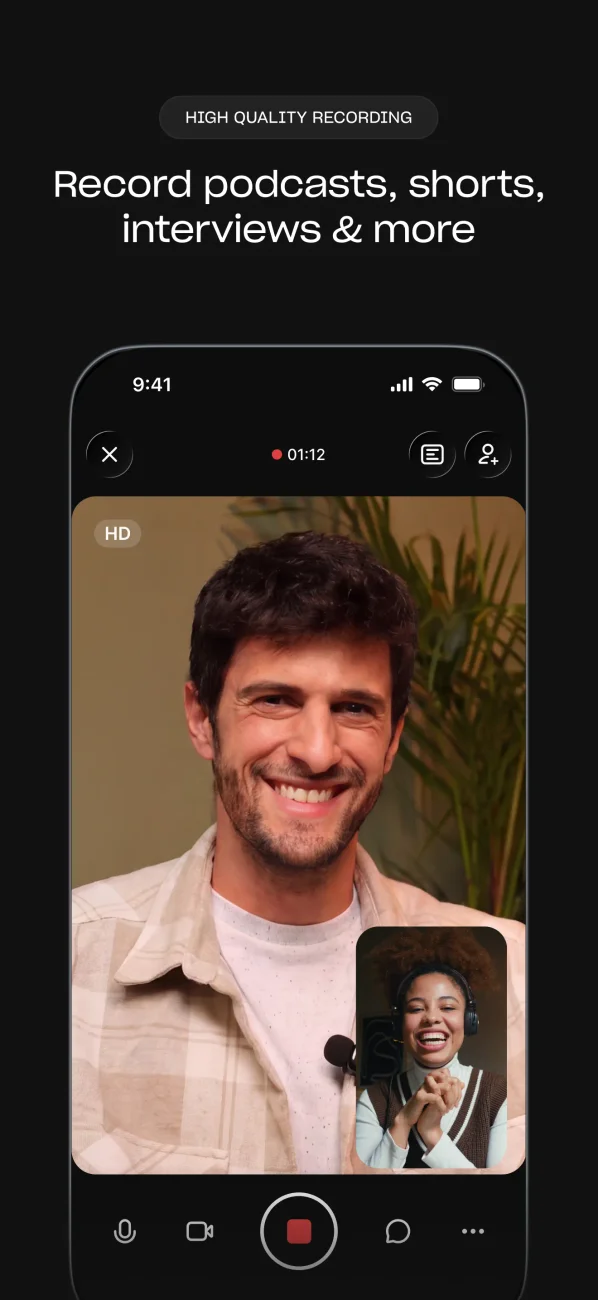
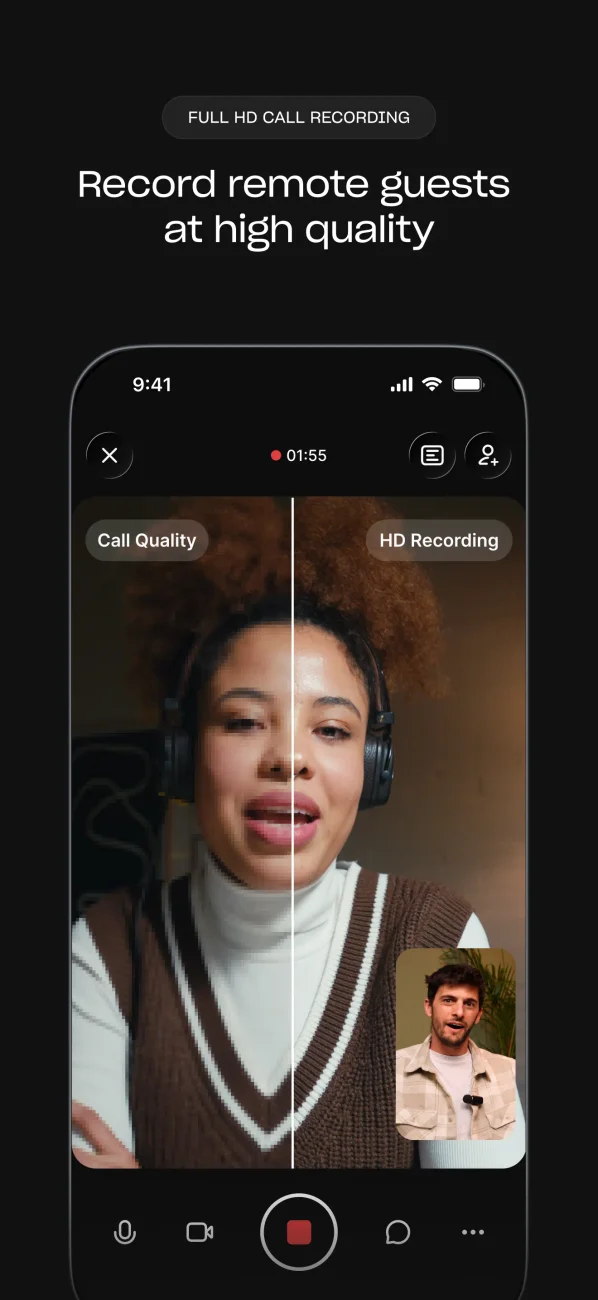
Record solo, bring on a remote guest, or go audio-only. Riverside captures every track locally, so your quality stays sharp even when your connection doesn't. A built-in stabilizer keeps your shot steady, and your footage uploads in the background as you record, so your agents can get started the moment you stop.
CLIPS FOR SOCIAL, MADE FOR YOU
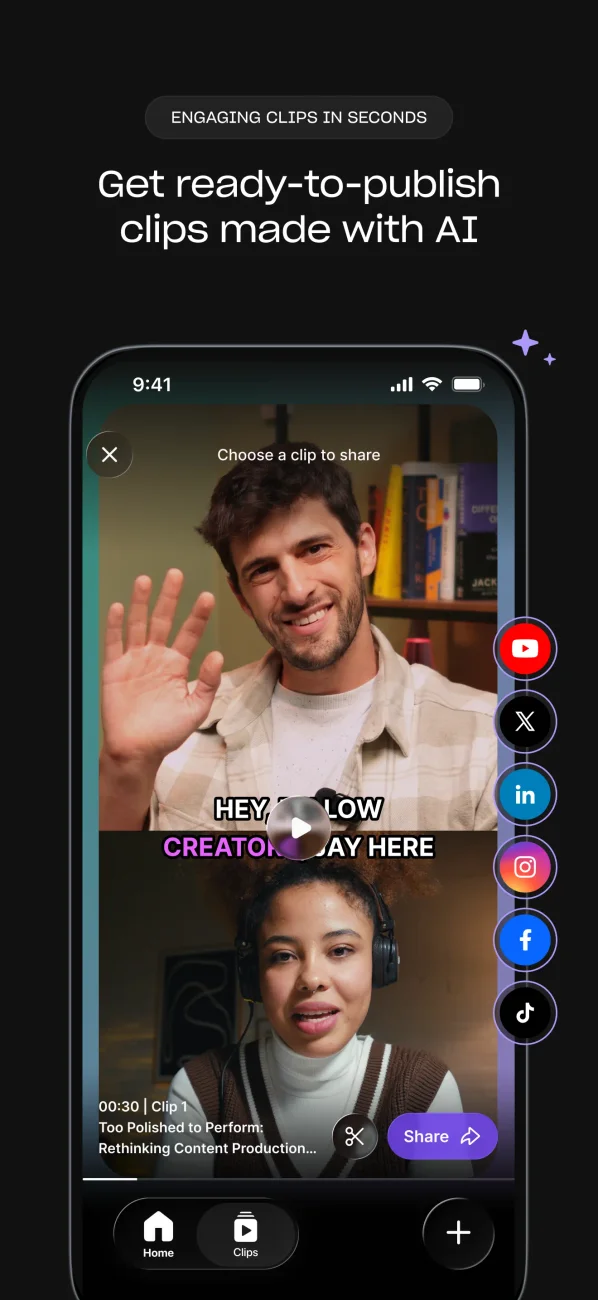
Knowing what to post is hard. Making it is harder. Your Clipper agent does both. It finds your most engaging moments before you've even watched the recording back, then cuts them, frames them, and adds the captions. You get the best clips from every recording, ready to publish with a tap.
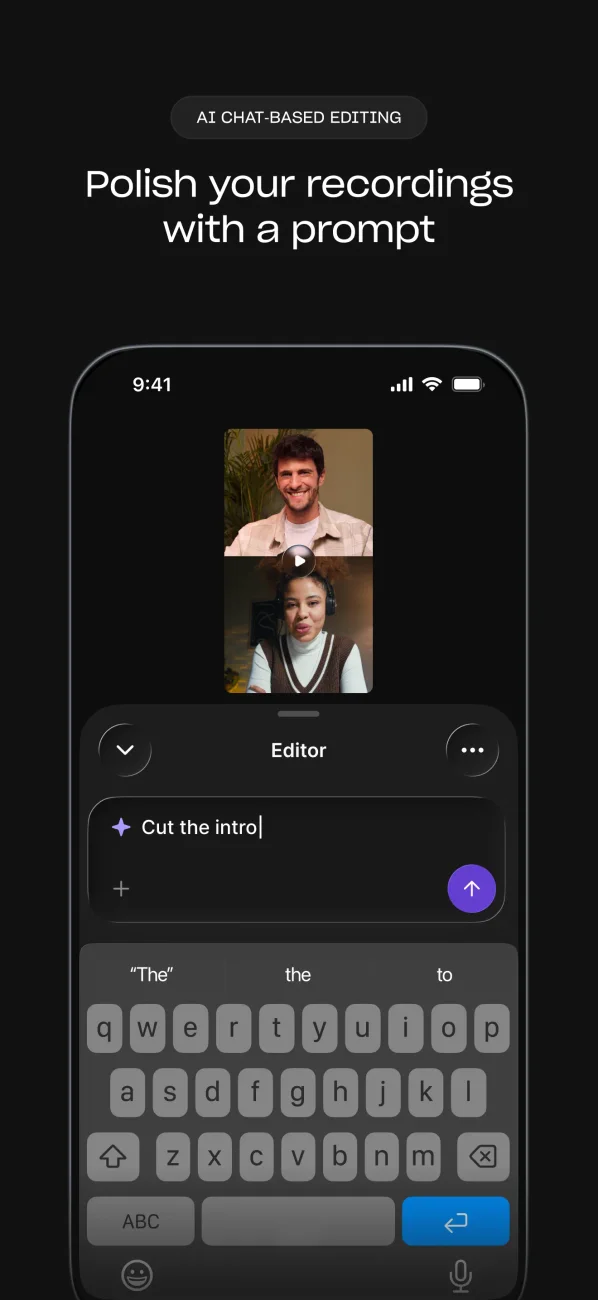
EDIT WITH A PROMPT
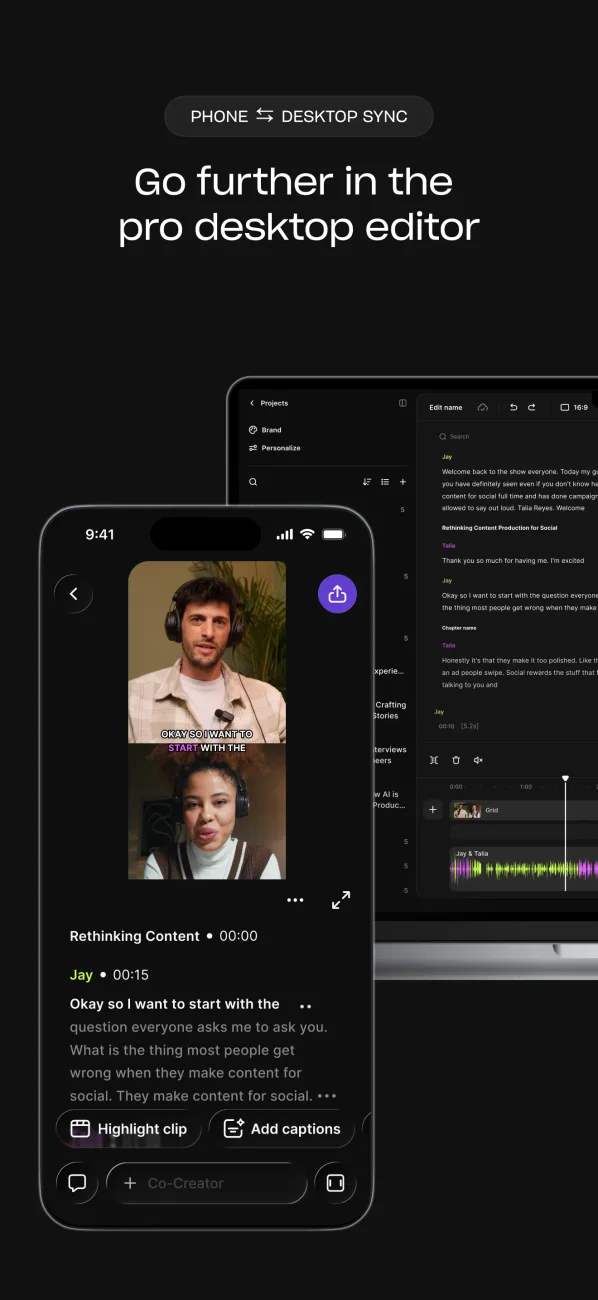
Describe your edit, and your Editor agent makes it. No timeline. No pinching and dragging clips around on a small screen. Tell it which parts to cut and keep, ask it to clean up audio and remove filler words, or add captions and branding. It'll even suggest edits of its own. It's the fastest route from raw recording to ready to post, and when you want more control, your project is waiting for you in the Riverside desktop editor.
TURN ONE RECORDING INTO A CONTENT ENGINE
Your agents take a single recording and make the rest for you: social clips, a thumbnail, captions, a blog post, full show notes. Just ask.
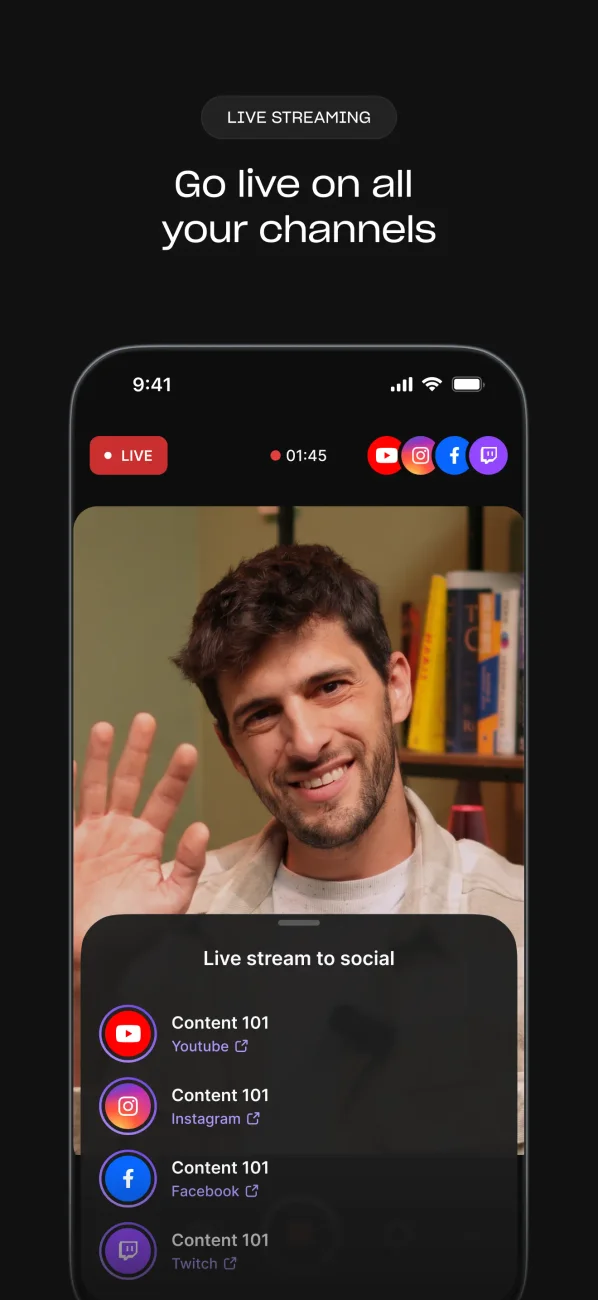
LIVE STREAM TO EVERYWHERE AT ONCE
Go live and multistream to YouTube, Facebook, LinkedIn, X, Twitch, TikTok, and custom RTMP destinations at the same time. One session, every audience.
PICK UP WHERE YOU LEFT OFF
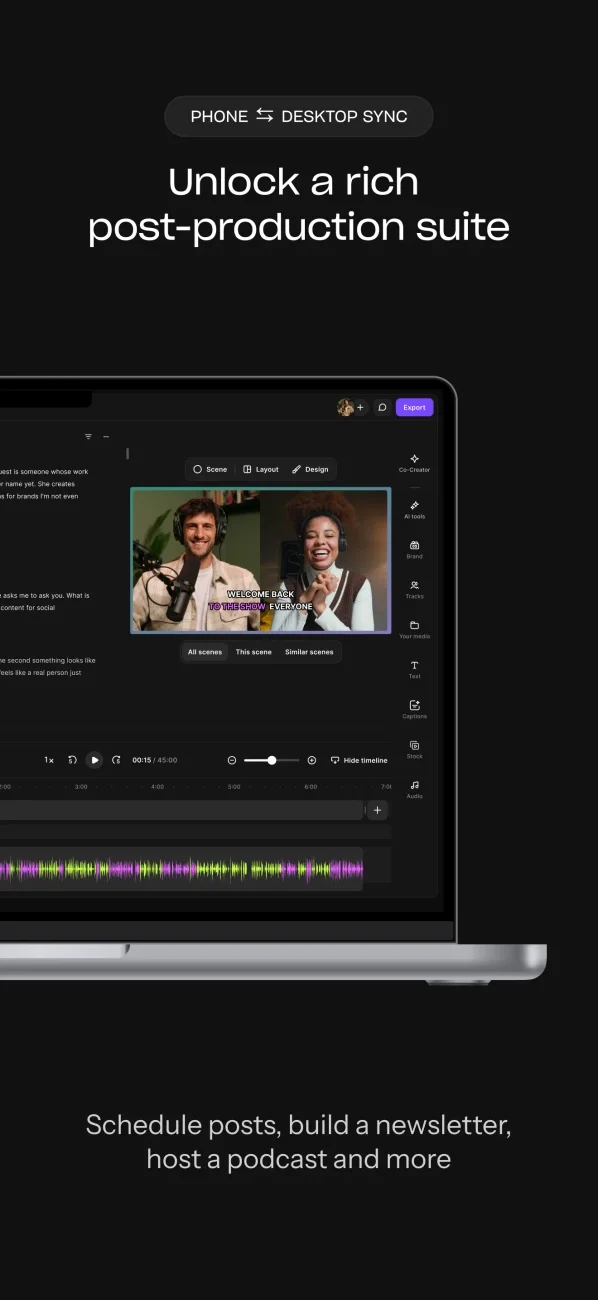
Record on your phone and finish on your computer, or start at your desk and keep going on the move. Your videos are synced to the cloud, and your agents keep working in between, so you can review edits, watch your clips, and decide what to post from any device.
A SECOND CAMERA IN YOUR POCKET
Recording on desktop? Add your phone as a second angle and capture an extra video track for your edit.
BUILT FOR CREATORS OF EVERY KIND
Podcasters, YouTubers, personal brands, and marketing teams. Anyone who wants studio-quality content without the studio.
WHY RIVERSIDE
• Riverside Agents, the first AI production team built only for video
• True local recording for quality independent of your connection
• One recording = instantly generated clips, thumbnails, posts, and more
• AI editing and audio cleanup
• Full production suite across mobile and desktop
Download Riverside and take your studio anywhere.
Terms & Conditions: https://riverside.com/terms-conditions
Privacy: https://riverside.com/privacy-policy
What’s new
Version 4.25.1 · Nov 25, 2026
• Full support for iPhone Duo!
• Full Planner: see all your events on the go: scheduled sessions, episodes, and social posts
• Switch front & back cameras mid-recording
• Improved Agents experience
• More fixes and improvements, big and small
App privacy
What RIVERSIDEFM, INC declares on the App Store about how this app handles data.
-
Data used to track you
May be used to track you across apps and websites owned by other companies.
- Identifiers
-
Data not linked to you
May be collected but is not linked to your identity.
- User content
- Identifiers
- Usage data
- Diagnostics
- Other data
Privacy practices may vary, for example with the features you use or your age.
Information
- Seller
- RIVERSIDEFM, INC
- Category
- Photo & Video
- Version
- 4.25.1
- Updated
- Nov 25, 2026
- Released
- Apr 4, 2021
- Size
- 221.8 MB
- Requires
- iOS 18.0 or later
- Age rating
- 4+
- Price
- Free
- In-app purchases
- Yes
- Languages
- English
- Copyright
- © RiversideFM, INC.
You might also like
-
 StreamYard GuestJoin a studio as a guest
-
 Detail: AI Video EditorVlog, Shorts & Reels Maker
-
 OpusClip - AI video clippingTurn long videos into shorts
-
 Frame.ioVideo Review and Collaboration
-
 ZencastrRecord, edit, clip & publish
-
 BIGVU Teleprompter Captions AIAI Photo to Video & Subtitles
-
 Templify・AI Video & Reel MakerTemplates, Captions, Carousels
-
 VEED Lite: Quick Video EditsEdit videos on the go
-
 vidIQ for YouTube & InstagramAI: Ideas, Analytics & Reels
-
 Later: Social Media SchedulerCreate & schedule social media