
- Age rating4+
- CategoryUtilities
- DeveloperROBERT JULIAT SAS
- LanguagesEnglish+ 1 more
- Size14.0 MB
Links to the official App Store page
Download.org hosts no file of RJ Scanner. The button opens its official App Store page, published by ROBERT JULIAT SAS. Listing last checked on Nov 12, 2026.
Screenshots

About
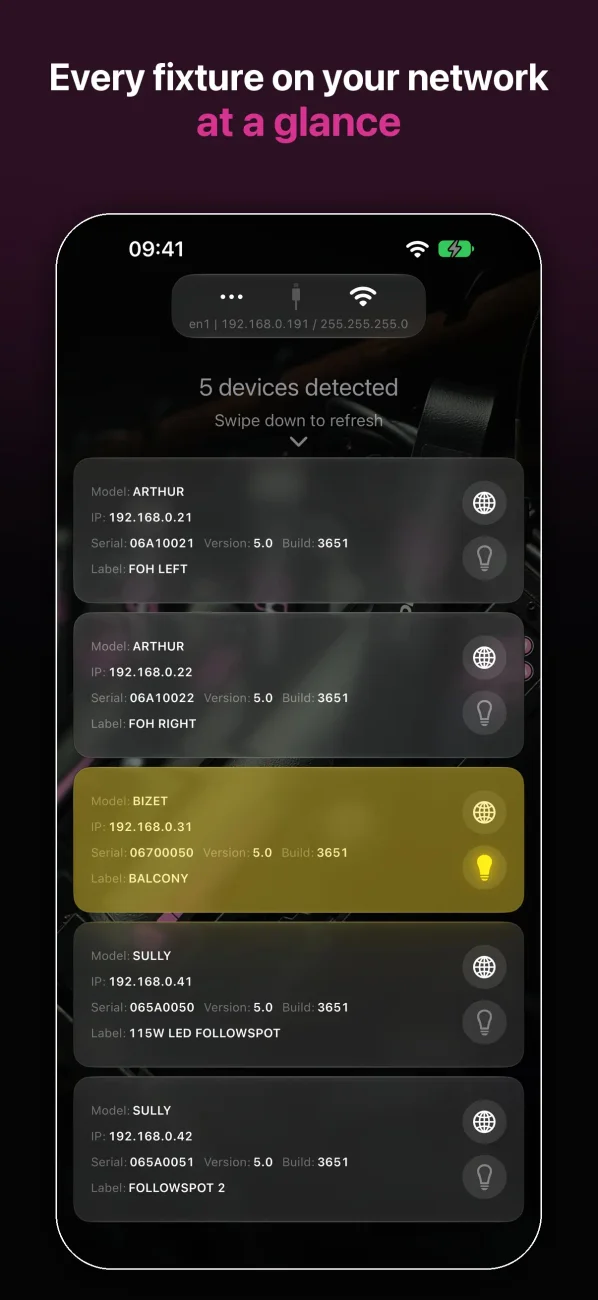
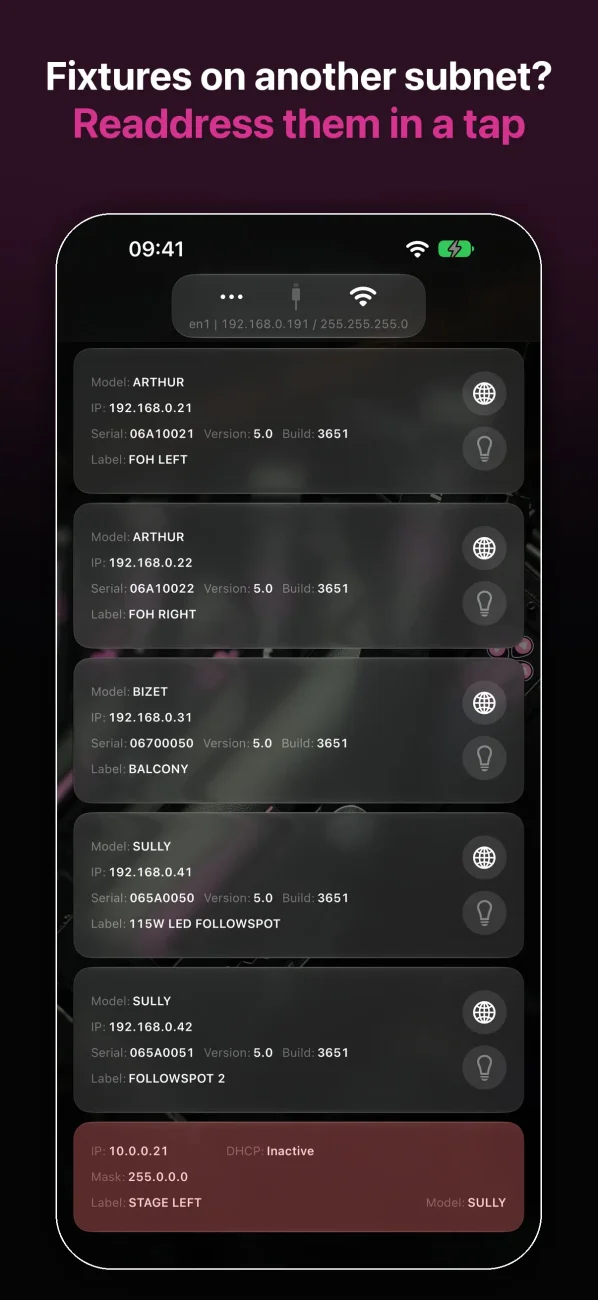
RJ Scanner is the companion app for Robert Juliat LED fixtures. Connect your iPhone, iPad or Mac to the fixtures' network and every fixture appears in a few seconds, with its model, IP address, serial number, firmware version and label.
FIND AND IDENTIFY
• Automatic discovery of every fixture on the network.
• Tap the bulb to identify a fixture: it lights up so you can spot it in the rig, and its bubble turns yellow.
• Pull down to scan the network again.
SET UP EACH FIXTURE
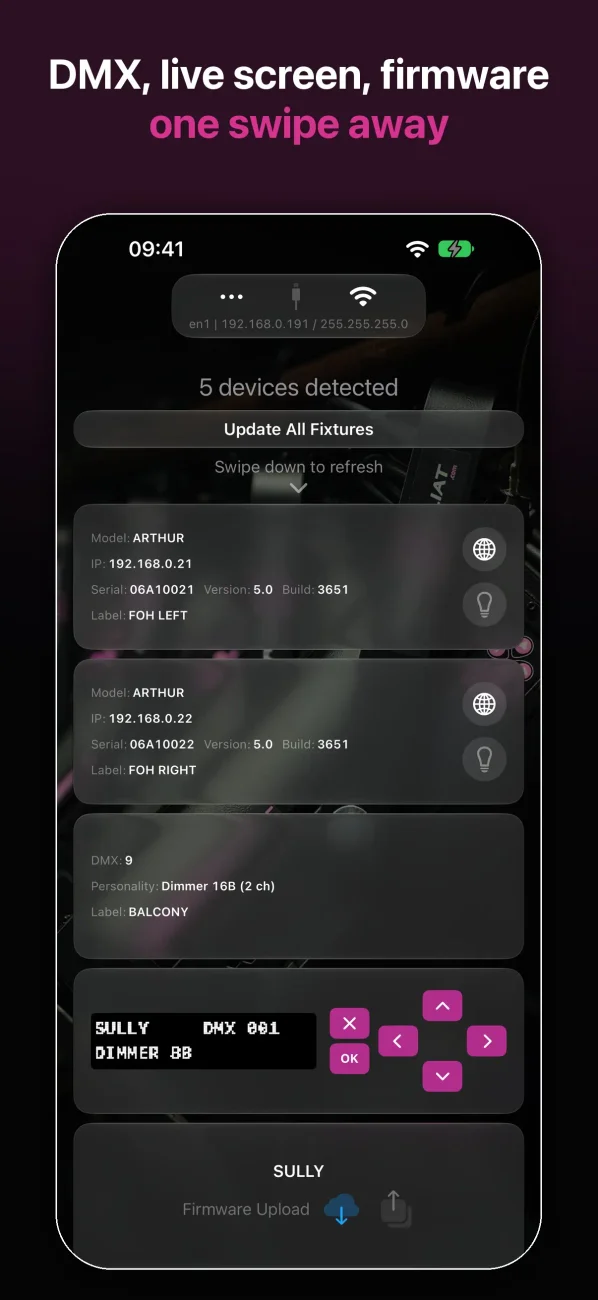
• Swipe left to see the DMX start address, the active personality and its channel count.
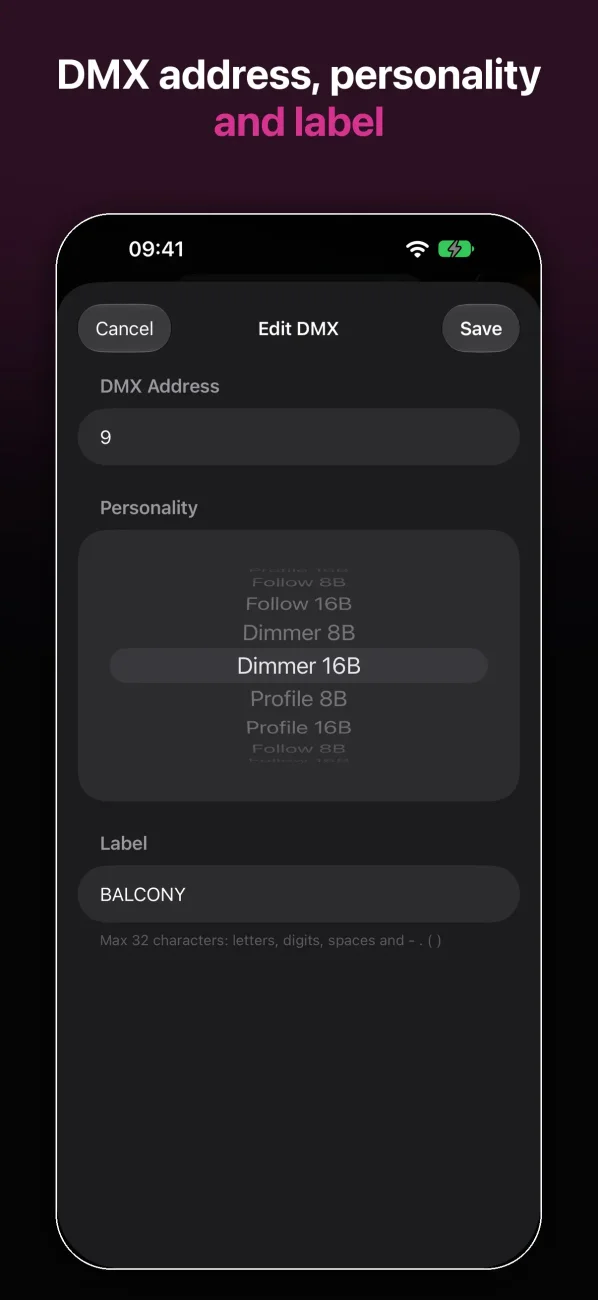
• Edit the DMX address, the personality and the label; only the values you change are sent.
• Swipe left again to mirror the fixture display live and use its keys remotely.
• Tap the globe to open the fixture web interface for all its settings.
UPDATE THE FIRMWARE
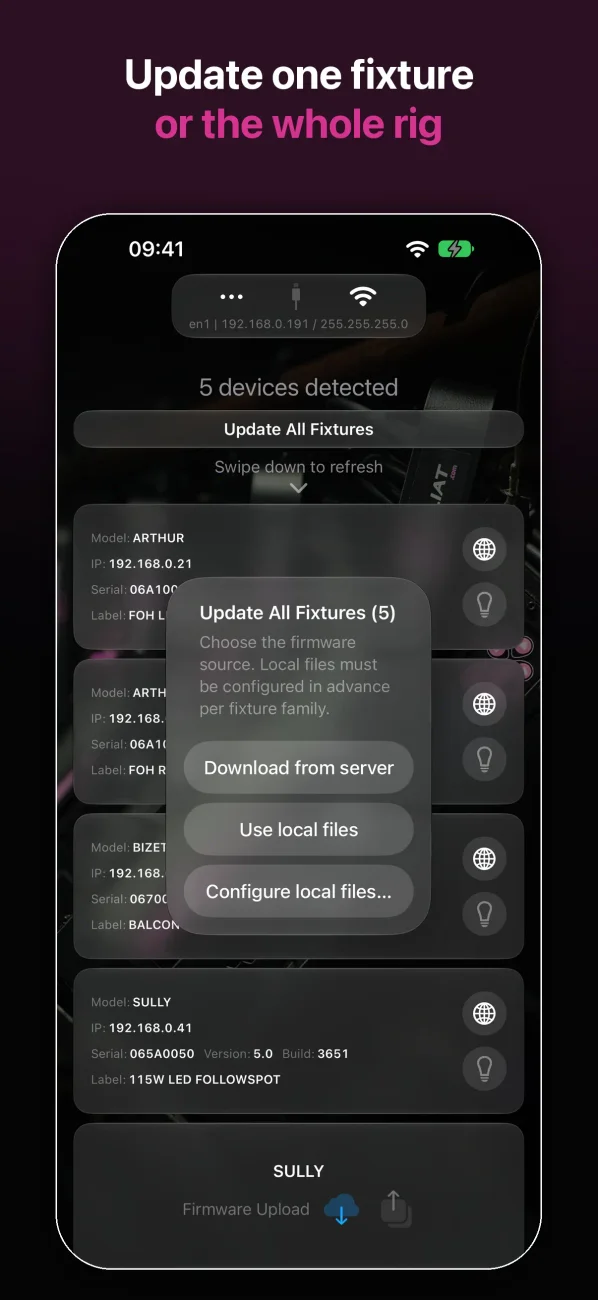
• Update one fixture, or all fixtures at once: each model receives its own firmware file.
• Download the latest firmware from the Robert Juliat server, or use files stored on the device for sites without Internet access.
• If the connection is lost during an update, the app stops and tells you.
FIXTURES ON ANOTHER SUBNET
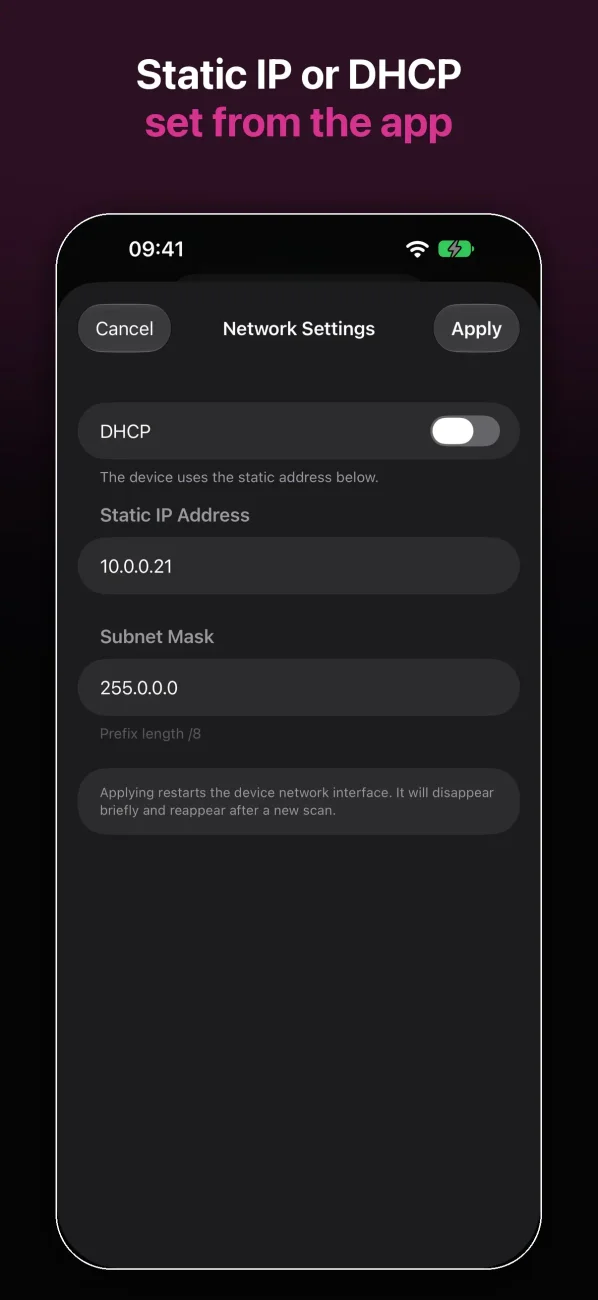
Fixtures that answer from another subnet show in a red bubble. Give them a static IP address on your network, or switch them to DHCP, without touching the fixture.
USB-ETHERNET OR WI-FI
Connect with a USB-C (or Lightning) to Ethernet adapter, or over Wi-Fi through an access point cabled to the rig. A built-in tutorial shows how to wire your setup and how to use each gesture.
APPLE WATCH
See the fixtures found by your iPhone on your wrist, and touch and hold one to identify it.
REQUIREMENTS
• Robert Juliat LED fixtures on an Ethernet network.
• A USB-Ethernet adapter, or a Wi-Fi access point connected to the fixtures' network.
• Local network access, requested at first launch.
Available in English and French.
App privacy
What ROBERT JULIAT SAS declares on the App Store about how this app handles data.
-
Data not collected
The developer does not collect any data from this app.
Privacy practices may vary, for example with the features you use or your age.
Information
- Seller
- ROBERT JULIAT SAS
- Category
- Utilities
- Version
- 1.4
- Updated
- Nov 6, 2026
- Released
- Nov 6, 2026
- Size
- 14.0 MB
- Requires
- iOS 17.6 or later
- Age rating
- 4+
- Price
- Free
- Languages
- English, French
- Copyright
- © 2026 Robert Juliat SAS